



Intent: define. An athletic award duplicate-record report is a structured audit that identifies repeated entries in a school’s recognition database—two or more records that refer to the same athlete, the same honor, and the same season—and provides a documented decision log for merging or archiving each pair before the award appears on a public display, ceremony program, or permanent honor board.
This guide walks athletic directors, archives staff, IT teams, and recognition-program administrators through the full duplicate-detection process: why duplicates form, which matching rules catch them reliably, how to score and prioritize each pair, and how to execute a clean merge without losing any verified data. Whether your program covers a single sport or dozens of categories across multiple seasons, this workflow gives you a repeatable audit before any recognition goes public.
Running an athletic award duplicate-record report before updating recognition displays protects the credibility of an athletic program in a way that no other single quality check does. A duplicate award entry—an athlete listed twice for the same honor in the same season—creates a specific kind of error that is easy to overlook during a busy season close but immediately noticeable to alumni, families, and recruits who encounter it on a hallway display or digital wall of fame.
Unlike missing fields (which a completeness audit catches) or factual discrepancies (which a reconciliation report surfaces), duplicates are errors of abundance: too much of a record, not too little. A duplicate may carry correct information in both copies, making it invisible to any check that only asks whether values are accurate. Only a report designed specifically to identify repeated entries will catch it.
The downstream effects compound quickly. A name that appears twice on an honor board produces a moment of confusion that a visitor attributes to carelessness, not to a data entry accident from two seasons ago. A digital wall of fame that returns two profile cards for the same athlete under the same award category signals that the archive is not curated—and that the program’s attention to detail may not extend to the field of play either.

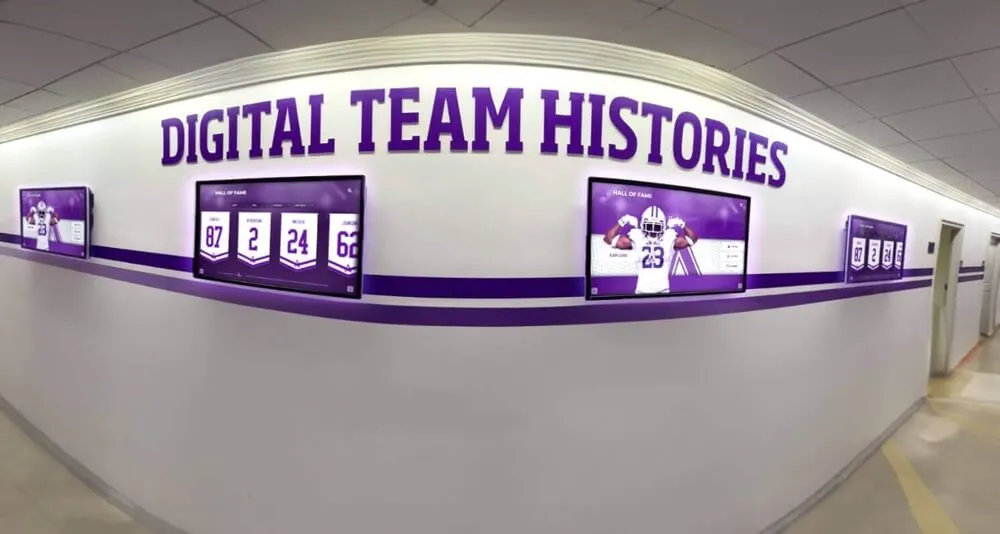
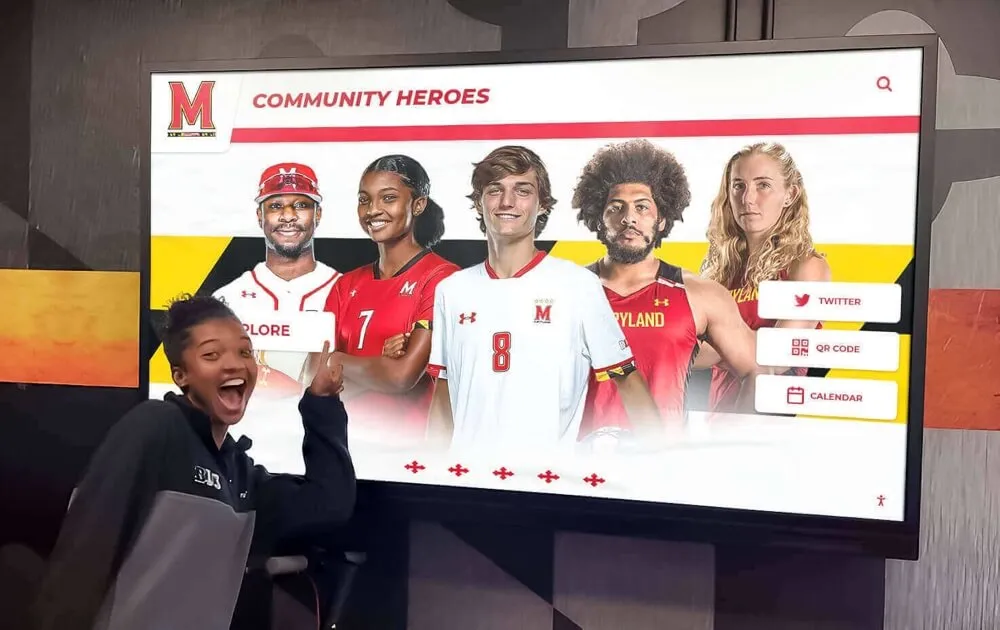
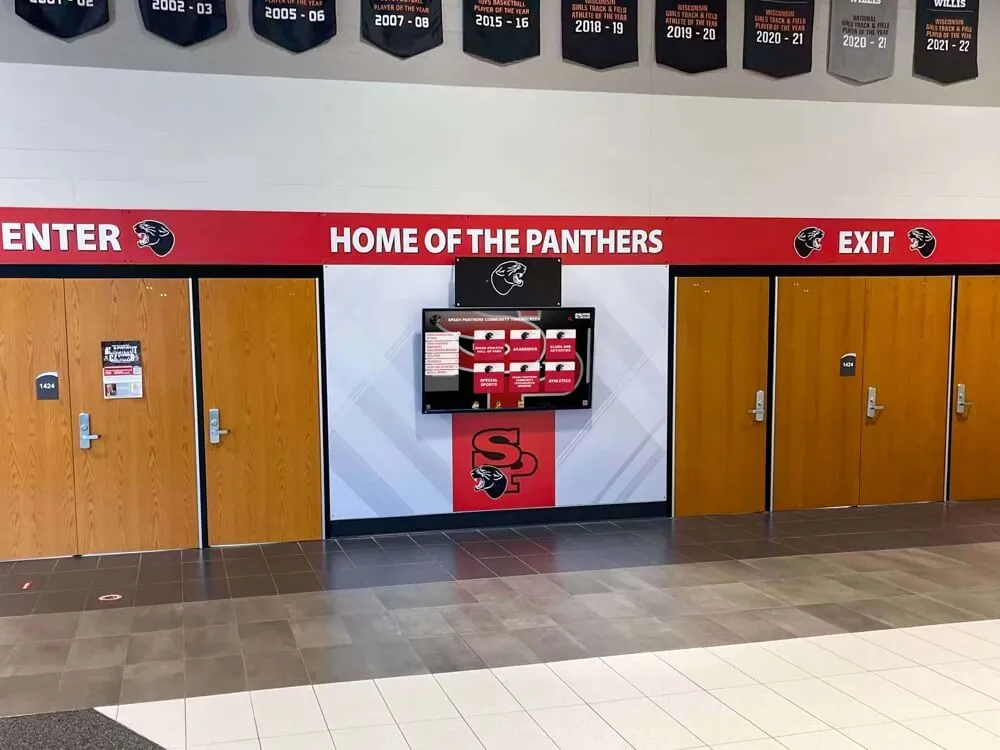
Digital athletic record displays demand a clean, deduplicated dataset behind them—duplicate entries that reach a public hall wall or touchscreen display undermine program credibility in a way that is both visible and difficult to reverse
What Is an Athletic Award Duplicate-Record Report?
An athletic award duplicate-record report is a systematic scan of a school’s recognition dataset that identifies all record pairs where two entries refer to the same underlying award event—same athlete, same honor type, same season—and flags each pair for a documented merge-or-archive decision.
The report does not automatically delete records. Instead, it produces a structured decision log in which a qualified reviewer compares each flagged pair, confirms whether the two records genuinely represent the same event, selects the canonical record to retain, identifies any verified fields from the non-canonical copy to migrate before it is archived, and documents the resolution. This audit trail protects the program from the risk of inadvertently discarding legitimate data that happens to share key fields with another entry.
Duplicate detection draws on the same data deduplication principles used in database administration, where records management standards—including those published by the National Archives and Records Administration—define a “duplicate” as any record that captures the same information as another record already in the system, whether or not it was created intentionally. Applied to athletic awards, this means two nomination forms submitted for the same athlete by two different coaching staff members, a seasonal spreadsheet row that was imported a second time when a data file was uploaded twice, or a handwritten record that was entered digitally without checking whether a digital copy already existed.
Why Duplicate Athletic Award Records Form
Understanding the root causes of duplicate entries makes the matching rules more intuitive and helps recognition programs prevent new duplicates from forming after the audit is complete.
Manual entry without a lookup step. When a coach or awards coordinator enters a new nomination without first searching for an existing record for that athlete in that season, a duplicate can appear even when the system already contains a correct entry. This is the most common cause of duplicates in programs that accept nominations by paper form or email.
Spreadsheet imports with no deduplication check. Athletic programs that manage seasonal records in multiple spreadsheets frequently consolidate them at season close. If the consolidation script or manual copy-paste does not check for existing rows before inserting new ones, any athlete who appeared in two source spreadsheets will appear twice in the consolidated file.
System migrations carrying forward pre-existing duplicates. When a school moves from one digital display platform to another—or from paper records to a digital content management system—every duplicate in the source dataset migrates alongside the legitimate records unless a deduplication step is built into the migration workflow. A clean migration is an opportunity; a migration without a duplicate scan is an opportunity missed.
End-of-season rollover errors. Programs that copy the prior season’s record set as a starting point for the new season, intending to update values in place, sometimes add new entries without deleting the copied rows. The result is one row with last season’s values and a second row with this season’s values, both attributed to the same award category.
Split name conventions. An athlete whose name is recorded as “Maria Elena Torres” in one source and “Maria Torres” in another may produce two separate records in a system that treats name as the primary identifier, even though both records refer to the same person and the same honor.
Building the Matching Rules: How to Identify Duplicate Pairs
A duplicate-record report is only as reliable as the matching rules behind it. The matching rules define which combination of field values must agree before two records are flagged as a potential duplicate pair. Matching on a single field—athlete name alone—produces too many false positives; matching on all fields simultaneously is too strict and misses duplicates caused by formatting differences.
The recommended approach uses a tiered matching framework with two layers: a primary match on high-confidence identifiers and a secondary match on supporting fields that confirm the primary match is genuine.
Primary Matching Fields
| Field | Match Type | Notes |
|---|---|---|
| Athlete last name | Exact or fuzzy (Jaro-Winkler ≥ 0.92) | Accounts for hyphenated surnames, common misspellings |
| Sport / award category | Exact | “Boys Varsity Basketball MVP” must match exactly; don’t match across sports |
| Season year | Exact | A 2023–24 entry and a 2024–25 entry for the same athlete are not duplicates |
When all three primary fields match, the pair is promoted to secondary matching.
Secondary Matching Fields
| Field | Match Type | Duplicate Confidence if Matching |
|---|---|---|
| First name | Exact or fuzzy (≥ 0.90) | High |
| Award name | Exact or normalized | High |
| Team affiliation | Exact | Medium (same sport may have JV and Varsity) |
| Jersey number (if recorded) | Exact | High when available |
| Result or metric | Exact | High; two records with different results are likely not duplicates |
A pair that matches on all three primary fields and at least two secondary fields is classified as a confirmed duplicate candidate and queued for reviewer decision. A pair that matches on primary fields only is classified as a probable duplicate and flagged for closer inspection before a merge decision is made.

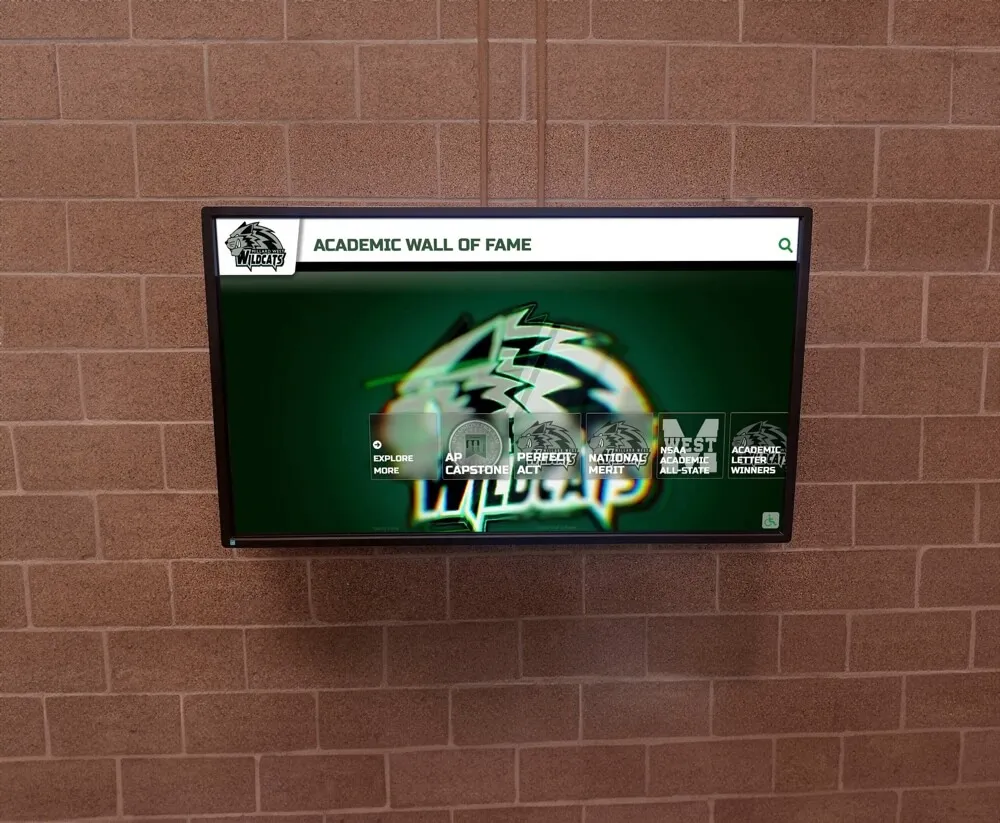
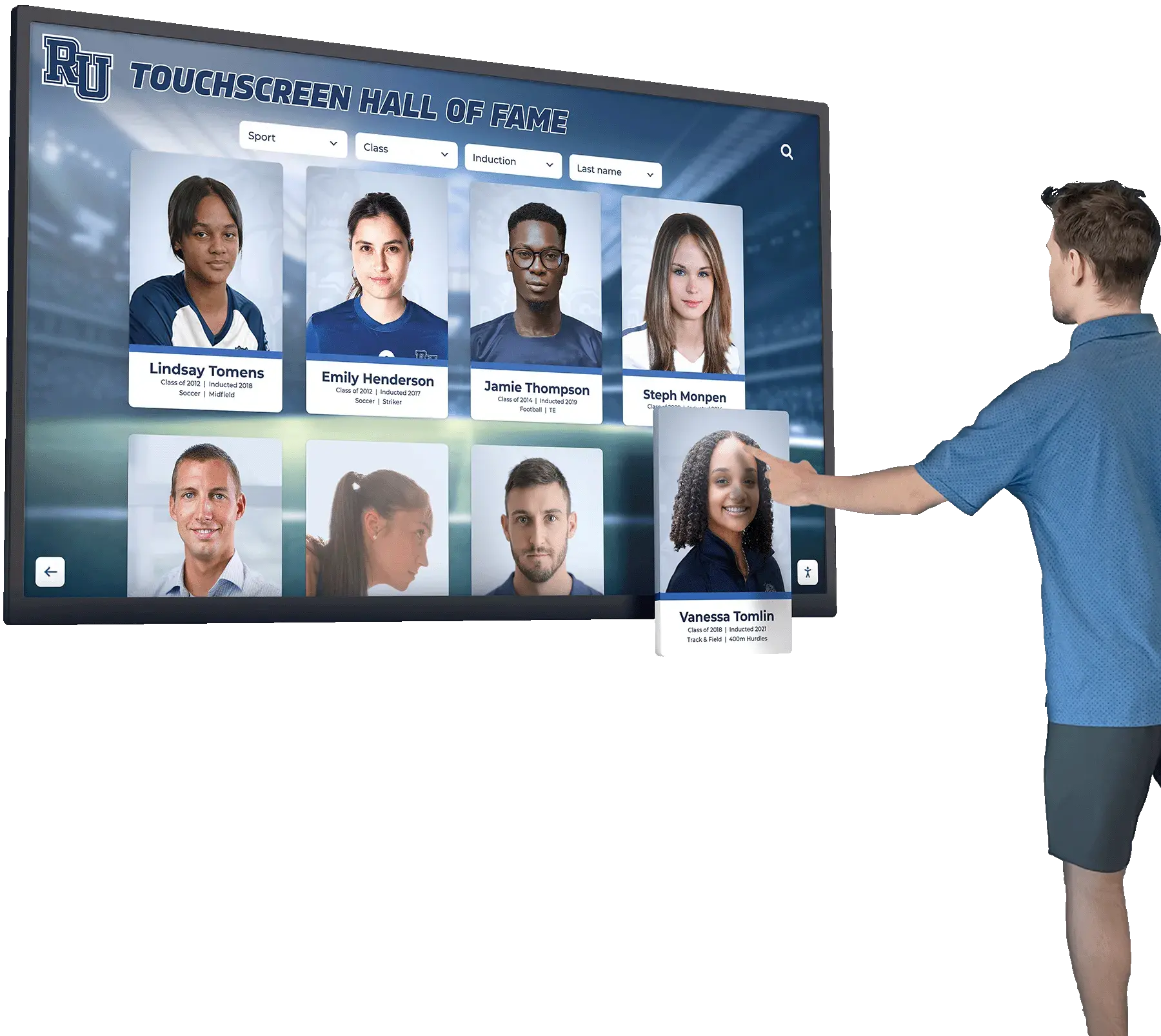
Recognition displays that source records from a deduplicated dataset surface one authoritative profile per athlete—duplicate entries visible to the public erode the perceived rigor of the entire recognition program
Step-by-Step Athletic Award Duplicate-Record Report Workflow
This nine-step process applies to end-of-season audits, hall of fame nomination cycles, digital display migrations, and any scheduled review of historical athletic award data.
Step 1: Export all records into a single deduplicated working file
Before any matching can occur, every award record must exist in a single flat file—one row per entry, consistent column headers, uniform date and name formatting. If your records are distributed across seasonal spreadsheets, a display CMS, paper nomination archives, and a state registration system, consolidate them first. Running matching rules against distributed sources produces inconsistent results and is difficult to audit.
Step 2: Normalize name and field values
Standardize the fields you will use as primary match keys before running any comparison. For athlete names: convert to title case, expand common abbreviations (St. → Saint), strip middle names or initials from the “last name” field, and flag hyphenated surnames for review. For award categories: enforce a controlled vocabulary (no “Mens Basketball MVP” vs “Men’s Basketball MVP” vs “Men’s Varsity Basketball MVP” as separate categories). For season years: convert all entries to a standard format (2023–24, not 2024 or 23–24).
Normalization is not a step to shortcut. The most common cause of false negatives in a duplicate report—genuine duplicates that the matching rules miss—is inconsistent formatting that makes two identical values look different to an automated comparison.
Step 3: Run the primary match
Apply the three-field primary match across all record pairs. This step produces a list of pairs where athlete last name, sport or award category, and season year agree. For large datasets, a simple approach is a pivot table or COUNTIFS function that counts how many times each combination of those three values appears in the dataset. Any combination that appears more than once is a potential duplicate.
Step 4: Apply secondary matching to primary match results
For each primary-match pair, check the secondary fields. Document the result of each secondary check in the working file. At the end of this step, each flagged pair carries a confidence classification: confirmed duplicate candidate, probable duplicate, or false positive.
Step 5: Queue pairs for reviewer decision
Move all confirmed duplicate candidates and probable duplicates into a decision log. Each row in the decision log contains: Record ID for Entry A, Record ID for Entry B, the matching fields that triggered the flag, the confidence classification, and a decision column with options: Merge (retain A), Merge (retain B), Keep Both (not a duplicate), or Defer (requires additional source research).
False positives—pairs that matched on primary fields but were ruled out by secondary matching—are documented in a separate log and retained as evidence that the audit ran correctly.
Step 6: Conduct reviewer decisions
A qualified reviewer—the athletic director, the recognition program administrator, or a designated archives staff member—works through the decision log and makes a determination for each pair. The reviewer compares both records side by side, consults available source documents (nomination forms, official results, enrollment records), and selects the canonical record.
The decision log documents the reviewer’s name, the date of the decision, the rationale when the determination is not obvious, and which source document informed the decision. This documentation is the audit trail.
Step 7: Execute the merge
For each “Merge” decision, copy any verified fields from the non-canonical record into the canonical record if those fields are more complete or more accurate. Then archive the non-canonical record—do not delete it. An archived record remains in the system as read-only with a status tag indicating it was merged into the canonical record and the date of that merge.
The merge step requires care: if the non-canonical record contains a field value that conflicts with the canonical record, the reviewer must make an explicit decision about which value is authoritative before the merge closes. Silently overwriting a canonical field with a non-canonical value is one of the most damaging errors a merge can produce.
Step 8: Verify the merged dataset
After all merge decisions are executed, run the primary matching step a second time against the updated dataset. The second pass should return zero confirmed duplicate candidates. If it does not, the first pass missed a pair—investigate and resolve before closing the report.
Step 9: Document and retain the complete audit record
Archive the working file, the decision log, the false-positive log, and the second-pass verification result as a single audit package. Label it with the date, the scope of the audit (full archive vs. current-season records), and the name of the reviewer. This package is your evidence that a deduplication audit occurred and that every merge decision was reviewed by a qualified human, not executed automatically.
Recognition programs that maintain this audit trail are significantly better positioned when alumni disputes arise, when a digital display migration requires verification of archive quality, or when a donor wall or hall of fame induction is challenged on the basis of a record’s accuracy. The athletics wall of honor complete guide at touchhalloffame.us covers how schools structure recognition walls that hold up to long-term scrutiny—a standard that starts with clean, verified, deduplicated source data.
The Merge Decision Table: What to Do With Each Pair
Every flagged pair falls into one of four categories. Use this table as the decision framework for the reviewer log.
| Classification | Condition | Decision |
|---|---|---|
| Confirmed duplicate — identical records | All primary and secondary fields agree; both records came from the same source event | Merge: retain the older record (higher confidence of original entry), archive the newer |
| Confirmed duplicate — complementary records | Primary fields agree; secondary fields partially agree with each record carrying verified information the other lacks | Merge: construct a canonical record from the most complete fields across both; archive both originals |
| Probable duplicate — different sources | Primary fields agree; secondary fields partially agree; records came from different source documents | Verify against a third authoritative source before merging; defer if source unavailable |
| False positive — different athletes | Primary fields agree due to a shared last name and same sport, but first name, jersey number, or result differ | Keep both; document the determination in the false-positive log |
| False positive — different seasons | Primary fields agree on name and sport but seasons were misread due to formatting inconsistency | Correct the formatting error; keep both; re-run the primary match |
The most consequential category is the complementary duplicate: two records that both carry verified, non-overlapping information. In this case, merging requires deliberately constructing a new canonical record rather than simply retaining one and discarding the other. The result is more accurate than either source record alone—but the merge requires more careful review and documentation.
Institutions that manage large donor records face an analogous decision process when building a booster club fixed asset register: when two source documents partially capture the same asset, the correct action is a documented reconciliation that produces a single authoritative entry—not an automatic retention of whichever record was entered first.
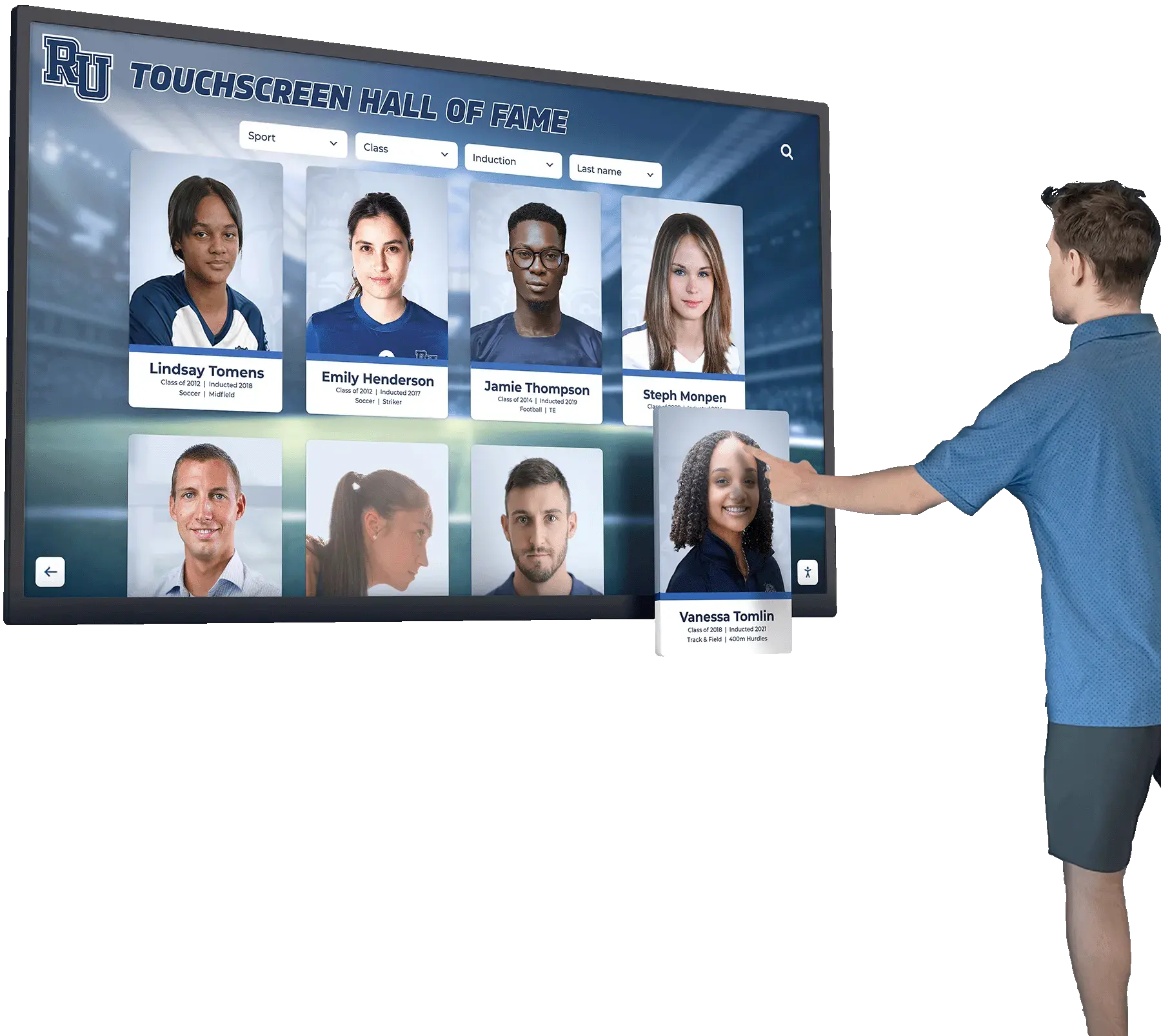
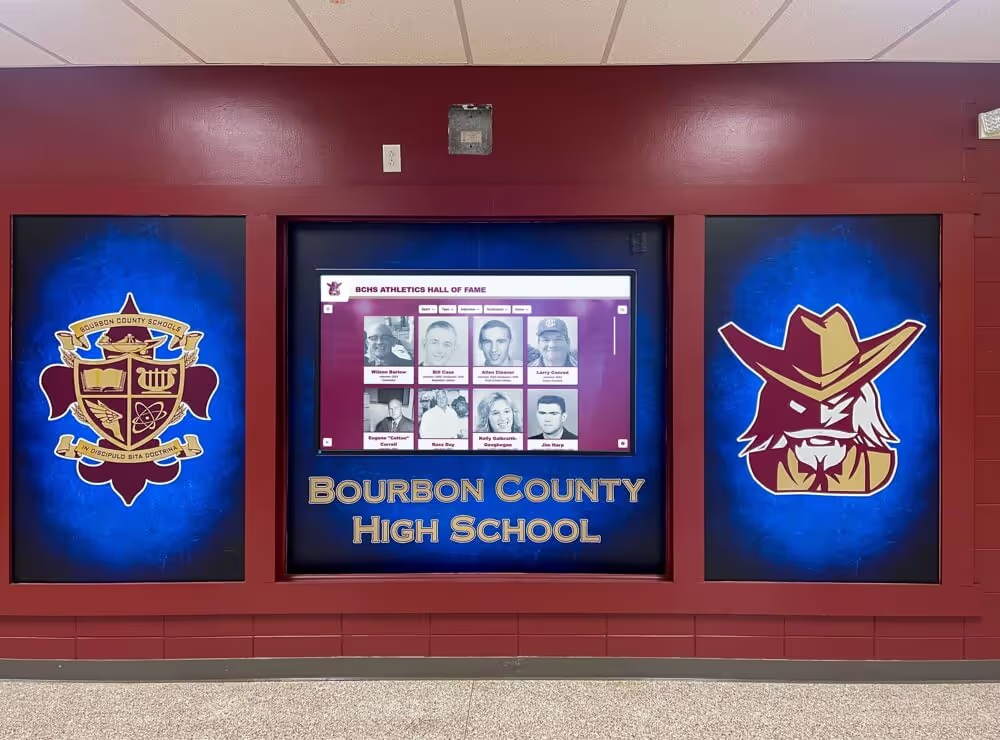
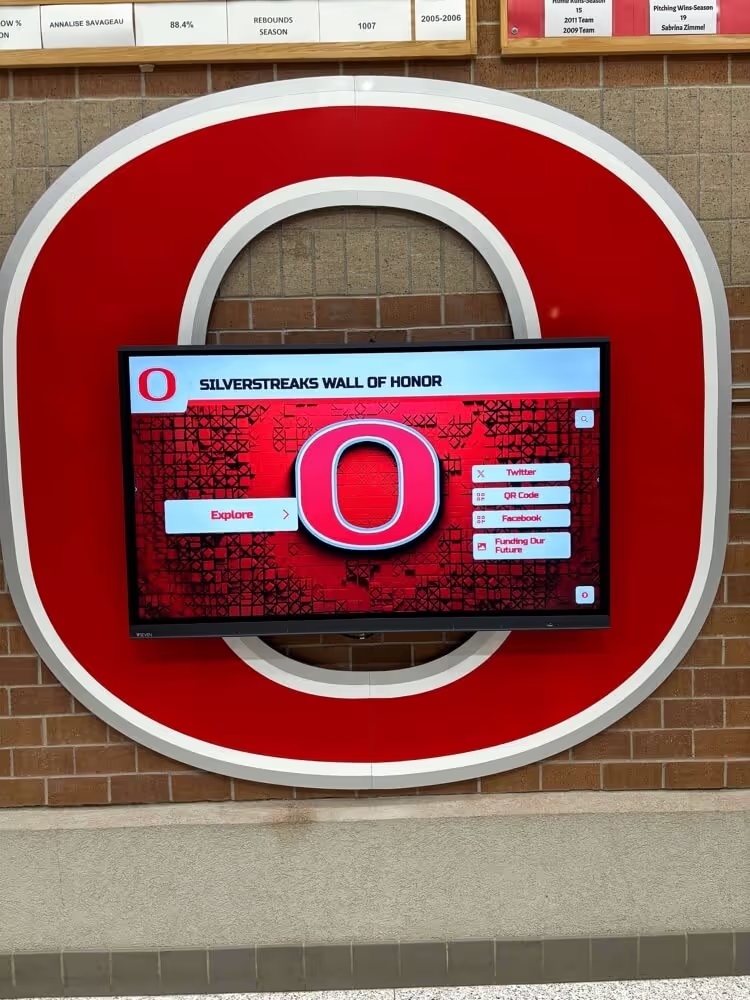
Interactive hall of fame displays that pull from a deduplicated dataset allow visitors to browse athlete profiles with confidence—a single authoritative entry per honor is the foundation of a credible recognition archive
Duplicate-Record Report Template
Use this template to document each flagged pair through the full duplicate-detection workflow. Retain completed templates as part of the audit record.
ATHLETIC AWARD DUPLICATE-RECORD REPORT
School / Program: ________________________
Season / Archive Scope: ________________________
Report Completed By: ________________________
Date: ________________________
Section 1: Confirmed Duplicate Candidates
| Pair ID | Record A ID | Record B ID | Matching Fields | Confidence | Decision | Canonical Record | Reviewer | Date |
|---|---|---|---|---|---|---|---|---|
| DUP-001 | Confirmed | |||||||
| DUP-002 | Confirmed | |||||||
| DUP-003 | Probable |
Section 2: Merge Log
| Pair ID | Fields Migrated from Non-Canonical Record | Conflicts Resolved | Source Document Used | Archive Date |
|---|---|---|---|---|
| DUP-001 | ||||
| DUP-002 |
Section 3: False Positive Log
| Pair ID | Record A ID | Record B ID | Reason Not a Duplicate |
|---|---|---|---|
| FP-001 |
Section 4: Verification Summary
| Metric | Value |
|---|---|
| Total records audited | |
| Confirmed duplicate pairs identified | |
| Probable duplicate pairs identified | |
| False positives | |
| Merges completed | |
| Records archived (non-canonical) | |
| Second-pass duplicate check result | Zero pairs / Remaining pairs: ___ |
How Digital Recognition Platforms Reduce Duplicate Entry
Schools that manage athletic award records in a purpose-built digital recognition platform accumulate duplicate entries more slowly than those that rely on seasonal spreadsheets and manual paper-based nominations. The structural reason is that a platform designed for recognition management can enforce uniqueness constraints at the point of entry—preventing a second record from being saved for a combination of athlete, award, and season that already exists in the system.
When a staff member attempts to enter a new award record in a system that checks for existing entries before saving, a duplicate is surfaced in real time: “An entry for this athlete in this category for this season already exists. Do you want to update the existing record or create a new one?” That prompt—delivered at entry rather than discovered months later during an audit—eliminates the most common root cause of duplicate accumulation.
Digital recognition platforms designed for school athletics and recognition programs also reduce duplicates through:
- Controlled vocabulary for award categories: Dropdown menus for sport, award type, and season year prevent the formatting inconsistencies that cause matching rules to miss genuine duplicates in free-text fields
- Athlete lookup with exact-match search: Staff who search for an existing athlete record before creating a new one catch pre-existing entries before a second record is created
- Bulk upload validation: When seasonal records are imported from a spreadsheet, a field-mapping and validation step flags rows whose key fields match records already in the system before the import completes
- Audit log with change history: Every record creation, update, and archive action is logged with a user ID and timestamp, making it straightforward to trace how a duplicate originated
- Merge tools for administrators: Rather than requiring a manual export-edit-reimport cycle to resolve duplicates, platform administrators can merge records directly within the CMS and retain a documented audit trail
The digital hall of fame touchscreen guide at touchwall.tv covers how schools structure digital recognition environments for long-term usability—a design goal that depends on the underlying record archive being clean, deduplicated, and reliably attributed before it powers any public-facing display.
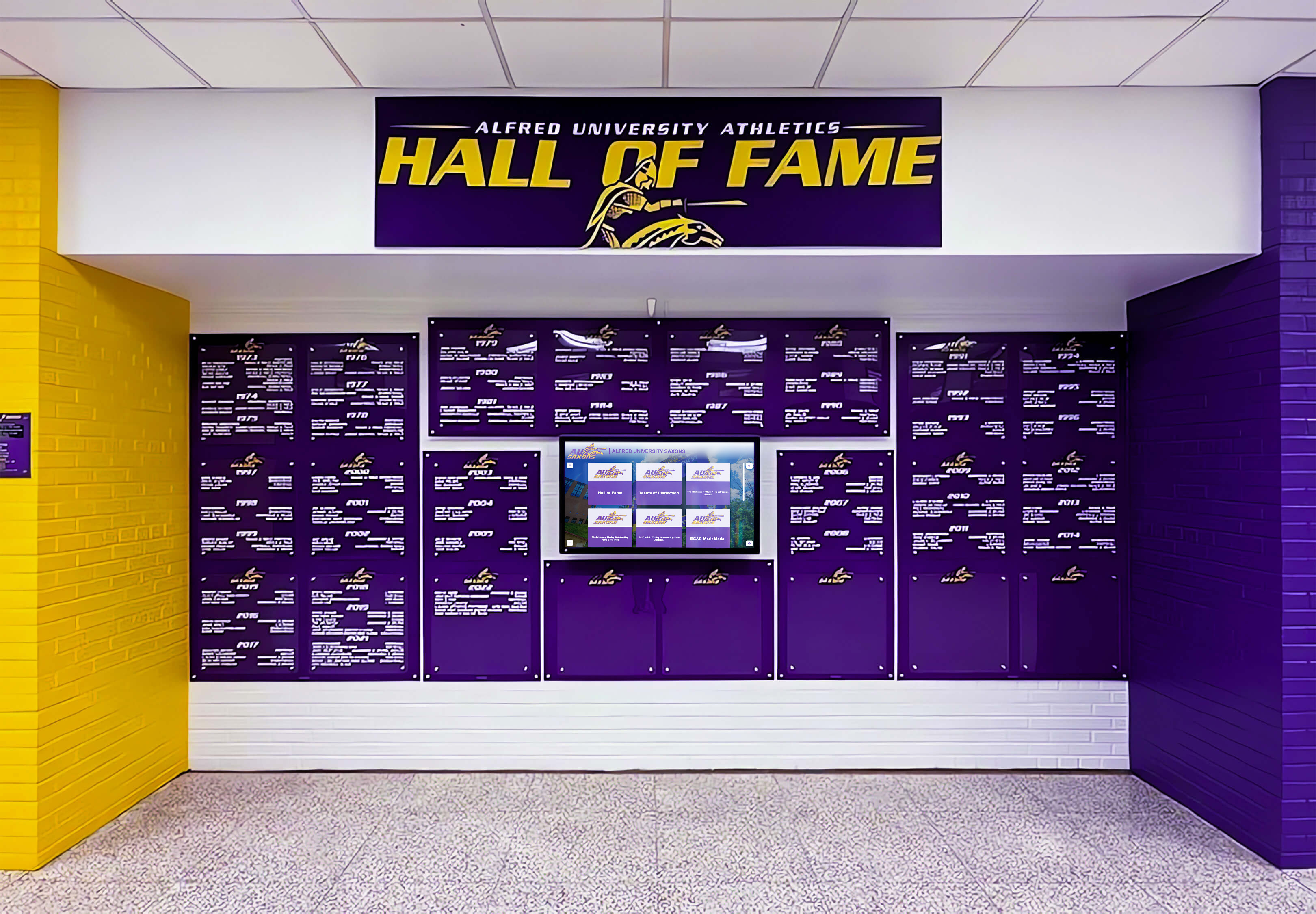
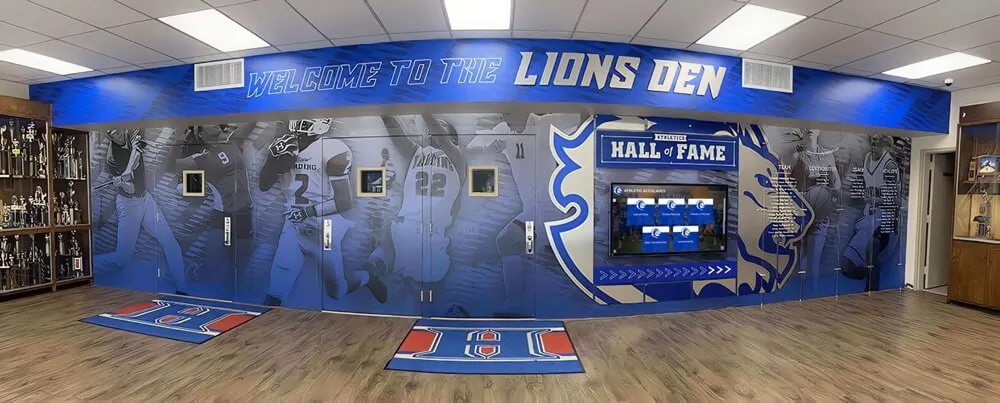
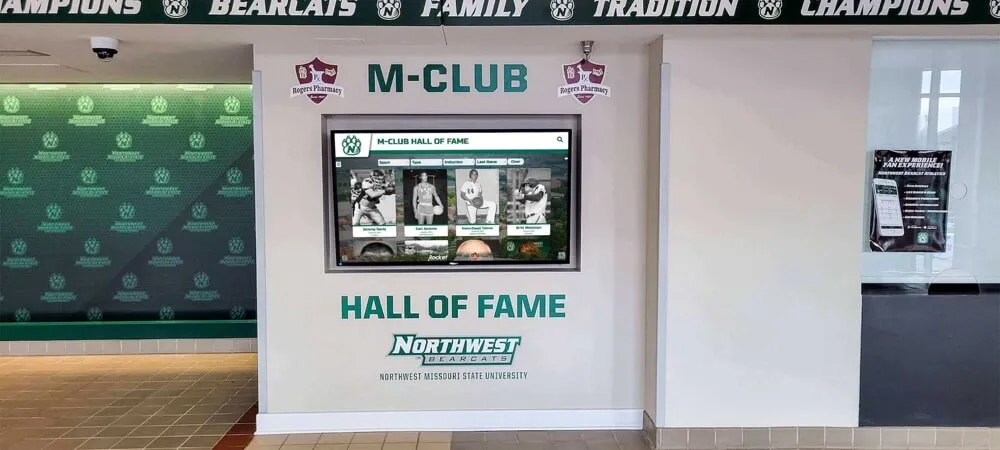
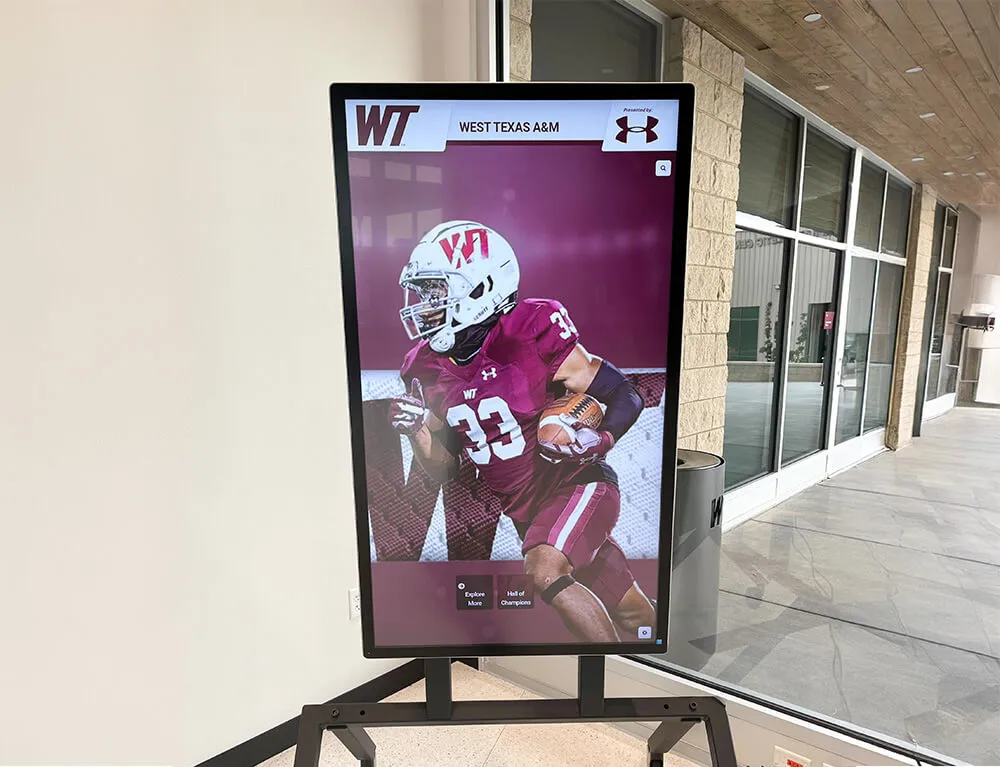
Athletics hall of fame walls present one authoritative record per honoree—platforms with built-in uniqueness validation prevent duplicate entries from reaching the display in the first place
Preventing Duplicates in Future Award Cycles
A duplicate-record report cleans the archive as of the audit date. Preventing new duplicates from forming in subsequent seasons requires process changes at the point of data entry—not a recurring manual audit.
Establish a lookup-before-entry protocol. Before any coach, coordinator, or awards administrator enters a new award nomination, require a search of the existing award database for the athlete’s name and sport in the current season. A five-second search before entry prevents the most common type of duplicate.
Adopt a single intake channel for award nominations. Programs that accept nominations by paper form, email, Google Form, and verbal submission from coaching staff have multiple entry points that each operate without visibility into the others. Consolidating all nominations into a single form or digital intake system—where each submission is immediately checked against existing entries—reduces intake-stage duplicates.
Run a duplicate check at the end of every data import. Any time a seasonal spreadsheet, registration system export, or nomination file is imported into the primary recognition database, run the primary matching rules against the newly imported records before the import closes. Catching duplicates immediately after import is faster and less error-prone than catching them weeks later during a pre-publication audit.
Schedule an annual duplicate-record report before the season’s recognition events. An annual audit run before the school year’s major recognition moments—awards night, hall of fame inductions, senior recognition—ensures that the archive arriving at those events is clean. Schools that run this audit consistently build a culture of recognition data quality that makes the annual report progressively faster and smaller, as fewer duplicates accumulate each cycle.
Athletic directors whose responsibilities span multiple operational domains—including scheduling, compliance, facilities, budget, and staff management—benefit from a recognition data workflow that is systematic enough to be delegated without losing quality control. The guide to the athletic director role at touchwall.us describes how effective athletic department leaders build documented processes for exactly these administrative functions, so that quality is maintained across staff transitions and seasonal staffing changes.
The same discipline that prevents duplicate athletic award records applies across every recognition category a school maintains. Academic honor rolls, arts program citations, STEM achievement records, and donor acknowledgment walls all benefit from uniqueness controls at the point of entry and documented merge procedures when duplicates are found. Digital asset management tools designed for school environments—covered in the complete guide to DAM for schools at touchscreenwebsite.com—provide the infrastructure that keeps all of these record types organized, versioned, and free of duplicate entries.
Trusted by 600+ institutions, Rocket Alumni Solutions’ cloud-based digital recognition platform includes required-field validation, built-in duplicate detection at entry, audit log history, and a remote CMS accessible by athletic directors, archives staff, and IT teams from anywhere—so duplicate records are flagged before they reach a display, not discovered after.
FAQ: Athletic Award Duplicate-Record Report
What is an athletic award duplicate-record report?
An athletic award duplicate-record report is a structured audit that scans a school’s recognition database for record pairs where two or more entries refer to the same athlete, the same honor, and the same season. The report flags each pair for a documented merge-or-archive decision and produces an audit trail confirming that every repeated entry was resolved before recognition appeared on any public-facing display or permanent honor board.
What matching rules identify athletic award duplicates?
The recommended approach uses a two-tier match: primary matching on athlete last name, sport or award category, and season year, followed by secondary matching on first name, award name, team affiliation, jersey number, and result. Pairs that match on all three primary fields plus at least two secondary fields are confirmed duplicate candidates. Primary-only matches are probable duplicates. Pairs that differ on secondary fields are false positives and documented separately.
Should duplicate athletic award records be deleted or archived?
Archived, not deleted. Archiving retains the non-canonical record in read-only status with a merge date and reviewer tag, preserving any data that existed only in that copy and maintaining the audit trail. A deleted record cannot be reviewed if a dispute arises later. The archive approach is the standard in records management because it preserves evidence of the deduplication decision without carrying the entry forward into active use.
How often should a school run an athletic award duplicate-record report?
At minimum once per year, timed before the school year’s major recognition events. Programs that import seasonal data from multiple sources benefit from running a duplicate check immediately after each import. Schools preparing for a digital display migration should complete a full archive duplicate report before the migration begins—so the new platform receives a clean, deduplicated dataset from the start rather than inheriting the source archive’s errors.
What is the difference between a duplicate-record report and a data reconciliation report?
A duplicate-record report answers “do we have this record more than once?” A reconciliation report answers “do the values in this record agree across source documents?” The two audits address different error types. A reconciliation check will not find a duplicate if both copies are internally consistent—which is the most common scenario, since duplicates typically arise from the same underlying source. Both audits belong in a complete pre-publication quality workflow.
A Recognition Archive Worth Trusting
An athletic award duplicate-record report is one of three core audits—alongside a completeness scorecard and a reconciliation report—that a school’s recognition program should run before any new or updated data reaches a public display.
The nine-step workflow, matching rules, merge decision table, and report template in this guide are designed to be run by any staff member with access to the award database and a spreadsheet application. For larger archives or programs migrating to a digital recognition system, the same process can be automated through a platform’s built-in deduplication tools—which catch duplicates at entry and eliminate the audit lag that allows repeated records to accumulate undetected across seasons.
Every athlete whose name appears on a school’s honor board, hallway display, or digital hall of fame deserves exactly one entry: correct, complete, and clearly attributed. A documented duplicate-record report is how a program guarantees that standard is met before any recognition becomes permanent.
Schools building multi-sport recognition environments—from athletic honor boards to full digital class showcases and hall of fame archives—find that clean, deduplicated source data is the foundation on which every display decision rests. No design, no hardware, and no platform can compensate for repeated or contradictory records in the underlying archive.
See How 600+ Schools Keep Athletic Award Records Deduplicated and Display-Ready
Rocket Alumni Solutions builds cloud-based digital recognition platforms with built-in duplicate detection, required-field validation, audit history, and remote CMS access—so repeated entries are caught at the point of data entry, not discovered on the day a display goes live. WCAG 2.1 AA compliant displays work on any touchscreen from 32" to 100"+.
Request a Custom Demo