



Intent: define. An athletic award missing-value report is a structured scan of a school’s recognition database that surfaces every record containing a blank, null, placeholder, or incomplete value across the three core recognition fields—athlete names, award dates, and honors—before any of those entries reach a public display, ceremony program, or permanent hall of fame installation.
This guide gives athletic directors, archives staff, facilities teams, and recognition-program administrators the full workflow: how to run the report, which required-field tiers determine whether a gap is blocking or non-blocking, how to build a remediation queue from the results, and how digital recognition platforms reduce missing-value accumulation at the point of data entry. Whether your program maintains a single all-conference listing or a multi-decade athletic hall of fame, this workflow applies before every display update, induction cycle, or seasonal archive refresh.
An athletic award missing-value report answers a specific and urgent question before recognition goes public: which records in this database are missing something? Not whether values are accurate—that is the work of field-level validation and reconciliation. Not whether values are duplicated—that is the work of a duplicate-record report. The missing-value report asks only whether each required field contains a populated, non-placeholder value or is effectively empty.
The distinction matters because missing values are invisible to most proofreading passes. A reviewer reading a list of award entries will notice a misspelled name far more readily than a blank date field or a cell containing “TBD.” Blank fields blend into the background of any display view. They only become visible—and embarrassing—when an athlete profile surfaces on a hallway kiosk with no graduation year, when a championship record is published without an event date, or when a hall of fame listing shows an honor title of “Award to be determined” because a nomination form was never fully processed.

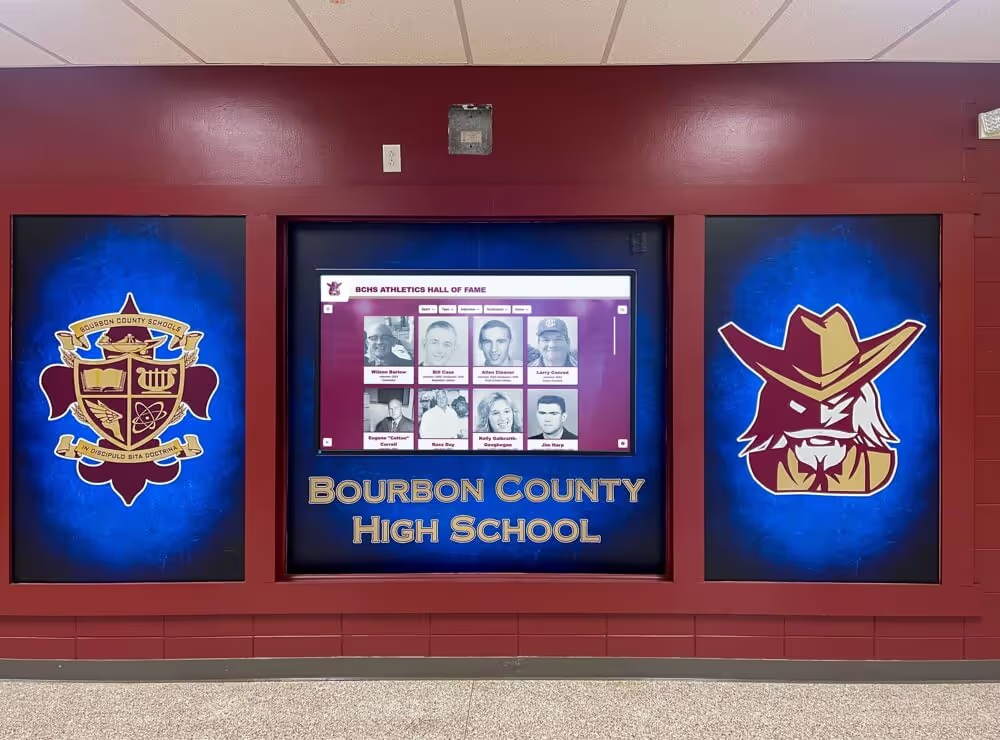
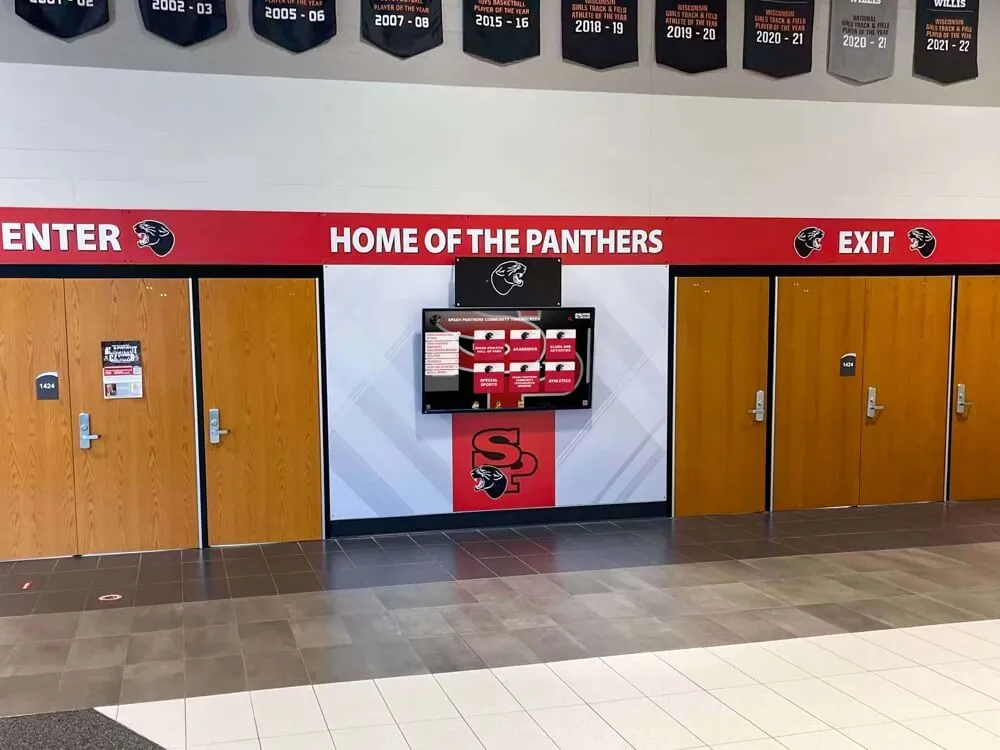
Athletic records displays in school hallways represent institutional memory—missing name, date, or honor fields in the underlying database translate directly into gaps on public recognition surfaces
What Is an Athletic Award Missing-Value Report?
An athletic award missing-value report is a systematic pass through a recognition database that flags every record where a required field contains no value, a null value, a known placeholder (such as “TBD,” “Unknown,” or “N/A”), or a truncated value that signals an incomplete entry. The output is a prioritized list of incomplete records organized by field type and severity, ready to route into a remediation queue.
The report does not judge the accuracy of values that are present. It identifies absence: records that cannot be displayed, attributed, or cited because a required piece of information was never entered, was lost during a data migration, or was never confirmed after an initial draft entry was created.
Missing-value reports are most commonly triggered by four events in a recognition program’s calendar:
- Pre-season display update: Before an annual refresh of hallway boards, digital displays, or athletic websites, the report identifies entries added during the prior season that were never fully completed.
- Hall of fame induction cycle: Before an induction class is announced publicly, the report verifies that every inductee record is fully populated across all required fields.
- Platform migration: Before records are moved from a legacy system, spreadsheet, or paper archive to a new digital display platform, the report establishes a baseline of what needs remediation before migration begins.
- Annual archive audit: A yearly review that catches incomplete records accumulated between scheduled audits—typically from bulk imports, seasonal rollover errors, or staff turnover that left draft entries in an unfinished state.
For programs that display recognition in self-service environments—hallway kiosks, lobby touchscreens, or web-accessible alumni portals—the consequence of an incomplete record reaching the public surface is amplified. A visitor searching for an athlete’s record expects a complete, credible profile. The digital signage for schools guide at touchscreenrecognition.com explores how publicly accessible recognition environments raise the data quality bar—what is acceptable in a staff-only database becomes immediately unacceptable when any parent, recruit, or alumnus can pull up the record directly.
The Three-Tier Required-Field System
Not all missing values carry the same urgency. A missing photograph slows recognition display but does not prevent it; a missing athlete name makes the record unattributable and effectively unusable. Structuring required fields into three tiers lets remediation teams prioritize blocking gaps before non-blocking ones—clearing the records that would actively fail display standards first.
Tier 1 — Blocking Fields (Must Be Present Before Any Display)
Tier 1 fields are those without which a record cannot be attributed to a specific athlete, placed in a specific time period, or associated with a specific recognition. Any missing Tier 1 field blocks the record from display entirely until resolved.
| Field | Why It Is Blocking |
|---|---|
| Full athlete name | Without a confirmed name, the record cannot be attributed; display creates an anonymous entry |
| Award date or season year | Without a time anchor, the record cannot be ordered chronologically or attributed to a season |
| Award or honor title | Without an official award name, there is no basis for the recognition claim on any public surface |
A record missing any one of these three fields enters the remediation queue at the highest priority. It is held from all public display, ceremony programs, and physical installation lists until the field is confirmed and documented.
Tier 2 — Required Before Archive Commit (Must Be Present Before Permanent Records Are Locked)
Tier 2 fields are required for a record to be considered archival-grade—suitable for permanent recognition installations, annual reports, and long-term alumni databases. They do not necessarily block a temporary or interim display in every program, but they must be resolved before any record is committed to a permanent format.
| Field | Why It Is Required for Archive |
|---|---|
| Sport or program name | Without program attribution, the record cannot be sorted by sport or linked to a team history |
| Graduation or participation year | Enables longitudinal tracking and prevents season-year ambiguity across multi-year spans |
| Honor level or tier | Distinguishes individual from team honors, regional from state, single-season from career |
| Source document reference | Provides the evidentiary trail required to defend a record against future challenges |
Programs managing physical hall of fame installations—murals, engraved plaques, framed panels—must treat Tier 2 fields as equally blocking to Tier 1, because errors committed to a fabricated surface are expensive and disruptive to correct. For programs considering how accurate program-level data translates into visual recognition environments, the cheer team logos and school branding guide at rocketgraphics.ai illustrates how sport-program identity fields anchor both graphic design and recognition attribution in school athletic contexts.
Tier 3 — Recommended for Full Record (Strengthen Without Blocking)
Tier 3 fields are not required for display or archive commit but strengthen the record’s usability for search, citation, and alumni engagement. Their absence should be noted in the missing-value report, but they do not block processing.
| Field | Value Added When Present |
|---|---|
| Athlete photo | Increases visitor engagement; required for touchscreen and web profiles |
| Alternate name or maiden name | Supports alumni searches under different names across life stages |
| Coach or nominator reference | Provides context for the nomination; useful for institutional histories |
| Secondary source cross-reference | Adds confidence to the primary source; essential when primary sources are fragile |
| Record certification date | Distinguishes the date of achievement from the date of official recognition |
Documenting Tier 3 absences in the report—even when they do not block remediation—creates a roadmap for enrichment projects during lower-demand periods between season closes and induction cycles.
How to Run an Athletic Award Missing-Value Report
Running the report requires a consolidated dataset, defined tier standards, and a systematic scan process. This eight-step workflow applies to any recognition program, regardless of whether records are managed in a spreadsheet, a legacy database, or a digital CMS.
Step 1: Consolidate all records into a single working file
Pull every award record from every source—seasonal spreadsheets, display CMS exports, paper-to-digital conversion files, and legacy database exports—into a single spreadsheet with one row per record and one column per required field. Do not run a missing-value report against distributed sources; a unified view is the prerequisite for any accurate field-level scan.
Step 2: Define the standard for “present” vs. “missing” for each field
Before scanning, document what counts as a populated value versus a missing one for each field in your program’s context. Common placeholder values that should be treated as missing:
- Athlete name: “TBD,” “Unknown Athlete,” blank, initials only (e.g., “J. S.”)
- Award date: “TBD,” “Spring 2019” (year range without specific date), blank, or year-only entries where a full date is required
- Award title: “Award TBD,” “Pending confirmation,” blank, or generic entries such as “Athletic Award”
Defining these standards before scanning prevents disagreement during remediation about whether a technically populated cell should count as a present value.
Step 3: Scan each field column for blank, null, and placeholder values
For each required field column, apply a filter or conditional flag that identifies every cell containing no value, a null, or a known placeholder from your defined list. In a spreadsheet, this can be done with IF/ISBLANK formulas or conditional formatting; in a database system, it requires queries that check for NULL, empty string, and known placeholder strings simultaneously.
Step 4: Assign each missing value to its tier
For each flagged cell, record which field tier it belongs to (Tier 1, 2, or 3). A single record may have missing values across multiple tiers—a record missing both the athlete name (Tier 1) and the sport designation (Tier 2) carries two separate remediation tasks at two different priority levels.
Step 5: Produce the missing-value report output
Compile the scan results into a report with the following structure for each incomplete record:
| Record ID | Athlete Name | Award Date | Award / Honor Title | Sport / Program | Missing Fields (Tier) | Priority |
|---|---|---|---|---|---|---|
| 2024-0047 | Johnson, M. | 2024-03-15 | [MISSING] | Cross Country | Award title (T1) | High |
| 2024-0081 | [MISSING] | 2023-11-08 | All-Conference | Track & Field | Athlete name (T1) | High |
| 2023-0112 | Williams, Sarah | [MISSING] | State Runner-Up | Swimming | Award date (T1) | High |
| 2023-0095 | Torres, E. | 2023-05-20 | Academic All-State | [MISSING] | Sport/program (T2) | Medium |
Step 6: Segment the report by tier and send to the remediation queue
Tier 1 gaps go to the remediation queue first. Within Tier 1, records missing athlete names are typically the most research-intensive and should be flagged separately from records missing only a date or a title. Tier 2 gaps follow. Tier 3 gaps are documented for enrichment but do not enter the priority remediation queue.
Step 7: Route each gap to the responsible resolver
Each field gap type has a designated resolver who has access to the primary source for that field. Distributing the queue by resolver—rather than routing all gaps to a single coordinator—accelerates remediation by eliminating the handoff step for each gap type.
Step 8: Re-scan after remediation to confirm closure
After each resolver reports a gap as closed, re-run the scan for the affected records to confirm that the field now contains a value meeting the defined standard for “present.” A gap marked closed but still containing a placeholder value has not been remediated.

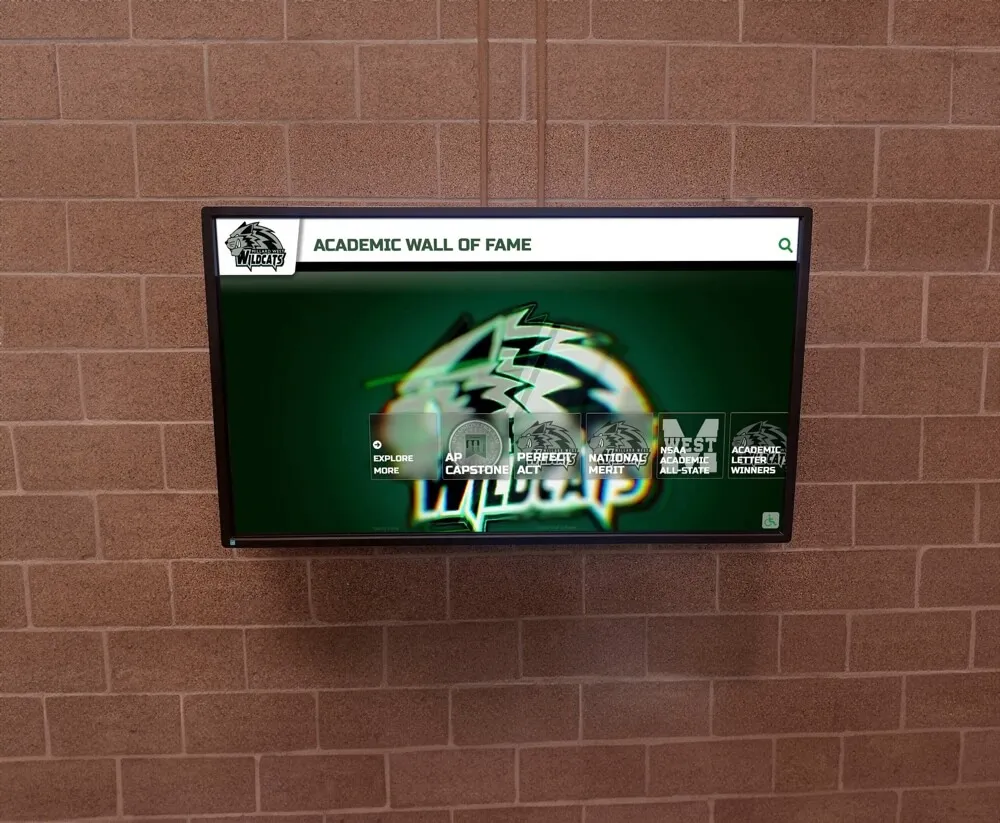
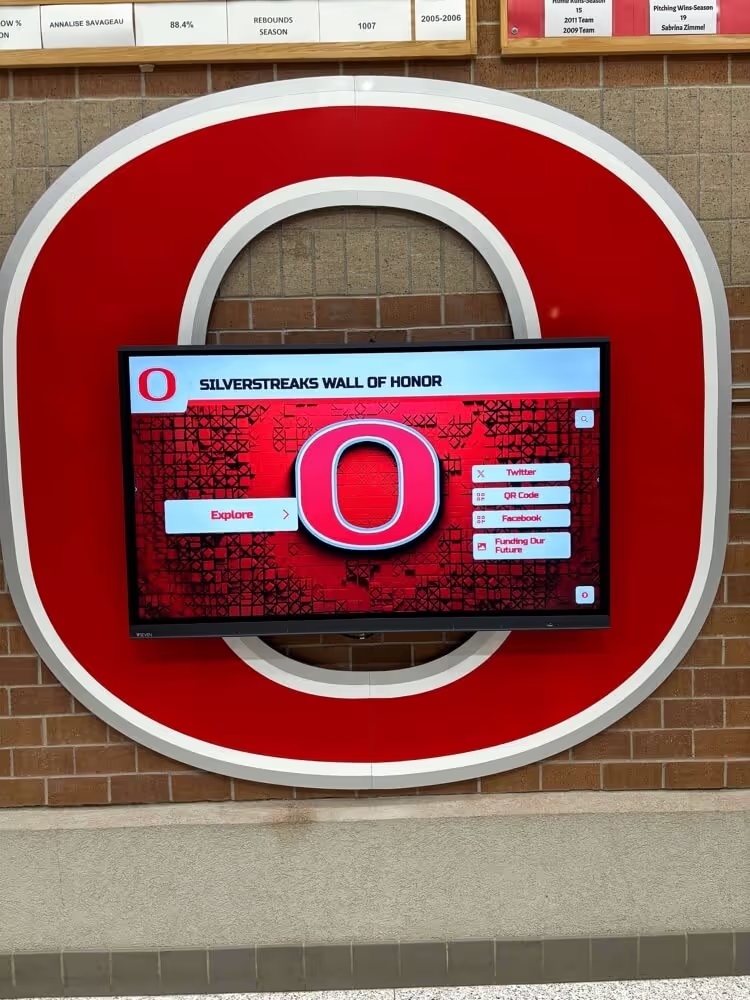
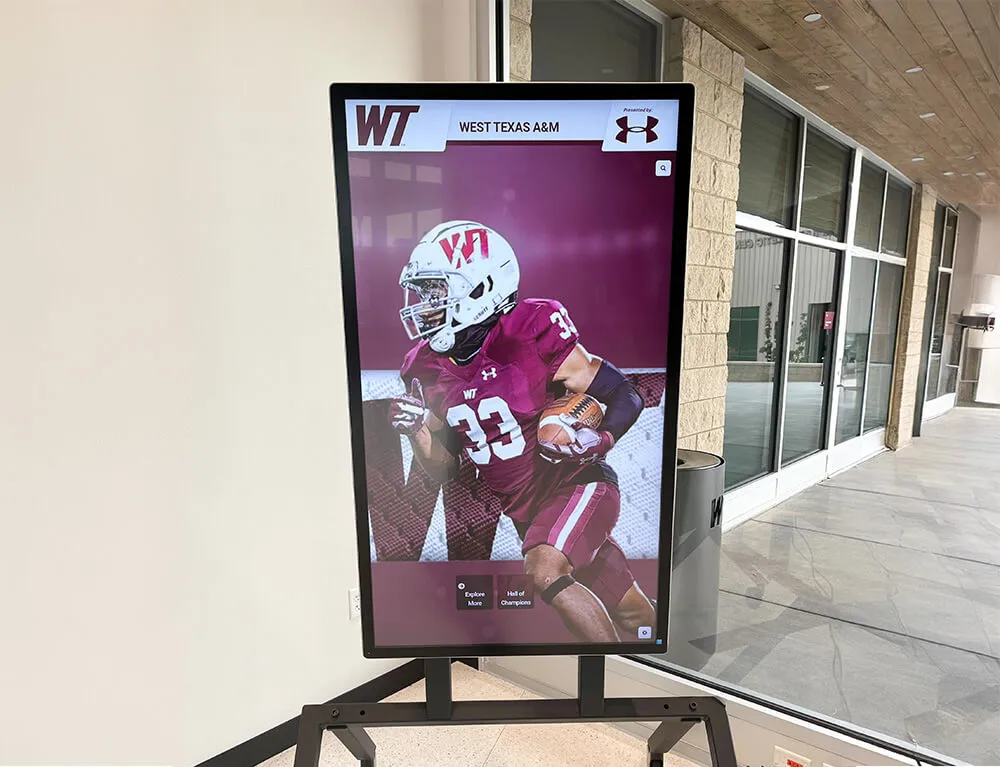
Interactive touchscreen displays surface recognition records to every visitor—missing values that pass internal review become immediately visible when an athlete or family member tries to search for a specific record
The Remediation Queue: Routing Missing Values to the Right Resolver
The remediation queue is the operational output of the missing-value report. It is a prioritized task list that assigns each flagged gap to a specific resolver, documents the source they should consult, and tracks each gap through to closure.
A well-structured remediation queue prevents the most common failure mode of missing-value remediation: gaps that are identified but never assigned, remaining unresolved across multiple audit cycles as each coordinator assumes someone else is handling them.
Remediation Routing Table
Use this table to assign resolver responsibility for each field gap type. Adapt the source column to your program’s specific documentation standards and storage locations.
| Field Gap | Responsible Resolver | Primary Source | Secondary Source | Target Closure |
|---|---|---|---|---|
| Athlete name (missing) | Registrar / Athletic Office | Official enrollment record | Coach confirmation | Before next display update |
| Athlete name (partial / initials) | Athletic Office | Yearbook composite or program roster | Athlete or alumni contact | Before archive commit |
| Award date (missing) | Athletic Director / Event Coordinator | Ceremony program or calendar record | State association results | Before display update |
| Award date (year-only, full date required) | Athletic Director | Official game log or event record | State association records | Before archive commit |
| Award title (missing) | Records Coordinator | Issuing organization documentation | Coach nomination form | Before display update |
| Award title (placeholder) | Records Coordinator | Issuing organization website or contact | Conference office | Before archive commit |
| Sport / program (missing) | Athletic Office | Season roster or athletic handbook | Coach confirmation | Before archive commit |
| Graduation / participation year | Registrar | Official enrollment record | Yearbook composite | Before archive commit |
| Honor level / tier | Records Coordinator | Issuing organization documentation | Conference office | Before archive commit |
| Source document reference | Archivist | Physical or digital file inventory | Secondary source file | Before archive commit |
Remediation Queue Statuses
Each gap in the queue should carry one of four statuses to support progress tracking:
- Open: Gap identified; resolver not yet contacted
- In Progress: Resolver contacted; source research underway
- Pending Confirmation: Field value proposed; awaiting final review and approval
- Closed: Field confirmed and updated; re-scan complete; record cleared
Gaps that cannot be closed because the source document no longer exists or the athlete cannot be reached are assigned a fifth status: Documented Incomplete. These records are flagged in the archive with a notation explaining why the field could not be confirmed—this prevents the gap from re-entering the queue at every subsequent audit without progress.
For recognition programs preparing to launch or update touchscreen display systems, the best touchscreen hall of fame platforms for 2026 guide at touchhalloffame.us covers how display platform selection intersects with data readiness—programs with a cleared remediation queue launch more smoothly than those attempting data repair during the platform onboarding period.
Common Sources of Missing Values by Field Type
Understanding where missing values originate makes it easier to prevent new gaps from entering the database between audit cycles.
Missing Athlete Names
The most common causes of missing or incomplete athlete names are:
- Nomination forms submitted with initials only. When coaches complete paper or digital nomination forms in haste, they may enter “J. Smith” rather than “Jordan Smith.” Systems that accept initials at the form level allow incomplete values into the database.
- Data migration from a legacy system that stored names in a single text field. When migrating from a system where the name field was a single unstructured string, partial entries—nicknames, last-name-only records—appear as complete values in the legacy system but fail the full-name standard in the new platform.
- Alumni records for athletes who graduated before electronic records were maintained. For historical hall of fame inductees, official enrollment records may no longer be accessible, leaving name confirmation dependent on physical yearbooks, program archives, or alumni network outreach. The digital yearbooks complete guide at touchwall.tv covers how schools digitize historical yearbook records that serve as name-confirmation sources for athletic archives spanning multiple decades.
Missing Award Dates
Award dates go missing most often when:
- Nominations are submitted before the award ceremony has occurred. A coach nominates an athlete for an end-of-season award before the ceremony date is confirmed; the date field is left blank with an intent to fill it later that never happens.
- Award records are entered from memory rather than official documentation. Coaches who enter prior-season awards retroactively often record only the season year, because the specific event date is not readily recalled without consulting an official record.
- Multi-sport award cycles use different date formats. When some records use a full date (MM/DD/YYYY) and others use only a season year, the inconsistency is treated as a formatting problem rather than a missing-value problem—and year-only entries are never flagged.
Missing Honor Titles
Honor title gaps are frequently caused by:
- Nomination forms that allow free-text entry. When a coach enters “some kind of all-conference award” in a free-text field rather than selecting from a controlled list of official award names, the entry is technically populated but functionally incomplete—it cannot be displayed as a specific, attributable recognition.
- Awards whose official names changed between seasons. An award that carried one name before a conference realignment may have been renamed afterward. Entries that retain the old name are not missing the title, but the title no longer matches the issuing organization’s current documentation.
- Honors pending official announcement. Hall of fame nominations entered into the database before the induction is publicly confirmed sometimes carry placeholder titles while the program waits for the official announcement date.
For programs managing recognition across multiple sports and award categories, the college football hall of fames guide at touchwall.us shows how multi-level recognition programs structure their honor classification systems—a model applicable to any school athletic program managing honors across conference, regional, state, and national tiers.
How Missing Values Affect Digital Recognition Display Systems
A recognition database that feeds directly into a digital display system—a hallway touchscreen kiosk, a lobby recognition wall, or a web-accessible hall of fame portal—propagates missing values to the visitor surface as literally as it receives them. Where a spreadsheet shows a blank cell, a display system shows an empty field, a broken layout, or a default placeholder that signals to every visitor that the record is incomplete.
The consequences vary by field and display format:
Name fields: A missing athlete name causes the display to render an “Unknown” card or to omit the record from name-based searches entirely. For a self-service touchscreen environment, a visitor searching for a specific athlete by name will not find a record whose name field is blank—the recognition effectively disappears from the searchable archive. The hall of fame search relevance testing guide at halloffametouchscreen.com covers how search functionality in touchscreen recognition systems depends on complete, well-formatted name fields to return accurate results for alumni, families, and visitors.
Date fields: Missing dates prevent chronological sorting and year-based filtering. When a visitor to a digital display attempts to browse records from a specific season, records with missing dates either surface in an unpredictable order or are excluded from filtered views entirely. For programs that emphasize history across decades—championship eras, record-breaking seasons, induction classes—date completeness is foundational to the display’s ability to tell that history coherently.
Honor title fields: Missing or placeholder honor titles produce display entries that cannot be distinguished from one another. Two records that both display as “Athletic Award – TBD” cannot be meaningfully presented side by side. For programs that display recognition by award category—filtering between All-Conference, Academic All-State, and community service honors—an undefined honor title makes the record unclassifiable and prevents it from surfacing under any category view.
For self-service kiosk environments that serve alumni, families, and visitors without staff mediation, the stakes of complete data are especially high. The digital signage kiosk solutions guide at toucharchives.org addresses how self-service display systems rely on complete, structured records to provide useful responses to visitor queries—a direct argument for closing missing-value gaps before any kiosk or portal goes publicly live.
Prevention: Reducing Missing-Value Accumulation Between Audits
A missing-value report is a corrective tool—it surfaces gaps that already exist. Programs that supplement periodic reports with structural prevention measures accumulate far fewer missing values between audits.
Required-field enforcement at entry: The most effective prevention mechanism is configuring the data entry system to reject submissions that leave Tier 1 fields blank. A nomination form that cannot be submitted without a complete athlete name, award date, and honor title eliminates Tier 1 gaps at the source.
Controlled-value lists for honor titles: Replacing free-text award name fields with a dropdown or autocomplete list of approved, official award names prevents placeholder and informal title entries from entering the database. New awards are added to the controlled list when they are officially established—not entered as free-text by individual coaches.
Seasonal close checklists: At the end of each season, a coordinator runs a quick missing-value scan for all entries added during that season before closing the seasonal record set. Gaps caught within weeks of the season close are easier to resolve than gaps discovered during an annual audit months later, when coaching staff have changed and official records are less accessible.
Draft-vs-confirmed record status: Systems that allow records to exist in a “draft” state—visible internally but not published to any display—reduce missing-value risk by creating a buffer between incomplete entries and public visibility. Draft entries with missing Tier 1 fields never reach the display regardless of how they were submitted.
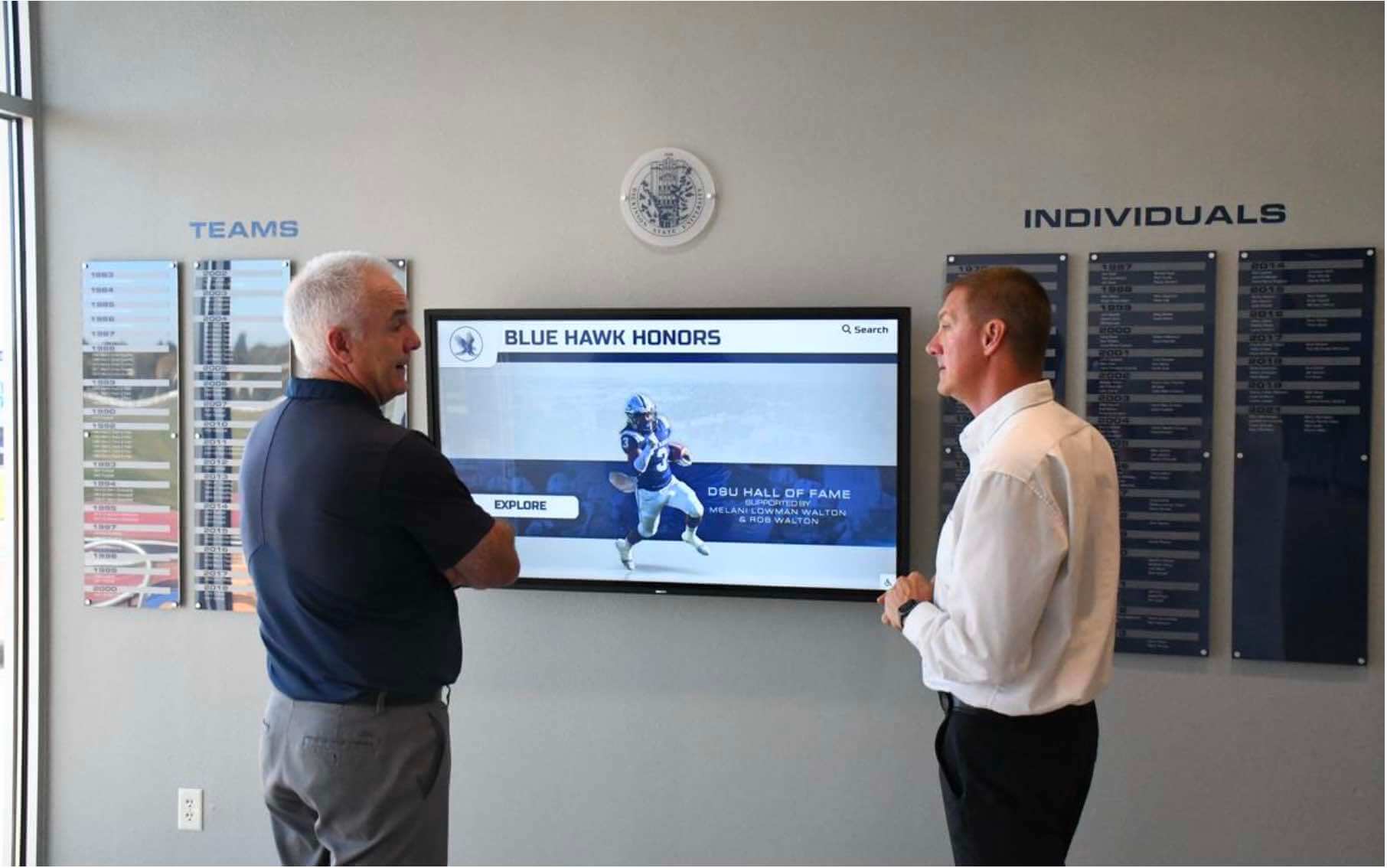
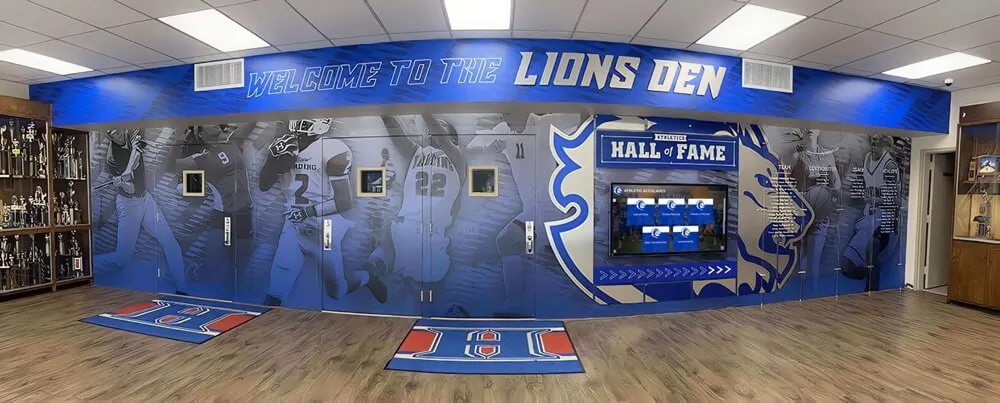
Visitors to digital hall of fame displays encounter recognition records directly—every missing field they encounter represents a gap that a missing-value report and remediation queue should have caught before publication
How Digital Recognition Platforms Reduce Missing-Value Risk
Manual missing-value audits run in spreadsheets are effective but labor-intensive, and they only catch gaps that already exist. Purpose-built digital recognition platforms reduce missing-value accumulation through structural features that address gaps at the point of entry rather than after the fact.
Required field validation: Recognition CMS platforms that mark Tier 1 fields as required prevent records from being saved in an incomplete state. A staff member who begins entering a nomination form cannot submit it without confirming the athlete’s full name, the award date, and the honor title—eliminating the most common sources of Tier 1 gaps.
Placeholder detection rules: Advanced platforms include configurable validation rules that reject known placeholder values in required fields. A field containing “TBD” or “Unknown” in a required-field slot is treated the same as an empty field—the record cannot be saved until a real value is entered.
Missing-value dashboards: Program-level views that display field-completion rates across all records allow athletic directors and archives staff to see at a glance which fields have the highest missing-value rates and which specific records need remediation—without exporting and filtering a spreadsheet manually.
Bulk import field validation: When migrating records from spreadsheets or legacy systems, platforms with field-validation at import surface Tier 1 gaps in the source data before they enter the new system. Staff can resolve gaps in the import file before migration completes rather than discovering them after a public launch.
Audit logging for field changes: Every field update is logged with the user, timestamp, and prior value—creating a permanent record of how each missing-value gap was resolved and who confirmed the corrected value. This log provides the evidentiary trail that makes remediated records defensible.
Role-based approval workflows: Records with any missing Tier 1 field can be held in a “pending approval” state visible only to authorized reviewers. Approval workflows ensure that the athletic director, archivist, or recognition coordinator reviews and confirms the completed record before it is published to any display.
Trusted by 600+ institutions, Rocket Alumni Solutions builds cloud-based digital recognition platforms with required-field validation, missing-value dashboards, bulk import checks, and remote CMS access—giving athletic programs the tools to catch gaps at entry rather than discovering them at the display surface. The platform is WCAG 2.1 AA compliant and works on any size touchscreen from 32" to 100"+. For programs also evaluating system continuity planning alongside data quality, the digital hall of fame outage communication guide at touchscreenwebsite.com addresses how programs keep recognition accessible and current across platform events.
Quick-Reference: Missing-Value Report Workflow
Use this table as a laminated reference at data entry workstations or embed it in your seasonal recognition workflow calendar.
| Step | Action | Output |
|---|---|---|
| 1 | Consolidate all records into a single working file | Unified dataset ready for scanning |
| 2 | Define “present” vs. “missing” for each required field | Field-standard documentation |
| 3 | Scan all required-field columns for blank, null, and placeholder values | Flagged record list |
| 4 | Assign each missing value to Tier 1, 2, or 3 | Tiered gap inventory |
| 5 | Compile the missing-value report | Prioritized report document |
| 6 | Segment by tier; Tier 1 gaps enter the remediation queue first | Segmented remediation queue |
| 7 | Route each gap to the responsible resolver using the routing table | Assigned remediation tasks |
| 8 | Re-scan after remediation to confirm closure | Cleared records ready for display |
FAQ: Athletic Award Missing-Value Report
What is an athletic award missing-value report?
An athletic award missing-value report is a systematic scan of a school’s recognition database that identifies every record containing a blank, null, placeholder, or incomplete value in a required field—athlete name, award date, or honor title—before those records reach a public display, ceremony program, or permanent installation. The report produces a prioritized list of gaps organized by field tier and routes each gap to a remediation queue for resolution.
What is the difference between a Tier 1 and Tier 2 missing field in an athletic award record?
A Tier 1 missing field—athlete full name, award date, or honor title—blocks the record from any public display until the gap is resolved. Without a Tier 1 field, the record cannot be attributed, timed, or identified as a specific recognition. A Tier 2 missing field—sport designation, graduation year, source document reference—must be resolved before archive commit but does not necessarily block a temporary display in all programs.
How is an athletic award missing-value report different from a data completeness scorecard?
A missing-value report identifies which specific fields in which specific records are absent—it answers “what is missing and where?” A data completeness scorecard measures the overall percentage of required fields that are populated across the full record set—it answers “how complete is the archive as a whole?” The two tools are complementary: the missing-value report feeds the remediation queue; the completeness scorecard measures whether remediation improved the program-level rate.
Who should own the remediation queue from an athletic award missing-value report?
The remediation queue is most effectively owned by the athletic director, a recognition coordinator, or archives staff with authority to contact resolvers and approve corrected values. Each gap is routed to the resolver who has access to the primary source: the registrar for name issues, the athletic office for team and program gaps, the event coordinator for dates, and the records coordinator for honor titles.
How often should an athletic award missing-value report be run?
At minimum, run the report before every major recognition event: display updates, hall of fame induction announcements, ceremony program production, and platform migrations. Many programs also run a quick scan at each season close. Annual full-archive scans are recommended to catch accumulated gaps from bulk imports, rollover errors, or staff transitions.
Conclusion: Catch Missing Values Before They Reach the Wall
An athletic award missing-value report is the first line of defense in a recognition program’s data quality workflow. By surfacing blank, null, and placeholder values before any record reaches a public display, it prevents the most visible and damaging class of recognition errors—the ones that are immediately apparent to athletes, families, and visitors who encounter them on a hallway kiosk, a lobby honor board, or a web-accessible alumni portal.
The three-tier required-field system gives remediation teams a clear priority framework. Tier 1 gaps block display and must be resolved first. Tier 2 gaps block archive commit and must be resolved before permanent installations are finalized. Tier 3 gaps enrich records and can be addressed during lower-demand periods. The remediation queue turns the report’s output into assigned tasks with defined resolvers, documented sources, and trackable statuses—so gaps are not just identified but closed.
For programs that maintain recognition across many sports, seasons, and award categories—from athletic hall of fame inductees to academic all-state listings and community service honors—the same missing-value discipline applies regardless of category. Recognition that reaches the wall complete, verified, and fully attributed earns the institutional credibility that justifies the display investment. Recognition that reaches the wall with missing names, undated honors, or unconfirmed titles does the opposite.
See How Rocket Alumni Solutions Closes Missing-Value Gaps Before Display
Rocket Alumni Solutions gives athletic directors, archives staff, and recognition-program owners the cloud-based tools to catch missing values at entry—required-field validation, missing-value dashboards, bulk import checks, role-based approval workflows, and remote CMS access. WCAG 2.1 AA compliant displays work on any touchscreen from 32" to 100"+. Trusted by 600+ institutions.
Request a Custom Demo