



Intent: define. An athletic awards database autovacuum policy is a per-table configuration that controls how aggressively PostgreSQL’s autovacuum daemon reclaims dead tuples and refreshes query-planner statistics on recognition database tables—keeping award searches, athlete lookups, and season-filter queries fast and predictable even during the peak update bursts that follow season-end imports and hall of fame nomination cycles.
This guide explains what autovacuum does, why the default PostgreSQL settings are too conservative for athletic recognition tables that receive large seasonal writes, how to write and apply a table-level autovacuum policy, and how to verify the policy is working before the next major update window arrives. The checklist applies to any PostgreSQL-based athletic award database, from a single-school program with a few hundred records to a multi-campus archive spanning decades of recognition history.
A well-configured athletic awards database autovacuum policy is one of the least visible but most consequential maintenance decisions a school IT team or database administrator can make for a recognition program. The default PostgreSQL autovacuum settings are calibrated for general-purpose workloads—databases that receive steady, moderate write traffic throughout the day. Athletic recognition databases do not work that way. They are quiet for months, then receive thousands of INSERT, UPDATE, and DELETE operations in a compressed window when a season closes, a nomination batch lands, or a historical correction cycle runs.
Without a policy tuned to that burst pattern, autovacuum does not keep up. Dead tuples accumulate in the award tables. The query planner’s statistics grow stale. Award searches that returned results in milliseconds before the import now return them in seconds. Visitors browsing an interactive hall of fame display see lag on year-filter queries. The athletic director’s season-summary export takes twice as long as it did last year.
A tuned autovacuum policy prevents all of this by setting tighter thresholds for how much change an award table can absorb before autovacuum wakes up, reclaims the dead rows, and refreshes the statistics the planner needs to choose fast query plans.

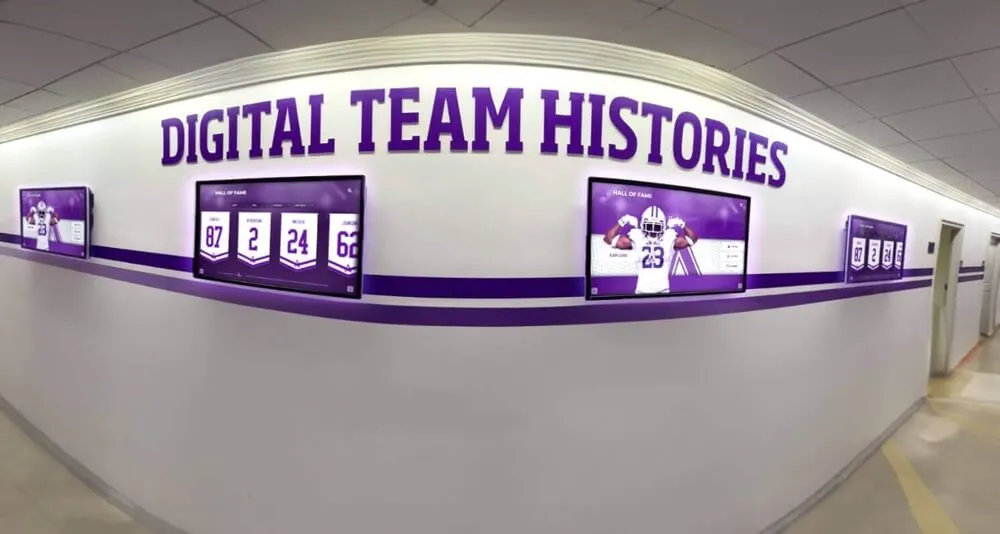
Interactive hallway athletic displays depend on fast, predictable queries — a tuned autovacuum policy keeps the underlying recognition tables free of dead row accumulation that would otherwise slow every athlete lookup after a seasonal import
What Is Autovacuum and Why Athletic Award Databases Need a Dedicated Policy
PostgreSQL’s autovacuum daemon is a background process that automatically runs two maintenance operations on database tables: VACUUM, which reclaims storage occupied by dead row versions left behind by UPDATE and DELETE operations, and ANALYZE, which refreshes the statistics the query planner uses to estimate row counts and choose between index scans and sequential scans.
Both operations are essential for sustained performance. VACUUM prevents a phenomenon called table bloat—the gradual growth of physical table size beyond what the live data requires—by marking dead tuple space as reusable. ANALYZE prevents the query planner from making poor choices based on statistics that no longer reflect the current distribution of data in the table.
Autovacuum triggers these operations based on two configurable thresholds:
autovacuum_vacuum_threshold— the minimum number of dead tuples before autovacuum considers running VACUUMautovacuum_vacuum_scale_factor— a fraction of the table’s row count added to the threshold to compute the trigger point
The default trigger formula is: threshold + (scale_factor × live_rows). With PostgreSQL defaults (threshold = 50, scale_factor = 0.2), a table must accumulate 50 dead tuples plus 20% of its live row count before autovacuum wakes up. For a small athletic award table with 500 live rows, the trigger is 50 + 100 = 150 dead tuples. For a larger archive with 10,000 live rows, the trigger is 50 + 2,000 = 2,050 dead tuples.
Those thresholds are too high for athletic recognition tables that receive concentrated seasonal writes. A season-end import that corrects 800 athlete records in an afternoon produces 800 dead tuples immediately. If the table’s trigger is 2,050, autovacuum does not fire until the session is long over. Those dead tuples remain in the table through the day’s award searches, slowing every query that must skip over them.
The solution is a per-table autovacuum policy that lowers the threshold and scale factor specifically for the award tables that receive burst writes—without changing the server-wide defaults that govern tables with different usage patterns.
For programs managing wrestling award recognition alongside other athletic honors, the wrestling awards recognition guide at halloffame-online.com illustrates the breadth of sport-specific recognition data that accumulates in athletic databases over time—each category adding records that contribute to the bloat and statistics-staleness problems that a tuned autovacuum policy addresses.
How Table Bloat and Stale Statistics Slow Award Searches
Understanding the two failure modes—bloat and stale statistics—helps explain why both the VACUUM and ANALYZE thresholds in a table-level policy need to be set independently.
Table bloat inflates the physical size of award tables beyond what their live data requires. When PostgreSQL executes a sequential scan or an index scan that returns to the heap to fetch full rows, it reads every page of the table that contains qualifying rows—including pages densely packed with dead tuples. A bloated table forces the database to read more pages per query than a compact table would. For an award search that scans the awards table filtered by sport and season year, bloat on the awards table increases the I/O cost of every query that touches it.
After a season-end import that adds 1,000 new records and corrects 600 existing ones, the awards table holds 600 dead tuples that occupy real disk pages. Until VACUUM reclaims those pages, every subsequent query against the table carries the extra I/O cost of reading dead rows and skipping them. On a recognition display that runs dozens of concurrent queries during a busy alumni event or recruitment open house, this overhead compounds across sessions.
Stale statistics cause the query planner to choose inefficient execution plans. PostgreSQL’s planner estimates the cost of different query plans based on statistics stored in pg_statistic—column value histograms, null fractions, and row count estimates collected the last time ANALYZE ran on the table. After a large import that significantly changes the distribution of season_year, sport_id, or award_type values in the awards table, those statistics no longer reflect reality.
A planner working from pre-import statistics might estimate that a filter on season_year = 2026 returns 50 rows when it actually returns 900. That underestimate causes the planner to prefer an index scan when a sequential scan would be faster, or vice versa. The wrong plan adds latency to every award query until ANALYZE runs and refreshes the statistics. In the worst case—a large import followed immediately by high query traffic from an awards ceremony—every query runs on a stale plan until autovacuum’s ANALYZE threshold is finally triggered.
Schools recognizing youth athletes through nomination-based programs see this problem clearly: the youth athlete of the year recognition guide at digitalawardsdisplay.com describes annual nomination cycles that produce concentrated write bursts—exactly the pattern that requires a tuned autovacuum ANALYZE policy to keep query plans accurate immediately after nominations are processed.
Designing an Athletic Awards Database Autovacuum Policy: Step-by-Step
The following eight steps apply to any PostgreSQL-based athletic award database. Run them in sequence during a scheduled maintenance window, preferably before the next major season-end import.
Step 1: Identify the tables that receive burst writes
The tables that need tuned autovacuum policies are the ones that receive concentrated INSERT, UPDATE, and DELETE activity during season imports and nomination cycles. In a typical athletic recognition schema these are:
awards— the central fact table receiving a new row per award per athlete per seasonathletes— updated each season with corrections to names, graduation years, and statusnominations— written in batches when nomination forms are processed, then updated as statuses changesportsandaward_types— reference tables occasionally updated with new categories
Confirm which tables receive the most write activity by querying pg_stat_user_tables:
SELECT relname, n_tup_ins, n_tup_upd, n_tup_del, n_dead_tup, last_autovacuum, last_autoanalyze
FROM pg_stat_user_tables
WHERE schemaname = 'public'
ORDER BY (n_tup_upd + n_tup_del) DESC;
Tables with high n_tup_upd and n_tup_del counts—and high n_dead_tup—are the candidates for tighter autovacuum policies.
Step 2: Determine your import volume for each high-write table
Review the last two or three seasonal import logs to establish the typical number of rows inserted, updated, and deleted per import cycle. This number becomes the basis for setting the autovacuum_vacuum_threshold for each table. The goal is to trigger VACUUM before dead tuples reach a count that degrades query response times—not after.
For most high school athletic programs, a seasonal import touches 500–2,000 existing records and inserts 200–800 new ones. For larger multi-sport programs or multi-campus archives, the numbers can be substantially higher. Use your actual import logs, not estimates.
Step 3: Set table-level storage parameters for the awards table
Apply a tighter autovacuum policy to the awards table using ALTER TABLE … SET (storage_parameter = value). The parameters below are starting points calibrated for a mid-size high school program with a seasonal import of approximately 1,000 row-level changes:
ALTER TABLE awards SET (
  autovacuum_vacuum_threshold     = 50,
  autovacuum_vacuum_scale_factor  = 0.01,
  autovacuum_analyze_threshold    = 50,
  autovacuum_analyze_scale_factor = 0.005
);
With these settings, VACUUM triggers when dead tuples exceed 50 + (0.01 × live_rows). For a table with 5,000 live rows, that is 50 + 50 = 100 dead tuples—enough to catch bloat early in a mid-day correction cycle rather than waiting for it to accumulate through an entire import session. ANALYZE triggers at 50 + 25 = 75 changed rows, refreshing statistics after the first hundred or so import operations rather than after thousands.
Adjust the scale factor upward for larger archives and downward for programs where even small imports generate noticeable query slowdowns.
Step 4: Apply the same pattern to the athletes table
Athlete records are updated more frequently than award records in some programs—name corrections, duplicate merges, and graduation-year revisions happen throughout the year, not just at season end. Apply a policy that keeps the athletes table clean on a similar cadence:
ALTER TABLE athletes SET (
  autovacuum_vacuum_threshold     = 25,
  autovacuum_vacuum_scale_factor  = 0.01,
  autovacuum_analyze_threshold    = 25,
  autovacuum_analyze_scale_factor = 0.005
);
The lower threshold accounts for the smaller but more continuous write pattern. The planner needs current statistics on the athletes table for any query that joins athletes to awards, so keeping ANALYZE thresholds tight here has a cascade benefit for multi-table queries.
Step 5: Tune autovacuum cost delay to allow faster cleanup without starving foreground queries
By default, autovacuum runs in a low-priority mode that inserts cost delays between I/O operations to avoid interfering with foreground traffic. The default cost delay is 2ms, which is appropriate for busy OLTP databases. For a recognition database that has low steady-state traffic and high burst write traffic, you can lower the cost delay for the high-write tables to allow autovacuum to complete its work faster after an import:
ALTER TABLE awards SET (autovacuum_vacuum_cost_delay = 2);
ALTER TABLE athletes SET (autovacuum_vacuum_cost_delay = 2);
If the database serves live interactive display queries during business hours, keep the delay at 2ms or higher. If imports run during overnight maintenance windows with minimal concurrent traffic, you can set it to 0 to run autovacuum at full speed immediately after the import completes.
Step 6: Schedule a manual VACUUM ANALYZE immediately after each major import
Even with tight autovacuum thresholds, there is a window between the end of a large import and the moment autovacuum fires. For programs where the first queries after an import are time-sensitive—an athletic director running a season-summary export the morning after data load, or a recognition display going live with new inductee profiles—close that window by running VACUUM ANALYZE manually as the last step of the import process:
VACUUM ANALYZE awards;
VACUUM ANALYZE athletes;
This can be integrated into the import script or run as a post-import hook in the database management tool your IT team uses. It ensures that the planner statistics reflect the newly loaded data before any user-facing queries run.
Step 7: Configure autovacuum_freeze_max_age to prevent emergency freezing during peak periods
PostgreSQL requires that every row eventually be “frozen”—assigned a special transaction ID that prevents the XID wraparound problem. By default, autovacuum triggers a forced freeze pass when a table’s oldest unfrozen transaction age reaches 200 million transactions. For a recognition database that runs long idle periods followed by burst write sessions, this forced freeze can arrive unexpectedly during a peak period—such as the day an annual hall of fame induction is being processed.
Set autovacuum_freeze_max_age on the award tables to a lower value than the server default to spread freeze work across routine autovacuum cycles rather than concentrating it in emergency passes:
ALTER TABLE awards SET (autovacuum_freeze_max_age = 150000000);
ALTER TABLE athletes SET (autovacuum_freeze_max_age = 150000000);
This instructs autovacuum to begin freeze passes earlier, distributing the freeze cost across off-peak cycles rather than accumulating it until a forced freeze runs at the worst possible moment.
Step 8: Document the policy and schedule quarterly reviews
After applying per-table storage parameters, record the configuration in your database maintenance documentation alongside the rationale: which import volumes the thresholds are calibrated for, when the policy was last reviewed, and the expected trigger counts for each table at current data volumes. Review the policy each time import volumes change significantly—a program that merges two school campuses into a unified archive may double the number of rows touched per seasonal import, requiring lower scale factors to maintain the same trigger timing.
Interactive touchscreen recognition displays that surface athletic records in real time—the kind covered in the recognition display touch sensitivity testing guide at halloffametouchscreen.com—depend on database query responses fast enough to feel instantaneous. An autovacuum policy review is part of the maintenance cycle that keeps those response times predictable year after year.

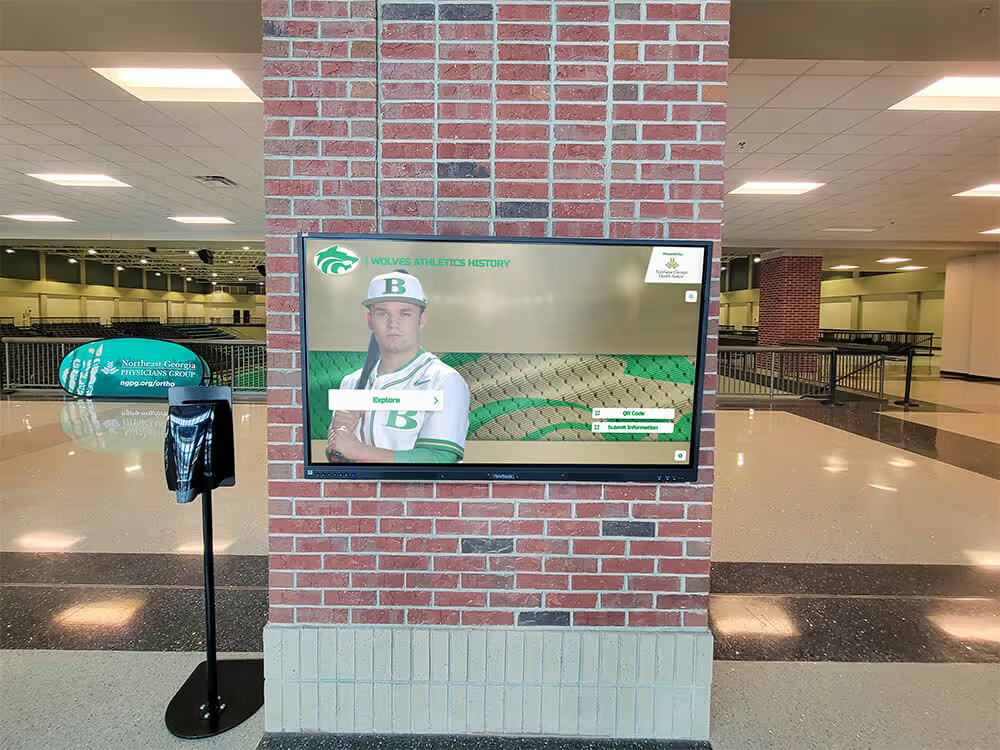
Year-filter and athlete search queries on interactive recognition kiosks require both clean tables and current planner statistics — a per-table autovacuum policy keeps both conditions maintained across seasonal import cycles
Autovacuum Policy Configuration Reference for Athletic Award Tables
Use this table as a starting-point reference when configuring per-table storage parameters. Adjust scale factors based on your program’s actual import volume and live row counts.
| Parameter | Default Value | Recommended for Awards Tables | Notes |
|---|---|---|---|
autovacuum_vacuum_threshold | 50 | 50 | Keep at default; scale factor carries most of the tuning |
autovacuum_vacuum_scale_factor | 0.20 | 0.01–0.02 | Lower values trigger VACUUM earlier after burst writes |
autovacuum_analyze_threshold | 50 | 25–50 | Lower for small tables with frequent join queries |
autovacuum_analyze_scale_factor | 0.10 | 0.005–0.01 | Refresh statistics after every 0.5–1% of rows change |
autovacuum_vacuum_cost_delay | 2ms | 2ms | Lower to 0 only during maintenance windows with no live traffic |
autovacuum_freeze_max_age | 200,000,000 | 150,000,000 | Prevents emergency freeze during peak update periods |
The most impactful change for most athletic recognition databases is reducing autovacuum_vacuum_scale_factor from the 0.20 default to 0.01 or 0.02. For a table with 5,000 live rows, this moves the VACUUM trigger from 1,050 dead tuples down to 100—catching bloat from a correction cycle of 80–90 records rather than waiting for more than a thousand to accumulate.
Monitoring Autovacuum Health After Policy Changes
Applying a per-table autovacuum policy has no effect if the policy is not being enforced as expected. Use the following queries to verify that autovacuum is running at the intended frequency after the policy is in place.
Check when autovacuum and autoanalyze last ran on each table:
SELECT relname,
       last_vacuum,
       last_autovacuum,
       last_analyze,
       last_autoanalyze,
       n_dead_tup,
       n_live_tup,
       round(n_dead_tup::numeric / NULLIF(n_live_tup, 0) * 100, 2) AS dead_pct
FROM pg_stat_user_tables
WHERE schemaname = 'public'
  AND relname IN ('awards', 'athletes', 'nominations')
ORDER BY relname;
After a seasonal import, n_dead_tup should return to near zero within a few minutes if the policy thresholds are set correctly. If dead tuple counts remain elevated for hours after an import completes, the thresholds are still too high and should be lowered further.
Verify that per-table storage parameters are saved:
SELECT relname, reloptions
FROM pg_class
WHERE relname IN ('awards', 'athletes')
  AND reloptions IS NOT NULL;
The output should list all storage parameters applied via ALTER TABLE … SET (…). If reloptions is null, the ALTER TABLE command did not apply—check for permission issues or a connection to the wrong database.
Watch for autovacuum currently running during an import:
SELECT pid, query_start, state, query
FROM pg_stat_activity
WHERE query ILIKE '%autovacuum%';
Seeing autovacuum activity in pg_stat_activity during or immediately after an import is a sign that the policy is working. Seeing no autovacuum activity for an extended period after a large import—combined with a high n_dead_tup count in pg_stat_user_tables—indicates the threshold is still too high or autovacuum is being suppressed by explicit autovacuum_enabled = false settings.
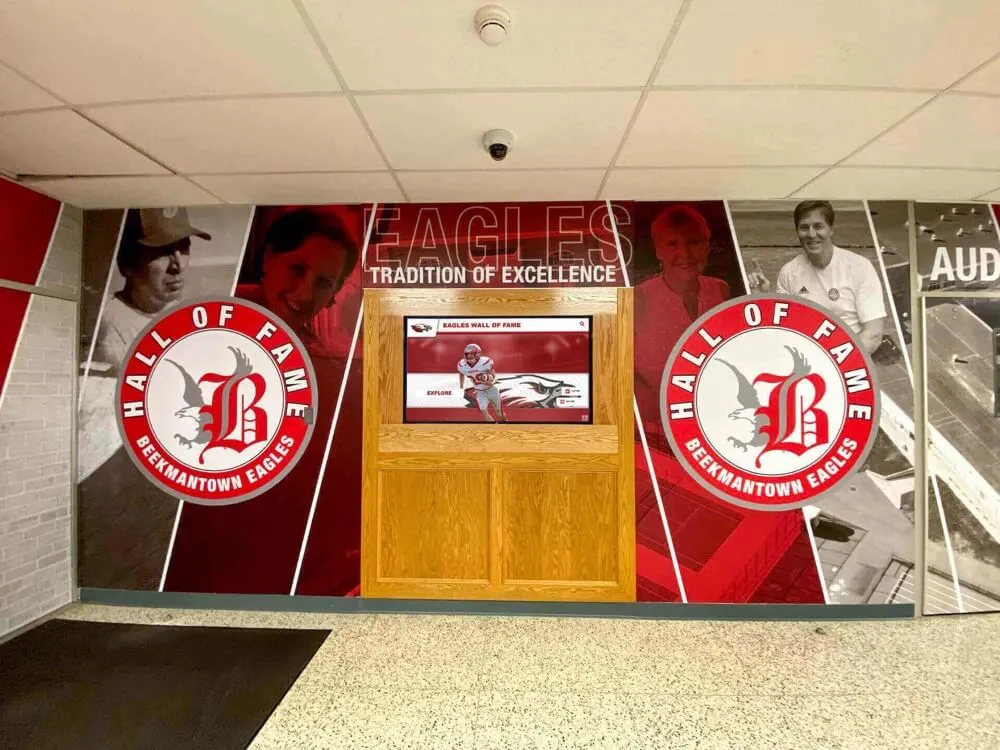
Programs that have invested in physical recognition installations—lobby murals, hallway honor walls, and multi-panel athletic displays—understand that maintenance is not optional. The same discipline applies to the database layer that powers digital versions of those displays. The school recognition display technical configuration guide at touchscreenrecognition.com covers the hardware and signal chain maintenance that keeps interactive recognition hardware performing reliably—autovacuum policy sits at the same layer for the software stack.
Autovacuum Policy and the Broader Athletic Recognition Archive
An autovacuum policy does not operate in isolation. It is one element of a broader database maintenance discipline that includes index bloat management, partition pruning configuration, query plan review, and capacity planning. Each of these areas interacts with the others: a well-configured autovacuum policy keeps tables compact and statistics current, which in turn allows the query planner to use indexes effectively and partition pruning to eliminate irrelevant data ranges.
For athletic recognition programs whose archives span multiple decades and include sport-specific honor rolls, academic achievement recognition, and community service awards alongside varsity athletics, the scope of that maintenance discipline grows with the archive. A multi-category recognition database that processes annual updates across every achievement type benefits from autovacuum policies tuned to the write pattern of each table category—not a single server-wide setting that fits none of them precisely.
Recognition programs that celebrate youth athletes through annual nomination and selection cycles—like those described in the youth athlete of the year celebration guide at best-touchscreen.com—add a predictable annual write burst to the recognition database. Knowing when that burst arrives and how large it is allows a school IT team to pre-position autovacuum settings: lower scale factors in the weeks before nomination processing, then reviewed and potentially relaxed afterward.
Schools that maintain long-running recognition archives—ones that stretch back far enough to include records predating digital data entry, requiring manual transcription from physical yearbooks and ceremony programs—need autovacuum policies that scale gracefully as the archive grows. An archive that currently holds 3,000 records but adds 500 per year will have 8,000 records in ten years. If the autovacuum scale factor is set for the current size, the same trigger count will represent a smaller fraction of a much larger table, and the effective protection against bloat will erode.
The yearbook theme ideas guide at touchhalloffame.us touches on the long arc of institutional memory that recognition programs maintain—the same multi-decade perspective should inform how an autovacuum policy is designed to remain effective as an athletic recognition archive grows.
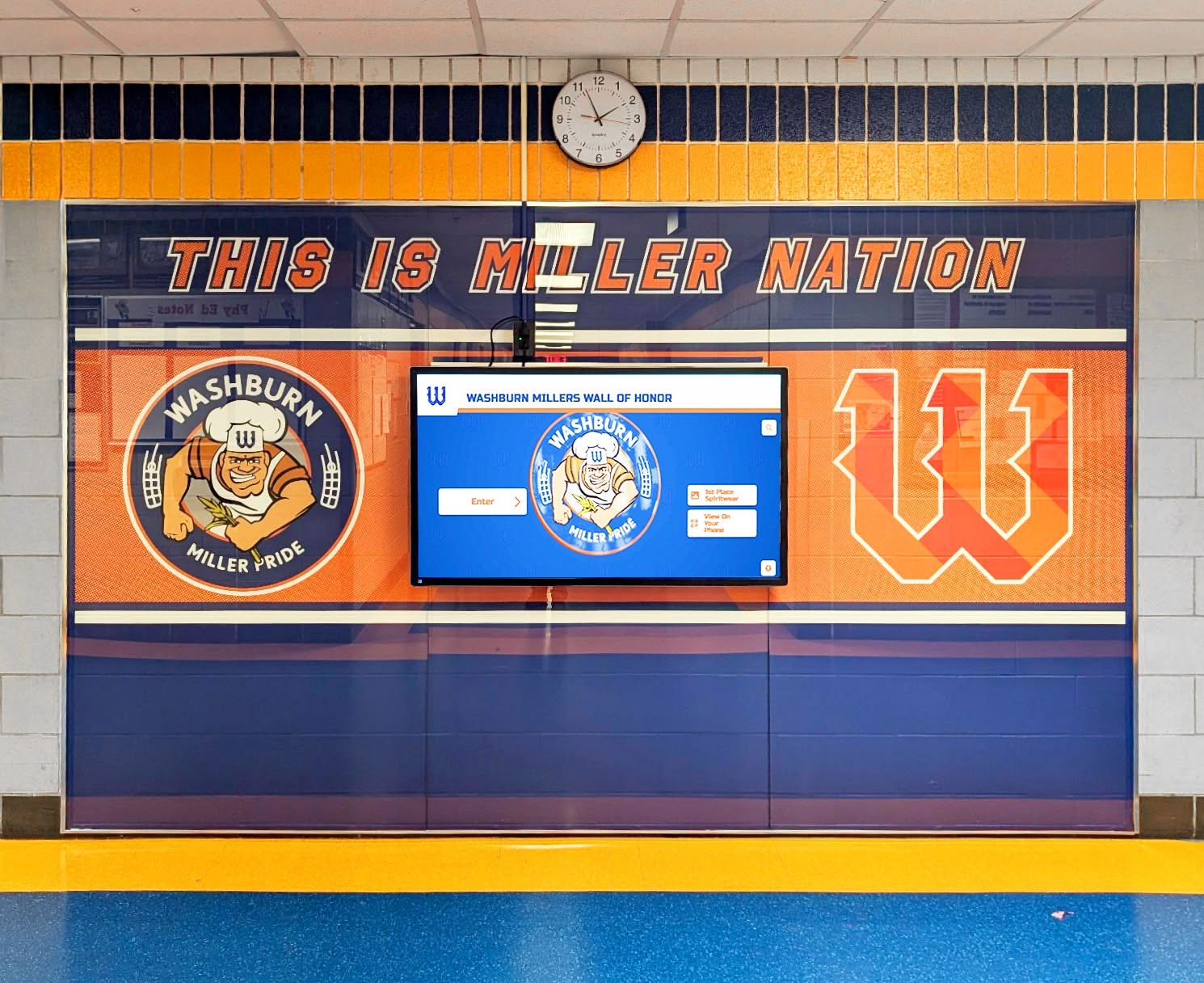
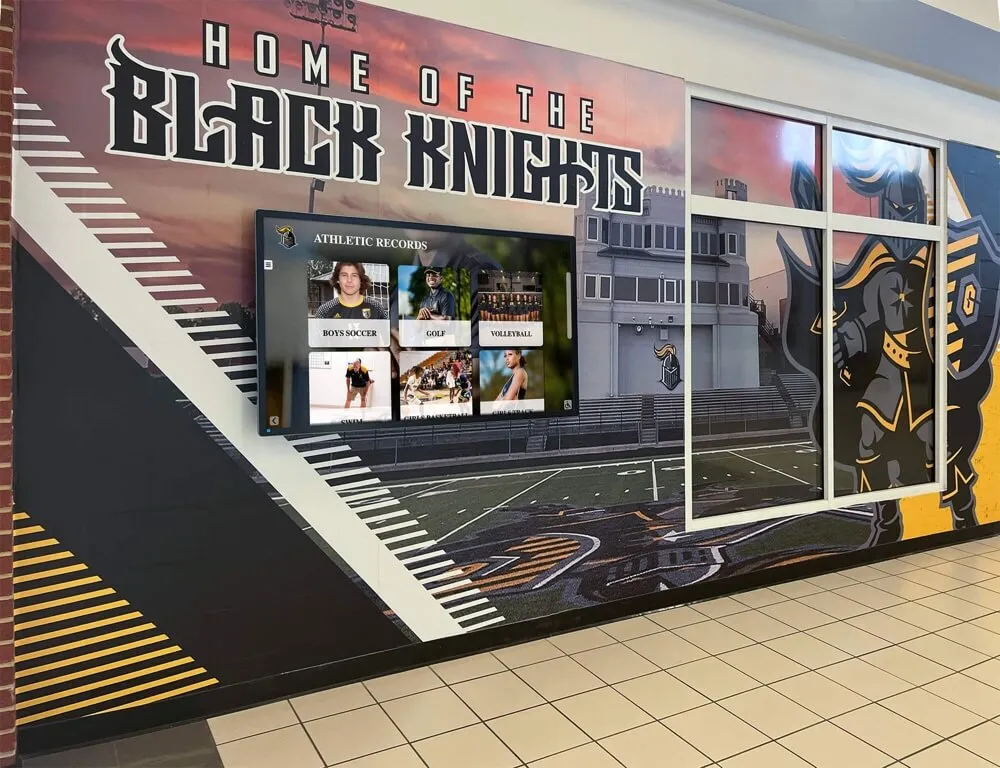
Hallway wall of honor digital displays that surface athletic and academic recognition records in real time require the underlying database to remain free of bloat and stale statistics across every seasonal update cycle
How Digital Recognition Platforms Reduce Autovacuum Dependency
Schools that manage athletic award records in a purpose-built digital recognition platform rather than a self-managed PostgreSQL instance shift the database maintenance burden to the platform provider. Platform-managed databases include autovacuum tuning, post-import VACUUM ANALYZE scheduling, and statistics monitoring as part of the managed service layer—the athletic director and school IT team do not need to configure storage parameters or monitor pg_stat_user_tables to maintain consistent query performance.
For programs managing their own PostgreSQL instance—either on-premises or on a cloud virtual machine—the autovacuum policy guide above provides the tooling to maintain performance without relying on a managed service. But many school IT teams find that the cumulative maintenance effort across autovacuum tuning, index bloat management, partition configuration, backup verification, and schema migrations exceeds the capacity of staff with broader responsibilities.
A cloud-based recognition platform eliminates that maintenance stack while delivering the same award search performance, year-filter interactivity, and export reliability that schools depend on during peak athletic recognition periods. Trusted by 600+ institutions, Rocket Alumni Solutions’ platform gives athletic departments the ability to load new season data, update award records, and publish recognition displays remotely—without any of the database maintenance work that self-managed systems require. The platform’s CMS enforces required field validation at entry, exports clean data for any reporting need, and supports WCAG 2.1 AA compliant displays on any screen from 32" to 100"+.
FAQ: Athletic Awards Database Autovacuum Policy
What is an athletic awards database autovacuum policy?
An athletic awards database autovacuum policy is a set of per-table PostgreSQL storage parameters that control how aggressively the autovacuum daemon runs VACUUM and ANALYZE on recognition database tables. A tuned policy lowers the default threshold and scale-factor values so that autovacuum fires sooner after seasonal imports and correction cycles, preventing dead tuple accumulation and stale planner statistics from degrading award search performance.
Why do athletic award databases need a different autovacuum policy than the PostgreSQL defaults?
PostgreSQL’s default autovacuum_vacuum_scale_factor of 0.20 suits steady, moderate write traffic. Athletic recognition databases receive concentrated burst writes during season-end imports, then sit largely read-only between bursts. The default threshold allows dead tuples to build well past the point where they degrade query performance before autovacuum fires. Lowering the scale factor to 0.01–0.02 on award tables triggers autovacuum after a fraction of that accumulation.
Which tables in an athletic recognition database should have a tuned autovacuum policy?
The highest-priority tables are the central awards table, the athletes table, and the nominations table—the three most likely to receive concentrated seasonal writes. Reference tables such as sports and award_types can typically run on default settings unless they are updated frequently.
How do I verify that my autovacuum policy is working after applying it?
Query pg_stat_user_tables for n_dead_tup on your award tables immediately after an import, then again 5–10 minutes later. A dead tuple count that returns to near zero within minutes confirms autovacuum is firing at your policy threshold. Confirm the policy is saved by checking reloptions in pg_class for each configured table.
Should I run VACUUM ANALYZE manually even with a tuned autovacuum policy?
Yes, for time-sensitive scenarios. A tuned policy narrows the window between import completion and autovacuum firing, but does not close it entirely. For exports, ceremony reports, or display launches that run immediately after a data load, add VACUUM ANALYZE awards; VACUUM ANALYZE athletes; as the final step of the import script to ensure planner statistics are current before the first user-facing queries run.
A Maintenance Discipline That Scales With Your Recognition Archive
An athletic awards database autovacuum policy is not a one-time configuration change—it is a maintenance discipline that needs to be reviewed alongside your program’s growing import volumes, expanding archive depth, and evolving query patterns. The eight-step process in this guide gives any school IT team or database administrator a structured approach to tuning, verifying, and documenting the autovacuum configuration that keeps an athletic recognition database performing predictably through every seasonal import cycle.
The consequence of skipping this work is gradual, invisible degradation: award searches that grow slower each season, export jobs that creep past their maintenance windows, and interactive kiosk displays that lag when visitors browse year-filtered recognition records. The consequence of maintaining it is that none of those problems arrive—the recognition program stays fast, the displays stay responsive, and the athletic department’s archive continues to serve athletes, families, alumni, and recruiters reliably no matter how many seasons of data it accumulates.
Schools that have built recognition programs spanning multiple decades of athletic achievement understand the long-term maintenance investment required to keep those archives useful. An autovacuum policy tuned to your program’s actual write pattern is a foundational part of that investment—one that costs little to implement and pays back with consistent performance across every award search, every season import, and every hall of fame display update your program runs.
See How 600+ Schools Keep Award Records Fast and Display-Ready
Rocket Alumni Solutions' cloud-based digital recognition platform handles database performance, required field validation, and remote CMS access so your athletic department can focus on recognizing students—not maintaining infrastructure. WCAG 2.1 AA compliant displays work on any screen from 32" to 100"+, with unlimited inductees, categories, and multimedia content.
Request a Custom Demo