



Intent: define. An athletic awards database lock-timeout policy is a data-governance document that specifies the maximum time any batch award import or bulk update operation is permitted to wait for a database lock before the blocked transaction is canceled, logged, and queued for retry—so that a stalled update never silently occupies a database connection indefinitely, disrupts the recognition display system, or leaves staff without actionable information about why a season’s award records did not appear as expected.
The short answer: define per-operation timeout thresholds, require structured audit logging for every timed-out transaction, and establish a documented retry path that recognition coordinators can follow without database-level access. Without a written policy, IT administrators must choose between two bad defaults—setting no timeout at all, which allows blocked imports to stall indefinitely, or setting a universal aggressive timeout, which cancels legitimate long-running migrations prematurely. Neither serves the school programs that depend on complete, up-to-date award data reaching their hallway displays and touchscreen kiosks on schedule.
This guide defines database lock timeouts in plain language, maps the specific batch-update failure modes they address in athletic recognition programs, presents a governance framework with recommended timeout thresholds by operation type, and provides a six-step implementation checklist for IT administrators configuring recognition databases to handle batch award imports reliably.
A high school athletic department uploads the full set of end-of-season varsity award recipients the afternoon before the awards banquet. The import starts, processes the first few hundred rows, and then stops responding. A staff member is editing an athlete’s profile in the same system—a routine correction to a graduation year—and their open transaction holds a lock on a row the import needs. Neither the editor nor the import operator knows the other is active in the system. The import process waits. The banquet starts in four hours.
No error message appears. No alert fires. The import connection is open, the rows are partially written, and nobody knows how long the wait will be or whether it will ever end.
This is the problem an athletic awards database lock-timeout policy is designed to prevent. Lock contention is a normal feature of multi-user database systems. The policy does not eliminate contention—it ensures that when contention occurs, every blocked transaction fails fast, generates a recoverable log entry, and provides the recognition coordinator with a clear path to retry, rather than leaving award updates stalled on the day they are needed most.

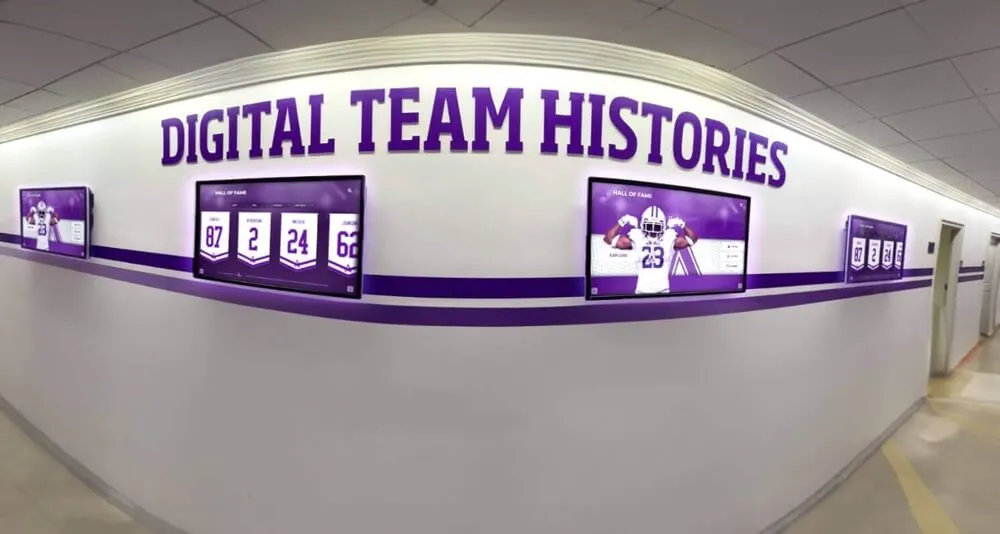
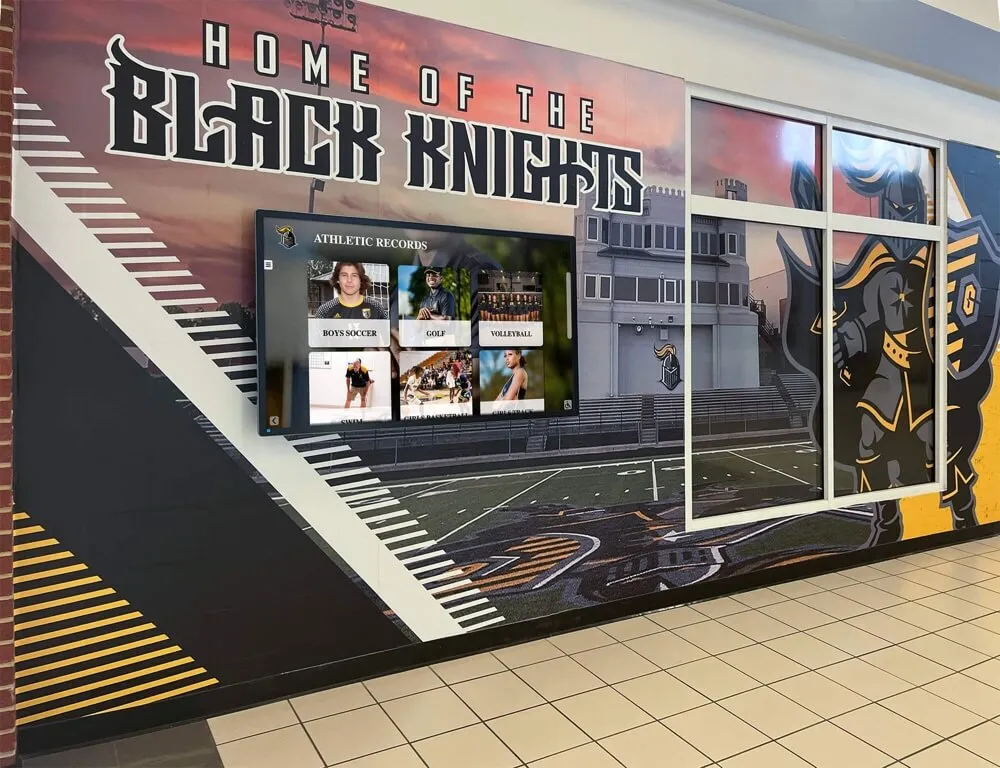
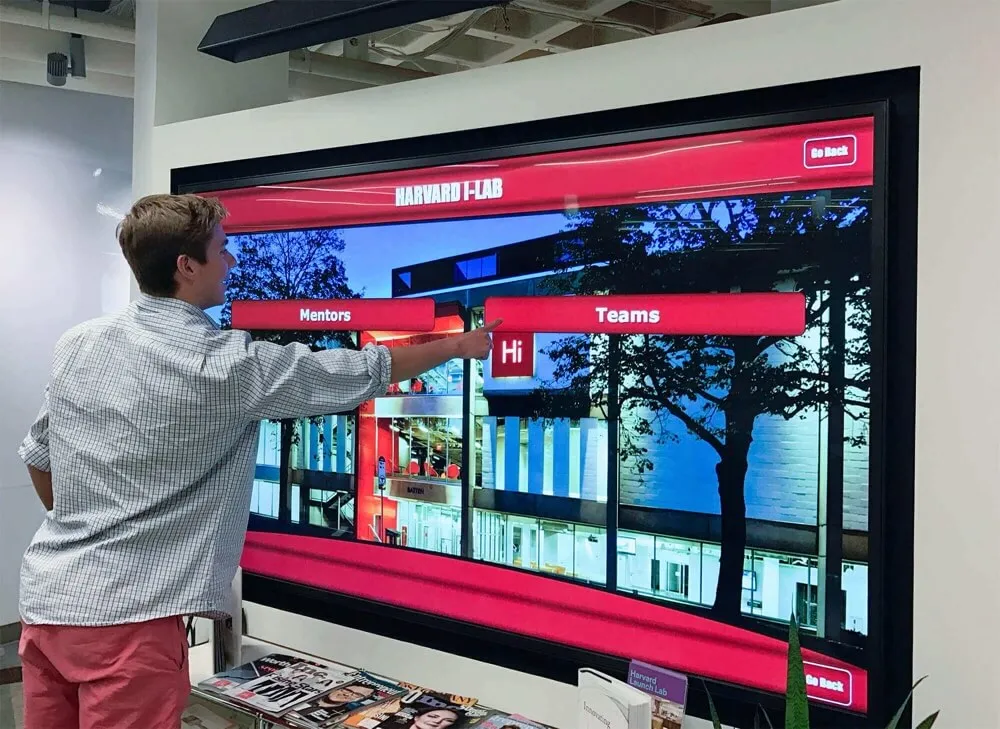
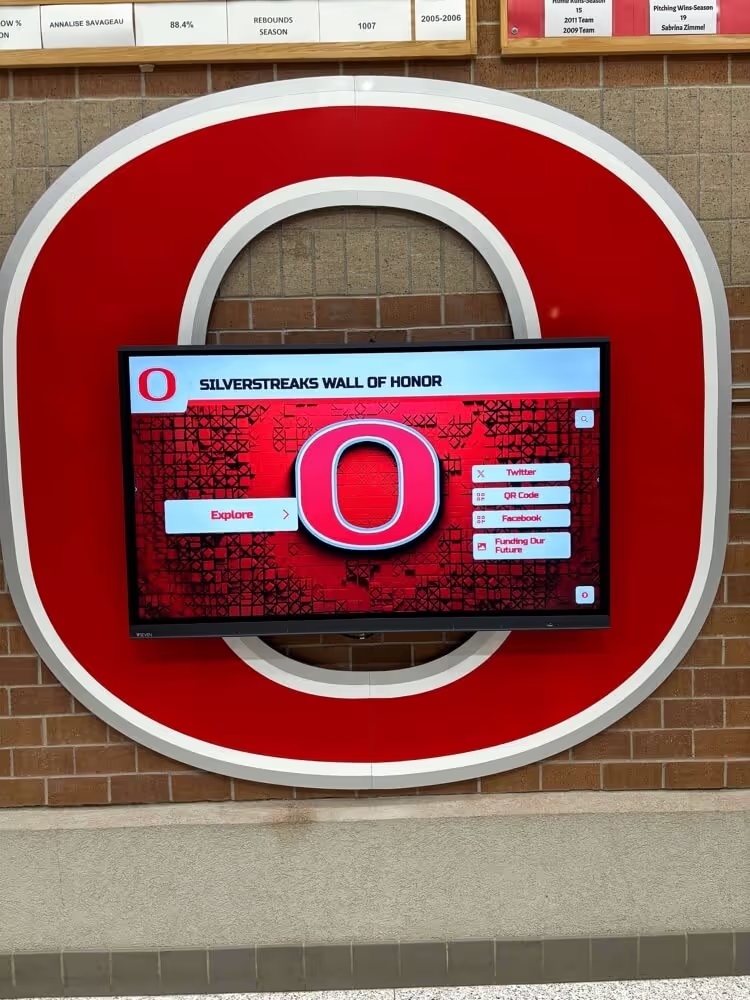
Digital athletic records displays in school hallways depend on batch import pipelines that complete reliably — a lock-timeout policy ensures that blocked updates fail fast and retry safely rather than hanging indefinitely and leaving the display stale
What Is a Database Lock Timeout? A Definition for Athletic Program Administrators
A database lock is a short-term hold placed on a row, a page of rows, or an entire table by a transaction that is actively reading or modifying that data. The lock prevents other transactions from changing the same data at the same time, protecting against the kind of concurrent-write conflicts that would otherwise produce corrupted records.
A lock timeout is a configuration parameter—measured in milliseconds or seconds—that sets the maximum time a transaction will wait to acquire a lock that another transaction currently holds. If the holding transaction does not release the lock within the timeout window, the waiting transaction receives a lock-timeout error and is rolled back automatically. No partial data is written; the blocked operation terminates cleanly and the error is available for logging.
The critical distinction for athletic program administrators is between three commonly confused concepts:
Statement timeout limits how long a single SQL statement can run before the database cancels it. This applies even when no lock contention is involved—a slow query against a large historical archive can be canceled by a statement timeout regardless of whether any other process is competing for the same rows.
Lock-wait timeout limits how long a statement waits for a lock that another transaction holds. The clock starts only when the statement blocks on an existing lock; execution time before the block is not counted. This is the parameter most directly relevant to batch award import operations.
Idle-in-transaction timeout limits how long a transaction can remain open without executing a statement. An editor who opens an award record, takes a phone call, and returns 45 minutes later is holding an open transaction. An idle-in-transaction timeout closes that connection automatically after the configured interval, releasing all locks the transaction held.
An athletic awards database lock-timeout policy addresses all three parameters—but the lock-wait timeout is the governing control for batch import reliability. When a season’s award records are staged for import and a concurrent editing session holds a conflicting lock, the lock-wait timeout determines whether the import waits five seconds, five minutes, or indefinitely.
How Lock Contention Surfaces in Athletic Award Batch Updates
Lock contention in athletic recognition databases appears in four recognizable patterns. Each produces a different operational consequence when no lock-wait timeout is defined.
End-of-season batch imports competing with concurrent editing sessions. Athletic recognition programs with multiple staff users—an athletic director, a recognition coordinator, a registrar, and a coach liaison—routinely have several users active in the awards system at the same time. A batch import that needs to update or create records for athletes who are currently open in another user’s editing session will block on the row locks held by that session. Without a lock-wait timeout, the import waits indefinitely. With a timeout defined, the import fails fast with a specific error identifying which rows were blocked.
Nightly automated synchronization competing with scheduled reports. Many recognition platforms synchronize award data with external systems—student information systems, conference reporting tools, or district-level archives—on overnight schedules. If a scheduled report generation job holds read locks on athlete records at the same time as the synchronization writes, and neither job has a timeout defined, both can block each other in a livelock state where each periodically checks for the lock, finds it held, and waits again.
Historical migration transactions competing with live data corrections. Multi-year athletic archive migrations often run for minutes or hours. A migration that processes decades of records in large transaction batches will hold locks on a growing set of rows throughout the transaction. Any staff member who needs to correct a record in that same dataset during the migration window will find their edit blocked. A defined idle-in-transaction timeout for staff editing sessions—shorter than the expected migration duration—reduces the likelihood that an open editing transaction conflicts with the migration.
Bulk retroactive corrections competing with display refresh operations. Recognition platforms that push award data to live display outputs—hallway touchscreens, digital trophy case walls, web portals—typically run periodic or triggered refresh processes that read award records. A bulk retroactive correction that updates hundreds of records will conflict with any refresh that holds read locks on those records. A short lock-wait timeout on the refresh process allows the refresh to fail fast and retry after the correction completes, rather than blocking the correction for the duration of the refresh.
For programs that maintain championship-level records across multiple sports—including contact sports like those described in the wrestling stance fundamentals guide at digital-trophy-case.com where historical records span many seasons—the volume of award records subject to batch update is large enough that unmanaged lock contention is a practical operational risk, not a theoretical one.
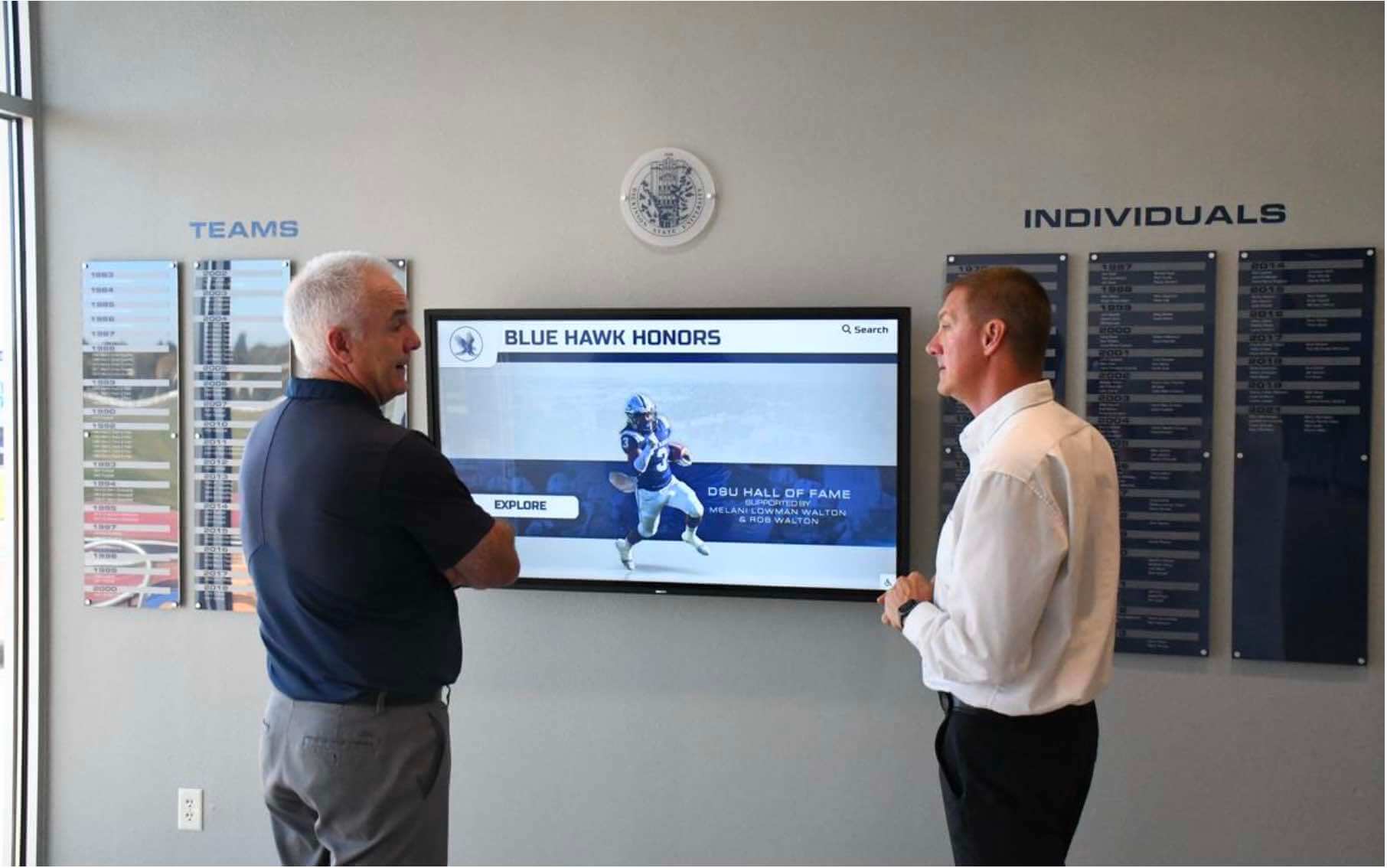
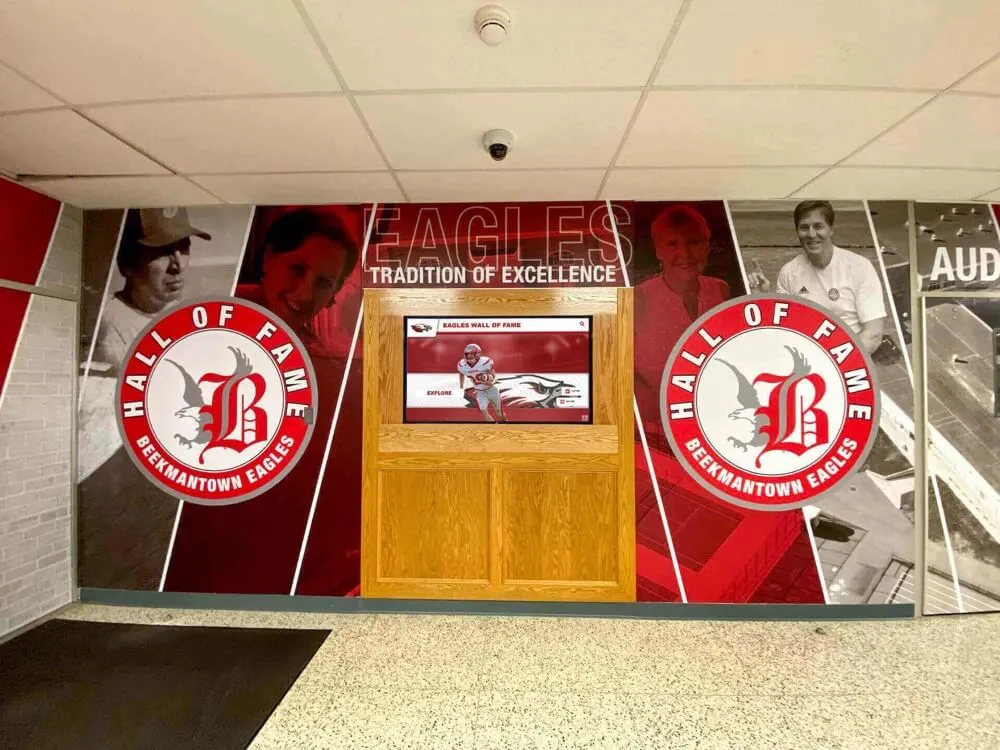
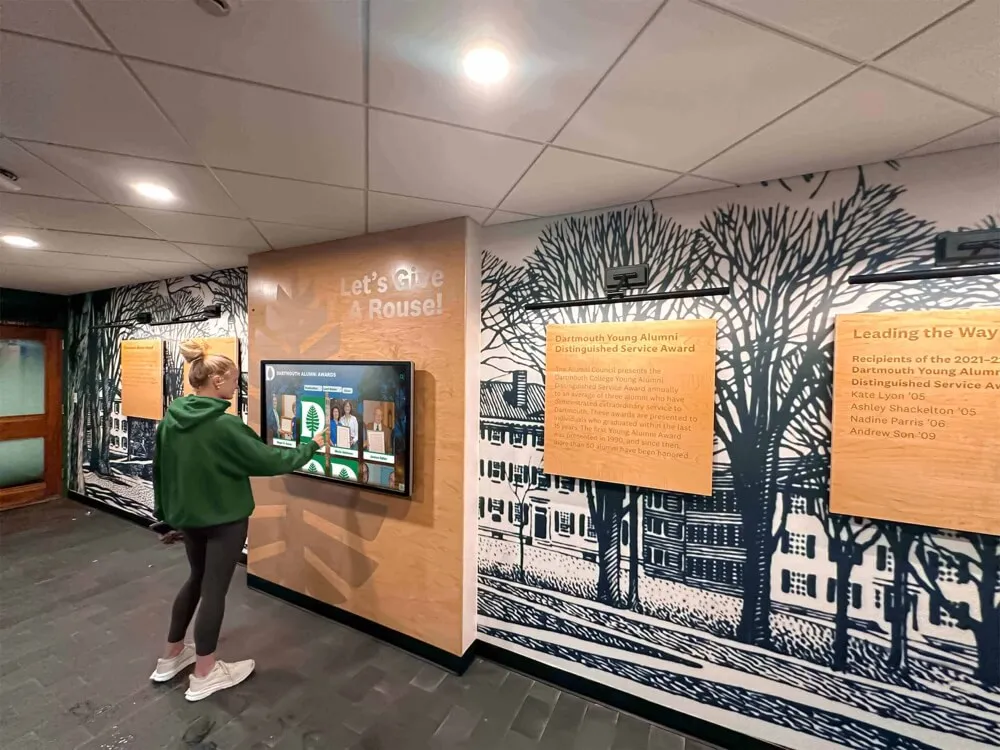
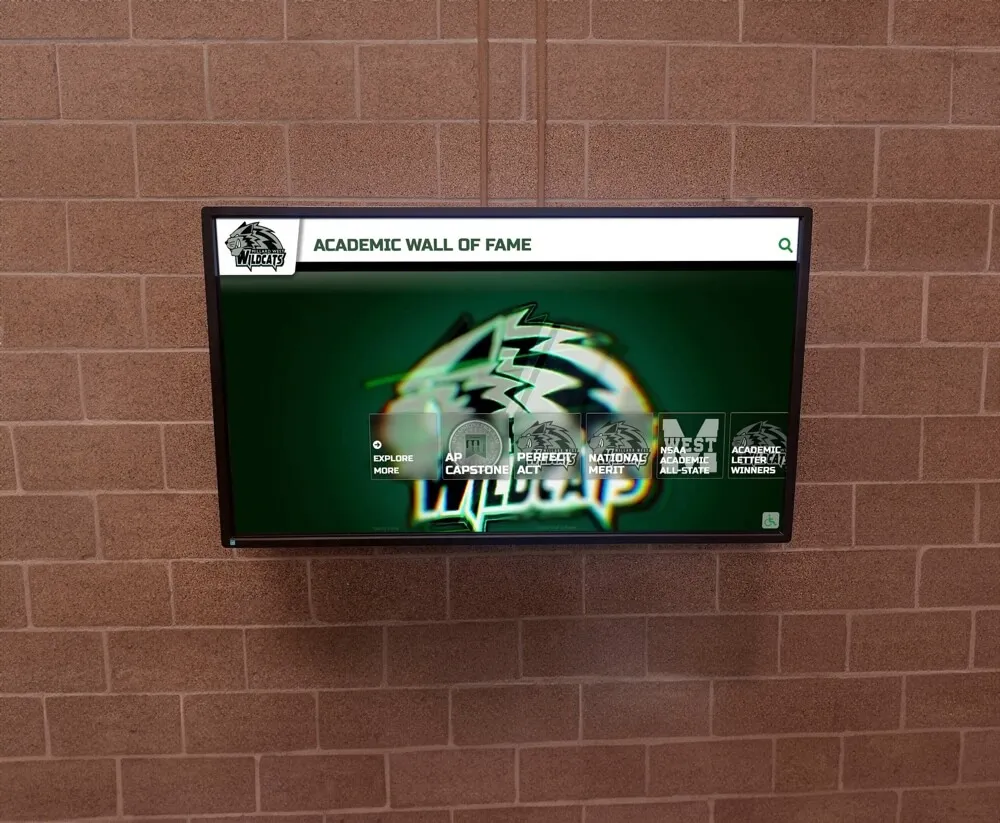
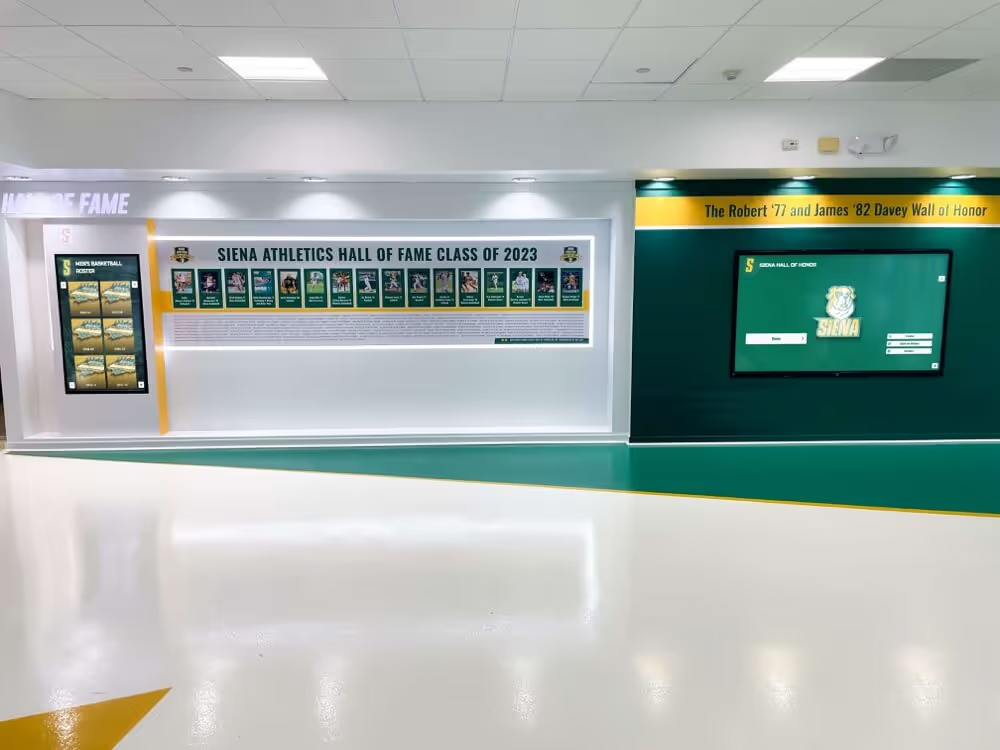
Staff who review recognition displays expect to see complete, current award data — a lock-timeout policy ensures that batch updates either complete or fail cleanly rather than leaving the display partially updated
Core Components of an Athletic Awards Database Lock-Timeout Policy
An effective lock-timeout policy for athletic recognition programs addresses five governance areas.
1. Timeout Threshold Definition by Operation Type
The policy must specify a lock-wait timeout value for each recognized import or update operation type. A single universal timeout is rarely appropriate: a single-record manual edit that blocks for more than a few seconds almost certainly indicates a runaway holding transaction and should time out quickly; a multi-year historical migration that blocks briefly on a contested row during a large batch should be given more time before aborting.
| Operation Type | Recommended Lock-Wait Timeout | Rationale |
|---|---|---|
| Single-record manual entry | 3–5 seconds | Manual edits should not block; a fast timeout surfaces holding transactions immediately |
| Season award batch import (< 500 rows) | 15–30 seconds | Seasonal imports are time-sensitive; a holding session is unlikely to resolve quickly |
| Bulk retroactive correction | 30–60 seconds | Corrections may run concurrently with display refreshes; modest wait is appropriate |
| Historical archive migration | 60–120 seconds | Large migrations may contend with concurrent automated processes briefly |
| Automated nightly sync | 15–30 seconds | Automated processes should not block indefinitely; retries are scheduled |
| Display refresh export | 5–10 seconds | Refresh reads should fail fast and retry rather than blocking incoming writes |
These thresholds are starting-point recommendations. Programs with high staff concurrency—multiple coordinators editing award records simultaneously during peak award season—should measure actual contention patterns before finalizing thresholds.
2. Idle-in-Transaction Timeout for Editing Sessions
Every staff editing session that opens an award record should operate under an idle-in-transaction timeout—separate from the lock-wait timeout—that closes open transactions after a defined period of inactivity. A recognition coordinator who opens an athlete record to verify a detail, receives a phone call, and returns 30 minutes later has been holding row locks on that record for the entire interval. Any batch import that needs those rows during those 30 minutes will block.
Recommended idle-in-transaction timeout for staff editing sessions: 10–15 minutes. This interval is long enough to accommodate a deliberate multi-step editing workflow and short enough to release locks before any scheduled overnight import begins.
The idle-in-transaction timeout should be configured at the database session level for staff-facing application accounts and documented in the policy so that staff understand that leaving an edit session idle without saving will eventually close the session and require them to re-open the record.
3. Retry Strategy with Structured Backoff
A lock-wait timeout that fires without a documented retry path transfers the problem from the database to the staff member who receives the timeout error. The policy must define what happens next.
Recommended retry strategy for athletic award batch imports:
Immediate retry (attempt 1): If a batch import receives a lock-wait timeout error, the import process waits a fixed short interval—five to ten seconds—and retries the failed transaction once. This handles the common case where the holding transaction was nearly complete and releases the lock within seconds of the timeout.
Delayed retry (attempt 2): If the immediate retry also times out, the import process waits a longer interval—30 to 60 seconds—and retries a second time. This handles the case where the holding transaction is a legitimate editing session that the coordinator is actively working through.
Escalation after two failures: If two retry attempts both time out, the import process logs the failure with full context—which rows were blocked, which tables were involved, the time of each attempt—and alerts the recognition coordinator and IT administrator. The import is queued for a manual retry during a lower-contention window (early morning, or after a specific staff session is closed).
No silent abandonment: The policy must explicitly prohibit import processes from discarding a failed batch without logging. A batch that times out and is silently dropped leaves the display with no indication that some award records are missing. The failure log is the only mechanism that allows staff to identify what was not imported and trigger a retry.
For programs that process annual youth award nominations—similar to the recognition programs described at digitalawardsdisplay.com—the end-of-season import cycle is often concentrated in a narrow time window when staff concurrency is highest. A documented retry strategy prevents a single lock contention event from blocking all award data from reaching the display for that cycle.
4. Audit Logging Requirements for Timed-Out Transactions
Each lock-wait timeout event must generate a structured log entry that includes:
- Timestamp: When the timeout occurred, with millisecond precision
- Operation type: Which import or update process was blocked
- Blocked statements: Which SQL statements were waiting and which tables and rows they needed
- Holding transaction identifier: If the database engine exposes this, the transaction or session ID of the process holding the lock (available in PostgreSQL via
pg_locksandpg_stat_activity) - Batch identifier: A unique identifier for the import batch that was interrupted, so that the retry can be matched to the original operation
- Records processed before block: How many rows were successfully written before the timeout occurred (for rolled-back transactions, this will be zero if the transaction was all-or-nothing; for autocommit imports, this identifies the split point)
The log must be written to a durable store—not only to application-level console output—so that it survives process restarts and is available for review when staff investigate why a display update was incomplete.
For programs that maintain end-of-year record archives—similar to the yearbook and senior record workflows described at digitalwalloffame.com—a complete audit log of blocked import events provides the evidentiary record needed to verify which records were successfully loaded before an interruption, avoiding duplicate imports when retrying.
5. Alert and Escalation Path
The policy must define who is notified when a lock-wait timeout occurs and what action is expected from each notified party.
| Event | Notified Party | Expected Action | Time Limit |
|---|---|---|---|
| First timeout on seasonal import | Recognition coordinator | Verify no active editing sessions; trigger retry | 30 minutes |
| Second timeout on retry | IT administrator | Identify holding transaction; close if idle | 15 minutes |
| Two consecutive failures on migration | Athletic director + IT | Authorize maintenance window for retry | Same business day |
| Idle-in-transaction session detected | IT administrator (automated) | Log session; close if exceeds idle timeout | Automated |

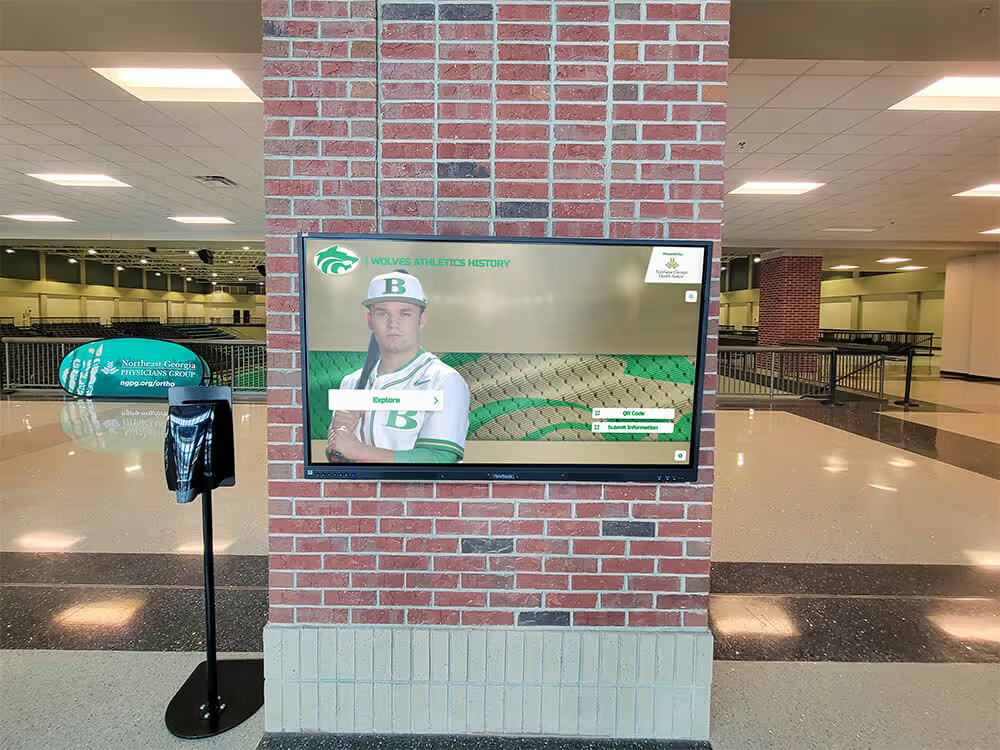
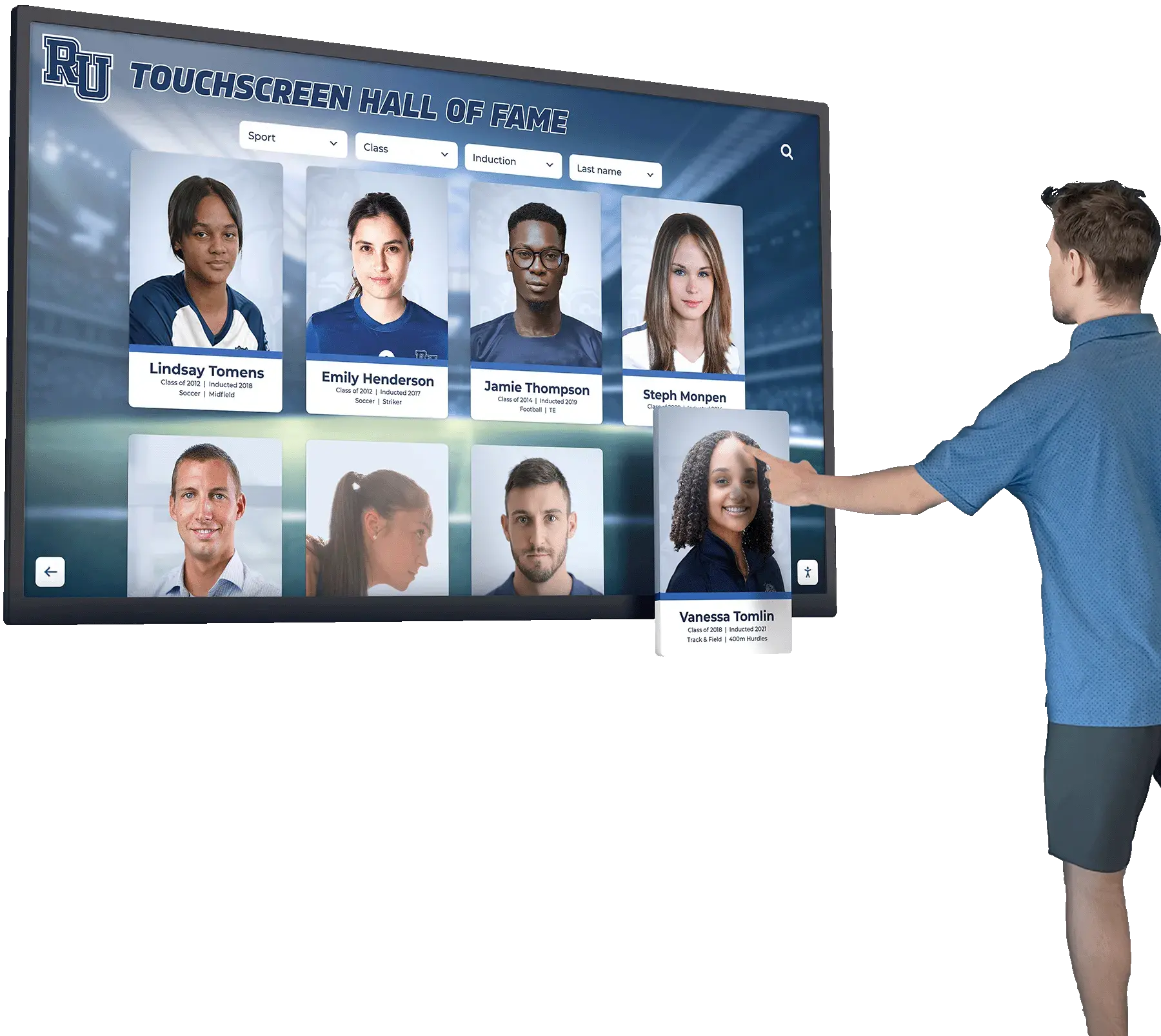
Every athlete portrait card on a recognition display represents a record that arrived through an import pipeline — a lock-timeout policy with a defined retry path ensures that blocked imports are recovered, not silently abandoned
Six-Step Implementation Checklist
For programs building lock-timeout governance into an existing recognition database, the following checklist provides a structured path from audit to production deployment.
Step 1: Inventory All Import and Update Processes
Document every batch operation that writes to the athletic awards database: seasonal imports, historical migrations, automated synchronizations, bulk retroactive corrections, and display refresh exports. For each process, record the typical row count, the expected runtime, the database tables it reads and writes, and whether it runs interactively (initiated by a staff member) or on a schedule. This inventory is the foundation for assigning timeout thresholds in Step 3.
Step 2: Measure Current Lock Contention Frequency
Before setting timeout values, establish a baseline by enabling lock-wait logging at the database level and observing actual contention patterns during a full operational week. In PostgreSQL, set log_lock_waits = on and deadlock_timeout = 1s (the threshold at which wait events are logged) and review pg_log output after a week of normal operations. The resulting data identifies which import operations are actually experiencing contention and at what time-of-day peaks, allowing timeout thresholds to be grounded in observed behavior rather than assumed worst-case scenarios.
Step 3: Configure Lock-Wait Timeouts by Operation Type
Apply the timeout thresholds from Section 1 to each import process identified in Step 1, adjusted based on the contention data from Step 2. In PostgreSQL, set lock_timeout at the session level using SET lock_timeout = '30s' within the import process connection, or at the role level using ALTER ROLE import_user SET lock_timeout = '30s'. Avoid setting a single global lock_timeout that applies to all database connections—different operation types have legitimately different timeout requirements, and a global setting constrains all operations to the most restrictive threshold.
For programs running recognition databases on platforms that abstract direct database configuration—managed recognition software where IT administrators configure options through an application interface rather than directly in the database—this step involves requesting confirmation from the platform vendor that lock-wait timeouts are configurable and documenting the mechanism the platform uses.
Step 4: Configure Idle-in-Transaction Timeouts for Staff Sessions
In PostgreSQL, set idle_in_transaction_session_timeout at the role level for staff editing accounts: ALTER ROLE recognition_staff SET idle_in_transaction_session_timeout = '10min'. This ensures that an editor who leaves an award record open without saving will have their session closed after 10 minutes, releasing any row locks held by the incomplete transaction. Test this configuration by opening a record in the recognition application, waiting past the configured interval, and confirming that the application receives a connection-closed notification rather than allowing the session to hold locks indefinitely.
Step 5: Implement Structured Logging and Alert Integration
Update each import process to catch lock-wait timeout exceptions explicitly—rather than treating them as generic database errors—and write a structured log entry containing the fields specified in the Audit Logging section. Integrate alert delivery for escalation-trigger events (second consecutive timeout failure) using whatever alerting mechanism the school already has in place: email notification, a ticketing system entry, or a message to a shared staff channel. Confirm that logs persist across process restarts by verifying that a simulated timeout event produces a recoverable log entry.
Step 6: Document and Distribute the Retry Runbook
Write a one-page runbook—aimed at the recognition coordinator, not the IT administrator—that describes exactly what to do when a lock-wait timeout notification is received: how to check for open editing sessions, how to trigger the retry, where to find the batch identifier in the failure log, and when to escalate to IT. Attach the runbook to the award import documentation and review it with the recognition coordinator annually, or whenever the import tooling changes. A retry path that only IT administrators understand provides incomplete protection: when a timeout occurs on the afternoon before the awards banquet, the recognition coordinator needs to be able to act without waiting for IT.
For programs managing end-of-season data across multiple sports simultaneously—like swim programs that run annual team-record updates described in the context of YMCA swim program records at best-touchscreen.com—distributing the retry runbook to sport-specific record keepers, not only the central IT contact, ensures that contention events during peak import periods are handled at the closest available level.
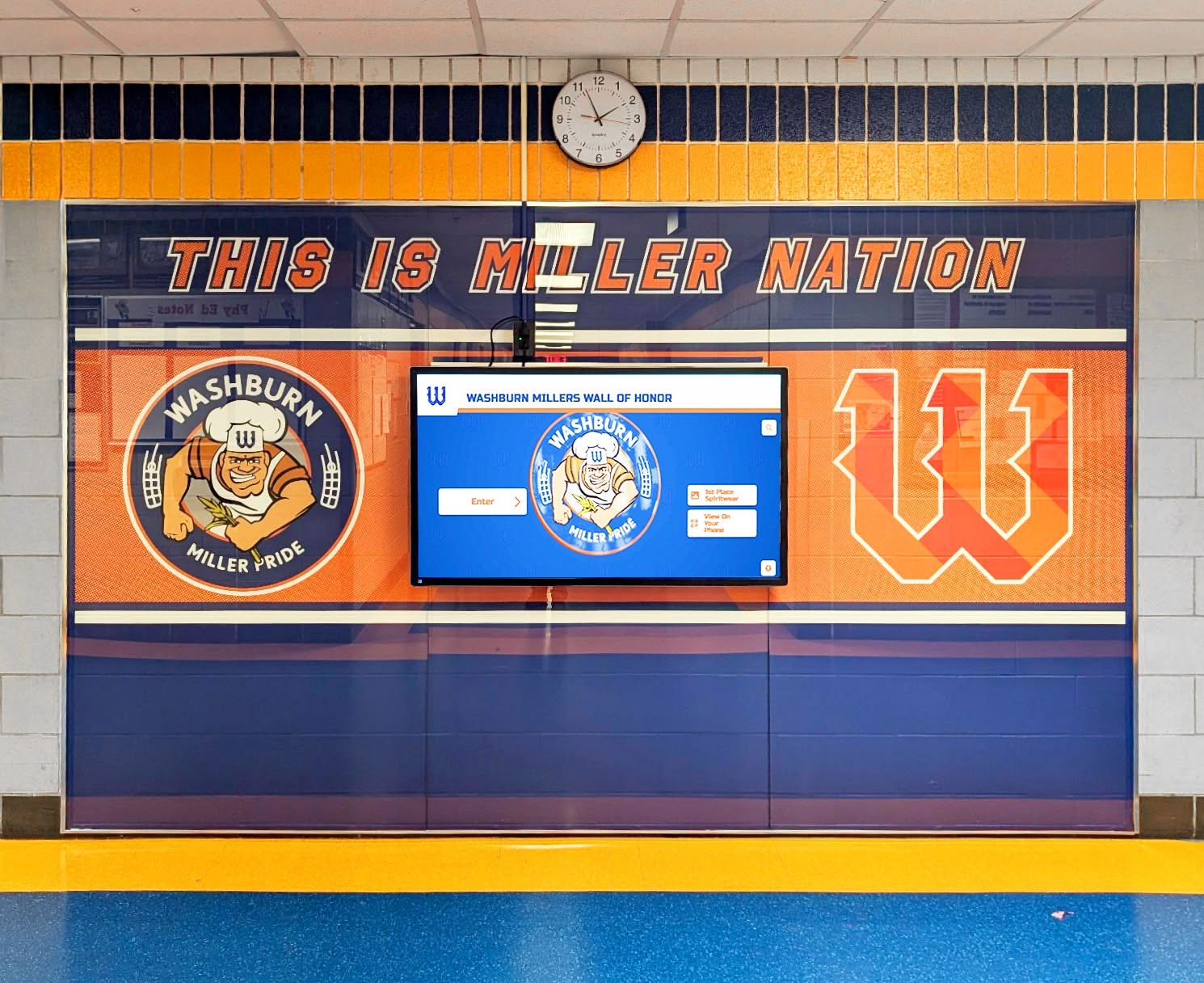
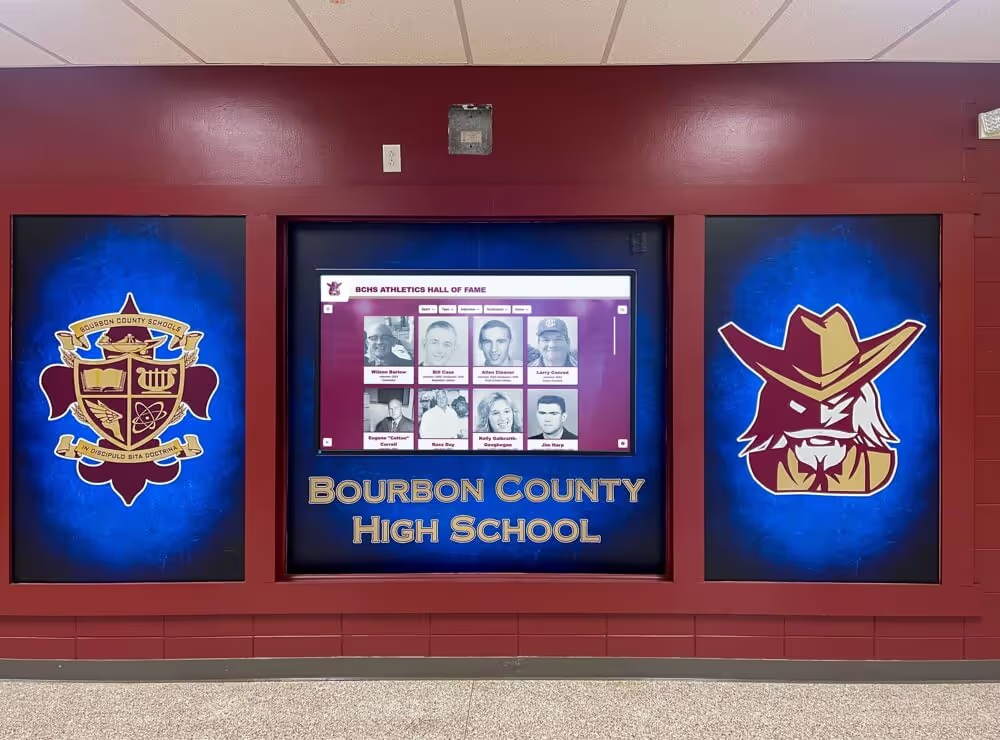
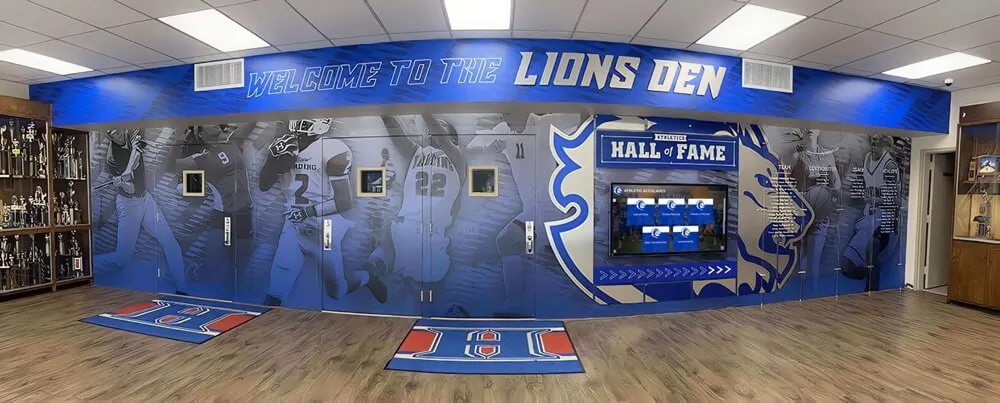
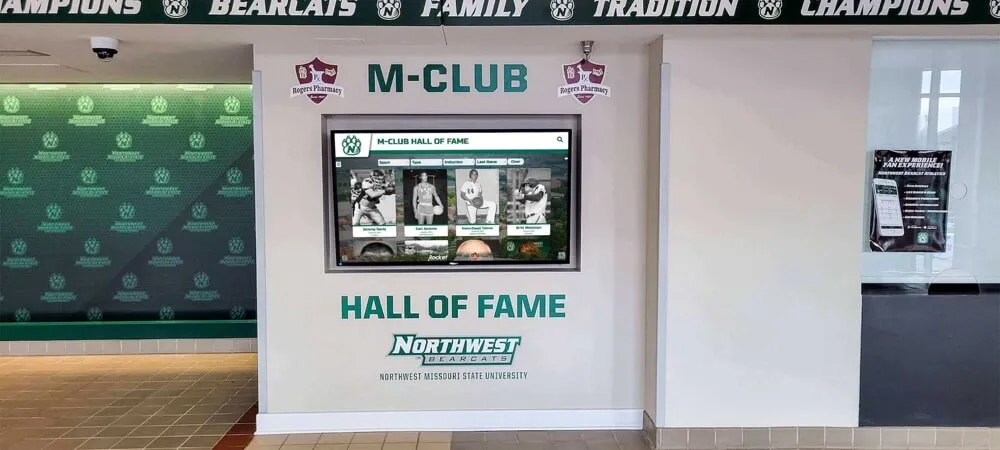
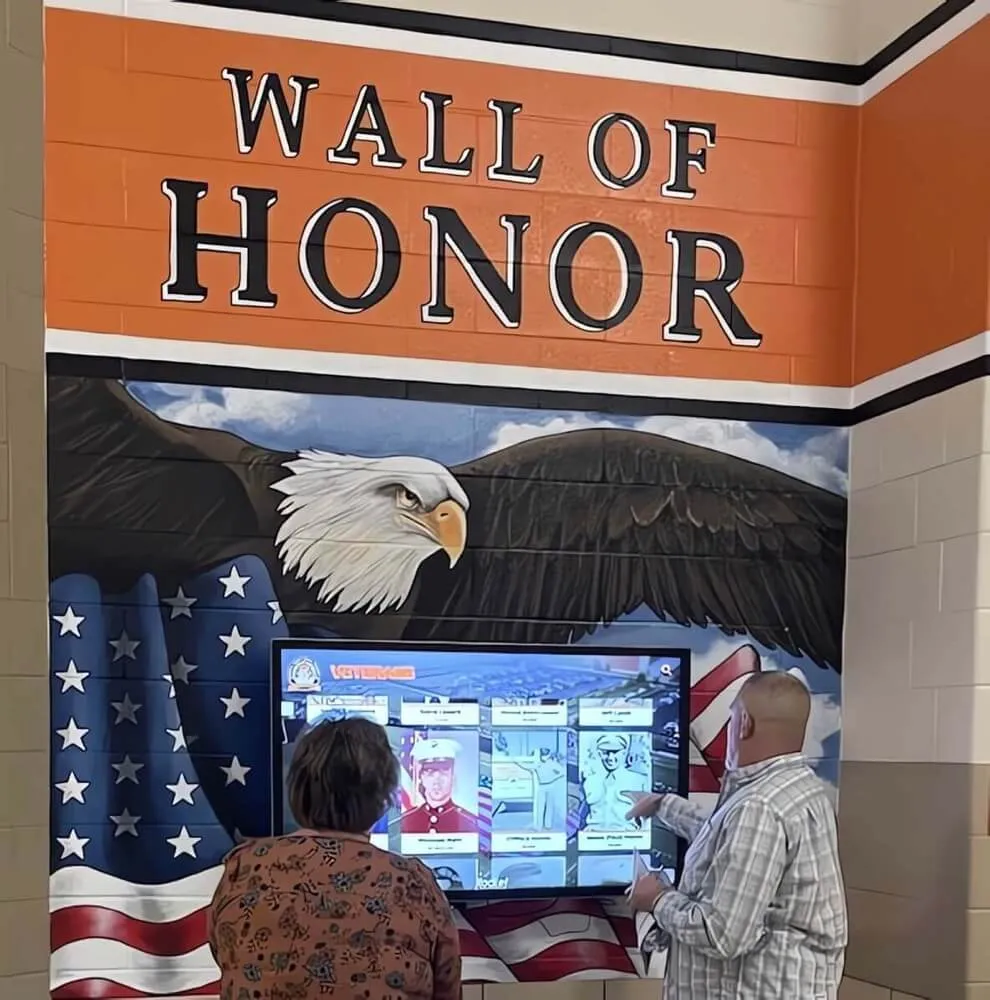
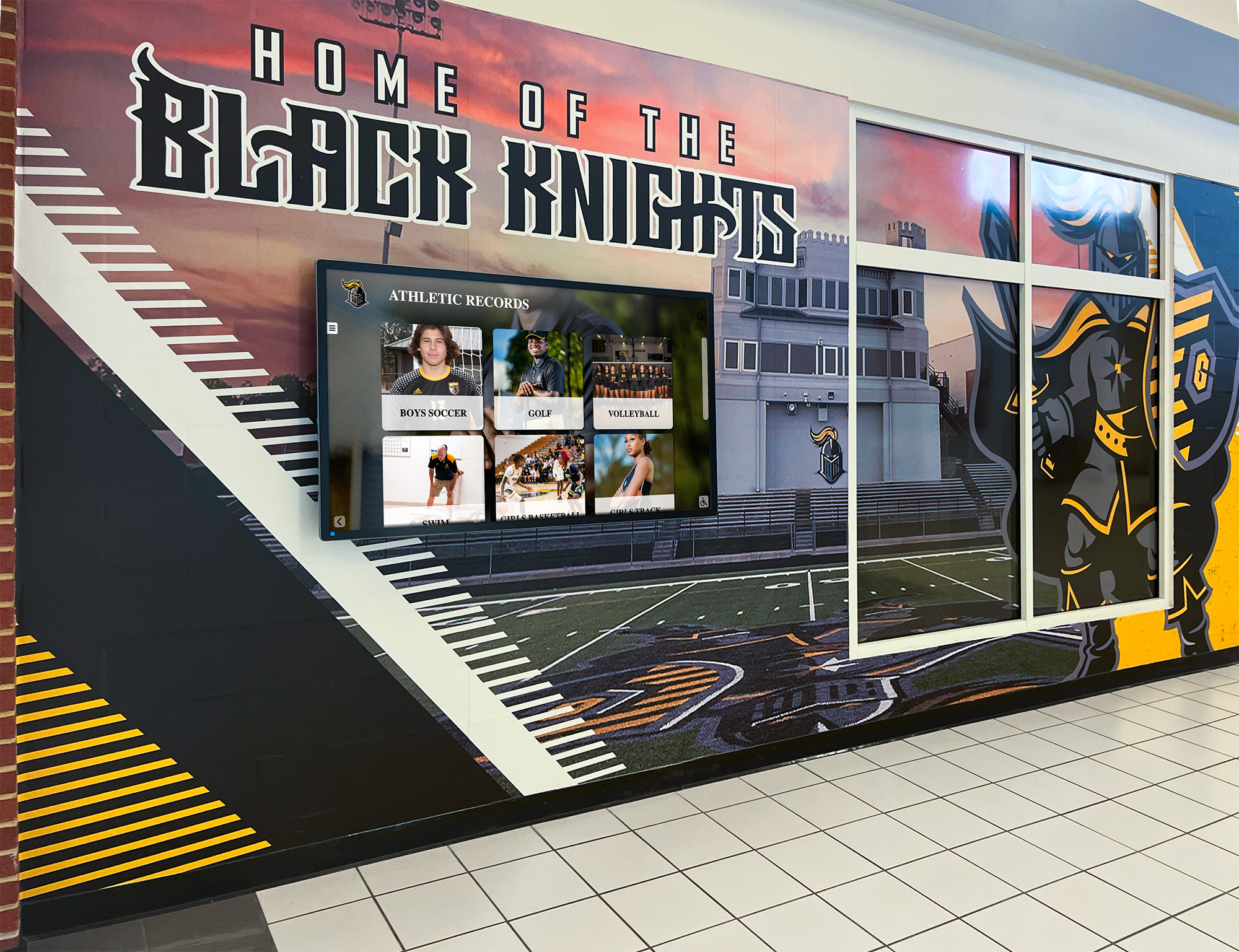
Recognition displays like this wall of honor surface the cumulative result of years of award import operations — each import that failed and was retried correctly contributes a complete season's records to the display, while silently abandoned imports leave gaps
When Longer Lock-Wait Timeouts Are Justified and When They Are Not
Extending a lock-wait timeout beyond the defaults recommended in this policy requires written justification and approval from the IT administrator and athletic director. Two scenarios genuinely warrant longer timeouts; several commonly cited reasons do not.
Justified: Multi-decade archive migrations running in a maintenance window. A migration that loads records from 30 years of athletic history may process hundreds of thousands of rows in a single multi-hour transaction. If the migration is scheduled during an overnight maintenance window when no other staff are active in the system, a longer lock-wait timeout—up to five minutes—reduces the likelihood that an automated background process (a scheduled backup, an index rebuild) briefly holds a conflicting lock and forces the migration to abort. The extended timeout is justified because the contention risk is low (no concurrent staff sessions) and the cost of abortion is high (a multi-hour migration must restart from the beginning).
Justified: Governing body award imports on irregular schedules. An athletic department that receives official conference award designations via file import from a governing body may not control when the import is triggered. If the governing body’s file arrives mid-day when staff editing sessions are active, a slightly longer lock-wait timeout—45 to 60 seconds—provides more time for a briefly open editing session to complete before the import is forced to abort.
Not justified: Compensating for missing idle-in-transaction timeouts. Some administrators extend the lock-wait timeout on import processes to absorb the delay caused by staff editing sessions that have been open for extended periods. This is an incorrect approach. The correct fix is configuring idle-in-transaction timeouts on editing sessions so that they release locks automatically. Extending import timeouts to accommodate indefinitely open editing sessions creates a dependency between the import schedule and unpredictable staff behavior.
Not justified: Avoiding the need to implement retry logic. A long lock-wait timeout does not eliminate the need for a documented retry path; it delays the moment at which a retry is needed. If the holding transaction does not release within even a generous timeout window, the import still fails. The retry path is required regardless of timeout length.
For programs that recognize a broad range of athletic achievements—from individual sport records to team championship history to year-end senior recognition like the categories described at best-touchscreen.com—the diversity of import sources and schedules makes a well-governed timeout policy more valuable than a uniform long-wait setting, because different record types have genuinely different contention profiles.
Display Integration: How Lock-Timeout Governance Protects Recognition Output Quality
The connection between lock-timeout governance and recognition display quality is direct. Three principles describe the relationship.
Principle 1: A timed-out import that rolls back leaves the display unchanged. This is correct behavior. A display showing last season’s complete award data is preferable to a display showing this season’s data partially—some sports updated, others not—because an import timed out after loading three of five sports before blocking. All-or-nothing import transactions, combined with fast timeout and retry, produce predictable display states.
Principle 2: A fast timeout with a documented retry produces a better operational outcome than a long timeout without one. A 30-second lock-wait timeout on an afternoon import that fires at 3:15 p.m. gives the recognition coordinator four hours to retry before a 7:00 p.m. event. A three-minute timeout that fires at 3:27 p.m. returns the same error with less time to respond. Fast timeouts with documented retry paths produce faster recovery than extended waiting periods.
Principle 3: Audit logs from timed-out transactions are the evidence layer for display accuracy. When a staff member reports that a specific athlete’s award is not appearing on the touchscreen display, the structured lock-timeout log is the first place to look for an explanation. A log entry showing that the seasonal import for the relevant sport timed out three days ago—and was never retried—provides an actionable explanation. Without structured logs, the investigation requires reconstructing what happened from memory and secondary evidence.
For programs that display award histories spanning multiple academic years—including end-of-year yearbook-style records like those discussed at digitalawardsdisplay.com—the cumulative quality of the display depends on every import cycle completing fully. A lock-timeout policy with audit logging provides the mechanism to confirm, over years of operation, that no import cycle was silently lost.
For programs displaying a broad recognition taxonomy—academic achievements, athletic records, arts honors, and community service recognition alongside athletic categories like those discussed at digital-trophy-case.com—batch import operations span multiple record types and tables simultaneously. A lock-timeout policy that covers all import operation types, not only the athletic awards import, ensures that no category of recognition data is left stale by unresolved lock contention.

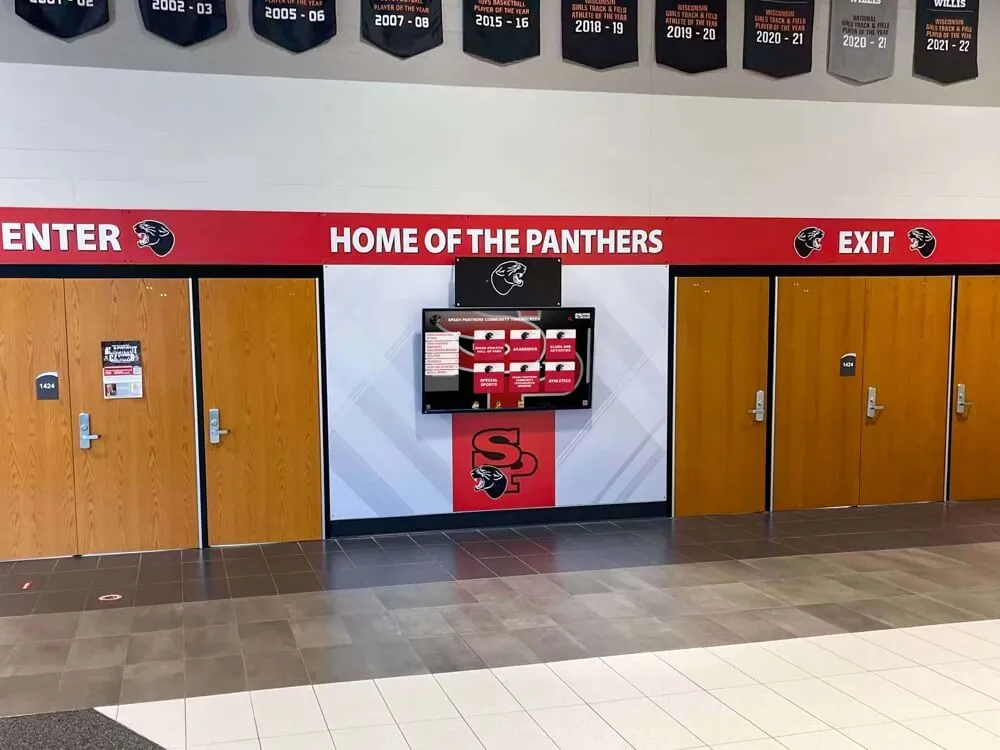
Recognition walls that serve students, families, and staff depend on import pipelines governed by clear timeout and retry policies — incomplete imports that are silently abandoned leave the wall missing exactly the records that matter most to the people looking for them
FAQ: Athletic Awards Database Lock-Timeout Policy
What is a lock-wait timeout in the context of an athletic awards database?
A lock-wait timeout is a database configuration parameter that sets the maximum time an import or update operation will wait for a row lock held by another active transaction. When the timeout expires, the waiting operation receives an error and is rolled back automatically. In athletic recognition databases, lock-wait timeouts prevent batch award imports from hanging indefinitely when another staff member has the same record open in an editing session—a common occurrence during end-of-season award processing.
How does a lock-timeout policy differ from a transaction timeout policy?
A lock-wait timeout governs only the waiting period when a transaction is blocked on a lock held by another process. A statement timeout governs how long any individual SQL statement may execute before the database cancels it, regardless of whether lock contention is involved. An idle-in-transaction timeout governs how long an open transaction may remain inactive without executing a statement. A complete athletic awards database lock-timeout policy addresses all three parameters, because each contributes to a different failure mode in recognition import workflows.
What happens to award records that were partially written when a lock-wait timeout fires?
For batch imports running within an explicit database transaction, a lock-wait timeout triggers an automatic rollback—no partial data is persisted. The database returns to the state it was in before the import began. For imports running in autocommit mode (where each row is committed independently as it is written), rows written before the blocking row are committed and rows after it are not. For this reason, athletic award batch imports should run within explicit transactions rather than autocommit mode, so that a timeout always produces a clean rollback rather than a partially updated dataset.
How should a recognition coordinator respond when they receive a lock-wait timeout alert?
The first step is to check whether any staff editing sessions are currently active in the recognition system. A lock-wait timeout on a batch import is most commonly caused by an open editing session on one of the records the import needs. Asking active users to save and close their sessions, then waiting 30 seconds for idle-in-transaction timeouts to release any remaining locks, resolves the majority of contention events. The coordinator then triggers the documented retry using the batch identifier from the failure log. If two retries fail, the issue is escalated to IT for investigation of the specific holding transaction.
Does Rocket Alumni Solutions’ platform require manual lock-timeout configuration?
Rocket Alumni Solutions manages the underlying data infrastructure for its recognition platform, including the import transaction model that governs how award records are loaded to connected displays. The platform’s CMS architecture validates and commits award record updates as complete transactions, propagates changes automatically to every screen in the installation, and maintains a full edit history for every record modification. Schools using the platform do not need to configure database lock-timeout parameters directly; the platform’s import tooling is built to handle batch award updates reliably across concurrent user sessions.
Building Batch Import Reliability Into Your Athletic Awards Program
An athletic awards database lock-timeout policy is, at its core, a commitment to predictable failure behavior: when a batch import cannot acquire the lock it needs, it fails in a defined way, within a defined time, with a defined audit record, and with a defined path to recovery. The alternative—no timeout, indefinite waiting, and no log—turns every lock contention event into an unstructured incident that requires direct database investigation to resolve.
Programs that define this policy before peak import seasons—rather than discovering the need for it when an end-of-season import hangs at 3:00 p.m. on the day of the awards banquet—spend significantly less time in emergency IT escalations and significantly more time on the recognition work the policy supports.
For programs evaluating how a managed recognition platform handles batch award imports, the youth athlete recognition guide at digitalawardsdisplay.com and the senior recognition resource at digitalwalloffame.com illustrate the breadth of recognition categories that schools need to keep current—each representing a category of records that depends on import operations completing reliably.
Rocket Alumni Solutions’ recognition platform is trusted by 600+ institutions and supports unlimited award categories, unlimited inductees, and bulk import tools designed for the end-of-season update cycles that athletic programs run annually. The platform is fully WCAG 2.1 AA compliant, operates on any touchscreen from 32 to 100 inches, and includes a cloud-based CMS accessible from any device for staff who need to manage award data without on-site IT support.
Request a custom demo of Rocket Alumni Solutions to see how the platform supports recognition programs that need batch award imports to complete reliably—whether that means a single season’s records or decades of archived athletic history loaded without stalling a display the night before it matters most.