



Intent: define. An athletic awards database materialized view refresh policy is a data-governance document that specifies how often precomputed query results—called materialized views—covering athlete profiles, season leaderboards, team histories, and award-category indexes should be refreshed, which refresh mode applies to each view, who is responsible for triggering and monitoring refreshes, and what validation queries confirm that a refresh completed successfully before recognition searches surface results to public-facing kiosks, hallway displays, or web portals.
This guide defines materialized views in plain language, explains why recognition databases rely on them for fast search performance, provides a refresh-mode decision table comparing complete and incremental refresh strategies, specifies freshness targets for each view type, and closes with validation queries any IT team or recognition-program administrator can run to confirm a refresh is current. It is written for school administrators, athletic directors, IT and AV staff, and recognition-program owners who need a concrete, documented policy to govern how their award data stays accurate and searchable without requiring manual query tuning every season.
Athletic recognition searches look instant. A visitor taps a kiosk, types a sport name, and a ranked leaderboard appears in milliseconds. That speed is not because the database is scanning thousands of raw records in real time—it is because a materialized view precomputed the results of that query earlier and stored them as a ready-to-read table. When the materialized view is current, searches are fast. When the view is stale—because a season closed, new records were entered, or an award was corrected—the results it returns may be wrong.
An athletic awards database materialized view refresh policy is the governance document that prevents stale views from reaching public displays. It defines when each view must be refreshed, how the refresh is performed, and how the result is confirmed before the view’s data becomes the basis for a recognition search result.

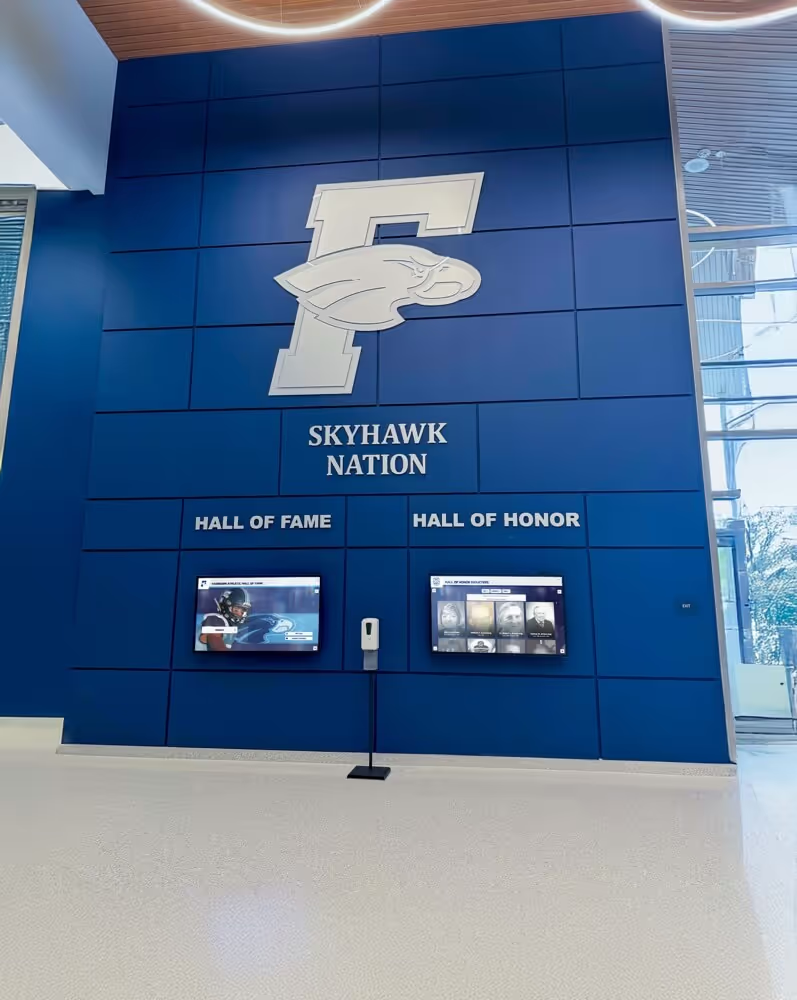
Fast recognition searches on touchscreen displays depend on materialized views that are refreshed on a documented schedule—stale views return incorrect results without generating a visible error
What Is a Materialized View in an Athletic Awards Database?
A materialized view is a database object that stores the result of a query physically on disk, as if it were a regular table. Unlike a standard (virtual) view, which re-executes its underlying query every time it is accessed, a materialized view runs the query once and saves the output. Subsequent reads draw from the saved result, bypassing the cost of re-running the original query.
For athletic award databases, the underlying queries that power recognition searches are often expensive: joins across athlete records, season tables, award-category tables, and sport-affiliation tables; aggregations for leaderboards and record boards; filters for active-only or display-eligible records. Running those queries live for every search request creates latency that is noticeable on kiosk and display interfaces—especially when the recognition system is accessed by multiple visitors simultaneously during an athletic event or alumni visit.
A materialized view solves the latency problem by separating query execution time from query read time. The expensive join and aggregation runs once during the refresh window, and every subsequent search reads from the precomputed result at the speed of a simple indexed table scan.
The governance challenge is that a materialized view does not update itself automatically when the underlying data changes. When a new award record is added, a leaderboard position shifts, or an athlete’s eligibility status changes, the materialized view still reflects the prior state. The refresh policy is the document that defines when, how, and by whom the view is brought back into sync.
The Four Core Materialized Views for Athletic Recognition Searches
Most school athletic recognition databases support fast search through four categories of materialized view. Each serves a different search pattern and carries a different acceptable staleness window based on how frequently the underlying data changes.
1. Athlete Profile View
The athlete profile view precomputes a searchable summary record for each inductee or recognized athlete: name, sport, graduation year, award categories, key achievements, and display eligibility status. This is the view a search-by-name query reads first.
Because athlete profile data—particularly for historic inductees—changes infrequently, this view tolerates a longer staleness window than season-specific views. The primary trigger for a required refresh is an induction cycle update, a data correction, or a preferred-name change applied to an existing record.
2. Season Leaderboard View
The season leaderboard view precomputes ranked results for each award category and sport within a given season: most yards, highest batting average, lowest time, most points. This is the view a search-by-category or search-by-season query reads to return a sorted list.
Leaderboard views are the most time-sensitive of the four types. During an active season, the underlying performance data may change daily. A leaderboard that was accurate at the start of the week may be several positions stale by Friday. The refresh policy must specify whether a season leaderboard view is refreshed on a fixed schedule, triggered by a new record entry, or paused until the season closes and a final refresh is run.
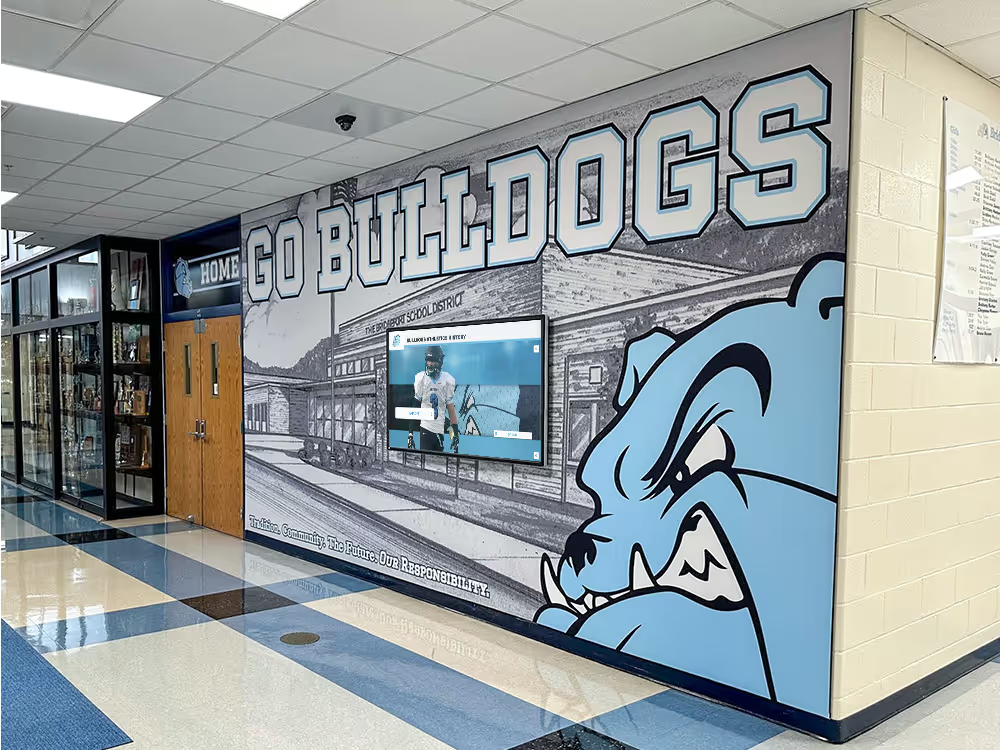
Schools that publish leaderboard-style recognition through digital displays and alumni portals—including digital composites walls and school recognition guides—are most exposed to leaderboard staleness because public visitors can compare the displayed ranking against known current results.
3. Team History View
The team history view precomputes championship records, season win-loss histories, and tournament appearances grouped by team and season. This is the view a search-by-team or search-by-sport query reads to return a historical record.
Team history data for completed seasons is stable and requires only occasional refresh triggers: a championship result correction, a records audit, or a season-close finalization. Active-season team history views require more frequent refresh if the display shows current-season records alongside historical data.
4. Award Category Index View
The award category index view precomputes the full list of distinct award types in the database, paired with counts of records per category and the most recent award date. This is the view a browse-by-category search reads to populate the initial navigation menu on a kiosk or display.
Category index views change only when a new award category is added, an existing category is retired, or the display-eligibility status of a category changes. For most programs, a weekly or monthly refresh schedule is sufficient.
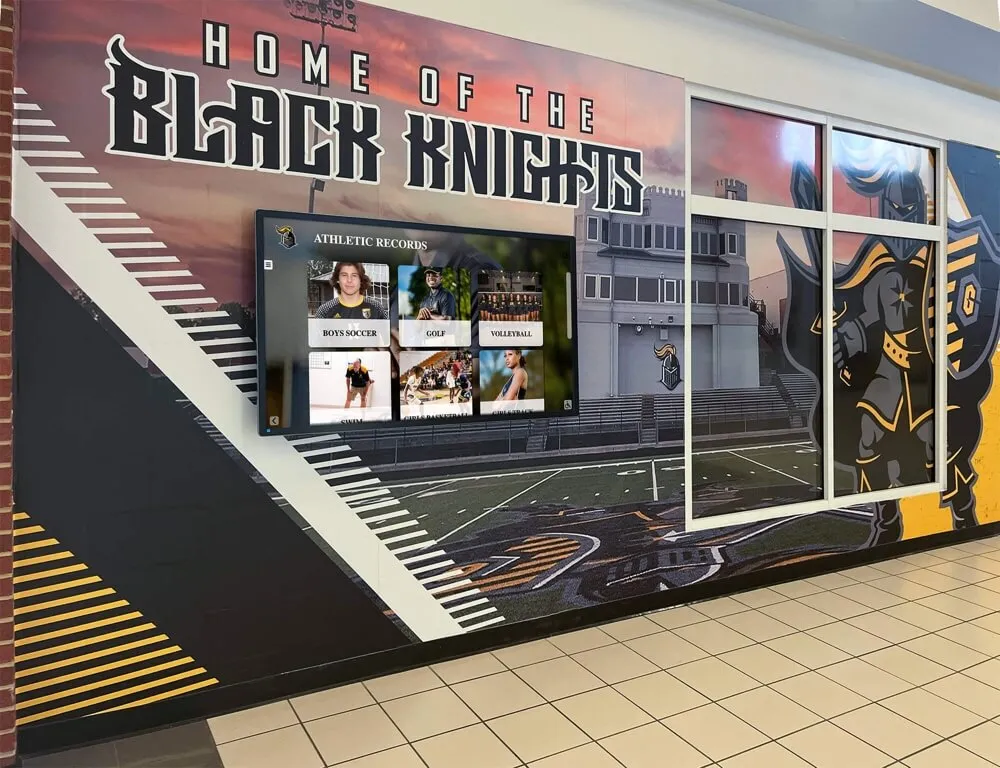
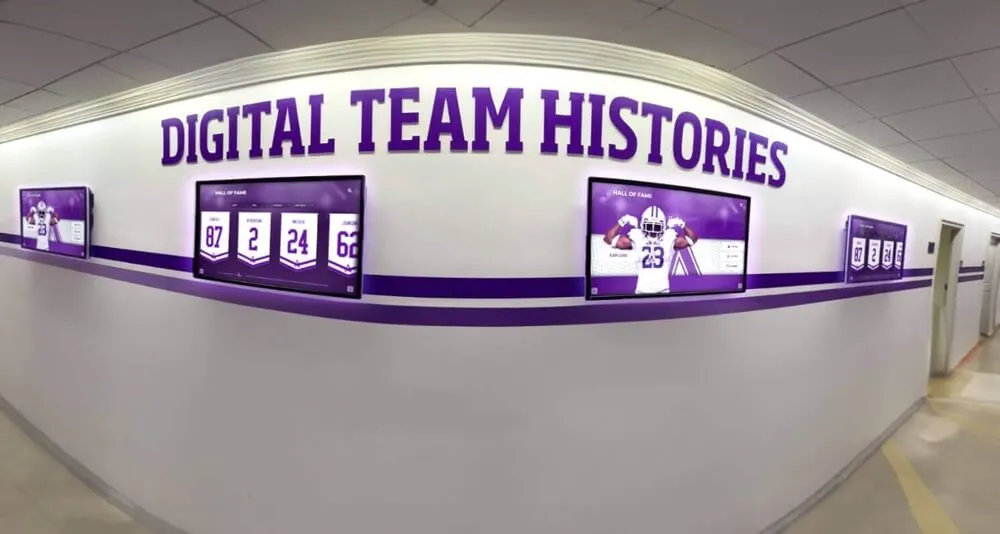
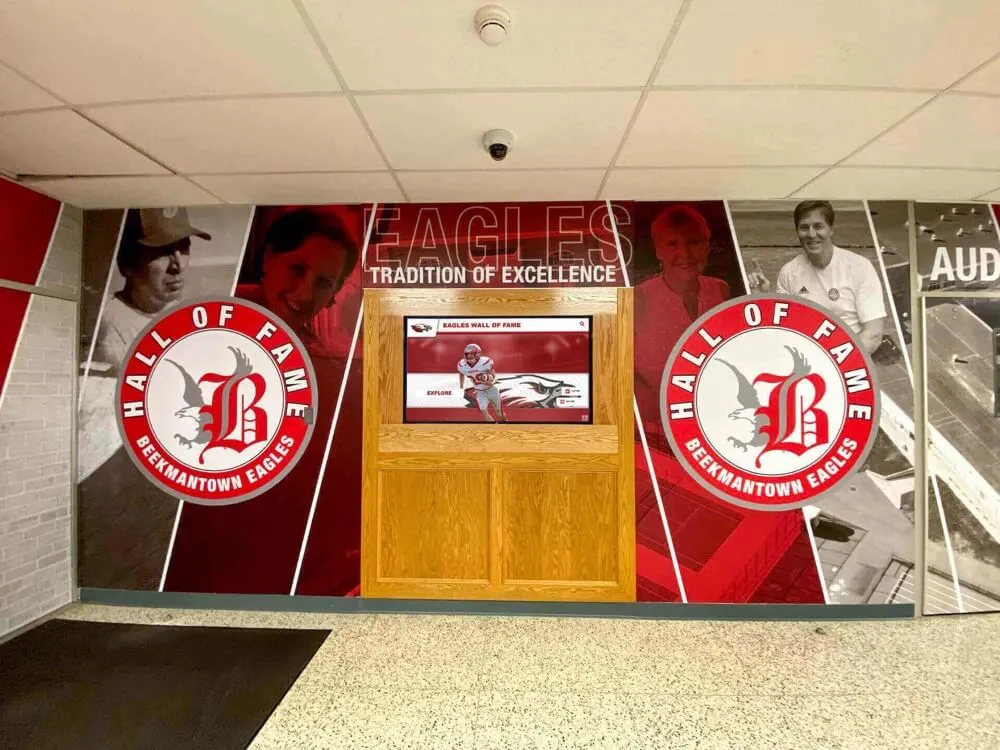
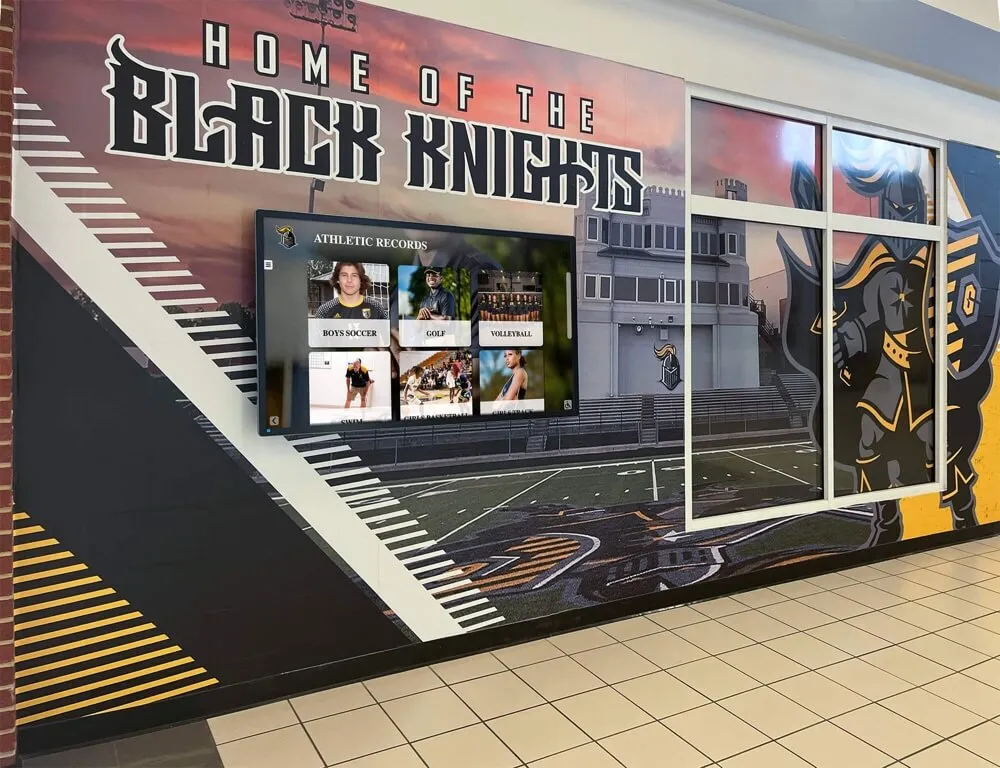
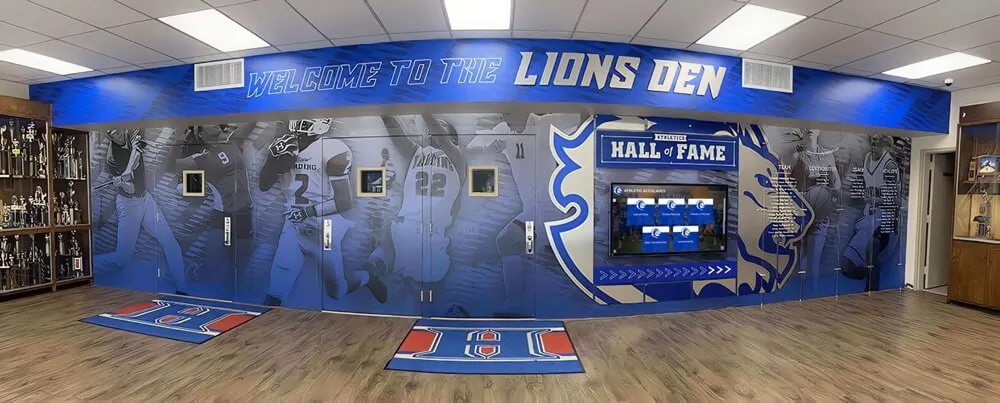
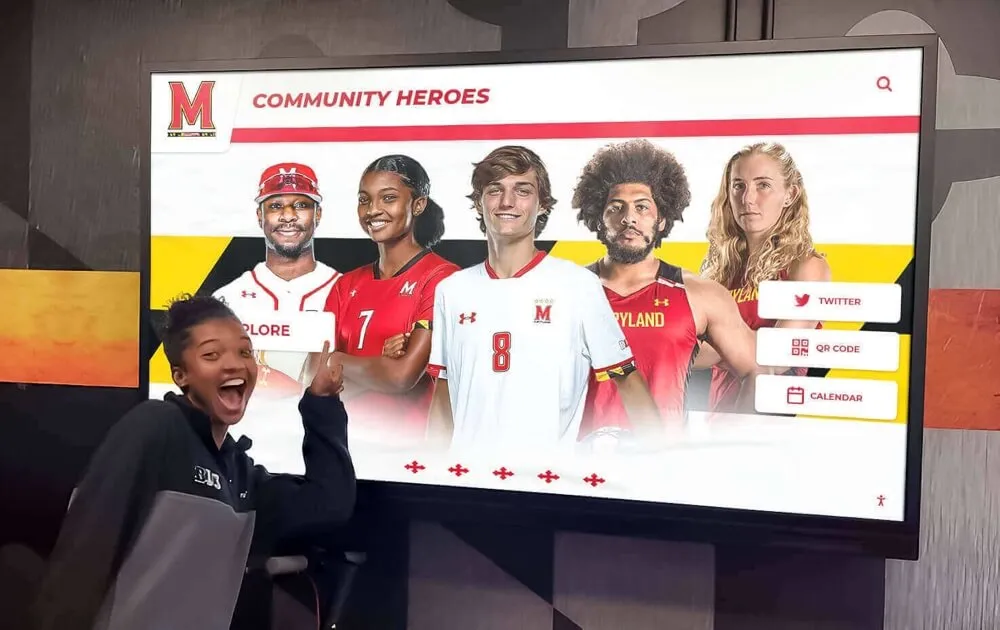
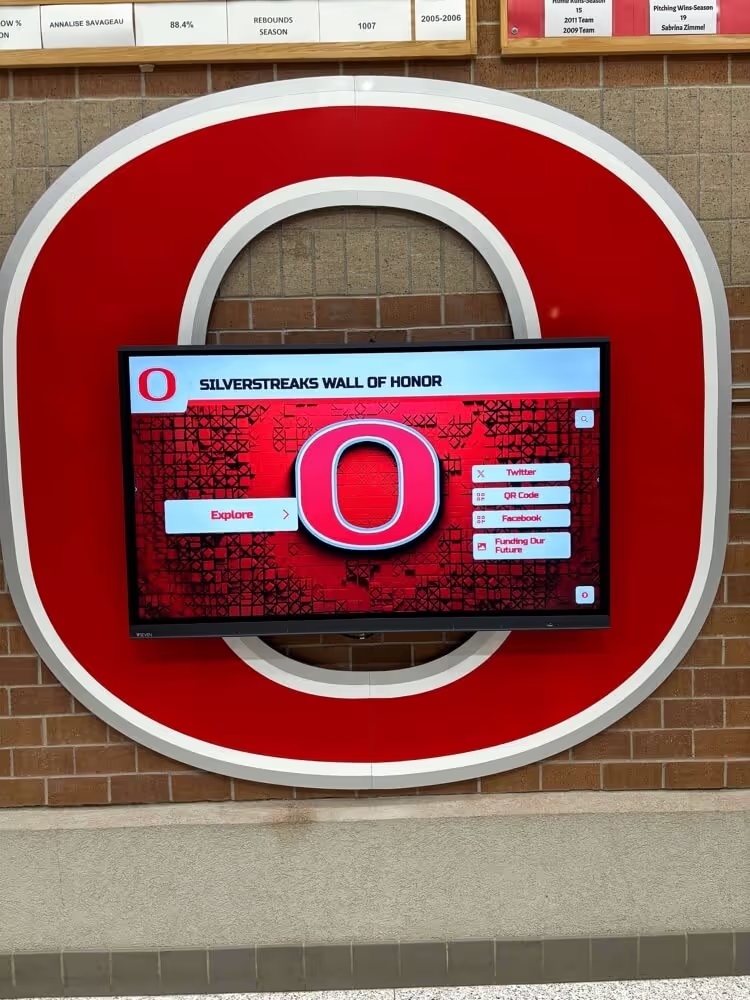
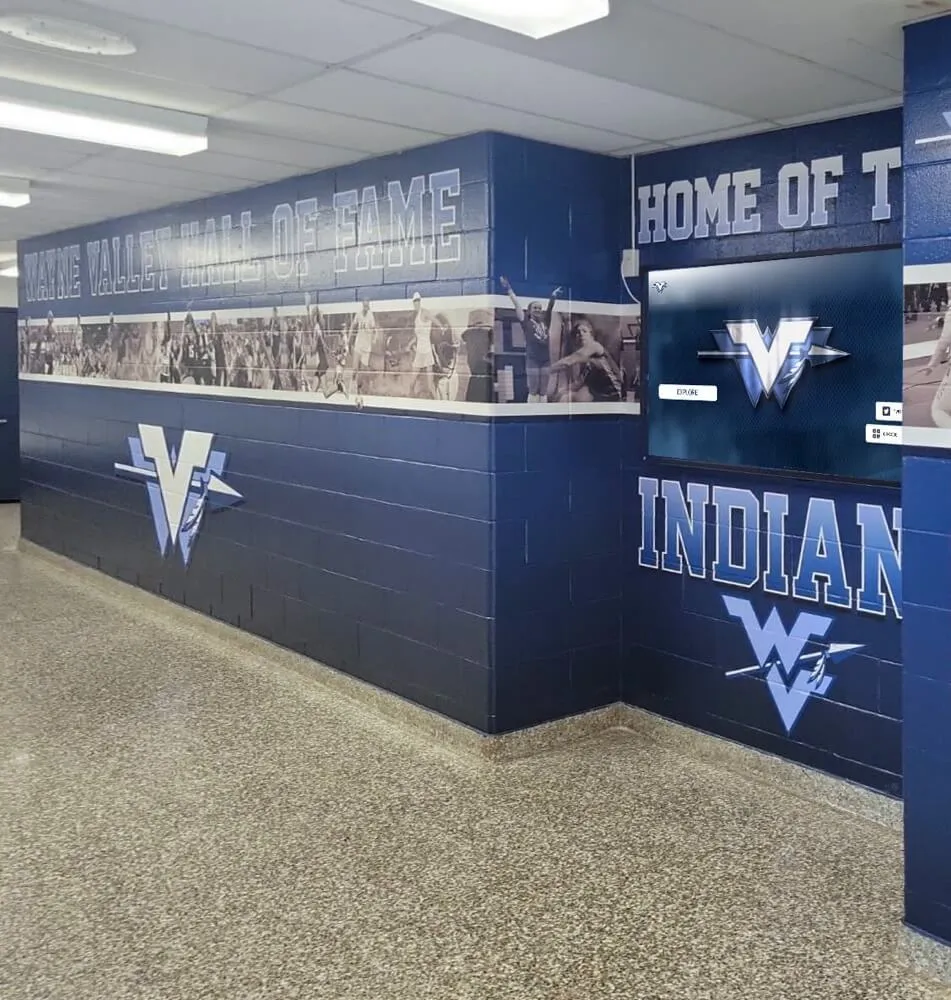
Athletic records displays in school hallways require underlying materialized views that match the freshness expectations of visitors who can compare displayed data against current season results
Refresh Mode Decision Table
Every materialized view refresh runs in one of two modes: complete refresh or incremental (fast) refresh. Choosing the wrong mode for a given view increases either data latency or compute overhead. The decision table below maps each view type to the recommended refresh mode based on the characteristics of its underlying data.
| View Type | Recommended Refresh Mode | Reason | When to Override |
|---|---|---|---|
| Athlete Profile View | Complete refresh | Profile data changes infrequently; full re-scan ensures corrections and eligibility changes are applied without dependency on change-tracking infrastructure | Override to incremental only if profile record count exceeds 10,000 and change volume per refresh cycle is below 2% |
| Season Leaderboard View (active season) | Incremental refresh | Performance data changes frequently; a full refresh for every leaderboard update is computationally expensive during an active season | Override to complete at season close to ensure final standings are fully accurate |
| Season Leaderboard View (closed season) | Complete refresh (at season close) | Final standings must be verified against official records; partial re-scans risk carrying forward in-season approximations | No override recommended; complete refresh at close is mandatory |
| Team History View (completed seasons) | Complete refresh (quarterly) | Completed season data is stable; a complete quarterly refresh is inexpensive relative to the record volume and ensures audit-trail consistency | Override to event-triggered complete refresh if a records audit or corrections cycle occurs between scheduled refreshes |
| Award Category Index View | Complete refresh (weekly or on-change trigger) | Category count is small; a complete refresh is faster than maintaining incremental change logs for a low-volume view | No override; incremental mode adds infrastructure complexity that is not justified by the compute savings at this scale |
Complete Refresh
A complete refresh drops the existing materialized view content and re-executes the full underlying query. Every row in the result set is recomputed from current source data. Complete refresh is slower for large datasets but guarantees that the view is fully consistent with the base tables at the time the refresh completes.
Incremental (Fast) Refresh
An incremental refresh—supported natively in databases such as PostgreSQL with materialized views and change-tracking infrastructure, or Oracle Database with materialized view logs—applies only the changes that have occurred since the last refresh. Rows added, modified, or deleted in the base tables since the prior refresh are identified through a change log and applied to the materialized view without re-scanning unaffected rows.
Incremental refresh is faster for high-volume views where only a small percentage of rows change between refresh cycles. It requires additional infrastructure: materialized view logs or change-data-capture tables must be maintained on the base tables, adding write overhead to every data-entry operation. For most school athletic databases with record counts in the hundreds or low thousands, complete refresh is often the simpler and more reliable choice.
Freshness Targets by View Type
A freshness target is the maximum allowable age of a materialized view at the point it serves a public recognition search. Freshness targets are expressed as a maximum staleness window—the longest period between a data change in the base tables and the completion of a refresh that incorporates that change.
Freshness targets must reflect both the operational cost of refreshing and the reputational cost of serving stale data to visitors. A leaderboard that shows last week’s rankings to a parent visiting during a championship week is a visible error. An athlete profile that shows a correct record from three months ago is not.
| View Type | Recommended Freshness Target | Rationale |
|---|---|---|
| Season Leaderboard (active season) | 24 hours or less | Visitors compare displayed rankings against known current results; same-day staleness is often acceptable, next-day is the outer limit |
| Athlete Profile View | 7 days or less | Profile corrections and induction-cycle changes are infrequent; weekly refresh ensures corrections appear within one week of entry |
| Team History View (active season) | 48 hours or less | Team histories that include current-season data are compared against public game results; two-day staleness is the outer limit |
| Team History View (completed seasons) | 90 days or less | Completed season records are stable; quarterly refresh is sufficient unless a corrections audit triggers an earlier refresh |
| Award Category Index View | 7 days or less | Category additions and retirements are rare; weekly refresh ensures new categories appear promptly on kiosk navigation menus |
Freshness targets should be documented in the refresh policy alongside the refresh schedule. When a refresh fails or is delayed beyond its freshness target, the policy should specify whether the view should be taken offline—returning a “results temporarily unavailable” message rather than stale data—or whether the stale view may remain active with a visual staleness indicator.
Schools investing in recognition displays that serve high-traffic environments—lobbies during registration days, gyms during championship events, hallways during senior recognition weeks—should err toward shorter freshness targets and automated refresh scheduling rather than relying on manual triggers. The donor recognition screen complete guide at touchwall.tv covers how institutions configure display content refresh cycles for recognition environments where visitors include high-expectation stakeholders such as donors, alumni, and prospective students.
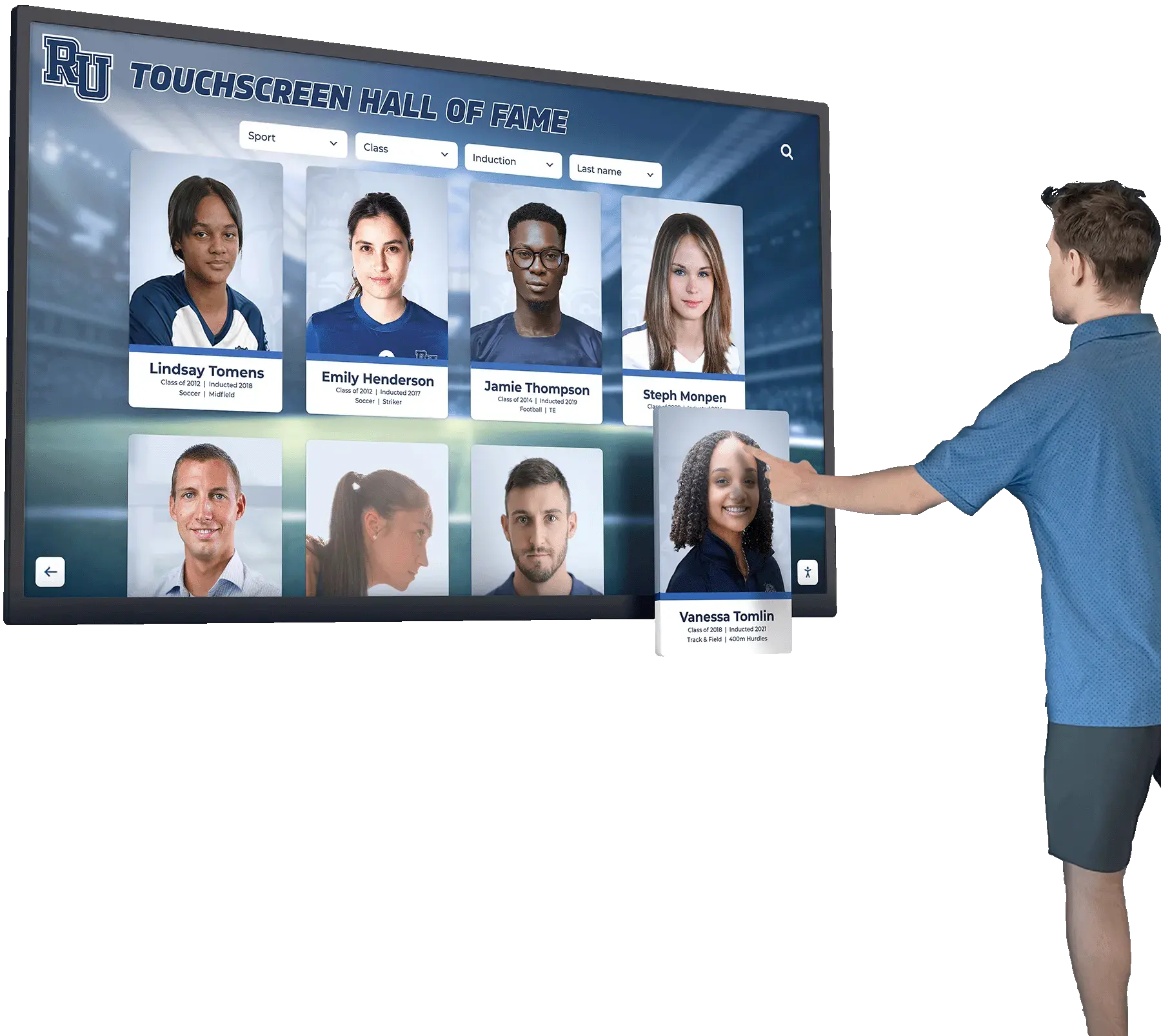
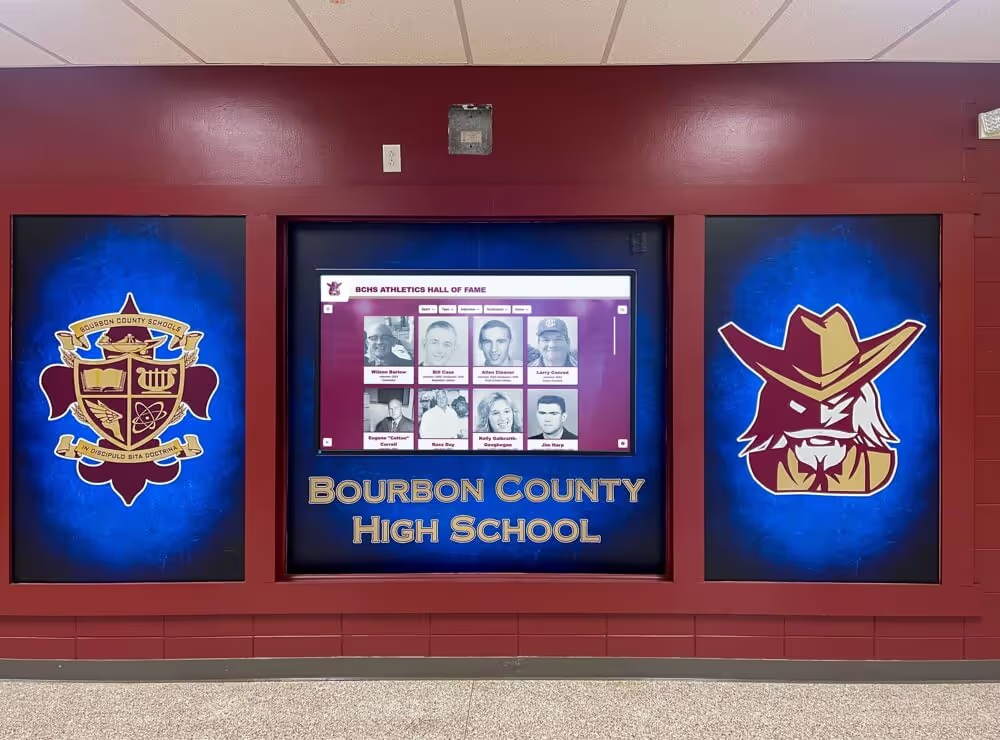
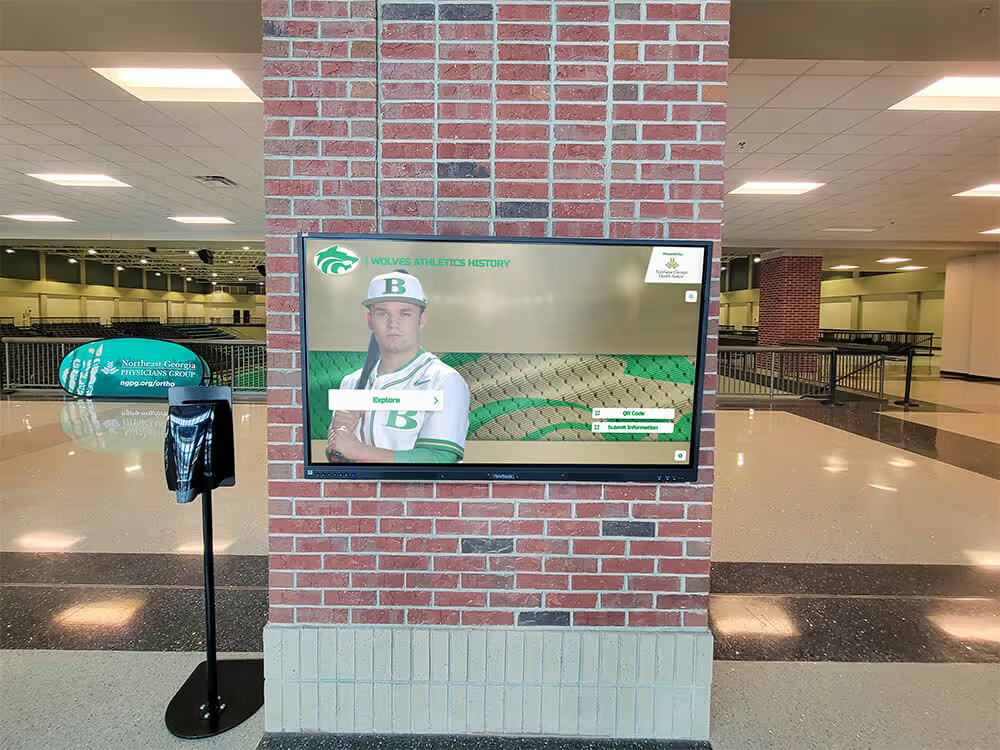
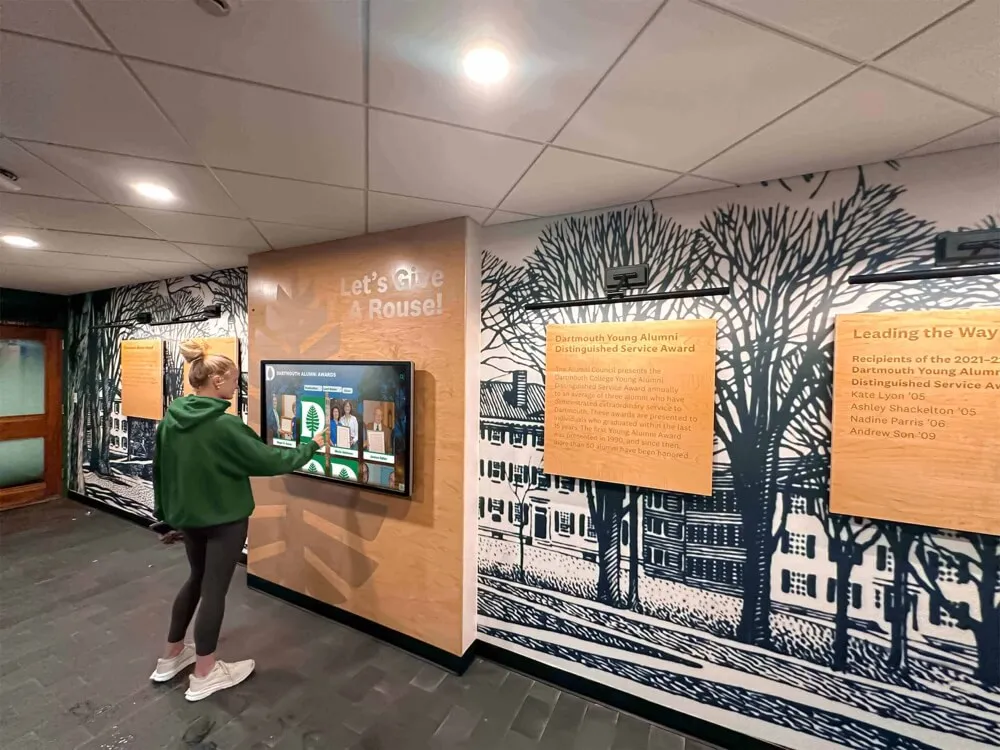
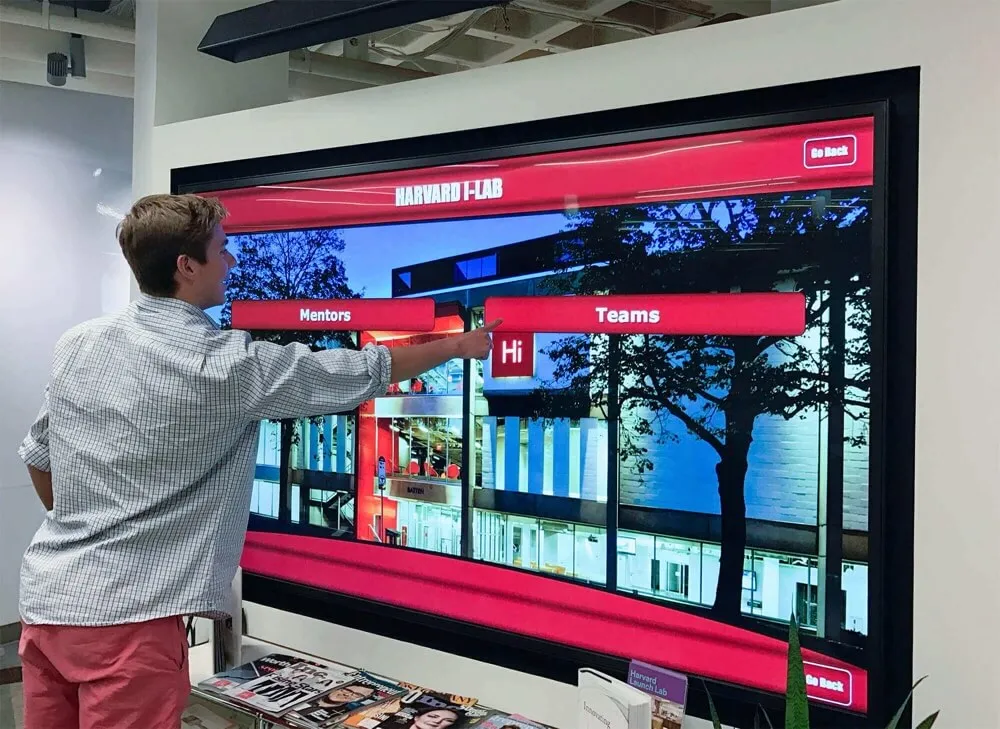
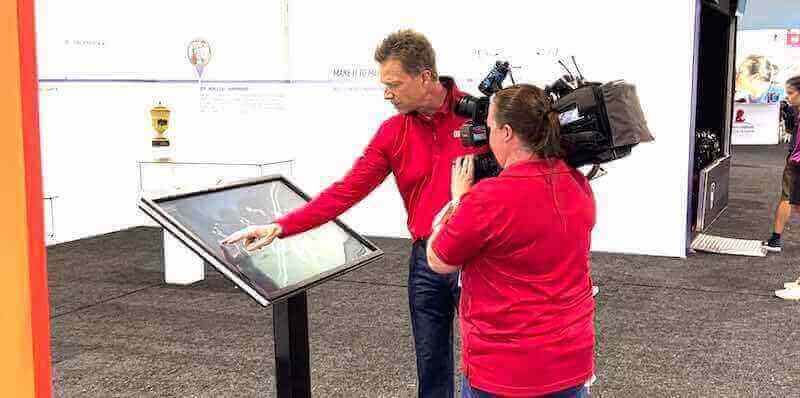
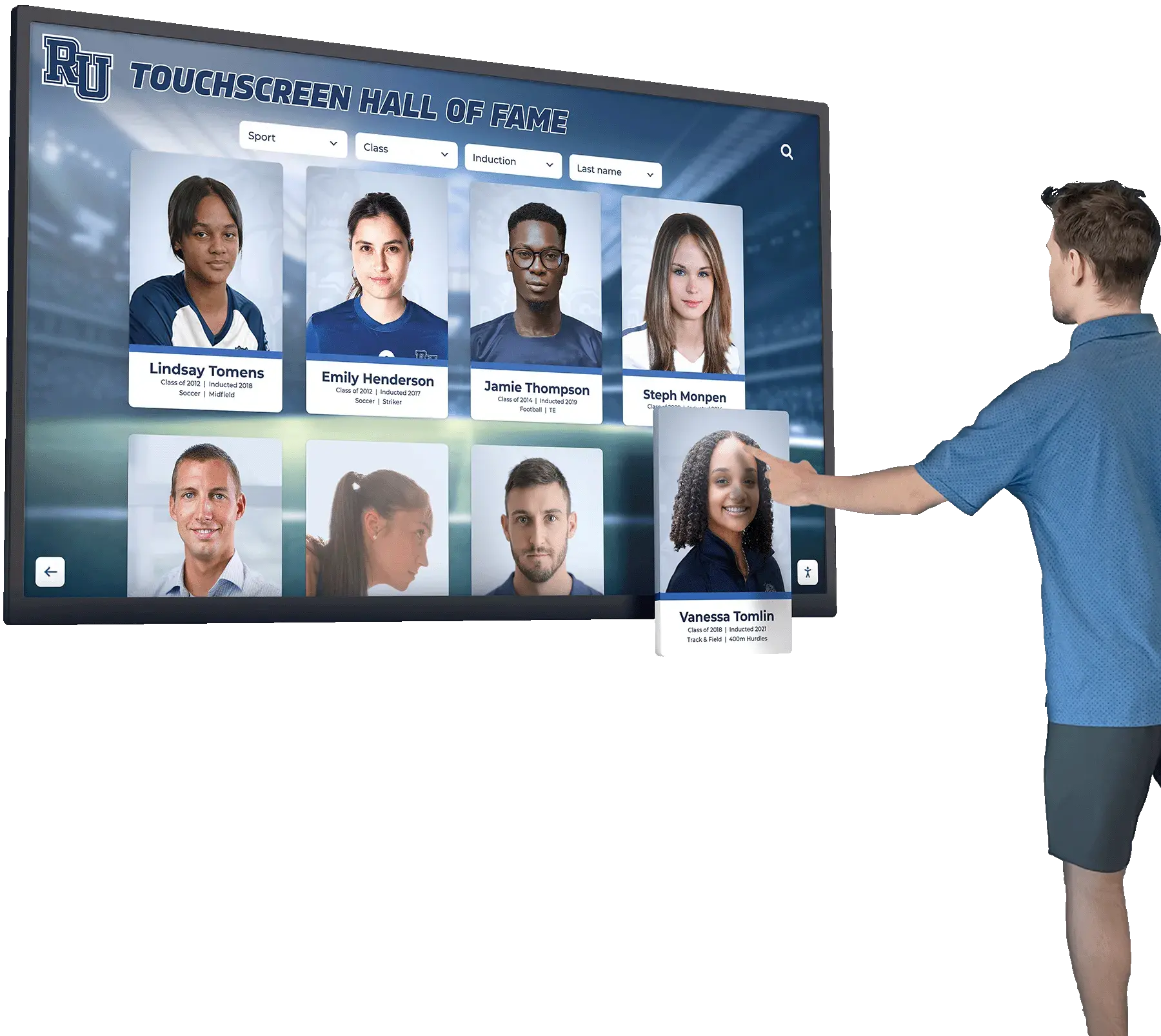
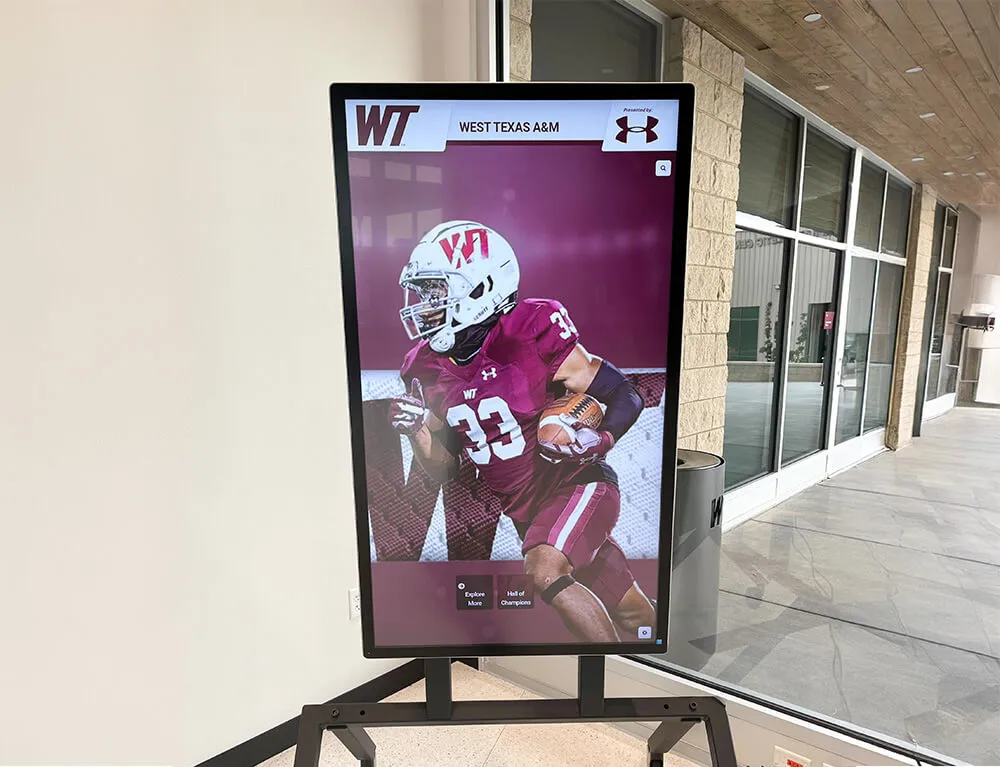
Recognition kiosk interfaces that surface athlete profiles depend on a refreshed view to return accurate results—freshness targets define the maximum gap between data entry and display availability
Validation Queries
A refresh policy that specifies a schedule but includes no validation step cannot confirm that a completed refresh is current and correct. Validation queries run immediately after each refresh and verify that the refreshed view meets minimum data-quality requirements before it serves public recognition searches.
Query 1: Confirm Refresh Timestamp
This query checks the view’s last refresh timestamp against the current system time. If the gap exceeds the view’s freshness target, the validation fails and the monitoring system should generate an alert.
SELECT
  view_name,
  last_refresh_time,
  EXTRACT(EPOCH FROM (NOW() - last_refresh_time)) / 3600 AS hours_since_refresh,
  CASE
    WHEN EXTRACT(EPOCH FROM (NOW() - last_refresh_time)) / 3600 > 24
      THEN 'STALE – exceeds 24-hour freshness target'
    ELSE 'CURRENT'
  END AS freshness_status
FROM materialized_view_refresh_log
WHERE view_name IN (
  'athlete_profile_view',
  'season_leaderboard_view',
  'team_history_view',
  'award_category_index_view'
)
ORDER BY last_refresh_time ASC;
Query 2: Confirm Row Count Is Within Expected Range
A successful refresh should return a row count within a documented expected range. A count that drops to zero—or drops dramatically below the prior-cycle count—indicates that the underlying query failed silently or that a filter condition was applied incorrectly.
SELECT
  view_name,
  current_row_count,
  prior_row_count,
  CASE
    WHEN current_row_count = 0 THEN 'FAILED – zero rows returned'
    WHEN current_row_count < prior_row_count * 0.80
      THEN 'WARNING – row count dropped more than 20% since last refresh'
    ELSE 'PASS'
  END AS count_validation_status
FROM materialized_view_row_count_log
WHERE refresh_date = CURRENT_DATE
ORDER BY view_name;
Query 3: Spot-Check for Display-Eligible Records
This query verifies that the refreshed view contains at least one display-eligible record for the current season. A view that completed without error but returns no display-eligible records for the active season may indicate a filter-logic regression.
SELECT
  COUNT(*) AS display_eligible_active_season_count
FROM season_leaderboard_view
WHERE season_year = EXTRACT(YEAR FROM CURRENT_DATE)
  AND display_eligible = TRUE
  AND deleted_at IS NULL;
-- Expected result: count greater than zero for any school with an active athletic program
Validation queries should be logged alongside refresh timestamps and row counts. When a validation query fails, the policy should specify a documented escalation path: who is notified, what manual verification step follows, and whether the view is taken offline while the failure is investigated.
Recognition programs that manage ECNL soccer all-stars and multi-sport recognition data across multiple seasons and competitive tiers generate the kind of complex leaderboard data that is most vulnerable to silent refresh failures—making validation queries non-optional rather than a best practice for those programs.
Refresh Scheduling and Monitoring
The refresh policy must specify a concrete schedule for each view type, the system or process responsible for triggering the refresh, and the alert destination when a refresh fails or a validation query returns a failure status.
Recommended scheduling approach:
| View Type | Schedule Trigger | Responsible System |
|---|---|---|
| Season Leaderboard (active season) | Nightly at 02:00 local time | Database scheduled job or application-layer cron task |
| Athlete Profile View | Weekly on Sunday at 01:00 local time, plus event trigger on induction-cycle close | Database scheduled job |
| Team History View (active season) | Nightly at 02:30 local time | Database scheduled job |
| Team History View (completed seasons) | First Sunday of each quarter at 01:00 local time | Database scheduled job |
| Award Category Index View | Weekly on Sunday at 01:30 local time, plus event trigger on category add or retire | Database scheduled job |
All scheduled refresh jobs should write a completion record—including view name, refresh start time, refresh end time, rows affected, and validation query results—to a persistent refresh log table. The athletic director or IT administrator responsible for recognition system uptime should receive an automated alert for any refresh that fails to complete within its scheduled window or that produces a validation failure.
Schools that have configured network-discovery and connectivity monitoring for their recognition displays—as covered in the recognition display mDNS service discovery guide at touchscreenrecognition.com—can extend that monitoring infrastructure to include refresh-schedule alerts, directing failed-refresh notifications to the same alerting channel used for display connectivity issues.
Accessibility and Search Performance Considerations
Materialized view refresh policy intersects with display accessibility in one important way: search result latency. When a materialized view is stale and must be refreshed before it can serve current results, the refresh operation should never be triggered synchronously during a live search request. Synchronous refreshes—where a search query waits for the refresh to complete before returning results—produce unpredictable response times and can leave a kiosk interface unresponsive during a busy recognition event.
The refresh policy should explicitly prohibit synchronous refresh on search request and require that all refreshes run asynchronously on a scheduled or event-triggered basis. If a view’s freshness target has been exceeded, the policy should specify whether the interface displays the stale view with a staleness indicator, returns a “temporarily unavailable” message, or surfaces a fallback result set from the base tables.
Recognition kiosk interfaces that meet WCAG 2.1 AA accessibility standards—including the digital hall of fame table header accessibility requirements reviewed for display environments—also benefit from stable, predictable search response times that only materialized views with a well-defined refresh policy can guarantee. An interface that sometimes returns results in 200 milliseconds and sometimes takes 15 seconds because a live view refresh is running creates an unreliable experience that is particularly problematic for users of assistive technology.
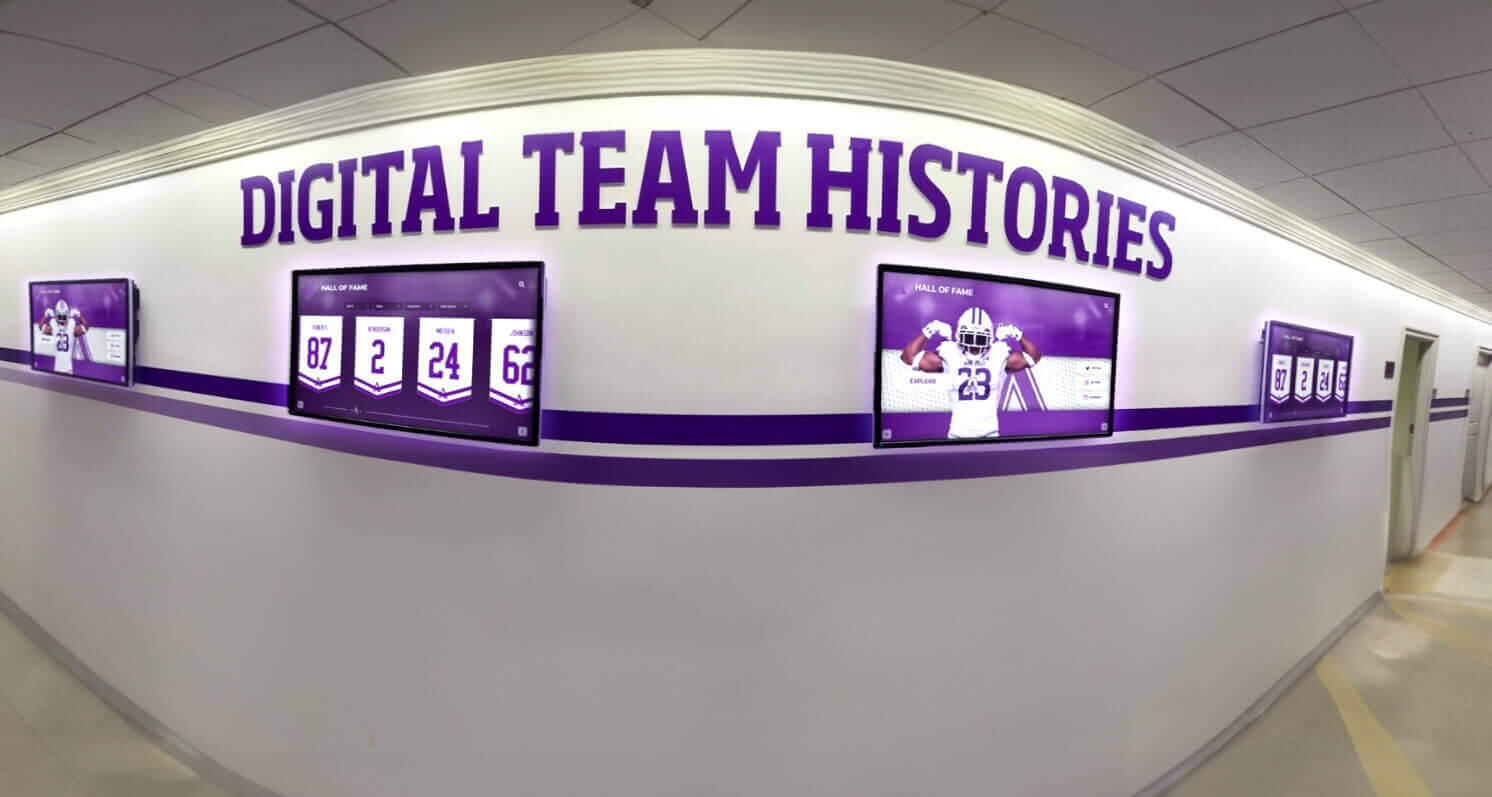
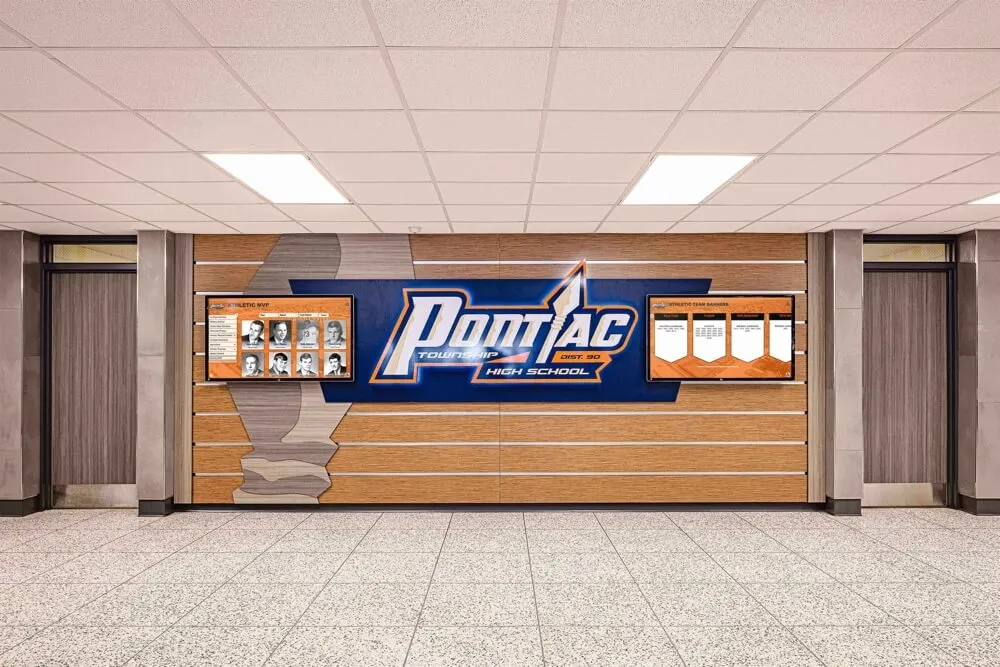
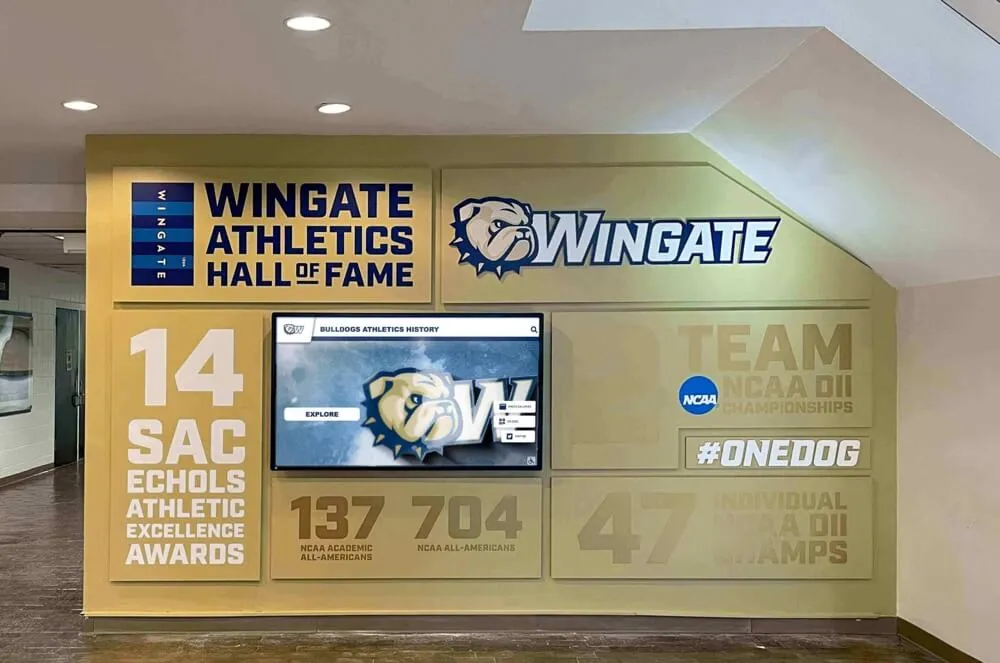
Hallway digital displays showing team histories and award records depend on precomputed views for consistent response times—a refresh policy that prohibits synchronous refresh during live search requests keeps the interface reliably fast
How Digital Recognition Platforms Handle Materialized View Refresh
Schools that manage athletic award data in a standalone database infrastructure carry the full burden of designing, scheduling, monitoring, and validating materialized view refreshes as a component of their IT operations. Schools that use a purpose-built digital recognition platform shift that burden to the platform provider.
Purpose-built recognition platforms designed for school athletic programs typically handle the precomputed search layer internally: the application layer maintains its own cache or view equivalents for athlete profiles, leaderboard rankings, and category indexes, refreshing them according to the platform’s own update cycle triggered by content entry or periodic background jobs. Athletic directors and recognition-program staff interact with a content management interface that updates records, and the platform handles the propagation from raw record to searchable result.
What matters for the recognition-program administrator is understanding the platform’s effective freshness guarantees: how long after a new record is entered does it appear in a public search result? When a correction is made, how long before the corrected value surfaces? When a new athlete is inducted, how long before their profile is searchable on the kiosk?
Schools using Rocket Alumni Solutions’ cloud-based recognition platform benefit from a content management system with remote access from any device, required-field validation that prevents incomplete records from entering the search index, scheduled publishing that controls when newly entered records become publicly searchable, and bulk upload tools that apply updates to large record sets without requiring record-by-record entry. The platform handles the internal view propagation automatically—athletic directors and archives staff publish content, and the search results update without manual refresh management.
Recognition programs that pair digital kiosks with end-of-year ceremony recognition—including senior recognition events covered in senior shoutout slideshow templates at rocketgraphics.ai—benefit from a platform that can be updated remotely to publish new inductees and award records in time for the event, without requiring an IT staff member to be on-site to trigger a manual database refresh.
Trusted by 600+ institutions from small high schools to university programs, Rocket Alumni Solutions gives recognition-program administrators a cloud-based CMS with 99.9% uptime, WCAG 2.1 AA compliant display interfaces, and scheduled publishing that ensures recognition searches always surface current, verified data.
Want to see how the platform manages recognition data behind a fast, accessible search interface? Request a custom demo and walk through the content management and search experience with your school’s recognition categories.
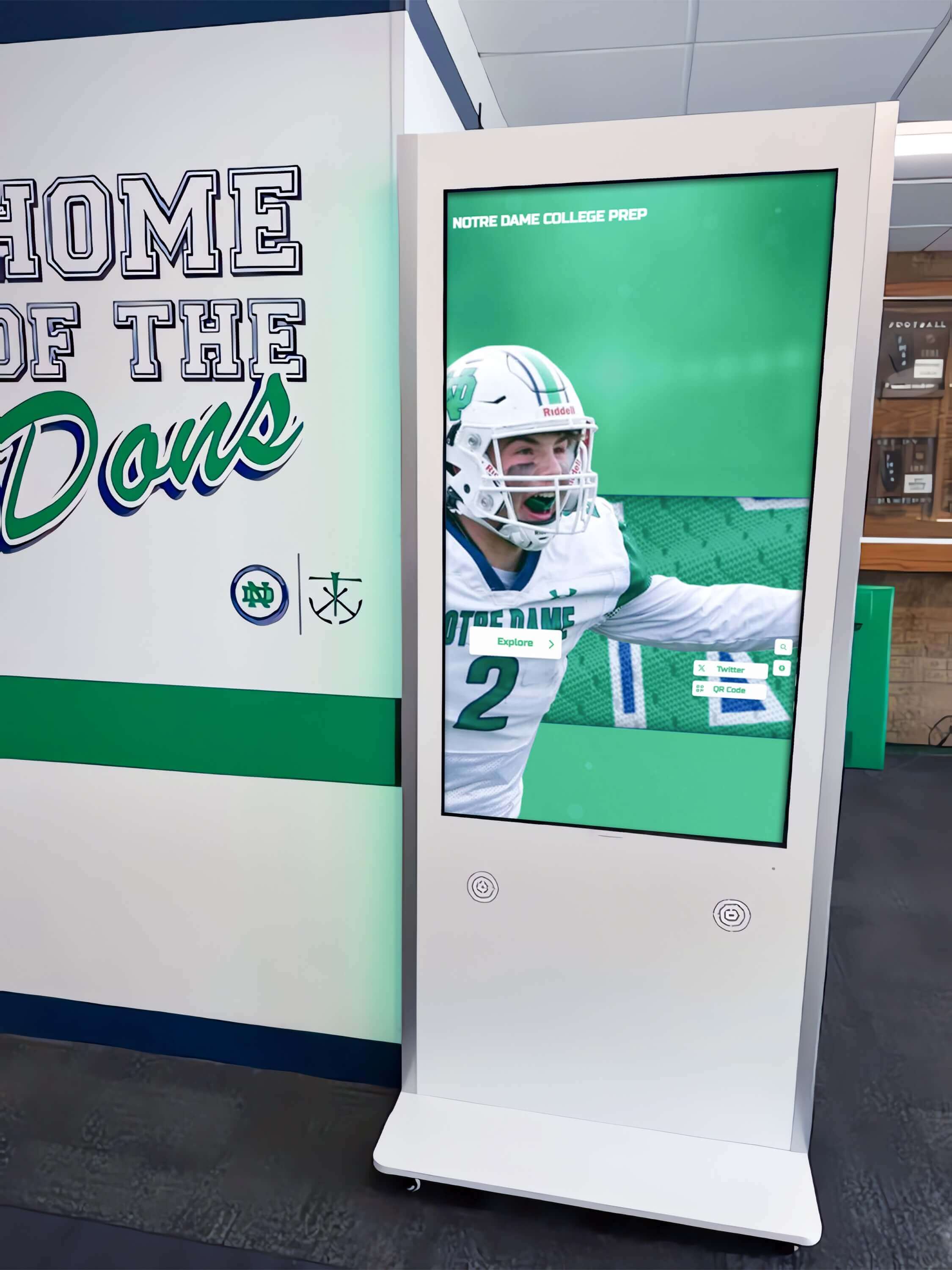
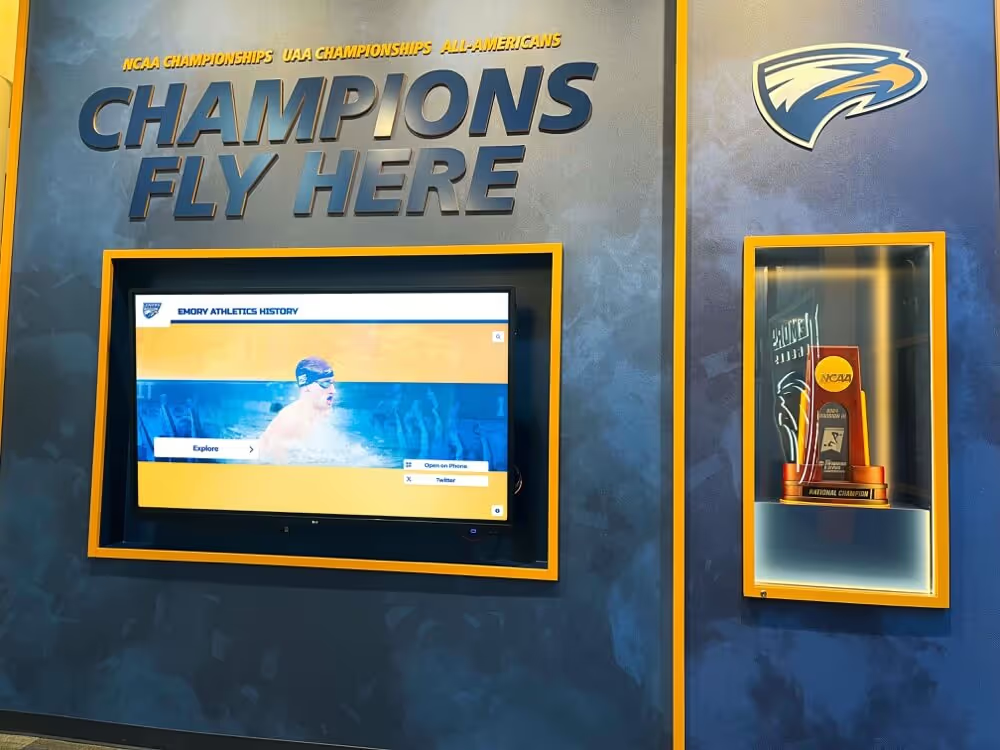
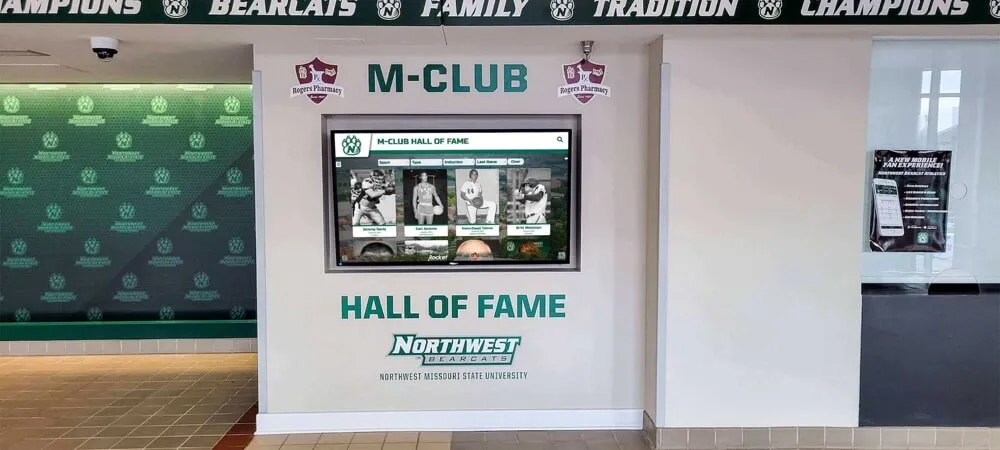
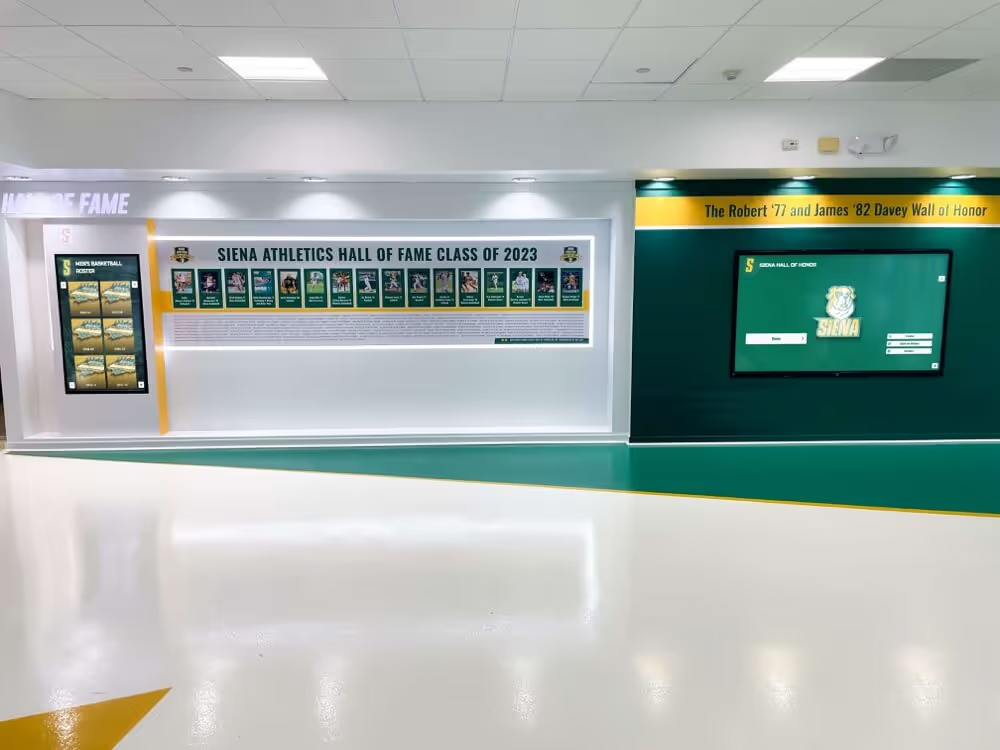

Interactive recognition kiosks that serve athlete profile searches and leaderboard queries require a platform with a documented refresh policy—or a managed cloud platform that handles view propagation automatically
FAQ: Athletic Awards Database Materialized View Refresh Policy
What is an athletic awards database materialized view refresh policy?
An athletic awards database materialized view refresh policy is a data-governance document that specifies how often precomputed query results—covering athlete profiles, season leaderboards, team histories, and award-category indexes—must be refreshed, which refresh mode applies to each view, who triggers and monitors refreshes, and what validation queries confirm a successful refresh before recognition searches surface results to public-facing displays or kiosks.
What is the difference between a complete refresh and an incremental refresh?
A complete refresh drops the existing materialized view content and re-executes the full underlying query, recomputing every row from current source data. An incremental (fast) refresh applies only the changes recorded since the last refresh using change-tracking logs on the base tables. Complete refresh guarantees full consistency; incremental refresh is faster for high-change-volume views but requires additional change-tracking infrastructure.
How often should a season leaderboard view be refreshed?
During an active season, a season leaderboard view should be refreshed at least once every 24 hours. Nightly scheduled refreshes during low-traffic hours are the standard approach. At season close, a mandatory complete refresh finalizes standings against official records before the closed-season view is published to public displays.
What validation queries should run after a refresh?
Three validation queries cover the most common failure modes: a timestamp check confirming the refresh completed within the freshness target; a row-count check verifying the count is within the expected range (flagging zero-row results or drops greater than 20%); and a display-eligibility spot-check confirming at least one display-eligible record exists for the current season, catching filter-logic regressions that pass without error but return empty result sets.
Can a materialized view refresh run during a live recognition search?
No. Synchronous refresh during a live search request should be explicitly prohibited. A synchronous refresh causes the search query to wait for the full refresh to complete, producing unpredictable response times and potentially leaving a kiosk unresponsive during high-traffic recognition events. All refreshes should run asynchronously on a scheduled or event-triggered basis.
Building a Refresh Policy That Keeps Recognition Searches Fast and Accurate
An athletic awards database materialized view refresh policy is a precision instrument for one specific problem: keeping precomputed search results accurate without sacrificing the speed that makes recognition kiosks and digital displays functional at scale. The four view types—athlete profile, season leaderboard, team history, and award category index—cover the full range of recognition search patterns that visitors, alumni, and school staff use when exploring an athletic program’s history.
The refresh-mode decision table, freshness targets, and validation queries in this guide are designed to be adopted directly for programs managing their own recognition database infrastructure, or adapted as a specification when selecting a managed platform that handles view propagation internally. In either case, the policy should be a written document—reviewed at the start of each athletic season, updated when new view types are added, and used as the governing reference when a refresh failure is investigated.
Recognition programs that keep their materialized views current keep their displays trustworthy. An athlete’s name that appears on a kiosk search result the same week a new record is set, or a leaderboard that reflects the final standings within hours of the season close, demonstrates a recognition program that takes the accuracy of its data as seriously as the significance of the honors it records. Schools that invest in corporate sponsorship recognition programs and academic recognition events alongside athletic recognition—including honors displays that draw from graduation stole and honor cord programs—benefit from a unified data-governance discipline that applies the same freshness standards across every recognition category.
See a Digital Recognition Platform That Handles Search Freshness Automatically
Rocket Alumni Solutions builds cloud-based athletic recognition displays with a remote CMS, required-field validation, scheduled publishing, and search interfaces that stay current without manual refresh management. WCAG 2.1 AA compliant displays work on any touchscreen from 32" to 100"+. Trusted by 600+ institutions.
Request a Custom Demo