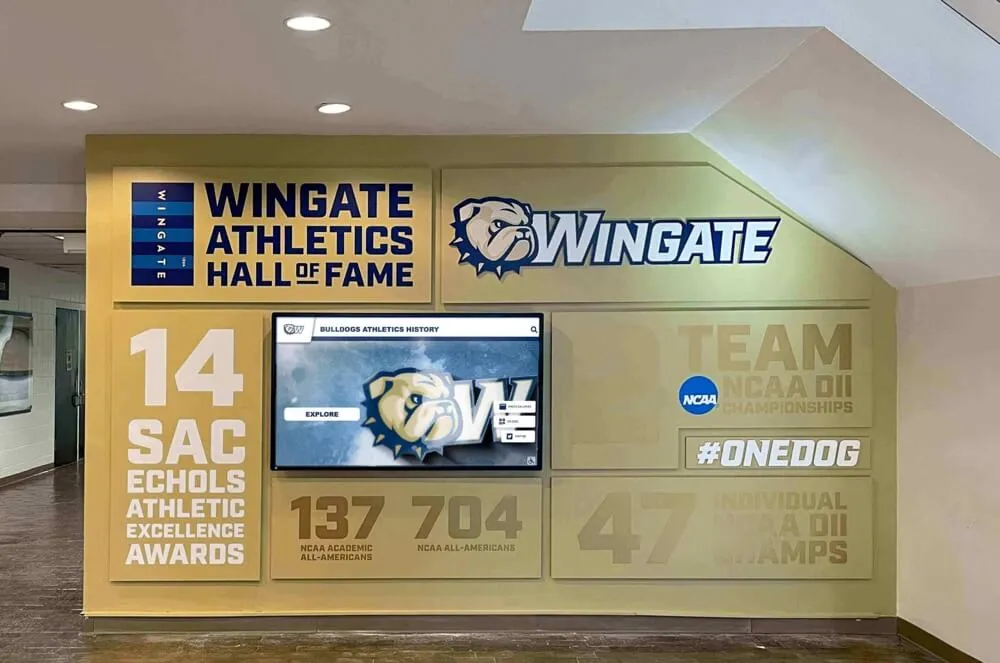




Intent: define. An athletic awards database parallel query policy is a documented operational rule that governs when, how many, and at what priority level parallel database workers are permitted to execute queries—specifically to accelerate multi-season historical reports while preventing those same workers from crowding out the lightweight, real-time searches that students, families, and visitors run on touchscreen recognition displays and hallway award kiosks.
This guide defines what a parallel query policy covers, explains why unmanaged parallelism creates availability risks for athletic recognition programs, and walks IT administrators, database managers, and athletic directors through a numbered implementation procedure with recommended worker-count tiers, a ready-to-use policy table, and a FAQ section addressing the most common questions from recognition program teams.
When a coach or athletic director needs a complete picture of every all-conference selection, letter award, and team championship across fifteen years of program history, that report may scan tens of thousands of rows in an athletic awards database. Run with a single sequential worker, that scan can take minutes. Run with several parallel workers dividing the work across CPU cores, the same query can return results in seconds.
That speed benefit is real—but it comes with a trade-off. Every parallel worker the database assigns to a historical report query is a worker that cannot simultaneously serve the lightweight index lookups driving a hall of fame touchscreen kiosk or a hallway record board display. On a database server with a fixed CPU budget, an unconstrained multi-season report can consume enough workers to make every concurrent recognition display query measurably slower.
An athletic awards database parallel query policy is the operational control that captures the speed benefit of parallelism for historical reporting while protecting the consistent, fast response times that public recognition displays depend on. Without a written policy, parallel query settings are either absent—wasting available CPU on sequential scans that could finish faster—or unrestricted, allowing batch reports to crowd out display traffic. The right behavior is left to chance rather than to deliberate configuration.

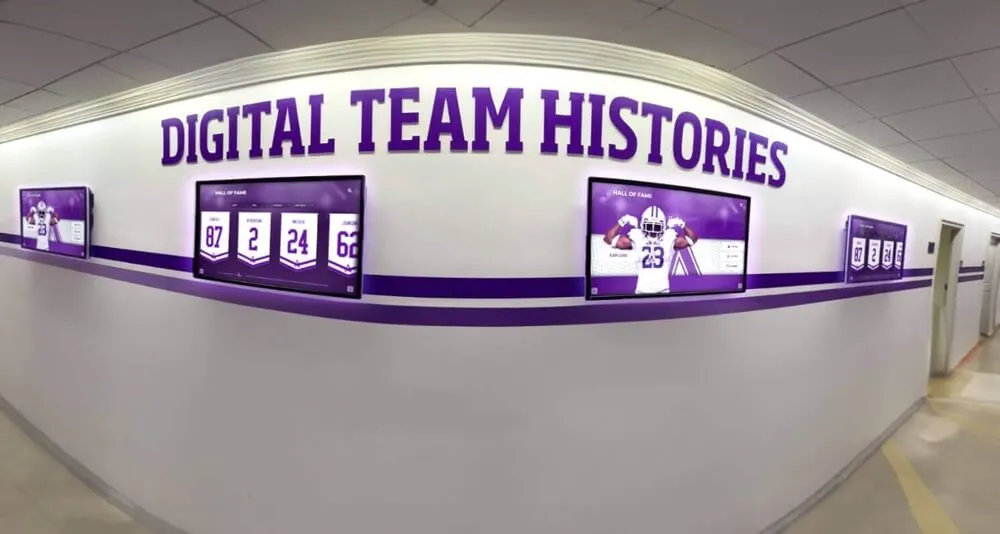
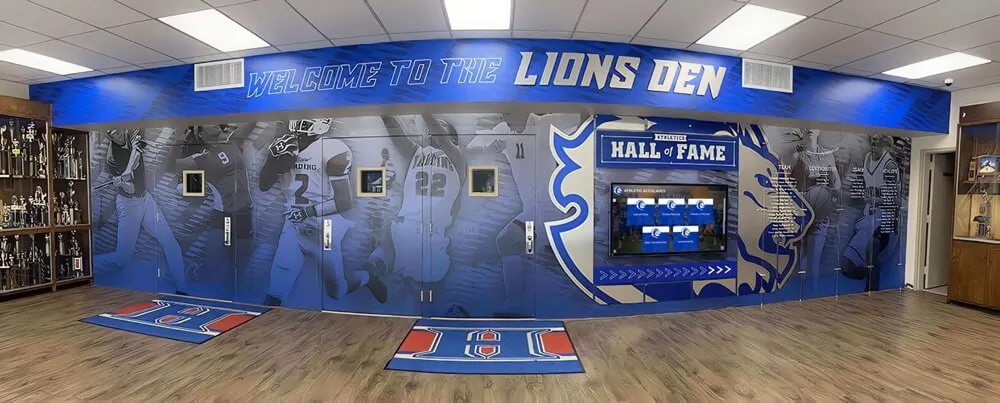
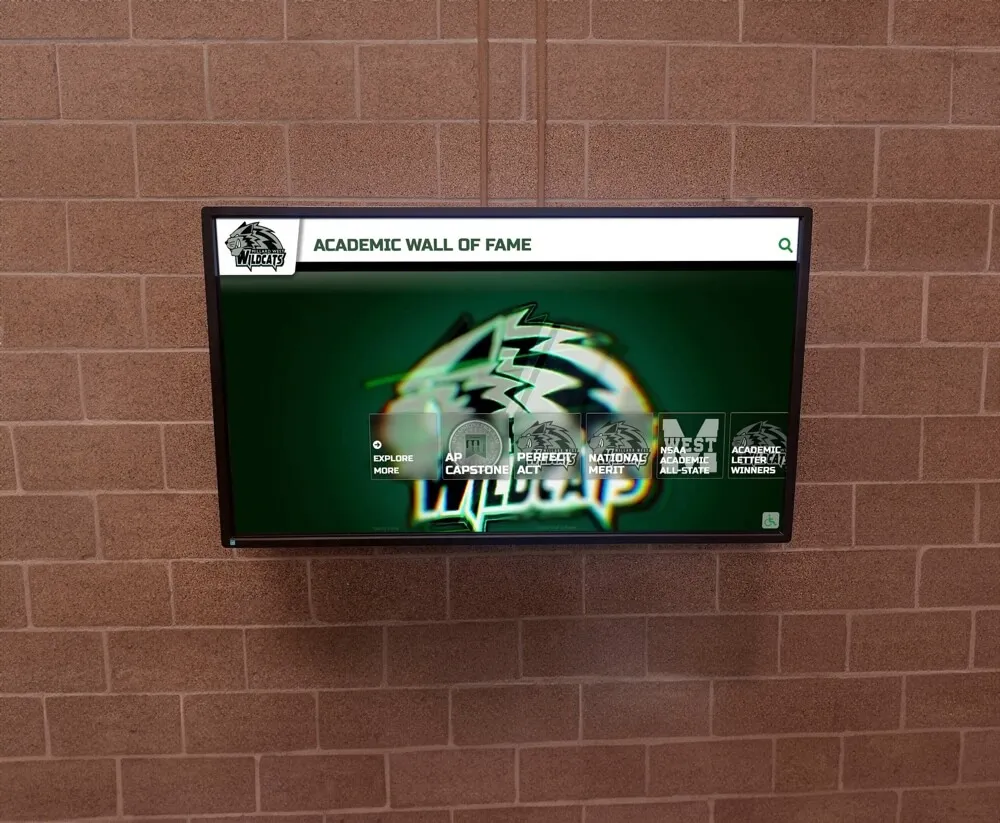
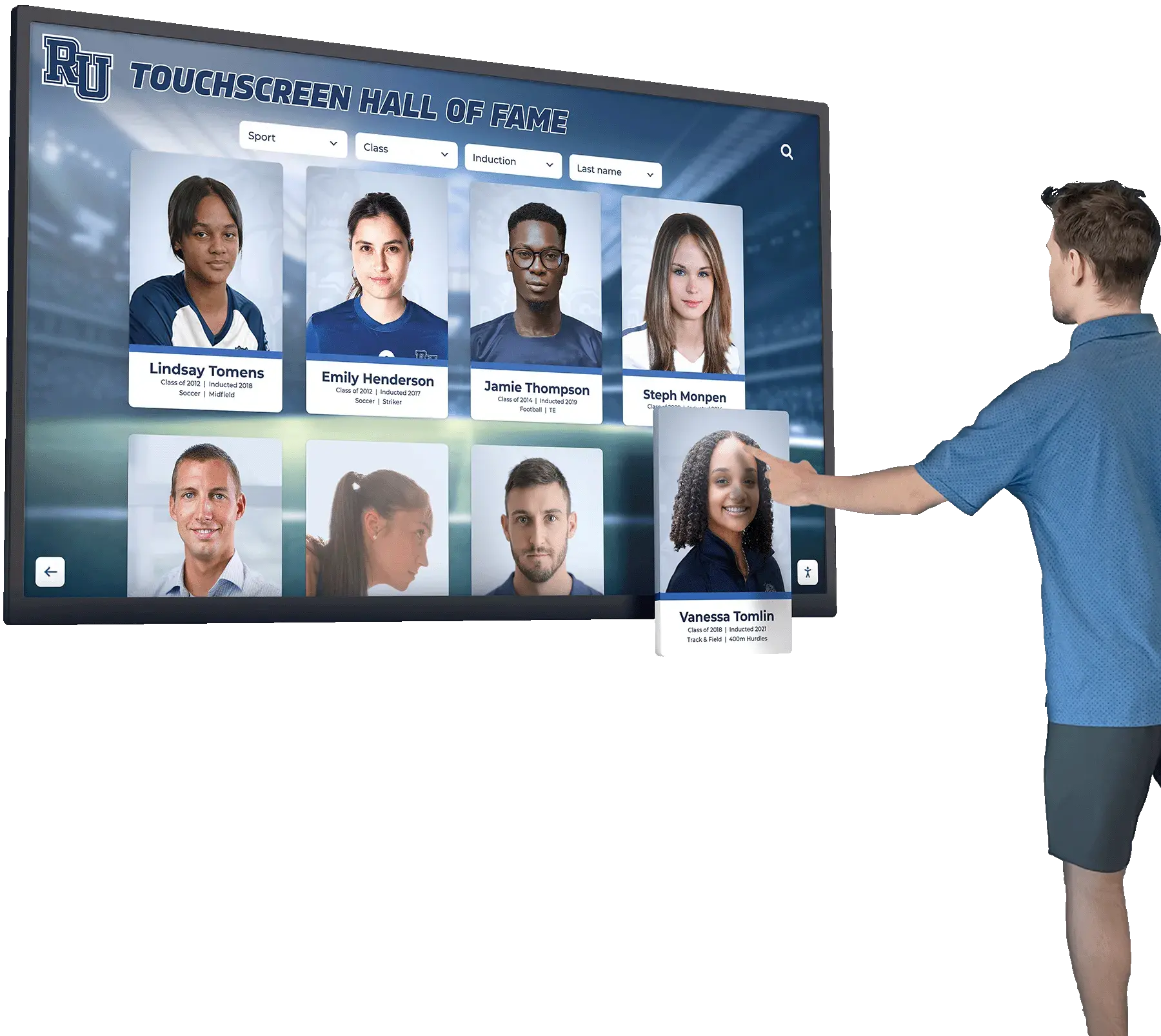
Athletic recognition displays depend on fast, consistent query response—a parallel query policy ensures historical report workers cannot crowd out the real-time lookups that drive recognition kiosks and hallway displays
What Is an Athletic Awards Database Parallel Query Policy?
A parallel query policy is a formal document that specifies the maximum number of parallel worker processes any given database role or operation type may use, defines the query size thresholds above which parallelism is permitted, and establishes the review cycle for updating those limits as data volumes grow and hardware changes.
In PostgreSQL—which underlies many recognition and student information platforms—parallel query execution is controlled by several configuration parameters:
max_parallel_workers_per_gather: The maximum number of worker processes a single query plan node can use. Setting this to zero disables parallelism for a session or role entirely.max_parallel_workers: The total number of parallel workers available system-wide at any moment, regardless of how many queries request them.parallel_tuple_costandparallel_setup_cost: Cost estimates the query planner uses to decide whether launching parallel workers is worth the overhead for a given query size. Higher values make the planner less aggressive about choosing parallel plans.min_parallel_table_scan_sizeandmin_parallel_index_scan_size: Table or index size thresholds below which parallelism is not considered at all.
The policy document is not the technical configuration itself. It is the institutional agreement that defines which roles are permitted to use parallel workers, what limits apply to each role, who owns the configuration, and what the escalation path is when a specific report legitimately needs more workers than the standard limit allows.
Without the policy, parallel query settings—if configured at all—tend to be applied once at system setup and then drift as the database grows, staff change, and report complexity increases. The policy is what keeps the configuration intentional and reviewable across seasons and staff transitions.
Why Athletic Awards Databases Need a Parallel Query Policy
Athletic recognition databases are subject to two competing workload patterns that make unmanaged parallelism a practical operational risk rather than a theoretical concern.
Historical report queries with large scan scope. Athletic records spanning multiple sports and many seasons—championship titles, letter award histories, all-conference selections, hall of fame inductees—accumulate substantial row counts over time. A query pulling every letter award granted across the last decade and a dozen sport categories can involve sequential or index scans over hundreds of thousands of rows. The PostgreSQL query planner will aggressively parallelize these scans if no policy limits are in place, launching as many workers as max_parallel_workers_per_gather allows.
Real-time recognition display queries with strict latency requirements. Recognition kiosks, hallway record boards, and touchscreen hall of fame systems poll the awards database continuously. Each display refresh issues a set of indexed lookups—athlete profiles, season records, honor roll entries—that individually touch a small number of rows and should complete in well under a second. These queries do not benefit from parallelism; they are too small for the query planner to consider it. But they do compete for CPU time with parallel workers that a concurrent historical report has launched.
On a database server running two or three parallel workers for a multi-season report at the same time as a dozen concurrent display queries, the display queries slow down measurably. Visitors using a hall of fame touchscreen experience visible loading delays. Staff checking award eligibility from an administrative interface wait longer than expected. The recognition display—often the first thing a recruit or parent sees when entering an athletic facility—presents a poor experience at exactly the moment the school most wants to make a strong impression.
Championship records that span multiple sports and decades, such as those preserved in permanent visual formats like championship banner artwork and archives, represent exactly the datasets where historical report queries grow large enough to trigger aggressive parallelism without a policy in place.
A parallel query policy addresses this by separating historical report access from display system access at the database role level—giving report queries access to a defined parallel worker budget that does not encroach on the CPU capacity the display system needs.
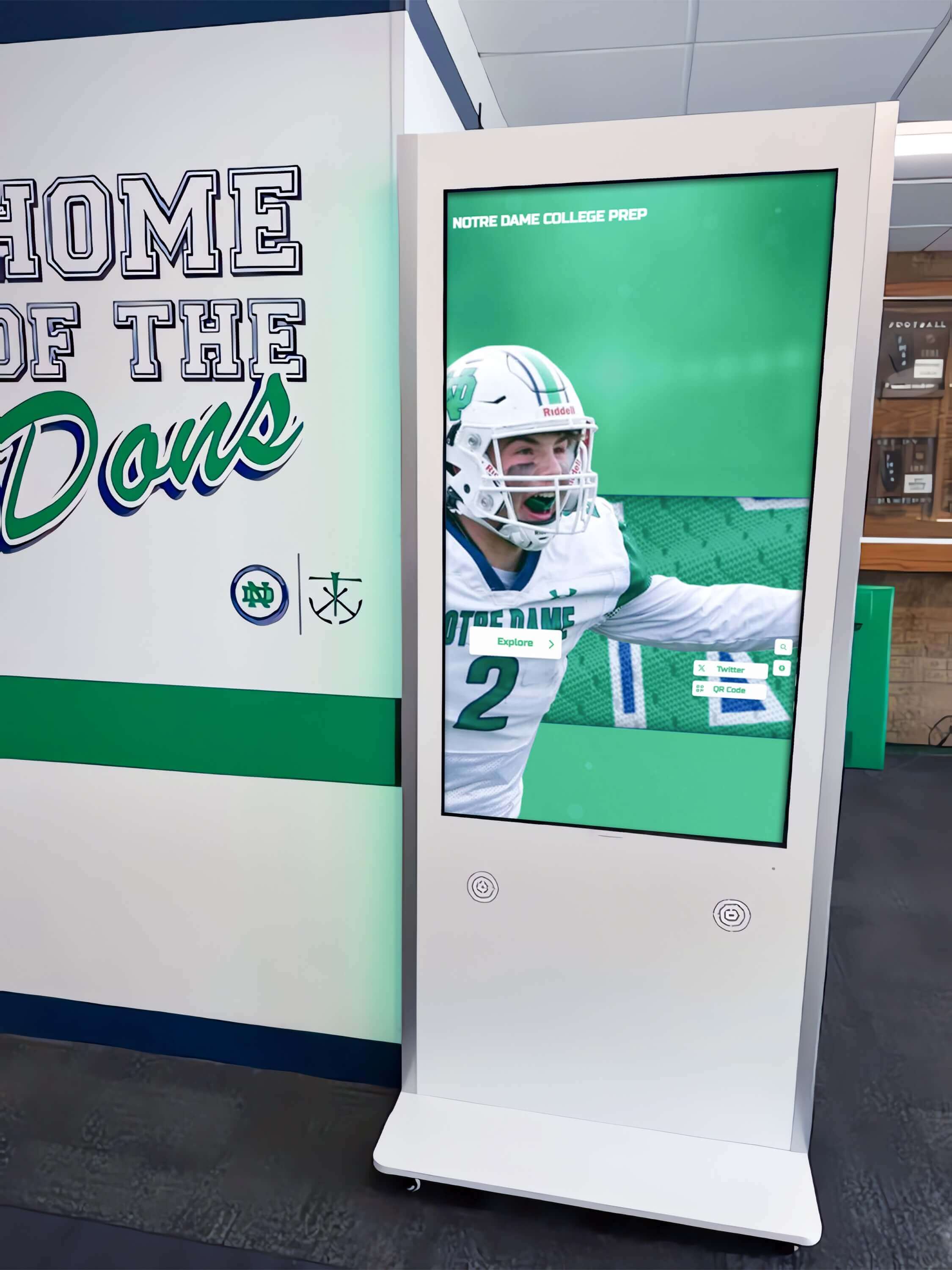
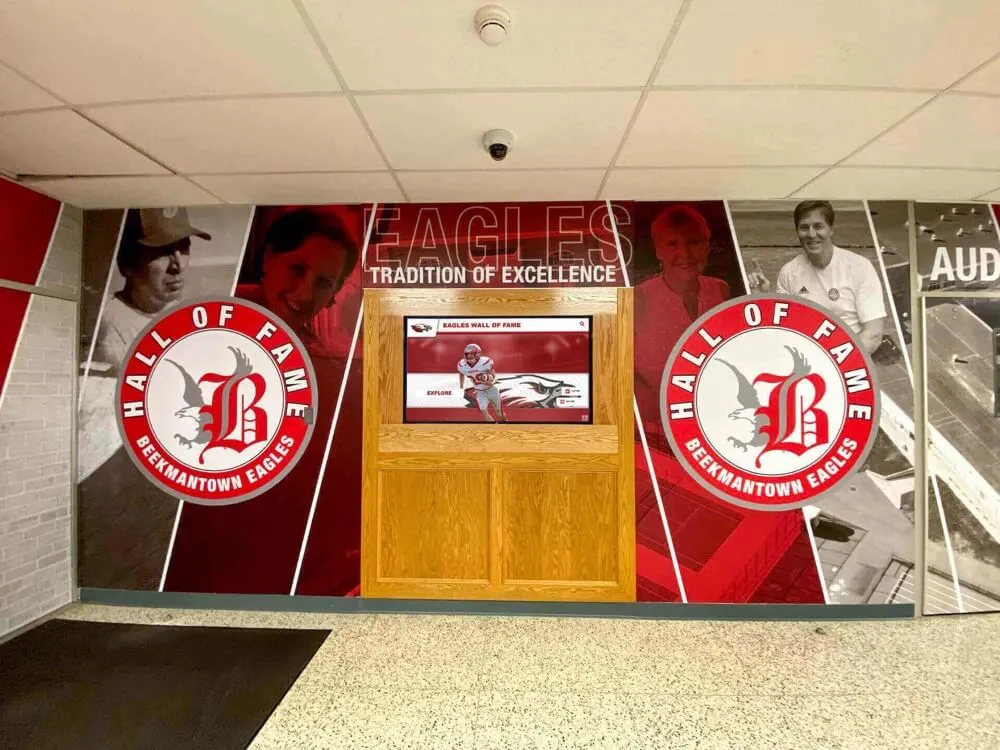
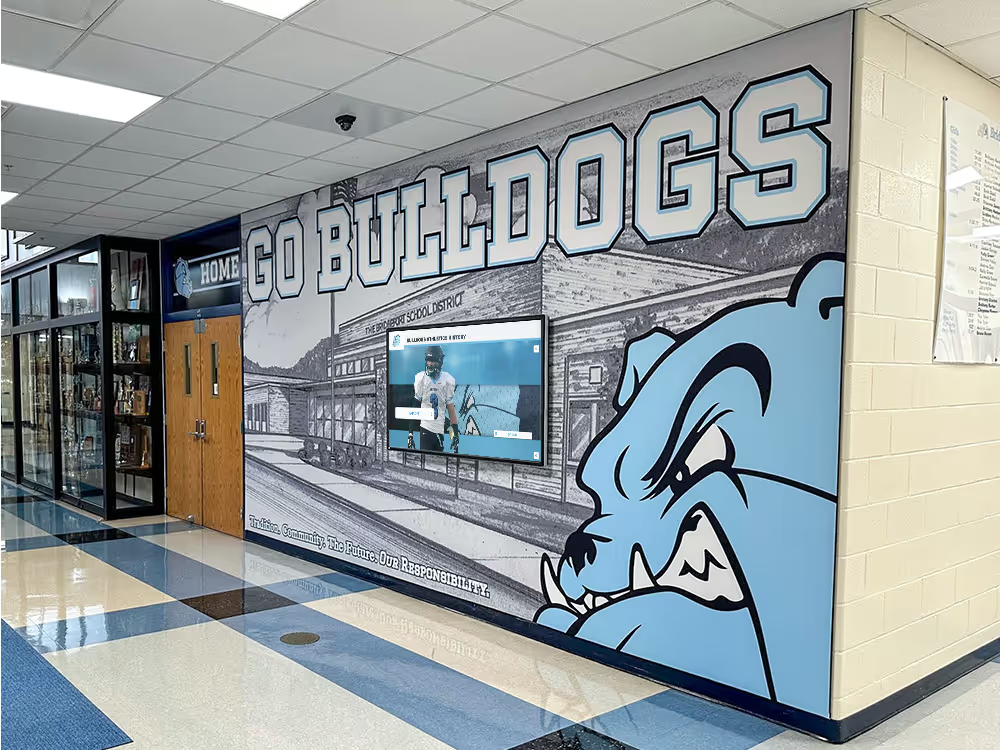
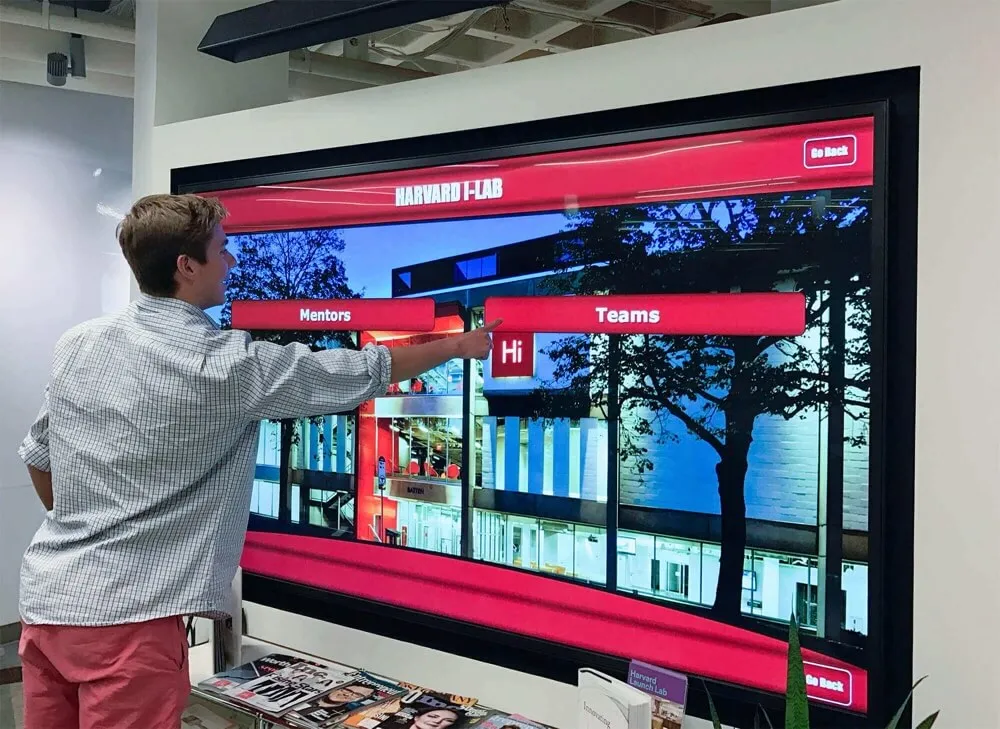
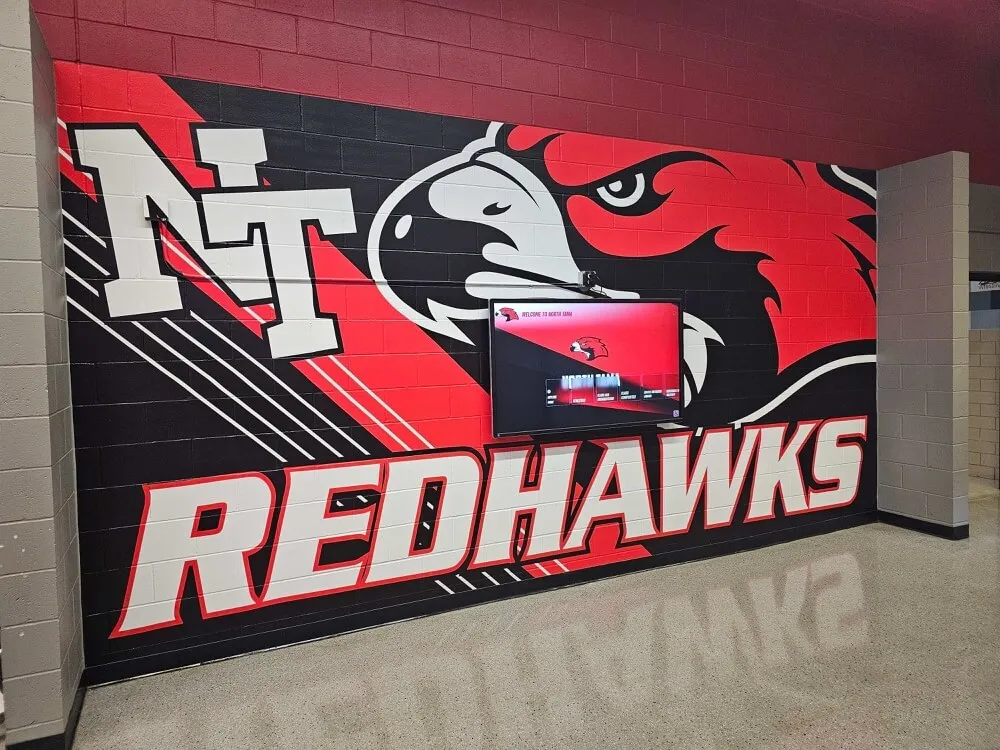
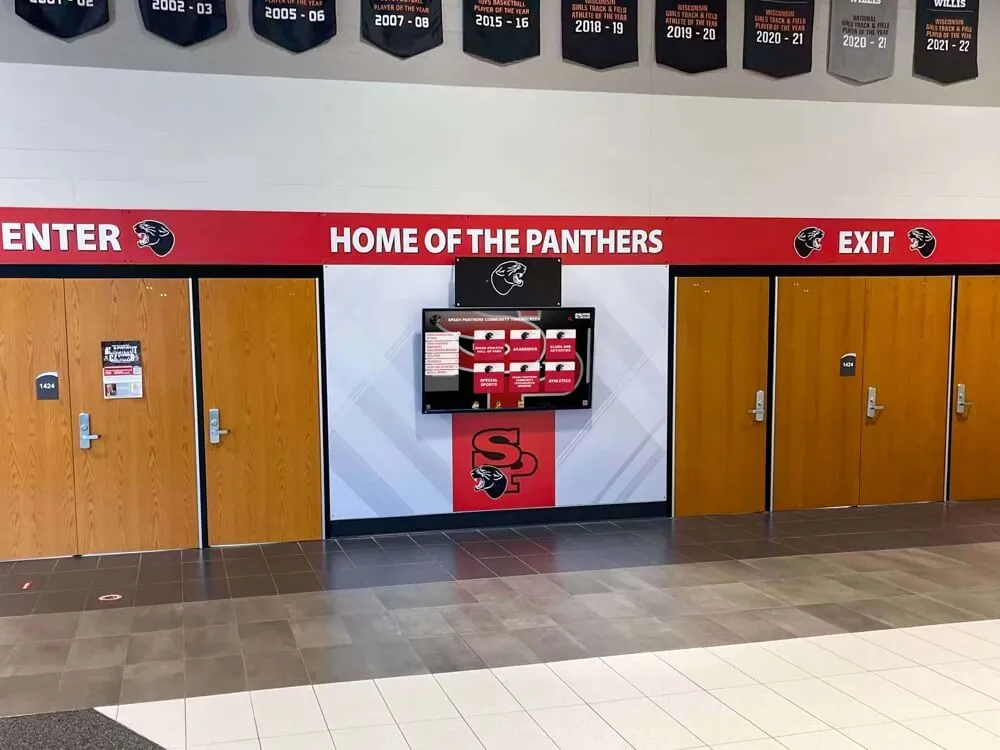
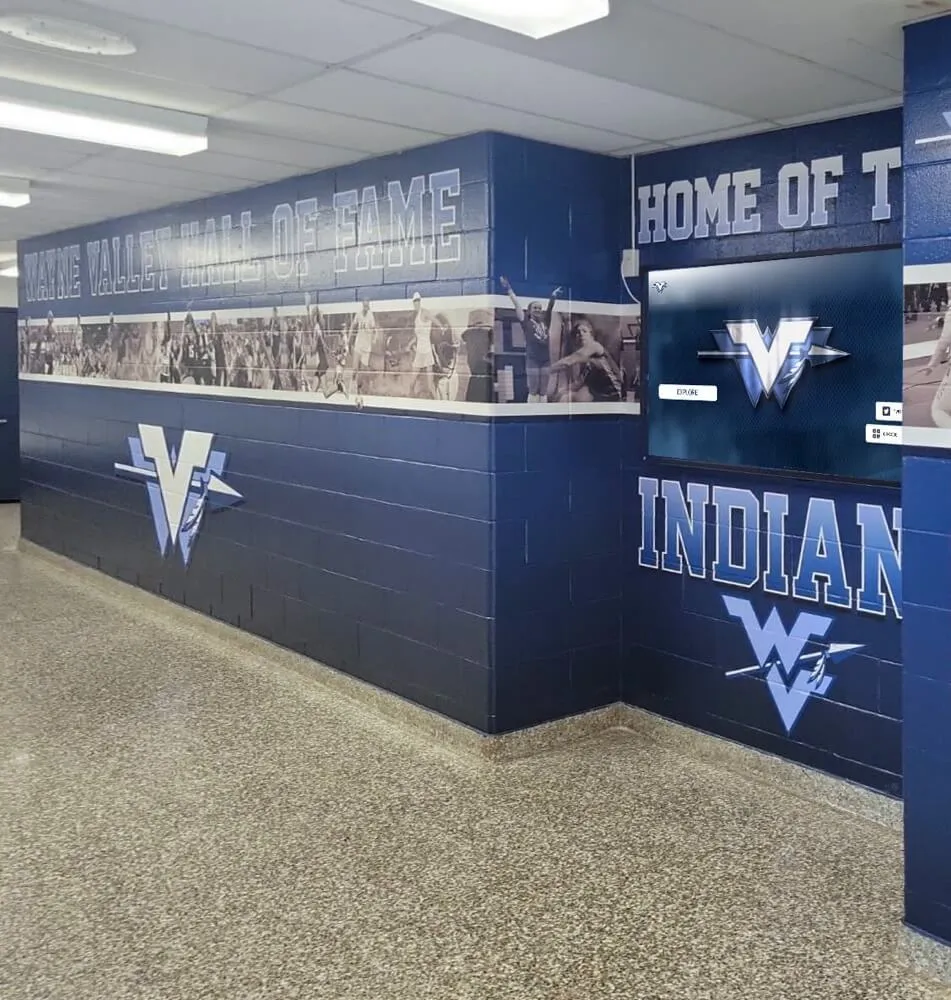
Hallway recognition kiosks that visitors and students use in real time must remain responsive even when a historical report query is running—a parallel worker cap on the reporting role protects display latency without sacrificing report speed
How Parallel Query Execution Works in Recognition Databases
Understanding the mechanics of parallel query helps recognition program administrators communicate the policy rationale to coaches, athletic directors, and school IT staff who may encounter either the performance benefits or the latency trade-offs.
When the PostgreSQL query planner receives a large scan request—for example, pulling every letter award granted in the last ten years across all sports—it evaluates whether splitting the scan work across multiple processes would reduce wall-clock time. If the table is large enough to exceed min_parallel_table_scan_size and the estimated cost savings exceed the overhead of launching parallel workers, the planner produces a parallel plan.
In a parallel plan, a “gather” node coordinates one or more worker processes. Each worker scans a different portion of the table independently, and the gather node assembles the results. On a server with sufficient CPU and I/O capacity, this can reduce a multi-minute sequential scan to a fraction of the time.
The operational constraint is that each parallel worker process consumes CPU time and memory. The max_parallel_workers parameter sets a hard ceiling on how many workers can be active system-wide at any moment. When a large historical report launches three parallel workers, those three workers are not available for any other query—including the display refresh loops that recognition kiosk software issues every few seconds.
The policy’s job is to prevent any single report query from consuming enough parallel workers to impair display traffic. It does this by setting role-level limits that are lower than the system maximum, and by ensuring the max_parallel_workers ceiling reserves CPU capacity for display-layer database roles that never use parallel workers themselves but still need CPU throughput for their serial queries.
Core Components of an Athletic Awards Database Parallel Query Policy
A complete parallel query policy for athletic recognition programs addresses six governance areas.
1. Scope and Covered Systems
The policy should name the specific database instances, schemas, and application roles it governs. A school running a dedicated athletic awards database separate from its student information system should scope the policy to the awards database specifically. Schools running award data in a shared schema alongside academic and administrative records need to account for interaction with those workloads when setting system-wide parallel worker limits.
2. Role-Level Parallelism Limits
The central control mechanism is a per-role max_parallel_workers_per_gather setting that defines how many workers any query issued by that role may use. Display-facing roles should be set to zero—no parallelism permitted under any conditions—while report-generating roles receive a defined non-zero limit. Administrative maintenance roles receive a separate limit that applies only during scheduled maintenance windows.
3. Minimum Table Size Thresholds
Even for roles permitted to use parallel workers, the policy should specify minimum table size thresholds below which parallelism is not worth the setup overhead. For a historical reporting role, setting min_parallel_table_scan_size to 50 MB or higher prevents the query planner from launching parallel workers for scans of recent season data that is small enough to complete quickly in serial mode. Only the full-archive tables that legitimately benefit from parallel scans will exceed these thresholds.
4. Scheduling Constraints for Multi-Worker Reports
Historical reports that require maximum parallelism—full-archive analyses spanning all sports and many seasons—should be scheduled outside peak display hours. The policy should define a maintenance window, typically overnight or on weekend mornings, during which the reporting role’s worker limit may be temporarily elevated for specific authorized queries.
5. Exception and Override Process
The policy should document the process for requesting a temporary parallelism override—for example, when an athletic director needs an urgent multi-season report during a recruiting visit or a board presentation. The exception process names who approves the override, requires a documented business justification, and specifies whether the override applies to a single session or a broader configuration change.
6. Review Schedule
As data volumes grow each season and hardware is upgraded, appropriate parallel worker limits change. The policy should specify an annual review—tied to the offseason transition—during which the IT team measures current query performance, evaluates whether the existing limits remain appropriate, and updates the policy document and configuration accordingly.
Recommended Parallel Worker Settings by Operation Type
Use this table as a starting point. Adjust values based on the database server’s CPU core count, available memory, total row volume, and concurrent display system load before finalizing the policy.
| Operation Type | Role Type | max_parallel_workers_per_gather | Scheduling Constraint |
|---|---|---|---|
| Real-time display refresh | Display application role | 0 (disabled) | No constraint — continuous |
| Athlete profile and record search | Display application role | 0 (disabled) | No constraint — continuous |
| Current-season award lookup | Administrative role | 0–1 | Business hours |
| Single-sport historical report (5–10 years) | Reporting role | 2 | Off-peak preferred |
| Multi-sport historical report (10+ years) | Reporting role | 2–4 | Maintenance window required |
| Full-archive analysis (all sports, all seasons) | Reporting role | 4–8 | Maintenance window only |
| Index rebuild and maintenance | DBA role | Up to system max | Maintenance window only |
| Data migration and bulk import | DBA role | 2–4 | Maintenance window only |
The most important boundary in this table is between the display application role (zero parallel workers) and every other role. Display queries must never compete with parallel workers for CPU time. Enforcing this at the role level—rather than relying on query-level hints or application logic—ensures that no configuration change in the application layer can inadvertently allow parallelism to reach display traffic.
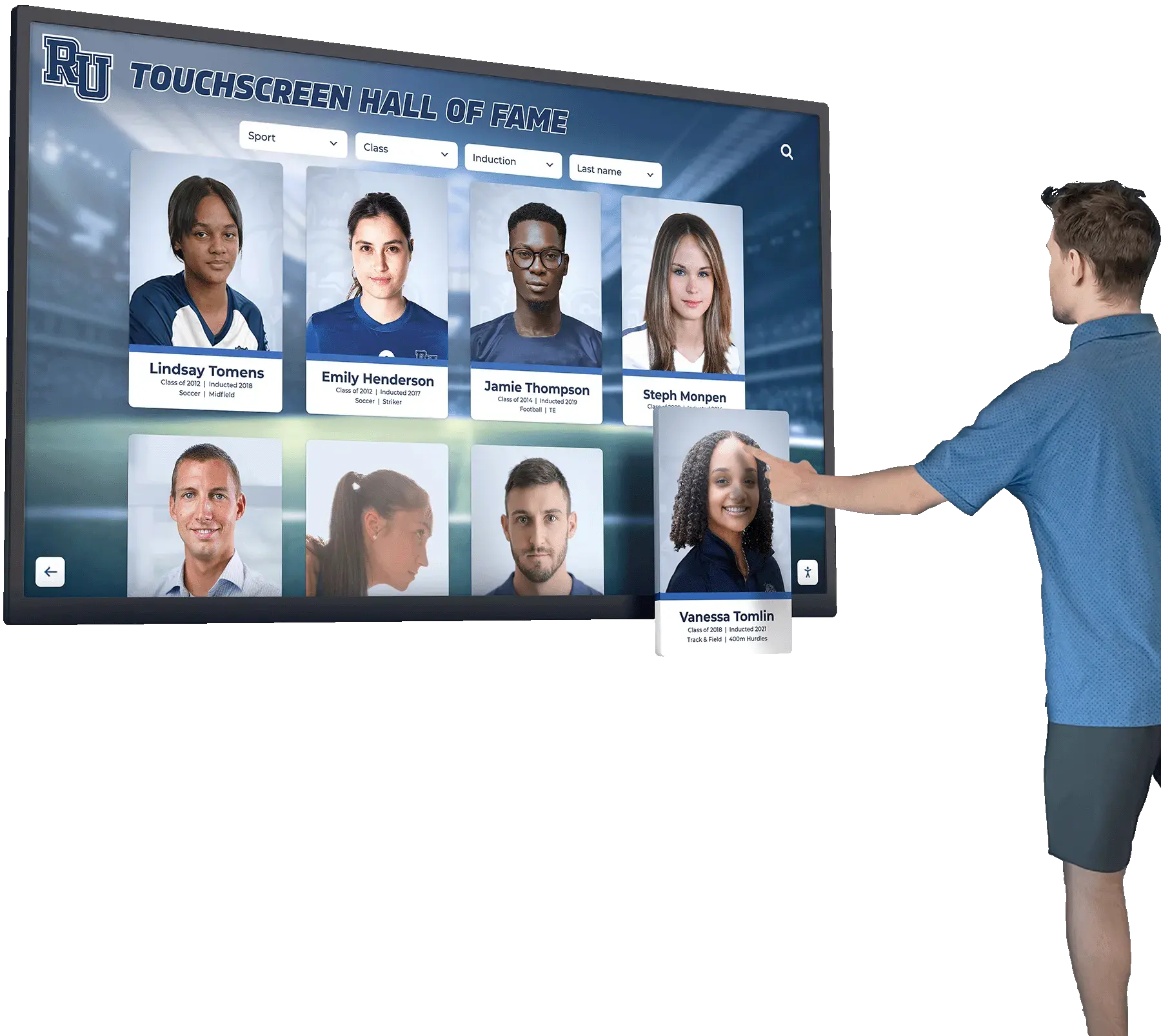
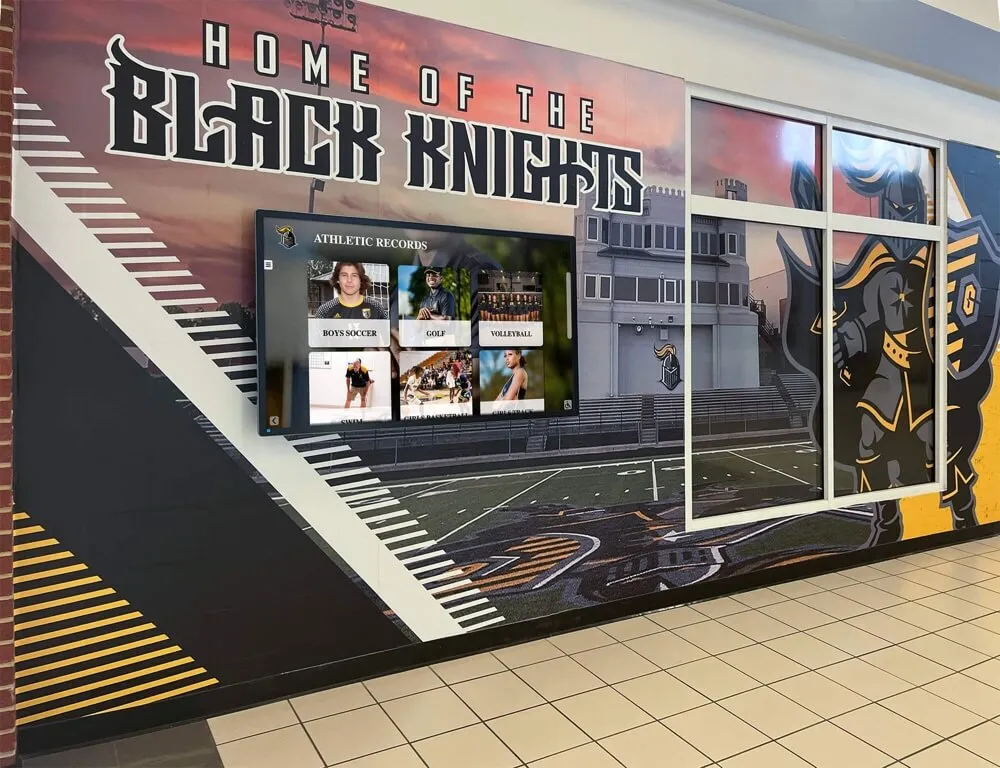
Display application roles must run with parallel query disabled—any CPU consumed by parallel workers reduces the throughput available for the continuous search queries that touchscreen recognition systems issue on behalf of students, families, and visitors
Eight-Step Procedure: Implementing a Parallel Query Policy for Athletic Award Historical Reports
This procedure applies to schools running a self-hosted PostgreSQL database for their athletic awards system, and to schools working with a recognition platform vendor to configure database access policies for an on-premises or cloud deployment.
Step 1: Inventory all database roles and classify by query type
List every application role, service account, and administrative account with access to the athletic awards database. For each role, classify the expected query pattern: interactive display (continuous lightweight searches), scheduled reporting (periodic large scans), administrative editing (low-frequency point reads and writes), or maintenance (index operations, bulk imports). Roles that serve multiple patterns should be split into separate accounts, each with an appropriate max_parallel_workers_per_gather setting configured independently.
Step 2: Measure baseline query latency under concurrent load
Before changing any configuration, measure the current average response time for display-facing queries while a representative historical report runs concurrently. Record the number of parallel workers the historical report uses—visible in pg_stat_activity and EXPLAIN ANALYZE output—and the latency delta the concurrent report causes for display queries. This baseline gives you a before-and-after comparison when you implement the policy, making it straightforward to demonstrate the impact of the change to administrators and stakeholders.
Step 3: Set the display application role to zero parallel workers
Apply ALTER ROLE display_app_role SET max_parallel_workers_per_gather = 0; for every role that serves recognition display software. Verify by running SHOW max_parallel_workers_per_gather; within a session connected as that role. Display queries should show no parallel worker activity in EXPLAIN ANALYZE output after this change. If your recognition platform uses multiple application roles for different display contexts—kiosks, web portals, administrative dashboards—apply the setting to each one separately.
Step 4: Assign reporting roles their authorized worker count
For each reporting role, set the per-role worker limit based on the table in the previous section. Apply the setting with ALTER ROLE reporting_role SET max_parallel_workers_per_gather = N; where N reflects the operation tier. If a single role handles multiple report types, use the most restrictive limit appropriate for business-hour use and document the exception process for elevated limits during maintenance windows.
Step 5: Configure system-level maximums to protect the overall CPU budget
Set max_parallel_workers in postgresql.conf to a value that reserves CPU headroom for display traffic even when all authorized reporting workers are active simultaneously. A practical guideline: set max_parallel_workers to no more than 50–60 percent of available CPU cores on the database server. On a server with eight cores, six parallel workers maximum leaves four cores reliably available for display and administrative queries even during peak reporting periods.
Step 6: Set minimum table size thresholds to suppress unnecessary parallelism
Increase min_parallel_table_scan_size and min_parallel_index_scan_size for reporting roles to suppress parallel plans on small tables. For most athletic recognition databases, setting the threshold to 50–100 MB prevents parallelism from activating on recent-season data that returns quickly in serial mode. Full-archive tables that legitimately benefit from parallel scans will exceed these thresholds; current-season tables and individual sport tables will not.
Step 7: Test the configuration with representative queries
Run representative historical report queries against the configured reporting role while a load-testing tool or a second session issues continuous display queries against the display application role. Verify that EXPLAIN ANALYZE output for historical queries shows the intended number of parallel workers, that display query response times remain within the target latency range, and that no parallel worker activity appears in display role sessions. Retain the test results as documentation for the policy record.
Step 8: Document the policy, publish the configuration, and schedule the review
Write the policy document specifying each role’s authorized worker count, the scheduling constraints for multi-worker reports, the exception request process, and the annual review date. Store the document alongside the database configuration in the IT team’s documentation system. Set a calendar reminder for the annual review tied to the offseason transition so the policy does not drift silently as data volumes and hardware change over subsequent seasons.
Connecting the Parallel Query Policy to the Broader Recognition System
The query layer is one component of a recognition system that also includes display software, a content management platform, and the physical hardware that staff, students, and visitors interact with daily. The parallel query policy protects the database tier; the broader system benefits from each component being designed with the others’ constraints in mind.
Athletic departments that maintain alumni spotlights, seasonal recognition updates, and multi-year historical displays—like those featured in alumni spotlight recognition programs—depend on a recognition system where historical data is accessible for research and reporting without disrupting the live displays that alumni and visitors encounter during campus visits and events.
The best touchscreen software for recognition environments typically manages its own display refresh cadence, polling the awards database at defined intervals for updated content. When the query policy limits parallel workers for display roles, that refresh cadence remains consistent regardless of what historical report queries are running at the same time. The display experience is insulated from back-office reporting activity at the database configuration level—not dependent on coordination between the application and the database administrator on any given day.
Schools that store team histories alongside individual athlete records—including sport-specific data like season statistics in sports such as football offensive sequences tracked play by play—accumulate the kind of multi-decade row volumes where historical report queries are most likely to trigger aggressive parallelism without a policy to govern it. These are also the programs most likely to benefit from the speed improvement parallelism provides for legitimate report use cases, making the policy—rather than a blanket restriction—the right operational tool.
Year-by-year athletic records appear in formats outside the awards database itself: archived media files, digital yearbooks that schools use to preserve season memories across decades, and record boards that draw on both statistical and narrative content. When staff generate reports that cross-reference the awards database with these external sources, those queries tend to be larger than typical historical reports—an additional reason to have a documented policy that constrains worker counts and directs large scans to maintenance windows where display traffic is lowest.
Managing Athletic Recognition Records at Scale?
Rocket Alumni Solutions provides a cloud-based recognition platform with WCAG 2.1 AA compliant displays, remote CMS access, and an architecture designed to keep public-facing searches fast regardless of back-office reporting activity. Trusted by 600+ institutions—from small high schools to large university athletic programs.
Request a Platform DemoMonitoring and Reviewing the Policy Over Time
A parallel query policy configured once and never revisited will drift out of alignment with actual database conditions within a few seasons. Two types of change require periodic policy review.
Data volume growth. Athletic recognition databases grow by several thousand rows per season as award records, athlete profiles, and historical statistics accumulate. Tables that were below the minimum parallel scan threshold at policy implementation may eventually grow large enough for the query planner to consider parallelism even for queries the policy intended to keep serial. Annual review of table sizes, query plan output, and performance metrics catches this drift before it reaches the display layer.
Hardware and platform changes. Database server upgrades that add CPU cores change the available parallel worker budget. Cloud hosting migrations that change instance types affect both the total max_parallel_workers ceiling and the cost structure of parallel execution. Any infrastructure change that affects the database server should trigger an out-of-cycle policy review before the change goes live in production.
Sport-specific record boards for programs that track multi-year performance statistics—including those covering sports like basketball, where rim height standards and game records accumulate across many seasons—represent exactly the kind of accumulating datasets where table size eventually crosses the parallel scan threshold. Tracking table growth as part of the annual policy review prevents that threshold crossing from creating unexpected display slowdowns during a busy recruitment or awards season.
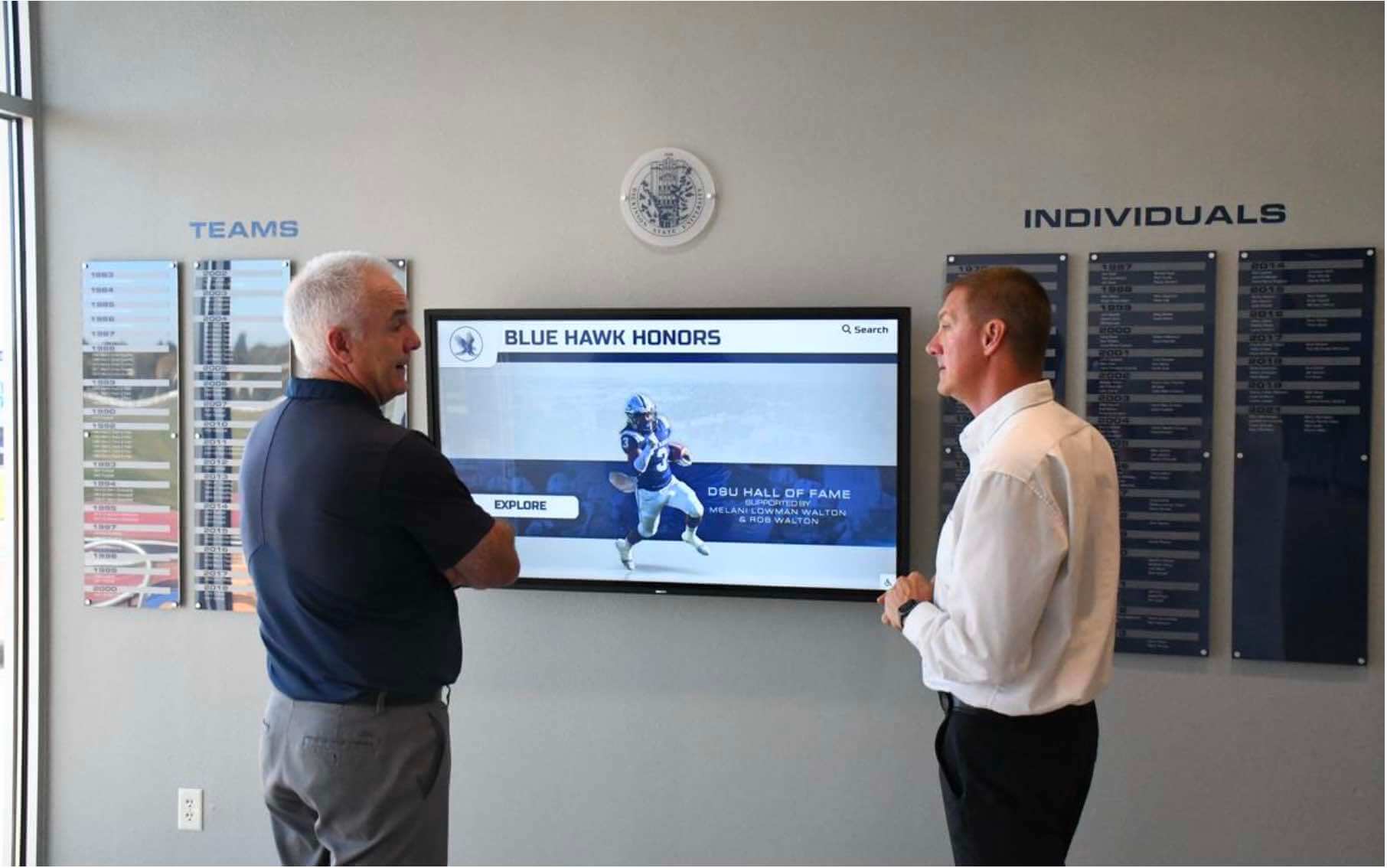
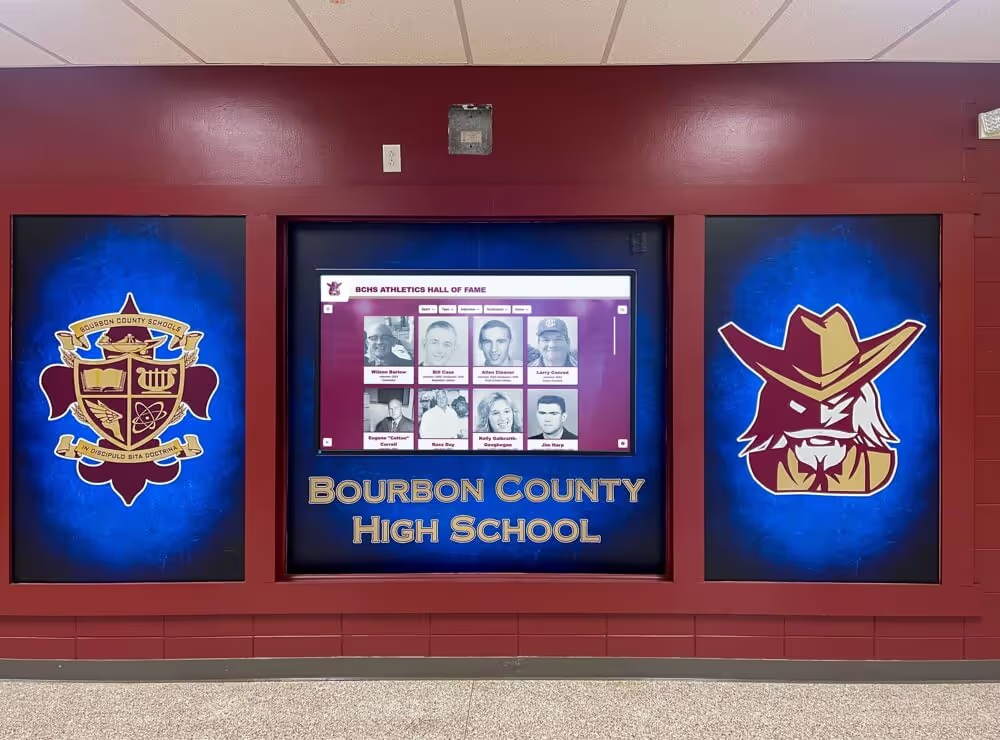
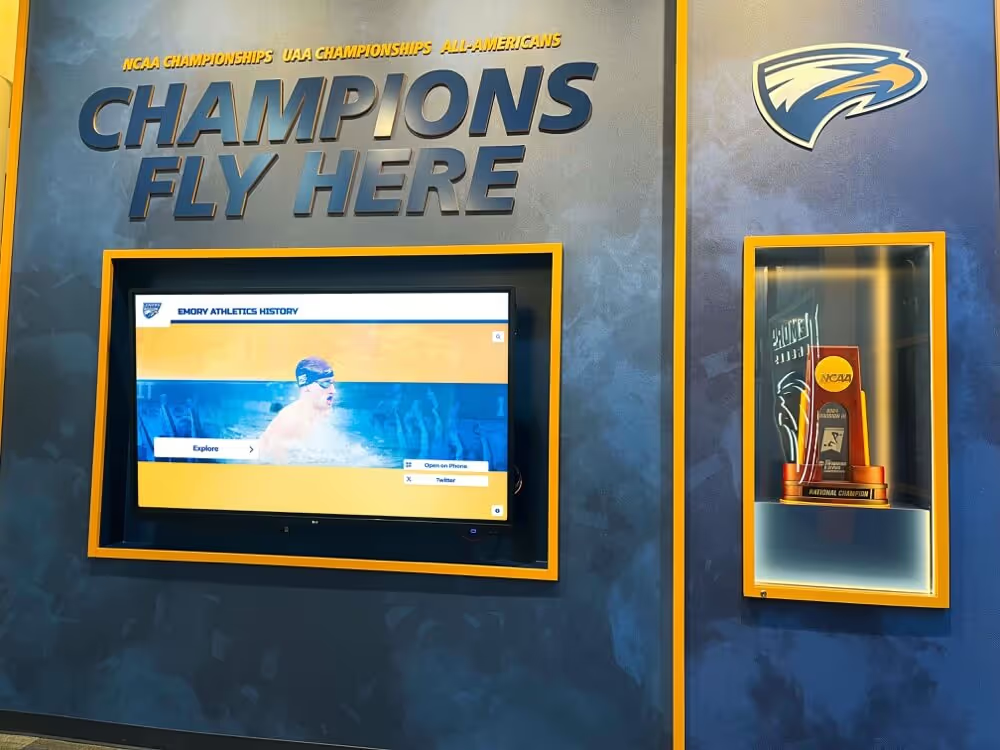
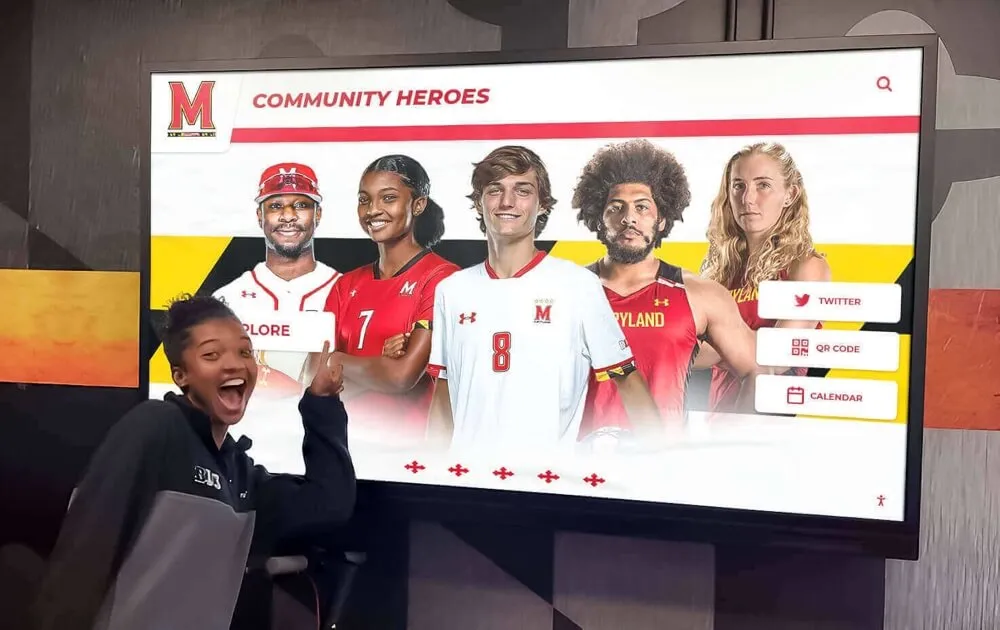
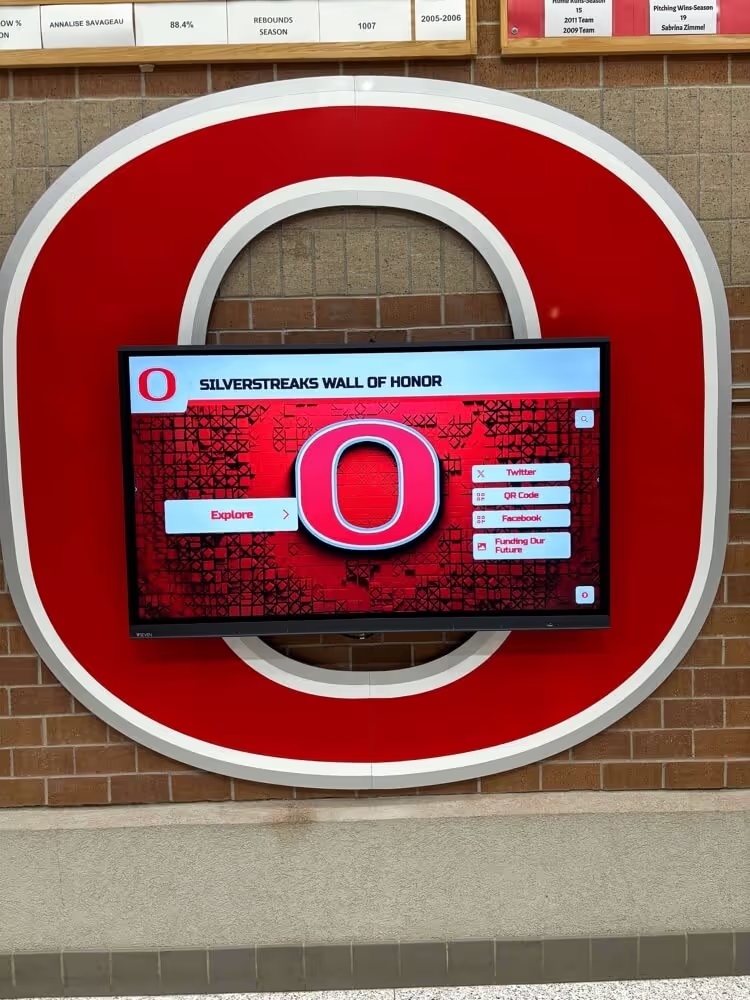
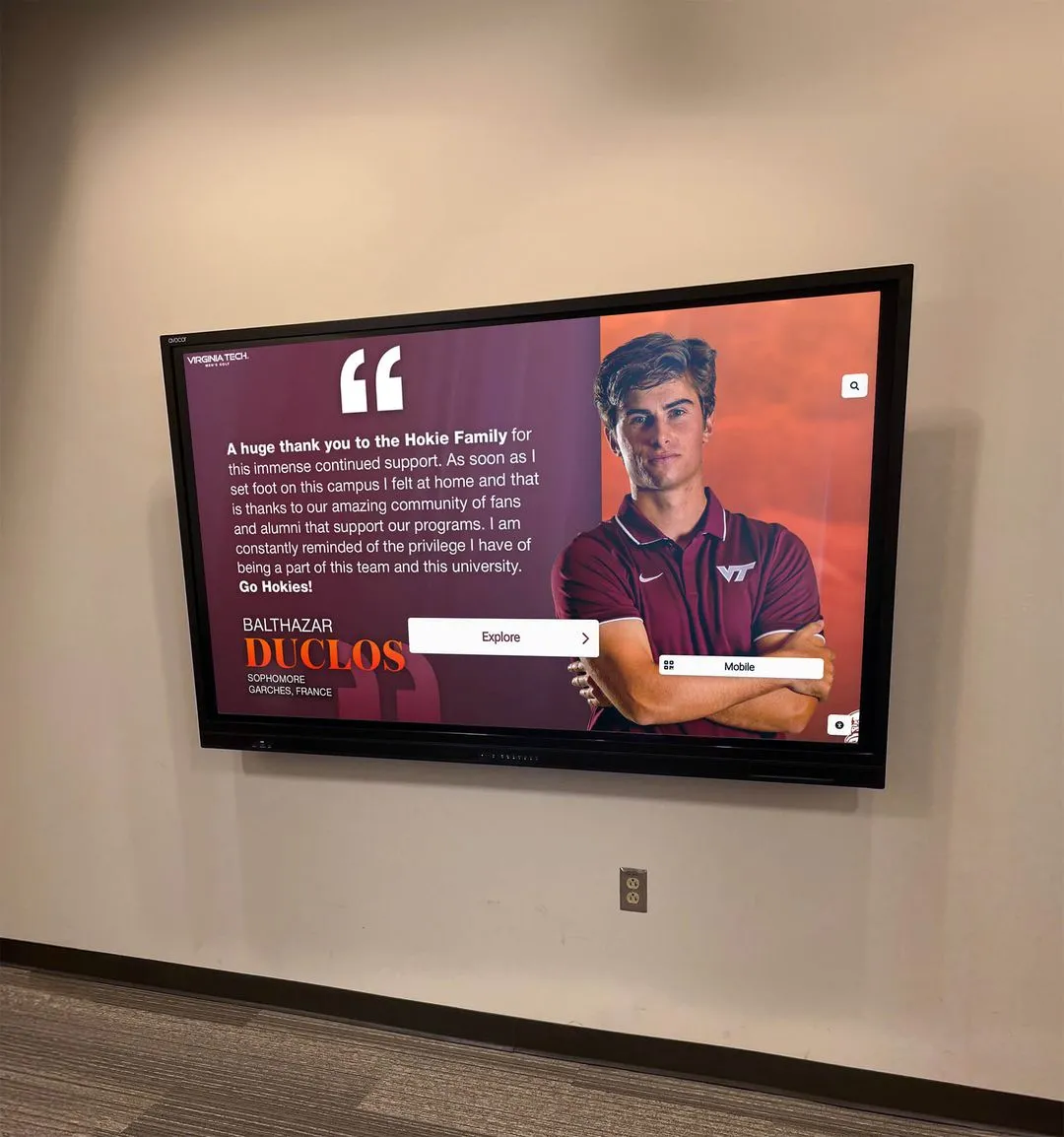
Staff who review recognition displays expect to see complete, current award data updated in real time—a parallel query policy ensures that historical report workers do not consume the CPU resources those display refreshes depend on
The monitoring queries most useful for parallel query policy review:
| Metric | Source | What It Tells You |
|---|---|---|
| Active parallel workers per session | pg_stat_activity | Whether parallel workers are being used, and by which roles |
| Query plan parallelism | EXPLAIN (ANALYZE, BUFFERS) | Exact worker count for specific historical report queries |
| Display query latency over time | Application performance monitoring or pg_stat_statements | Whether display queries slow when concurrent reports run |
| Table size growth | pg_size_pretty(pg_total_relation_size('award_table')) | Whether tables are approaching the minimum parallel scan threshold |
| Worker limit hits | PostgreSQL log entries for parallel worker errors | Whether configured limits are being reached in practice |
Running these checks quarterly—and automatically after any server hardware change—keeps the policy aligned with actual database conditions rather than the conditions that existed when the policy was first written.

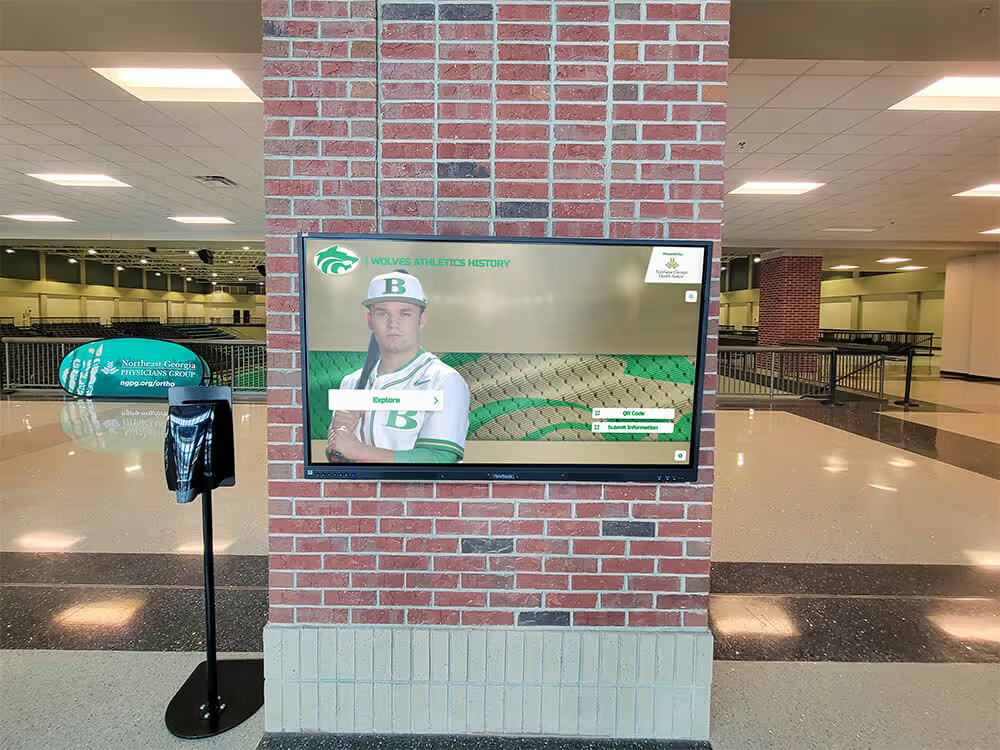
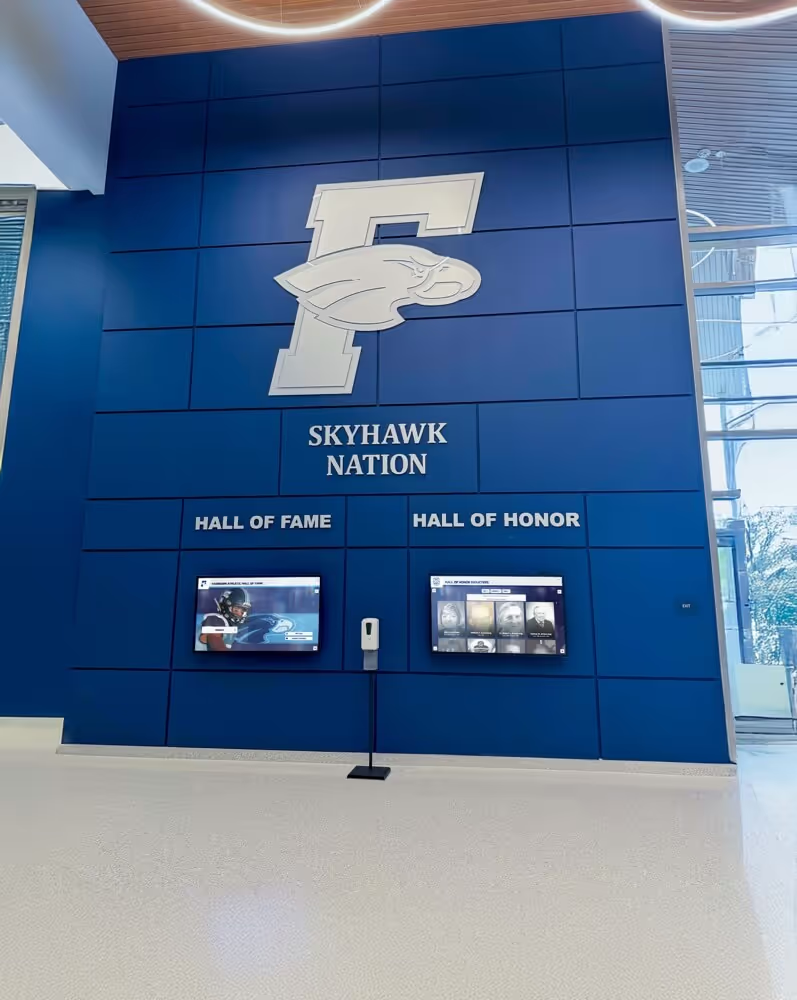
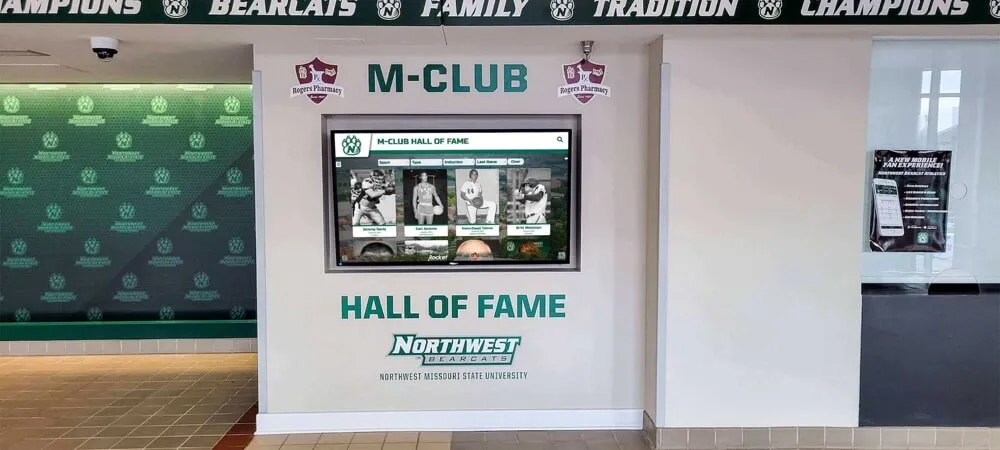
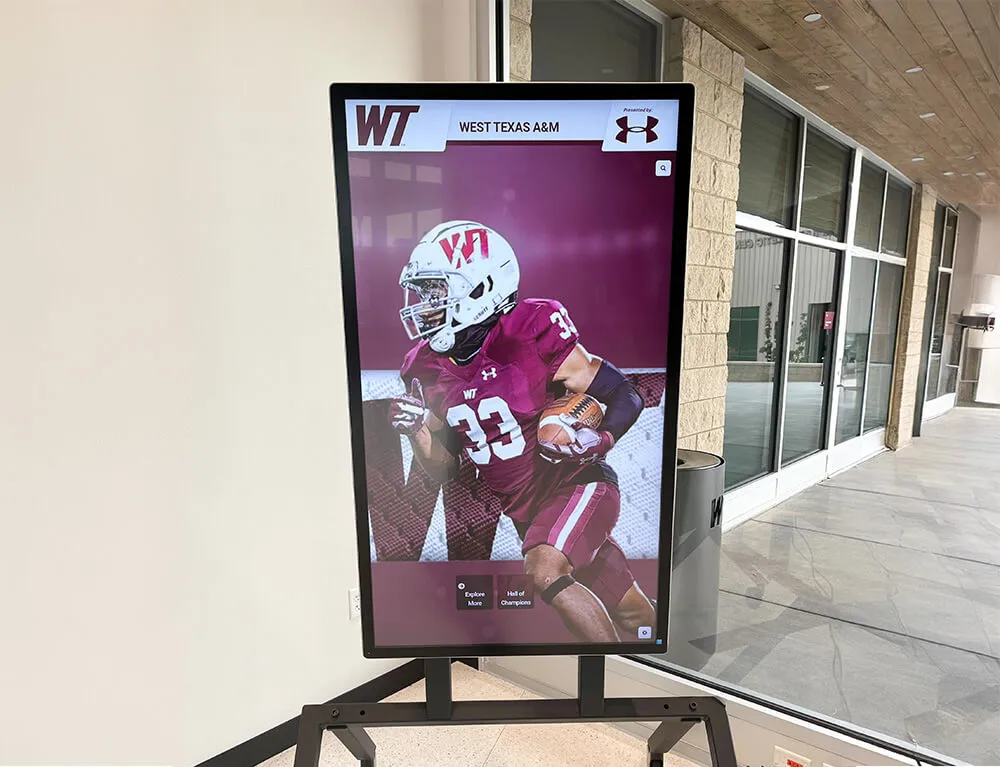
Athlete portrait displays and record lookups on recognition kiosks must return results within seconds—monitoring display query latency alongside parallel worker activity confirms the policy is protecting the experience visitors depend on
FAQ: Athletic Awards Database Parallel Query Policy
What is an athletic awards database parallel query policy?
An athletic awards database parallel query policy is a documented operational rule that governs how many parallel worker processes each database role is permitted to use, which query sizes trigger parallel execution, and what scheduling constraints apply to multi-worker historical reports. The policy separates reporting roles—which benefit from parallel scans of large historical datasets—from display application roles, which must run with zero parallel workers to protect real-time recognition kiosk response times.
Why do athletic awards databases need a parallel query policy?
Athletic awards databases face two competing workloads: large historical report queries that benefit from parallel execution across multiple CPU workers, and real-time display queries from recognition kiosks and hallway screens that require fast, consistent response. Without a policy that limits the parallel workers available to reporting roles, a single historical report can consume enough CPU to slow every concurrent display query—creating visible latency on touchscreen recognition systems at the moments they are most visible to families, students, and recruits.
How do you disable parallel query for a specific database role in PostgreSQL?
Run ALTER ROLE role_name SET max_parallel_workers_per_gather = 0; for each role that serves display or real-time queries. This prevents the query planner from generating parallel plans for any query issued by that role, regardless of table size or query complexity. Verify the setting by running SHOW max_parallel_workers_per_gather; within a session connected as that role, and confirm with EXPLAIN ANALYZE that no parallel worker nodes appear in query plans.
How many parallel workers should a historical reporting role use?
The appropriate worker count depends on the database server’s CPU core count, total available memory, and concurrent display workload. A general starting point: set max_parallel_workers to no more than 50–60 percent of available CPU cores system-wide, and assign reporting roles no more than 2–4 workers per query. Full-archive analyses spanning all sports and all seasons may justify up to half the system maximum, but should be scheduled to maintenance windows when display traffic is lowest.
How often should an athletic awards parallel query policy be reviewed?
Annual review tied to the offseason transition is the recommended cadence for most school athletic programs. Each review should include current table sizes, recent query plan output for representative historical reports, display query latency measurements taken while reports were running, and any infrastructure changes since the last review. Hardware upgrades that change CPU core count or cloud instance type should trigger an out-of-cycle review before the new infrastructure goes live.
Building a Sustainable Historical Reporting Environment
An athletic awards database parallel query policy is one component of a broader operational discipline that keeps recognition programs credible and accessible over time. The policy ensures that the historical depth of an athletic award archive—championship records, letter award histories, all-conference selections spanning many seasons—can be queried for staff reports and program analysis without degrading the experience of students, families, and visitors who interact with recognition displays in real time.
The eight-step implementation procedure, role-level settings table, and monitoring guidance in this guide are designed to be adopted directly by IT administrators managing self-hosted recognition databases, or used as a reference framework when working with a platform vendor to configure access policies for a cloud-hosted system.
A recognition program that can produce reliable historical reports on demand—without scheduling conflicts, display slowdowns, or ad-hoc configuration changes that introduce new risk—supports the sustained investment in program history that makes athletic recognition meaningful. Coaches and athletic directors who can pull complete career statistics, multi-sport championship timelines, and letter award records quickly are better positioned to celebrate program history at alumni events, communicate program depth to prospective student-athletes, and maintain the kind of accurate, accessible archive that serves every generation of athletes the program has recognized.
See How 600+ Schools Display Athletic History Without Sacrificing Performance
Rocket Alumni Solutions delivers cloud-based digital recognition platforms with WCAG 2.1 AA compliant displays, remote CMS access, and infrastructure designed to keep public recognition searches fast regardless of reporting workload. From small high schools to large university athletic programs, the platform scales to every program's archive depth—with average setup time of 2–4 weeks from contract to launch.
Request a Recognition Platform Demo