



Intent: define. An athletic awards database partition-pruning checklist is a structured set of schema design, configuration, verification, and maintenance tasks that enable a school’s SQL database to skip irrelevant data partitions when running historical award queries—returning year-by-year championship records, sport-specific honor roll lookups, and decade-spanning recognition reports in a fraction of the time a full-table scan would require.
This guide explains what partition pruning is, how athletic recognition databases naturally align with season-year partitioning, which configuration errors silently disable pruning, and how to verify that your query planner is actually eliminating irrelevant partitions before returning results. The checklist applies to any SQL-based athletic award database—PostgreSQL, MySQL 8, or MariaDB—whether the program spans a single high school’s recent history or a multi-campus archive reaching back through decades of championship recognition.
Every year an athletic department adds another layer to its recognition database: new inductees, updated season results, corrected athlete records, revised award categories. After ten or fifteen seasons, a program might hold tens of thousands of award records across dozens of sports and hundreds of individual honors. Running a report against that archive—“show every state qualifier from 2012 through 2018,” or “list all four-sport letter winners since 2010”—can take seconds when the database must scan every row, or milliseconds when the query planner skips every partition outside the requested date range.
The difference is partition pruning, and it does not happen automatically on most systems. It requires a schema designed around partition boundaries, a query planner configured to use them, and a maintenance discipline that keeps the partition structure valid as new seasons are imported and old records are corrected.

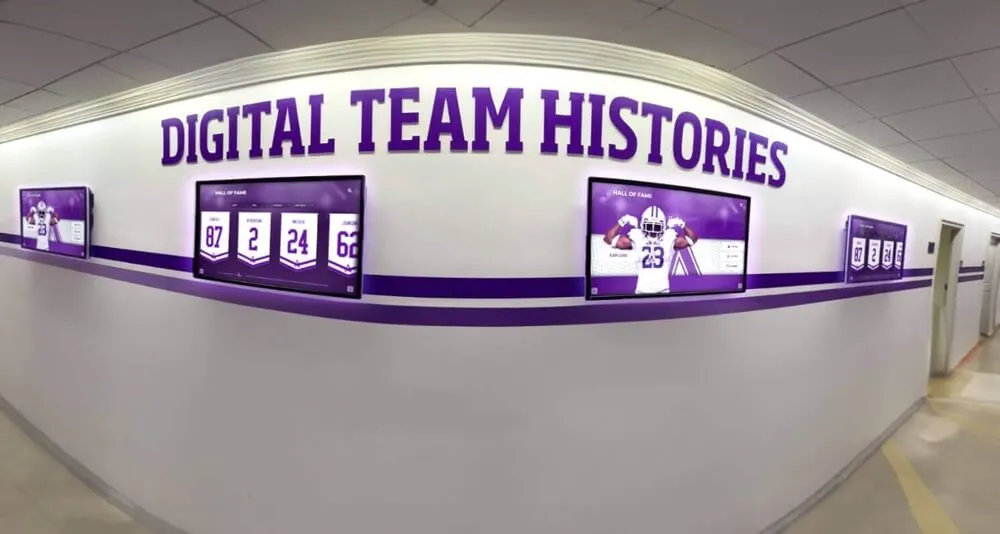
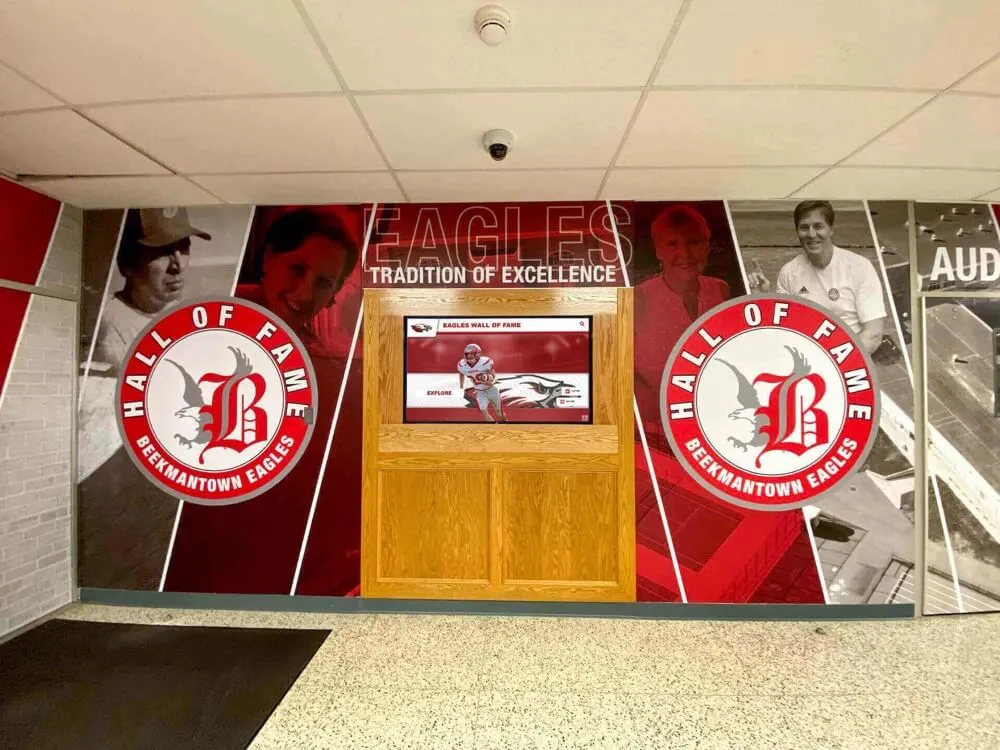
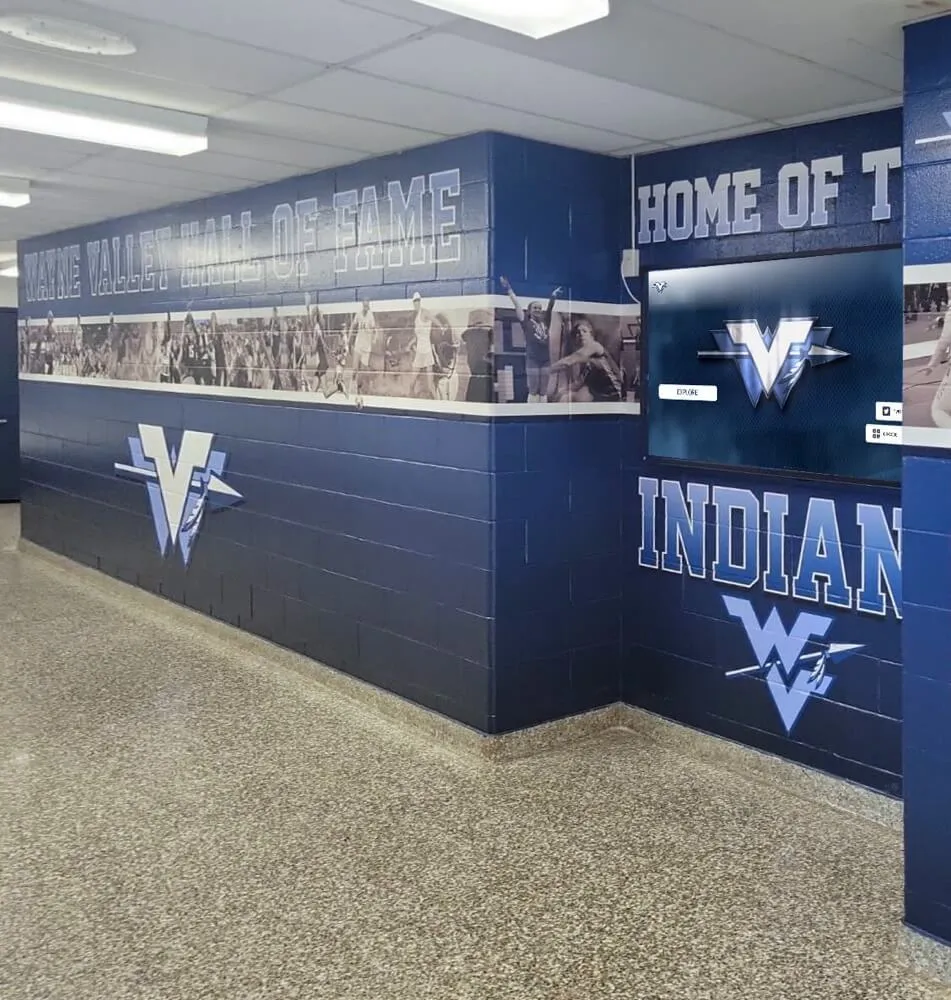
Historical report queries that drive year-by-year navigation on interactive recognition displays depend on partition pruning to return results fast enough to feel instantaneous to visitors browsing multi-decade award archives
What Is Database Partition Pruning?
Partition pruning is the query planner’s ability to skip entire sub-tables—called partitions—when executing a query whose WHERE clause excludes the data those partitions contain. A partitioned table is physically divided into child tables, each storing rows that fall within a defined boundary. When a query specifies a value or range for the partition key, the planner evaluates which child tables can possibly contain matching rows, reads only those, and ignores the rest.
For an athletic awards database partitioned by season_year, a query such as WHERE season_year = 2017 instructs the planner to read only the 2017 partition. If the archive spans twenty seasons, nineteen partitions are pruned entirely—the engine never opens their files, reads their indexes, or checks their rows. The I/O, CPU, and memory cost of the query drops proportionally to the fraction of the archive that can be pruned.
Partition pruning is distinct from index scans. Both reduce the rows a query must inspect, but they operate at different levels. An index scan navigates a pre-built sorted structure to jump directly to matching rows within a table. Partition pruning eliminates entire sub-tables before any row-level operation begins. For historical range queries that span many rows within a given year—all letter winners, all state qualifiers, all team captains—pruning provides a larger speedup than any single index can, because it eliminates the physical I/O of reading from unneeded partitions entirely.
According to the PostgreSQL documentation on table partitioning, partition pruning is enabled by default in PostgreSQL 10 and later and can provide dramatic performance improvements for queries that filter on the partition key when the partition key and the query predicate share a compatible data type and the predicate is not wrapped in a function call that obscures the value from the planner.
Why Athletic Award Databases Benefit from Year-Based Partitioning
Athletic recognition data has a natural seasonal structure that maps directly to partitioning boundaries. Award records accumulate in annual cycles: a season ends, the athletic director or recognition coordinator loads the season’s honorees, corrections are applied, and the archive moves forward to the next year. Historical queries—the reports that coaches, alumni directors, and athletic directors run most often—almost always filter on the season year: “who won the academic excellence award this decade,” “list all volleyball captains since the program launched,” “show every state champion by sport for the last five years.”
This query pattern is exactly what range partitioning by season_year is designed to accelerate. Each partition holds exactly one season’s worth of data. A five-year historical report touches five partitions. A full-archive report spanning twenty years touches all twenty—but a decade-filter touches ten and prunes the other ten, cutting I/O in half. As the archive grows, pruning’s benefit grows with it: a program that adds twenty more years of records will see its decade-filter query run in the same time as before, because the partition count scales with the archive but the query’s pruned set remains the same size.
The digital archives for schools and universities guide at touchhalloffame.us describes the long-term data lifecycle challenges that institutions face as recognition archives span decades—the query performance and storage management problems that emerge from unpartitioned archives growing year over year are directly addressed by the partitioning and pruning discipline in this checklist.
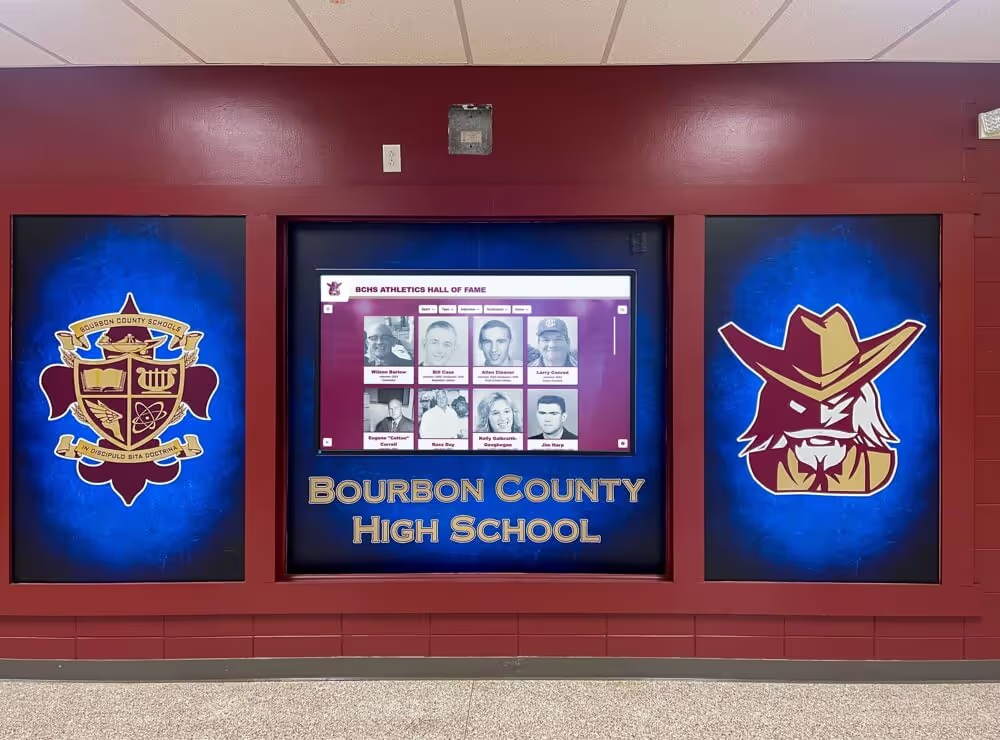
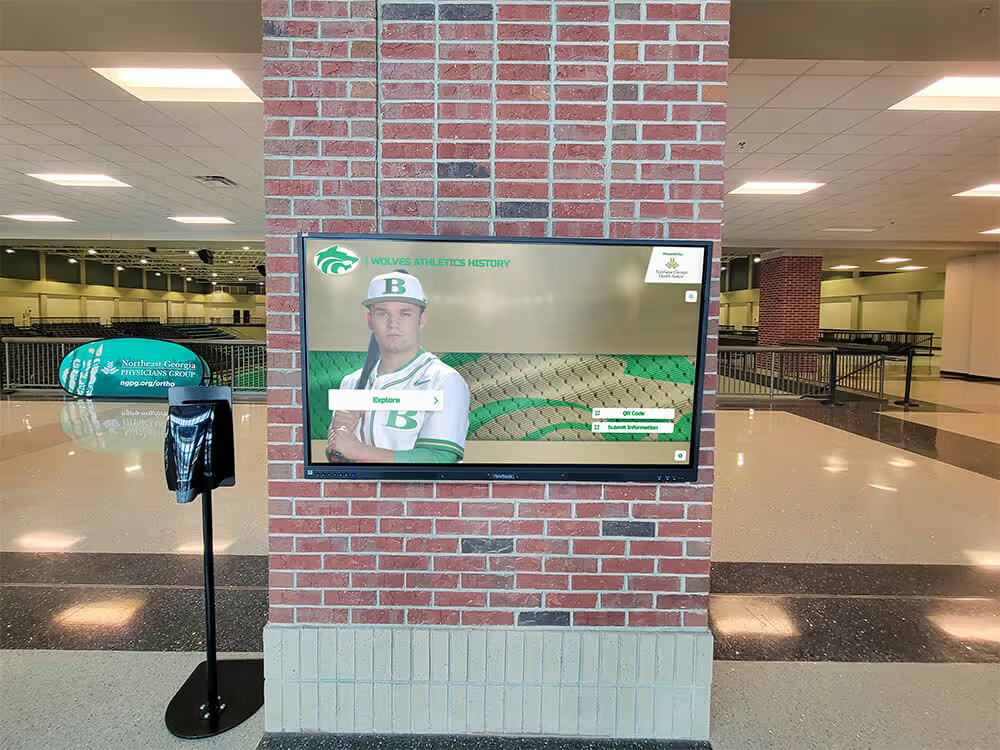
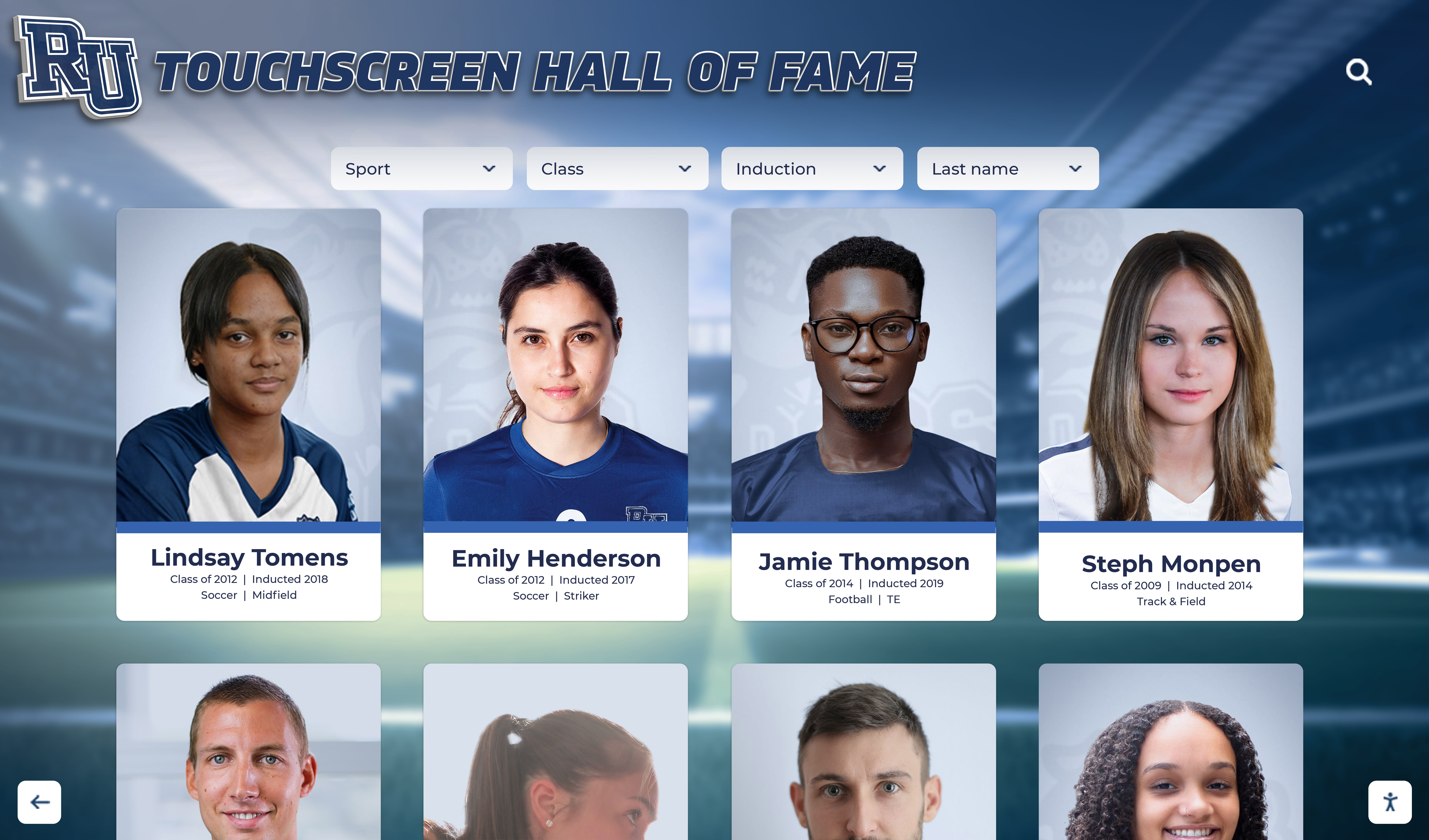
Interactive recognition displays compound the performance requirement. A visitor browsing a touchscreen hall of fame and selecting “2015” from a year-filter control expects the display to respond within a second. A query that must scan fifteen years of unpartitioned award data to return one year’s records will fail that expectation at scale. Partition pruning is part of the infrastructure that makes real-time interactive filtering feel instantaneous regardless of how many decades the underlying archive spans.
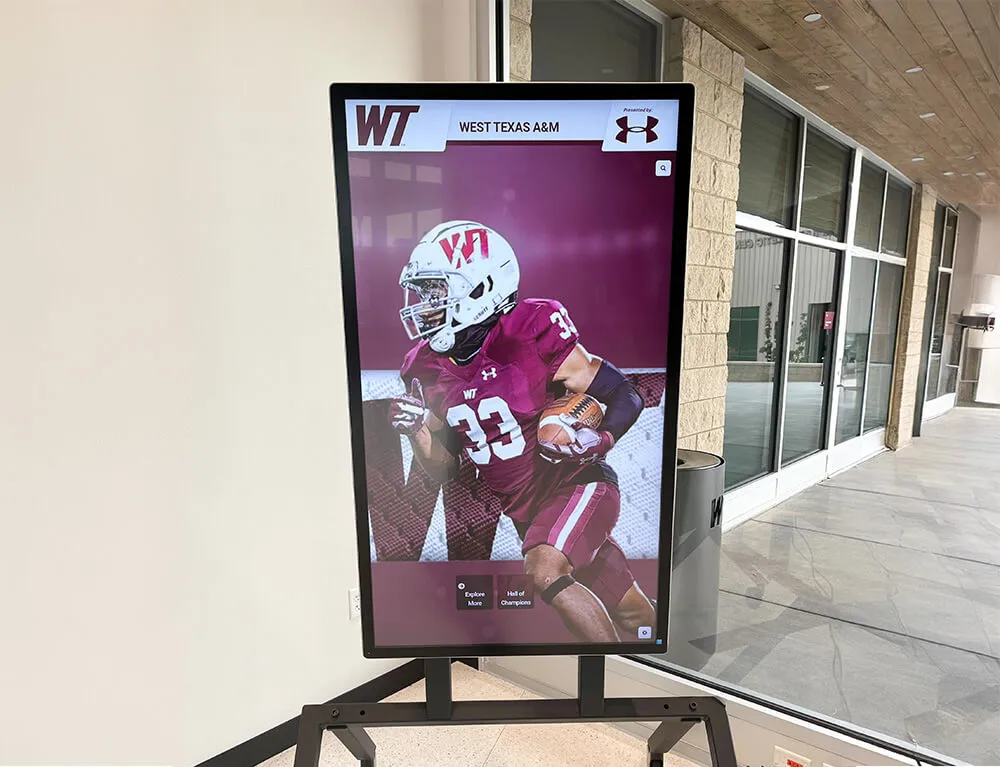
Recognition displays that offer year-based navigation depend on fast partition-pruned queries — without pruning, adding each new season's records gradually slows filter response times until the experience degrades
Designing Your Partition Schema for Athletic Award Records
The most common partition strategy for athletic recognition databases is range partitioning by season_year on the central awards table. The season_year column holds an integer (or a date value anchored to the first day of the academic year) that identifies which season an award belongs to.
A range-partitioned awards table in PostgreSQL looks like this:
CREATE TABLE awards (
  award_id       BIGSERIAL,
  athlete_id     BIGINT NOT NULL,
  sport_id       INTEGER NOT NULL,
  award_type     TEXT NOT NULL,
  season_year    INTEGER NOT NULL,
  awarded_date   DATE,
  notes          TEXT
) PARTITION BY RANGE (season_year);

CREATE TABLE awards_2018 PARTITION OF awards
  FOR VALUES FROM (2018) TO (2019);

CREATE TABLE awards_2019 PARTITION OF awards
  FOR VALUES FROM (2019) TO (2020);

CREATE TABLE awards_2020 PARTITION OF awards
  FOR VALUES FROM (2020) TO (2021);

-- Continue for each season in the archive
In MySQL 8, the equivalent uses PARTITION BY RANGE COLUMNS:
CREATE TABLE awards (
  award_id       BIGINT NOT NULL AUTO_INCREMENT,
  athlete_id     BIGINT NOT NULL,
  sport_id       INT NOT NULL,
  award_type     VARCHAR(100) NOT NULL,
  season_year    INT NOT NULL,
  awarded_date   DATE,
  notes          TEXT,
  PRIMARY KEY (award_id, season_year)
) PARTITION BY RANGE (season_year) (
  PARTITION p2018 VALUES LESS THAN (2019),
  PARTITION p2019 VALUES LESS THAN (2020),
  PARTITION p2020 VALUES LESS THAN (2021)
);
For multi-school or district-level installations, a two-level strategy using list partitioning by school_id at the first level and range partitioning by season_year at the second level (sub-partitioning) can prune both on school and on year simultaneously, though this adds schema management complexity.
| Partition Strategy | Best For | Pruning Condition |
|---|---|---|
Range by season_year (integer) | Single-school archives, season-filtered reports | WHERE season_year = ? or BETWEEN ? AND ? |
Range by awarded_date (date) | Award-date-based queries, archive exports | WHERE awarded_date >= ? AND awarded_date < ? |
List by school_id | Multi-school or district databases | WHERE school_id = ? |
| Sub-partition (school + year) | Large multi-school archives with both filter dimensions | WHERE school_id = ? AND season_year = ? |
Athletic Awards Database Partition-Pruning Checklist
Work through this checklist in order. Complete Phase 1 before remediation, and verify pruning in Phase 3 before running any load into a new partition.
Phase 1: Partition Schema Audit
1.1 — Confirm the partition key column exists with the correct data type
The most common cause of pruning failure is a type mismatch between the partition key and the query predicate. If season_year is defined as INTEGER in the partition boundary but the application sends a string value ('2019' instead of 2019), the planner may fall back to scanning all partitions. Verify:
-- PostgreSQL
SELECT column_name, data_type
FROM information_schema.columns
WHERE table_name = 'awards' AND column_name = 'season_year';

-- Also check the partition boundary types
SELECT relname, pg_get_expr(relpartbound, oid)
FROM pg_class
WHERE relispartition = true
ORDER BY relname;
Confirm the data type in the application’s ORM or query layer matches. If the ORM sends season_year as a string via a parameterized query without explicit casting, add an explicit cast or parameter type annotation.
1.2 — Audit partition boundaries for completeness
List all defined partitions and compare against the seasons in your award archive:
-- PostgreSQL: list all partitions and their boundaries
SELECT
  child.relname AS partition_name,
  pg_get_expr(child.relpartbound, child.oid) AS boundary
FROM pg_inherits
JOIN pg_class parent ON pg_inherits.inhparent = parent.oid
JOIN pg_class child ON pg_inherits.inhrelid = child.oid
WHERE parent.relname = 'awards'
ORDER BY child.relname;
Any season year in the awards table that falls outside all defined partition boundaries will be routed to a default partition (if one exists) or will cause an error on insert. Default partitions are scanned on every query because the planner cannot determine what they contain—they disable pruning for any query that might match default-partition rows.
1.3 — Verify that a new-season partition exists before the upcoming import
Before each season import runs, the partition for the new season must already exist. If the import inserts rows for season_year = 2027 and the awards_2027 partition does not exist, PostgreSQL routes those rows to the default partition (degrading pruning) or raises an error (halting the import). Add new-season partition creation to the pre-import checklist:
CREATE TABLE awards_2027 PARTITION OF awards
  FOR VALUES FROM (2027) TO (2028);
Schedule this step as the first task in the pre-season maintenance window, before any import scripts run.
Phase 2: Query Planner Configuration
2.1 — Enable partition pruning in the database configuration
PostgreSQL 10 and later enable pruning by default via enable_partition_pruning = on. Verify:
SHOW enable_partition_pruning;
For MySQL 8, confirm partition pruning is active:
SHOW VARIABLES LIKE 'optimizer_switch';
-- Look for: partition_pruning=on in the output
If pruning was disabled for a legacy reason, re-enable it and verify no existing queries depend on the full-scan behavior before enabling in production.
2.2 — Confirm query predicates do not wrap the partition key in functions
A function call wrapping the partition key prevents the planner from evaluating the partition boundary:
-- This query CANNOT be pruned — the planner cannot evaluate EXTRACT against partition boundaries
WHERE EXTRACT(YEAR FROM awarded_date) = 2019

-- This query CAN be pruned — the partition key is compared directly
WHERE season_year = 2019

-- This date-range form CAN be pruned on a date-partitioned table
WHERE awarded_date >= '2019-08-01' AND awarded_date < '2020-08-01'
Audit the application’s historical report queries. Any query using YEAR(), EXTRACT(), DATE_TRUNC(), or other functions on the partition key column must be rewritten to compare the column directly, or an additional integer season_year column must be maintained alongside the date column as the partition key.
2.3 — Check for implicit type casts in ORM-generated queries
Object-relational mappers sometimes generate queries that pass integer parameters as text. Enable query logging temporarily and capture a sample of historical report queries:
-- PostgreSQL: enable query logging
SET log_min_duration_statement = 0;
-- Run a sample historical query via the application
-- Check postgresql.log for the actual SQL sent to the server
If the logged query shows season_year = '2019' (string literal) instead of season_year = 2019 (integer literal), the ORM is sending the wrong type. Fix at the application layer by explicitly casting or by specifying the column type in the parameter binding.
Phase 3: Pruning Verification
3.1 — Use EXPLAIN to confirm which partitions are scanned
Run EXPLAIN (without ANALYZE to avoid actual execution) against a representative historical query:
EXPLAIN SELECT * FROM awards WHERE season_year = 2017;
In PostgreSQL, the output lists each partition that the planner will scan. A correctly pruned query shows only the target partition:
Append  (cost=0.00..15.00 rows=100 width=...)
  ->  Seq Scan on awards_2017  (cost=0.00..15.00 rows=100 width=...)
        Filter: (season_year = 2017)
A query that is not being pruned shows every partition in the output, regardless of the filter:
Append  (cost=0.00..1500.00 rows=10000 width=...)
  ->  Seq Scan on awards_2010  (cost=0.00..150.00 ...)
  ->  Seq Scan on awards_2011  (cost=0.00..150.00 ...)
  -- ... all partitions listed
If all partitions appear in the plan despite a specific season_year filter, return to Phase 2 and recheck type compatibility and function wrapping.
3.2 — Document baseline partition scan counts
Before any remediation, record the number of partitions scanned and the estimated cost from EXPLAIN output for your three most common historical report queries: a single-year filter, a five-year range, and a decade-spanning report. These baseline metrics confirm that future maintenance has preserved pruning and give a reference point for verifying improvements after schema changes.
3.3 — Test range queries across partition boundaries
Range queries spanning multiple seasons are the most important to test, because they interact with multiple partition boundaries:
EXPLAIN SELECT * FROM awards
WHERE season_year BETWEEN 2015 AND 2019;
The plan should show exactly five partitions (2015 through 2019). If additional partitions appear—particularly the default partition—investigate why. A common cause is award records with season_year values outside all defined boundaries that were routed to the default partition during an import where the target season’s partition had not yet been created.
Phase 4: Pre-Season Maintenance Tasks
4.1 — Create the new season’s partition before the import window
Add this as a documented step in the pre-season maintenance checklist, executed at least 48 hours before the season import window opens:
CREATE TABLE awards_{{new_year}} PARTITION OF awards
  FOR VALUES FROM ({{new_year}}) TO ({{new_year + 1}});

-- Create matching indexes on the new partition
CREATE INDEX ON awards_{{new_year}} (athlete_id);
CREATE INDEX ON awards_{{new_year}} (sport_id, season_year);
CREATE INDEX ON awards_{{new_year}} (award_type);
In PostgreSQL 10 and later, indexes defined on the parent partitioned table propagate automatically to new partitions created with PARTITION OF. Verify this behavior in your installation before skipping manual index creation.
4.2 — Run ANALYZE on the new partition after the import completes
A newly populated partition starts with no statistics. The query planner treats it as an empty partition until ANALYZE runs, which can lead to suboptimal plan choices for the first queries after import:
ANALYZE awards_{{new_year}};
Include this step immediately after the season import completes and before reopening recognition display queries to the application layer.
4.3 — Verify foreign keys and referential integrity across partitions
Award records reference athletes, sports, and award categories through foreign keys. Confirm that the athlete and sport records referenced by the new season’s awards exist in their respective tables. A broken reference does not prevent partition pruning directly, but it can cause application errors in display queries that join award records to athlete or sport tables.
Phase 5: Annual Partition Lifecycle Review
5.1 — Archive or detach very old partitions selectively
Partitions containing data from very early seasons—more than fifteen or twenty years ago—are rarely queried in routine recognition display operations. Detaching them reduces the number of partitions the planner must evaluate even for non-pruned full-archive queries:
-- PostgreSQL: detach a very old partition (data is preserved in the detached table)
ALTER TABLE awards DETACH PARTITION awards_2005;
The detached table remains in the database and can be reattached for historical archive reports or alumni reunion queries. This approach preserves the data while reducing the planner overhead for day-to-day display queries.
5.2 — Review the default partition contents
If a default partition exists, query it to find any rows that were routed there due to missing season partitions:
SELECT season_year, COUNT(*) AS record_count
FROM awards_default
GROUP BY season_year
ORDER BY season_year;
Any season year with rows in the default partition represents records that are not being pruned correctly. Create the appropriate season partition, move those rows into it, and remove them from the default partition. Then re-verify pruning for queries against those seasons.
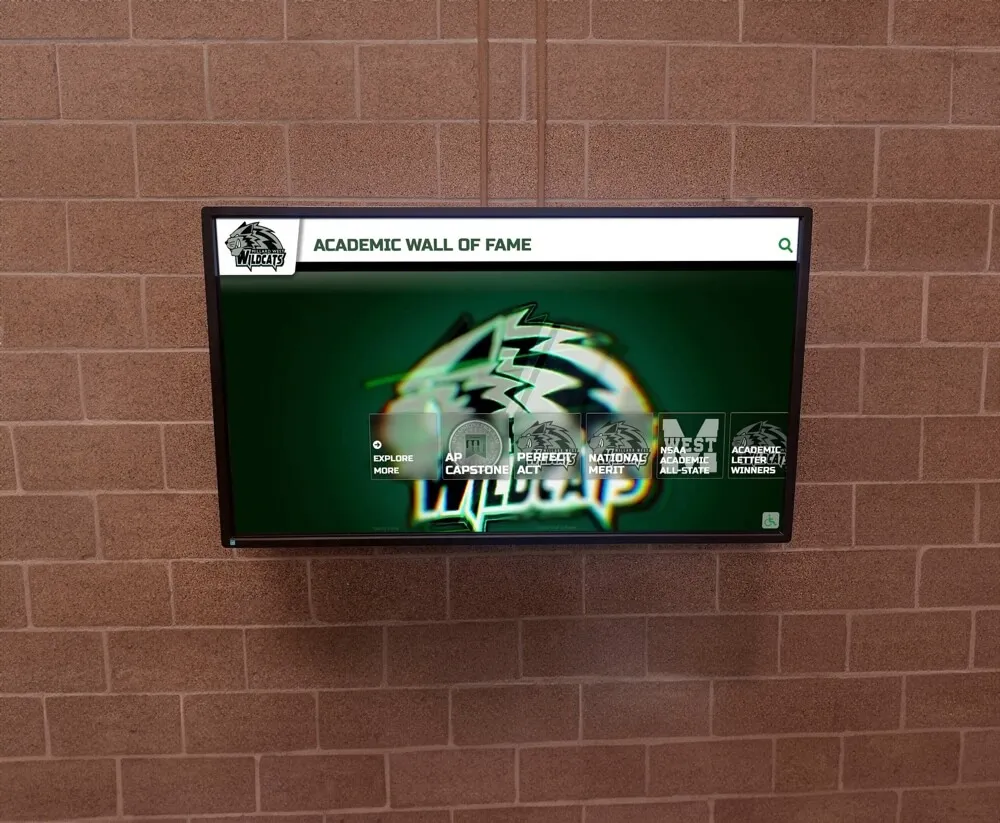
Interactive recognition displays that filter by season year depend on partition-pruned queries returning results in under a second — the checklist above is what keeps that performance consistent as archives grow year over year
Common Pitfalls That Disable Partition Pruning
Several common configuration and development patterns silently disable pruning without generating any error. The query planner falls back to scanning all partitions and returns correct results—just far more slowly than a properly pruned query.
Type mismatch between partition key and query parameter. If season_year is partitioned as INTEGER and the application sends '2019' as a character string, PostgreSQL may insert an implicit cast that prevents boundary evaluation. The fix is to ensure the application sends an integer-typed parameter. In most ORMs, this means annotating the parameter type explicitly rather than relying on type inference.
Function call wrapping the partition key. Any scalar function applied to the partition key column in the WHERE clause disables pruning for that query. This includes YEAR(awarded_date), EXTRACT(YEAR FROM season_year), CAST(season_year AS TEXT), and string formatting functions. Rewrite such queries to compare the partition key column directly to a typed literal.
Missing partition for a newly imported season. If the import for a new season runs before the corresponding partition is created, rows are routed to the default partition. All subsequent queries that should prune to only that season will instead scan the default partition (which is never pruned), plus the target partition—if the target partition is subsequently created and the rows are not migrated. Prevent this by making partition creation a mandatory pre-import step.
Stale table statistics on new partitions. After a season import, the new partition’s statistics are empty until ANALYZE runs. The planner may choose a suboptimal plan for queries against the new partition. Run ANALYZE immediately after each bulk import.
Subquery or CTE wrapping the partition key. When a historical report query wraps the filter in a subquery or CTE that the planner cannot inline, the partition key value may not be visible at the partition boundary evaluation step. Test complex report queries with EXPLAIN to confirm pruning survives the full query structure.
The digital hall of fame search tokenization audit at halloffametouchscreen.com covers related query-layer patterns that affect recognition database performance—the same function-wrapping and type-mismatch issues that disable partition pruning can also degrade full-text search tokenization performance in display search interfaces.
How Partition Health Connects to Recognition Display Response Times
The connection between partition pruning and what visitors experience on a recognition display is direct. When a student, alumnus, or parent selects “2016” from a year-filter on a hall of fame touchscreen, the display application executes a query against the awards database filtered by season_year = 2016. If pruning is working, that query touches one partition—a small fraction of the total archive. If pruning is not working, the query scans all partitions, with execution time proportional to the full archive size.
For a ten-year archive, a non-pruned query scans roughly ten times as much data as a pruned one. For a twenty-year archive, twenty times. Each additional season of records imported without partition maintenance increases the scan penalty for non-pruned queries by another increment, while a properly maintained pruned system adds only the new partition’s modest read cost.
The interactive touch screen wall guide at touchscreenwebsite.com describes the user experience requirements for interactive school recognition displays—the sub-second response times that make browsing feel natural are not achievable on large archives without the kind of database infrastructure this checklist maintains.
Schools that manage athletic records alongside academic honors, arts achievements, and community service recognition across a multi-year archive benefit most from partition pruning, because those programs tend to maintain the largest and most actively queried archives. The PA and AAU teams showcase recognition guide at touchwall.tv describes how programs with large and growing multi-season recognition archives approach display performance—the database discipline behind fast displays is the same whether the program showcases athletic, academic, or mixed-category honors.
For programs evaluating how digital recognition platforms handle database infrastructure on their behalf, Rocket Alumni Solutions provides a cloud-based recognition platform that manages partition maintenance, query optimization, and display performance as part of the managed service—meaning athletic directors and IT teams get the display responsiveness benefits of a well-maintained database without building or operating the partition management infrastructure themselves.
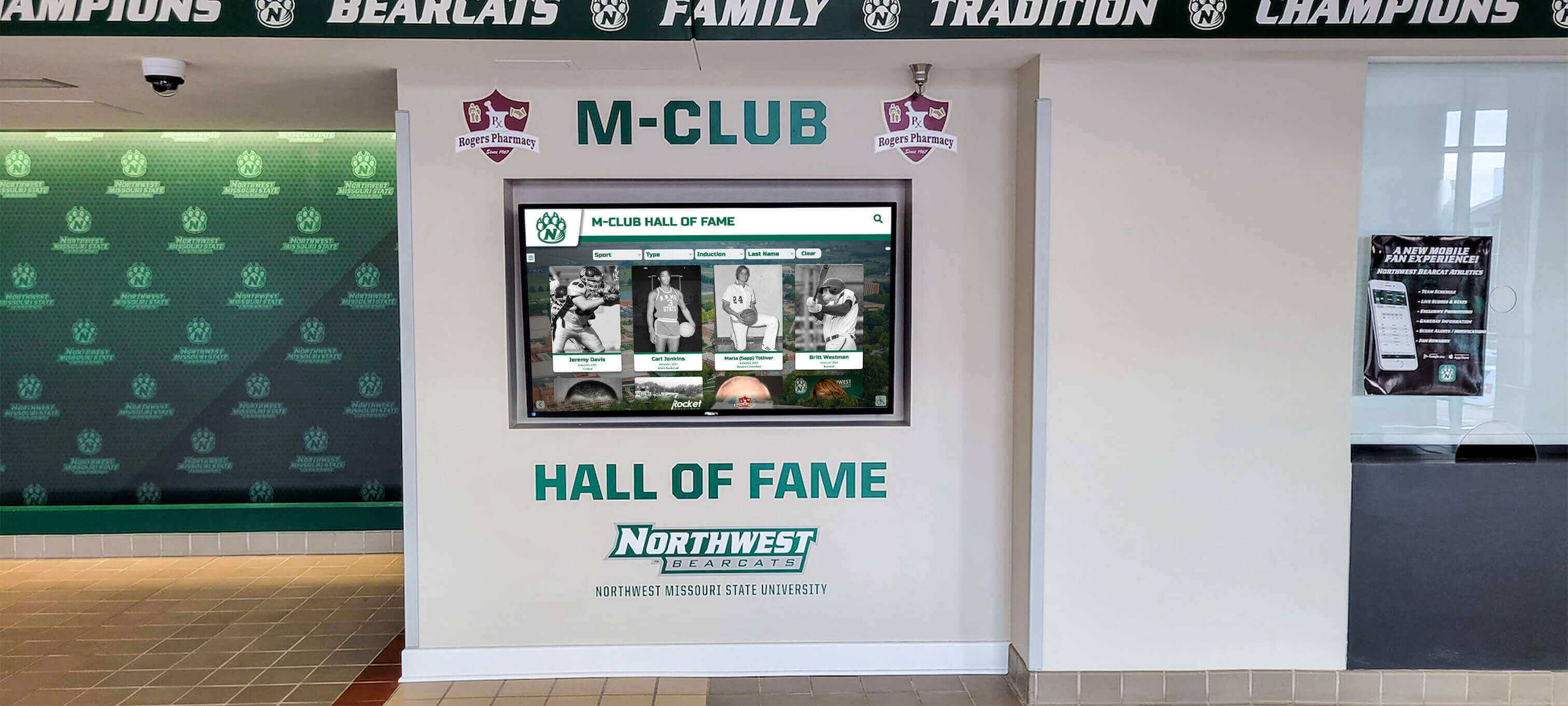
Multi-decade athletic recognition archives require partition-pruned database schemas to keep year-filter queries fast — without partitioning, each new season's records add to the full-archive scan cost of every historical report
Maintaining the Partition Structure as the Recognition Program Grows
A partition-pruning strategy that works well for a ten-year archive will continue working for a thirty-year archive only if the maintenance discipline keeps pace with data growth. The five-phase checklist in this guide covers the recurring tasks that preservation requires.
Phase 1 (schema audit) and Phase 3 (pruning verification) should run annually, before the fall season import window. Phase 2 (planner configuration) is a one-time setup step that needs only periodic re-verification after database engine upgrades. Phase 4 (pre-season maintenance) runs each season as part of the import preparation workflow. Phase 5 (lifecycle review) runs annually in the off-season.
The digital hall of fame filter chips guide at touchscreenrecognition.com describes how recognition display interfaces build filter controls around the same season-year dimension that partition boundaries are designed for—the schema and query patterns that support interactive filter chips on a display are exactly the patterns this checklist verifies and maintains.
Documenting each phase of the checklist as it is completed—recording which partitions exist, which queries were verified for pruning, and what EXPLAIN output was observed—creates an audit trail that supports future maintenance sessions and helps new IT staff understand the database structure they are inheriting.
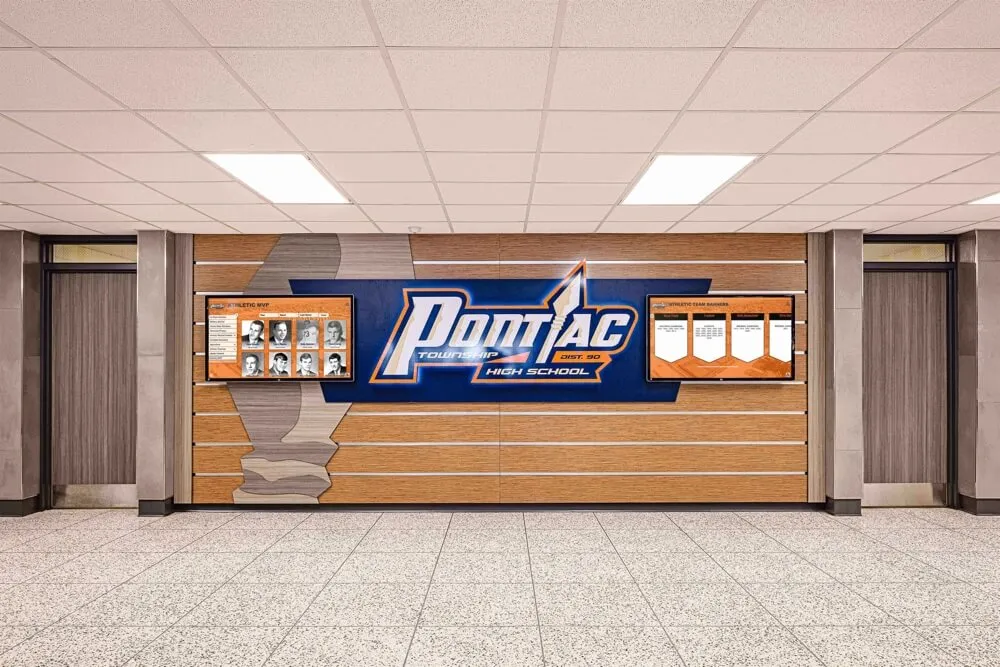
Athletic honor walls that surface historical records across many seasons depend on a well-maintained partition schema — each season without proper pre-import partition creation degrades historical query performance for all future reports
Frequently Asked Questions
What is partition pruning in an athletic awards database?
Partition pruning is the query planner’s ability to skip entire sub-tables (partitions) when executing a historical award query whose WHERE clause excludes the data those partitions contain. For an athletic awards database partitioned by season_year, a query filtering on a specific year causes the planner to read only that year’s partition, skipping all others. A decade-spanning archive can return a single-year report as fast as a single-year archive, because the planner never opens the files for irrelevant seasons.
Why does partition pruning stop working after a season import?
The most common cause is a missing partition for the new season. If the import runs before the new season’s partition is created, rows are routed to the default partition. Because the default partition can contain any row, the planner cannot prune it for any query and must always scan it. Creating the new season partition before the import runs, and migrating any default-partition rows afterward, restores pruning for those records.
How do I verify that partition pruning is actually happening in my award database?
Run EXPLAIN against a representative historical report query—for example, SELECT * FROM awards WHERE season_year = 2017. Count how many partitions appear in the plan. A correctly pruned query lists only the partitions whose boundaries overlap the filter. If all partitions appear despite a specific season_year filter, recheck Phase 2 items: type mismatches, function wrappers on the partition key, or disabled pruning in database configuration.
How often should I run through the partition-pruning maintenance checklist?
Phase 4 (creating new partitions and running ANALYZE after imports) should run every season. Phases 1 and 3 (schema audit and pruning verification) should run annually, ideally in August before the fall import window. Phase 2 (planner configuration) needs re-verification after database engine upgrades. Phase 5 (lifecycle review) should run annually in the off-season.
Can partition pruning help recognition displays respond faster to year-filter navigation?
Yes, directly. When a visitor selects a year from a filter control on an interactive recognition display, the application executes a query filtered by season_year. A partition-pruned query reads only the selected season’s data, returning results in milliseconds regardless of archive size. Without pruning, the query scans the full archive—and response time grows proportionally with each new season added.
Keep Award Reports Fast Across Every Season
An athletic awards database partition-pruning checklist transforms a performance problem that compounds invisibly with each passing season into a documented, scheduled discipline that keeps year-by-year historical reports fast regardless of how many decades of recognition data the archive accumulates. The five-phase structure in this guide—schema audit, planner configuration, pruning verification, pre-season preparation, and annual lifecycle review—provides a complete framework for any SQL-based athletic recognition database, applied once per season and reviewed annually.
Programs that prioritize recognition database performance invest in the infrastructure that makes every historical report, every touchscreen filter interaction, and every end-of-season export produce results fast enough to serve coaches, athletic directors, and visiting families without delay. Maintaining that performance as the archive grows is the work this checklist structures.
See How 600+ Schools Manage Award Records Without Database Overhead
Rocket Alumni Solutions' cloud-based recognition platform handles the database infrastructure, query optimization, and seasonal maintenance that keep award displays fast and accurate — so athletic directors and IT teams can focus on recognizing students rather than managing partition schemas. WCAG 2.1 AA compliant, unlimited inductees and categories, and responsive on any touchscreen from 32" to 100"+.
Request a Custom Demo