



Intent: monitor. Athletic awards database pg_stat_activity monitoring is the practice of querying PostgreSQL’s live session view — pg_stat_activity — during and after a recognition data import to detect sessions that have stopped making progress, identify what each session is waiting on, and apply a documented escalation procedure before a stalled import silently leaves award records incomplete on display screens.
This guide is distinct from pg_stat_statements-based query analysis, which surfaces historical slow-query statistics. pg_stat_activity shows the current state of every live database connection — who is connected, what they are doing right now, how long they have been doing it, and what lock or I/O event they are waiting for. For award-data custodians managing seasonal bulk imports, end-of-year recognition runs, and historical archive loads, those real-time signals are the difference between catching a stall in five minutes and discovering a half-loaded dataset an hour after the import window closed.
When an athletic awards database import stalls, query pg_stat_activity immediately. A stalled import typically appears as a row with state = 'idle in transaction' persisting far longer than expected, a row with wait_event_type = 'Lock' indicating a blocked session, or a row whose query_start timestamp is many minutes old while state = 'active'. Identifying which pattern applies determines the correct response: an idle-in-transaction session requires either a commit or a rollback; a locked session requires identifying and resolving the blocker; a genuinely active session running a long query may only need more time. The monitoring and escalation checklist below walks through each scenario in the order a custodian should check them.

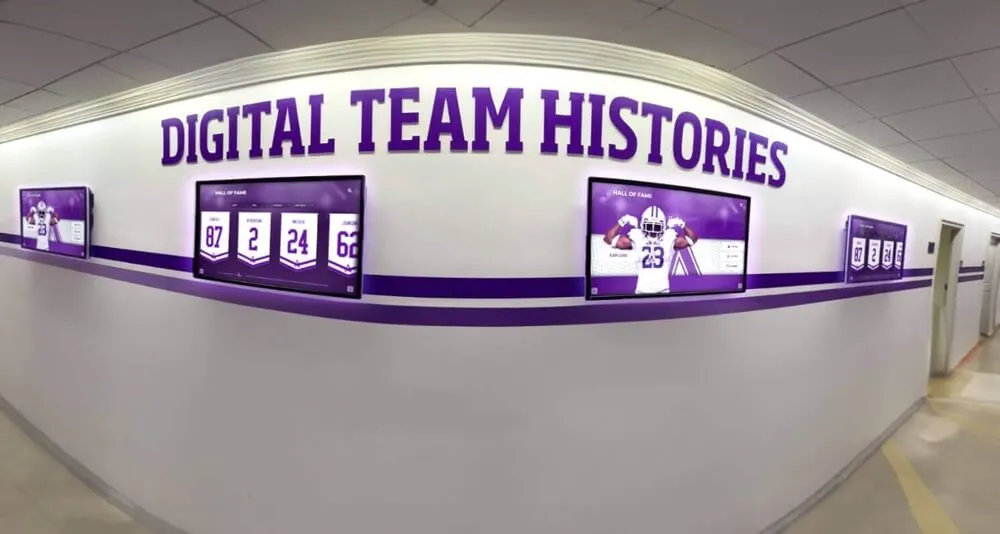
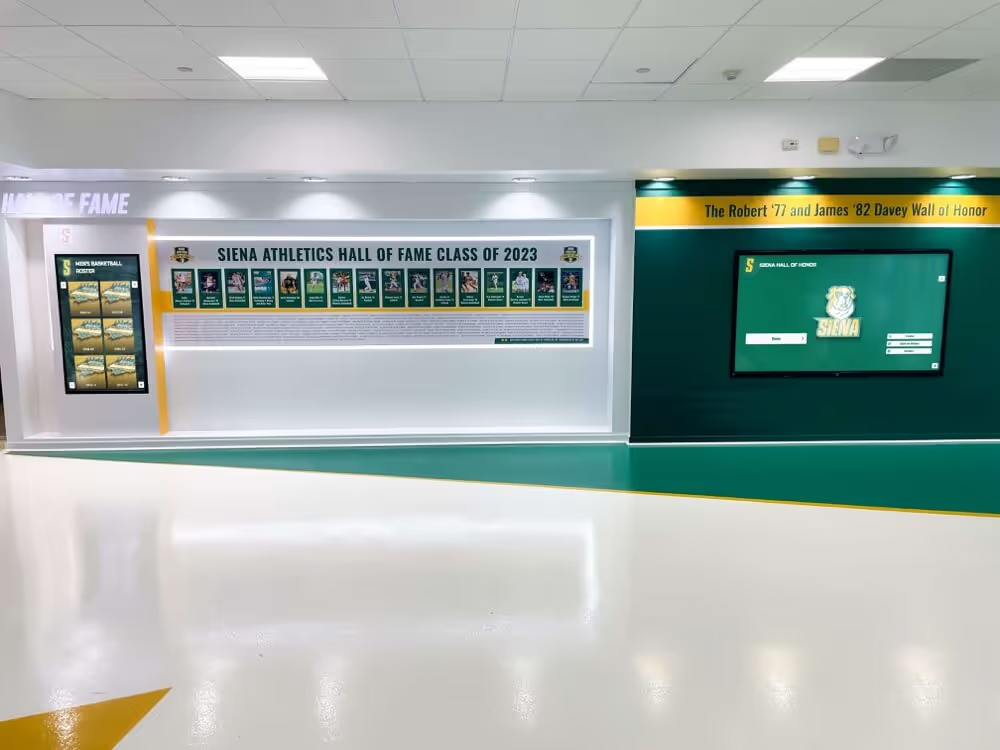
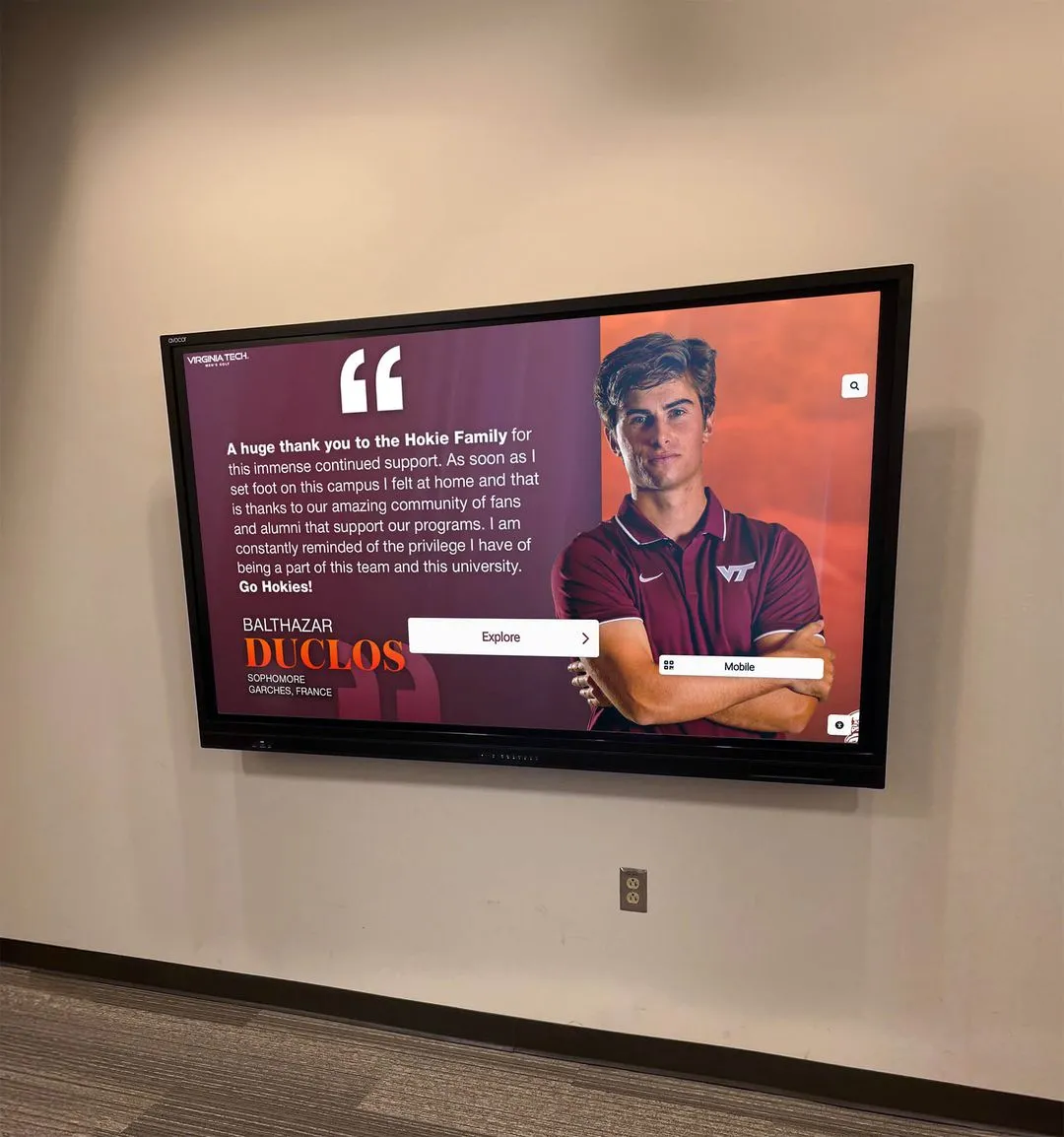
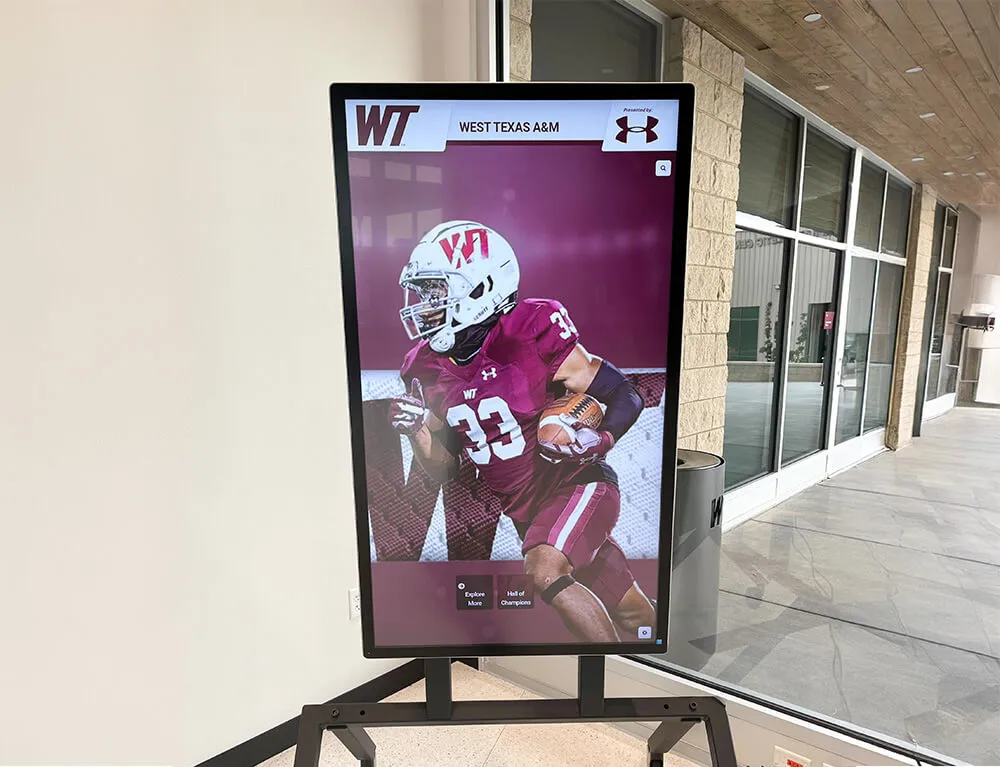
Award records displayed on recognition screens like this come from seasonal import processes — pg_stat_activity monitoring ensures those imports complete without leaving stalled sessions that truncate or corrupt the final data set
pg_stat_activity vs. pg_stat_statements: What Each View Covers
pg_stat_activity and pg_stat_statements answer different questions and must not be substituted for each other in import monitoring workflows.
pg_stat_activity is a live view. It returns one row per currently active backend connection and reflects the state of that connection at the moment the query runs. A session that was idle one second ago and is now running an INSERT appears immediately with state = 'active'. A session that has been waiting on a lock for twelve minutes shows that wait in real time. When an import stalls, pg_stat_activity is the correct view because it tells you what is happening right now, as documented in the PostgreSQL monitoring statistics reference.
pg_stat_statements is a historical aggregate view. It accumulates statistics — total execution count, total time, mean time, rows returned — across every unique query string seen since the extension was last reset. It cannot tell you whether an import is stuck right now; it can only tell you that a particular query has historically run slowly. For post-import retrospectives and query optimization, pg_stat_statements is the right tool. For live import monitoring, pg_stat_activity is the right tool.
| View | Data Currency | Primary Use | Stall Detection? |
|---|---|---|---|
pg_stat_activity | Live (current second) | Active session monitoring, lock detection, import progress tracking | Yes |
pg_stat_statements | Historical aggregate (since last reset) | Slow query identification, optimization baselines | No |
Key pg_stat_activity Columns for Award Import Monitoring
Not all columns in pg_stat_activity are equally useful during an import. The following subset provides the signals needed to diagnose a stall quickly.
| Column | What It Shows During an Import |
|---|---|
pid | Process identifier — used to cancel or terminate the session if needed |
application_name | Import tool name (e.g., psql, a Python ETL script) — distinguishes import sessions from background workers |
state | active (query running), idle in transaction (transaction open, no query), idle (connection open, no transaction) |
wait_event_type | Category of wait: Lock, IO, IPC, LWLock, Client, Activity, or null if not waiting |
wait_event | Specific wait event within the category (e.g., relation for a table-level lock, DataFileWrite for heap write I/O) |
query_start | When the current query began — now() - query_start gives elapsed query time |
xact_start | When the current transaction began — a large gap between xact_start and query_start signals idle-in-transaction |
state_change | When the state column last changed — measures how long a session has been in its current state |
query | The most recently executed or currently executing SQL statement |
client_addr | Source IP — distinguishes remote ETL host connections from local tool connections |
Run the following query to see all non-idle sessions, ordered by how long they have been in their current state:
SELECT
  pid,
  application_name,
  state,
  wait_event_type,
  wait_event,
  now() - query_start    AS query_age,
  now() - xact_start     AS xact_age,
  now() - state_change   AS state_age,
  left(query, 100)       AS query_excerpt
FROM pg_stat_activity
WHERE state != 'idle'
  AND pid != pg_backend_pid()
ORDER BY state_age DESC NULLS LAST;
This single query is the starting point for every step in the monitoring checklist below.
Monitoring and Escalation Checklist for Stalled Athletic Award Imports
The following checklist is organized in the order a custodian should work through it when an import has not completed within its expected window. Each step is actionable without specialized database administration experience; escalation points identify when to involve a DBA or system administrator.
Before the Import Runs
1. Clear idle-in-transaction sessions left from prior operations.
Before launching a bulk import, verify no sessions are idle in transaction from a previous operation. These sessions hold row or table locks that the import may need to acquire.
SELECT
  pid,
  application_name,
  now() - state_change   AS idle_duration,
  left(query, 80)        AS last_query
FROM pg_stat_activity
WHERE state = 'idle in transaction'
ORDER BY idle_duration DESC;
Any session idle in transaction for more than two minutes that is not from a currently active import tool should be investigated before the import begins. A session left open from a previous correction run can block every write in the new import for its entire duration.
2. Verify lock_timeout and statement_timeout are set for the import session.
A bulk import that acquires table-level locks should not run with the default lock_timeout = 0 (wait forever) on a database that also serves live display queries. Setting a reasonable lock_timeout prevents the import from holding a lock indefinitely while a display query waits. The school’s athletic awards database lock timeout policy provides recommended values by table type. Similarly, the athletic awards database statement timeout policy defines per-query time limits that prevent a single runaway batch insert from consuming the entire import window.
3. Record the expected import duration.
Note the start time and expected completion time based on record count and average insert rate from prior runs. This baseline is the threshold for triggering the during-import monitoring steps.
During the Import
4. Run the base monitoring query every five minutes.
During an active import, execute the monitoring query from the previous section every five minutes. Note changes in query_age and state_age across successive runs. A session whose state_age is growing but whose query_age resets regularly — because the current query completed and a new one started — is progressing normally between batch inserts. A session whose query_age has exceeded the expected per-batch duration for fifteen or more consecutive minutes is exhibiting a potential stall.
5. Watch for wait_event_type = 'Lock'.
A session waiting on a lock will show wait_event_type = 'Lock' and state = 'active', but query_age will grow without the query completing. Use pg_blocking_pids() to identify the session holding the lock:
SELECT
  blocked.pid               AS stalled_pid,
  blocked.application_name  AS stalled_app,
  now() - blocked.query_start AS stalled_duration,
  blocking.pid              AS blocking_pid,
  blocking.application_name AS blocking_app,
  blocking.state            AS blocking_state,
  left(blocking.query, 100) AS blocking_query
FROM pg_stat_activity blocked
JOIN pg_stat_activity blocking
  ON blocking.pid = ANY(pg_blocking_pids(blocked.pid))
WHERE cardinality(pg_blocking_pids(blocked.pid)) > 0;
If the blocking session is a short reporting query, it may release the lock momentarily. If the blocking session is itself idle in transaction, the import will wait indefinitely until that session commits, rolls back, or is terminated.
6. Watch for prolonged wait_event_type = 'IO' without row-count progress.
An import session in state = 'active' with wait_event_type = 'IO' and wait_event = 'DataFileWrite' is writing data normally — expected during bulk inserts. Sustained IO wait for many minutes without an increase in live row count — verify with pg_stat_user_tables.n_live_tup on the target table — indicates possible storage saturation or a filesystem-level issue that requires system administrator attention beyond database-layer monitoring.
When an Import Stalls
7. Determine the stall pattern before taking any action.
A stalled import falls into one of three patterns. Identify which applies first:
| Pattern | Indicators | Correct Response |
|---|---|---|
| Idle in transaction | state = 'idle in transaction', xact_start old, no active query | Cancel or roll back the import session; check the application error log; restart from last checkpoint |
| Lock wait | wait_event_type = 'Lock', blocking PID identifiable | Identify the blocker; if safe to remove, use pg_cancel_backend(blocking_pid) first, then pg_terminate_backend(blocking_pid) |
| Long-running query | state = 'active', query_age very large, no lock or IO anomaly | Allow to continue unless query age exceeds the configured statement timeout; escalate if it exceeds the import window |
8. Use pg_cancel_backend() before pg_terminate_backend().
pg_cancel_backend(pid) sends a cancellation signal to the specified backend. The session’s current query stops and the connection remains open for reuse. pg_terminate_backend(pid) ends the connection entirely. For an import tool that reconnects automatically after a query failure, pg_cancel_backend() is the safer first step — it allows the tool to handle the error, roll back cleanly, and resume. Use pg_terminate_backend() only when the session is idle in transaction and no query is running to cancel.
-- Soft cancel: stops the running query, connection stays open
SELECT pg_cancel_backend(stalled_pid);

-- Hard terminate: ends the connection; use when cancel fails or session is idle in transaction
SELECT pg_terminate_backend(stalled_pid);
9. Verify import completeness after recovery.
After any intervention, run a row-count check against the target table and compare against the expected record total from the import source.
SELECT COUNT(*) AS current_live_rows
FROM awards
WHERE season_year = 2026;
A count lower than the expected total means the import did not complete. Rerun from the last verified checkpoint, or rerun the full import after confirming the target table is in a clean state. Understanding where each import’s source data originated — and how it relates to the broader record history — supports faster recovery decisions. The athletic award data lineage guide at digitalawardsdisplay.com documents how to trace a record from its source form through every transformation step to the display layer, which is directly useful when deciding whether to rerun from source or recover from a checkpoint.
Escalation Thresholds: When to Involve a DBA
The following thresholds define when a custodian should escalate beyond self-service monitoring steps.
| Elapsed Time Since Stall Detected | Recommended Action |
|---|---|
| 0–5 minutes | Monitor; verify the stall pattern using the base monitoring query; do not intervene |
| 5–15 minutes | Identify the pattern (idle in transaction, lock wait, or long-running query); attempt pg_cancel_backend() for idle-in-transaction sessions; notify IT if the lock-wait blocker is unknown |
| 15–30 minutes | Escalate to a DBA or system administrator; provide the stalled PID, query_age, wait_event_type, and blocking PID if applicable |
| 30+ minutes | Treat as an incident; involve both the DBA and the application owner; do not retry the import without DBA guidance on current database state |
Import sessions interacting with tables that feed live display screens — awards, athletes, and sports — carry higher urgency than imports into staging or archive tables, because a partial or stalled import can leave display content visibly incomplete during a high-traffic recognition event.
Schools with recognition data spanning multiple categories — athletic awards, AP Scholar and academic honors, arts achievement, and community service records — run import sessions across several tables simultaneously and increase the probability that an idle-in-transaction session from one category’s import will block a concurrent session loading another category’s data. Monitoring all concurrent import sessions simultaneously, rather than one at a time, reduces the window in which a cross-session lock conflict goes undetected.
The athletic awards database heap bloat monitoring policy covers how dead tuple accumulation from repeated correction cycles degrades query performance between seasonal imports — a separate concern from session stalls but one that compounds import run times if it goes unaddressed before the next bulk load begins.
Managing Award Imports Manually Shouldn't Be This Complex
Rocket Alumni Solutions provides a cloud-based CMS with guided data entry, required-field validation, and remote access — so award-data custodians can update recognition records directly through a structured interface without running PostgreSQL session queries or monitoring import stalls.
See the Platform in ActionHow pg_stat_activity Monitoring Connects to Broader Data Reliability
Stall monitoring is one layer of a complete data reliability practice for athletic recognition databases. A session that completes normally but imports malformed records passes pg_stat_activity monitoring without incident — the session finished, the locks were released, the rows were committed. Completeness and accuracy of the imported data require separate validation at the application layer.
The hall-of-fame data backup policy at touchscreenwebsite.com defines how schools should capture database snapshots before and after major import runs. A pre-import backup is the recovery point of last resort if a stalled import is partially rolled back and leaves the database in an unexpected state. A post-import backup captures the clean new state that becomes the baseline for future recovery operations.
The hall-of-fame records retention policy at halloffame-online.com defines which records must be preserved and for how long — a policy that determines how many seasons of import history a school’s recovery strategy must cover and which tables are most critical to protect when a stalled import forces a rollback.
Award records that survive the import process and reach the database accurately still require ongoing management as they evolve over time. The athletic awards slowly changing dimension policy at digitalwalloffame.com documents how to track historical changes to award records across seasons — a dimension management strategy that depends on each import completing cleanly, with no stalled sessions leaving partial row sets that break downstream historical comparisons.
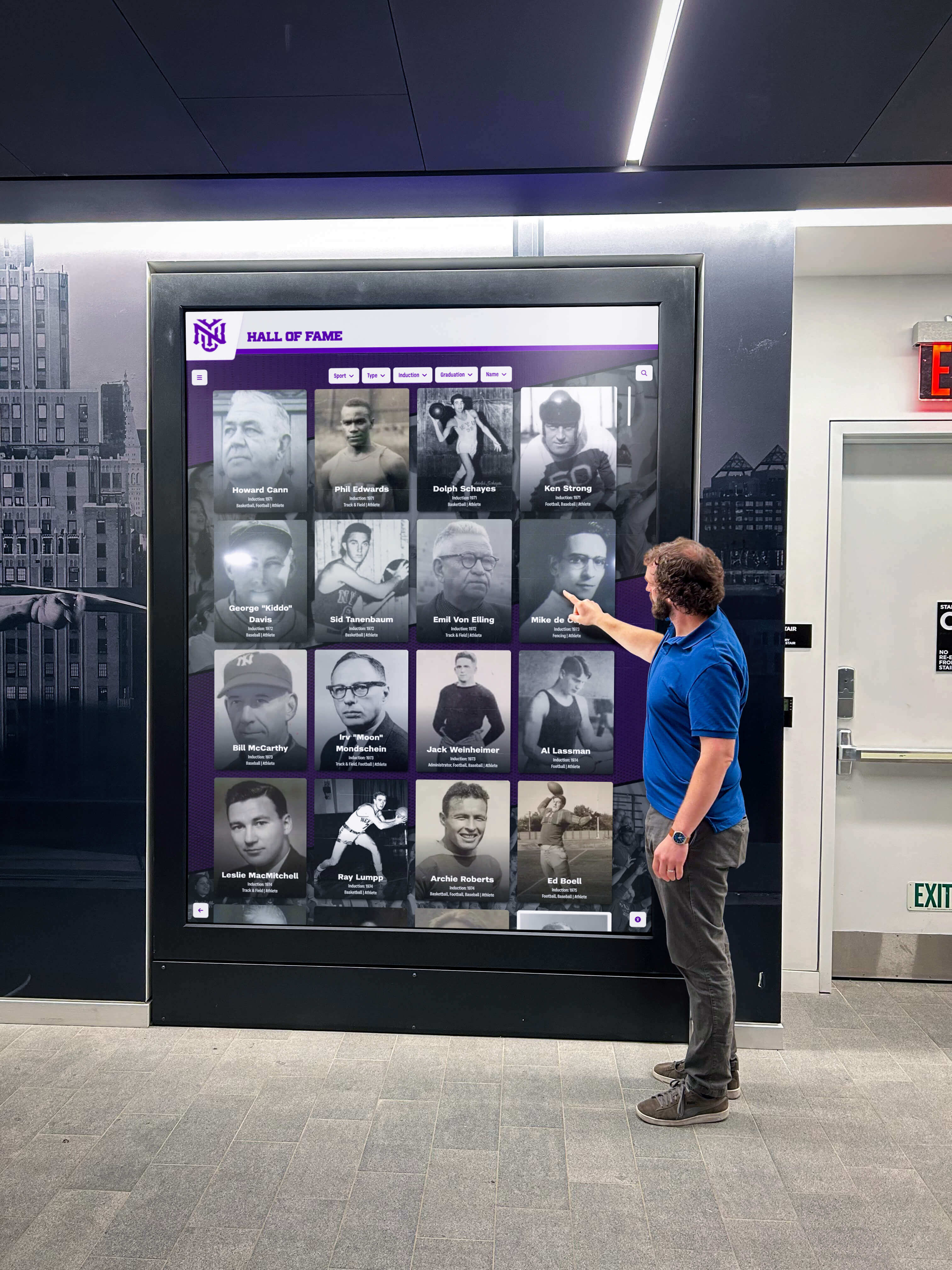
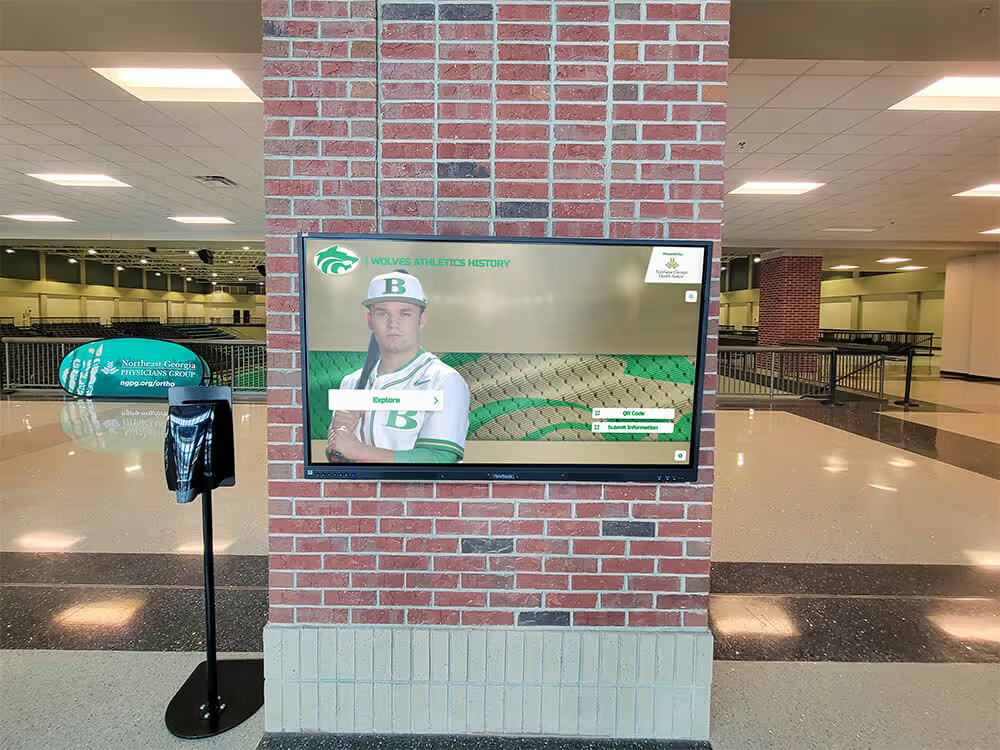
Recognition data visible on kiosk displays like this depends on seasonal imports completing without stalled sessions — pg_stat_activity monitoring ensures custodians can detect and resolve stalls before they affect what visitors see
FAQ: Athletic Awards Database pg_stat_activity Monitoring
What is pg_stat_activity and how does it help with stalled imports?
pg_stat_activity is a PostgreSQL system view that shows one row per active database backend connection, reflecting current session state in real time. For stalled imports, it identifies whether a session is idle in transaction (open transaction, no active query), waiting on a lock (blocked by another session), or running an abnormally long query. Querying this view every five minutes during an import provides the earliest possible warning that a session has stopped making progress.
How is pg_stat_activity different from pg_stat_statements for import monitoring?
pg_stat_activity shows current live session state; pg_stat_statements shows historical aggregate query statistics accumulated since the extension was last reset. pg_stat_activity answers “what is happening right now?”; pg_stat_statements answers “which queries have historically been slow?” For detecting a stalled import in progress, pg_stat_activity is the correct view. pg_stat_statements is more useful for post-import performance analysis and identifying queries to optimize before the next import cycle.
What does ‘idle in transaction’ mean for an athletic awards import session?
An idle in transaction state means the session has an open transaction but is not currently executing a query. For an import session, this typically means the import tool started a transaction, inserted some rows, and then stopped — due to an application error, a network interruption, or a paused script. The session holds any locks it acquired until it commits, rolls back, or is terminated. Other import sessions that need those locks will wait indefinitely.
When should I use pg_cancel_backend() versus pg_terminate_backend()?
Use pg_cancel_backend(pid) first — it stops the running query and leaves the connection open for the application to handle the error and retry. Use pg_terminate_backend(pid) when the session is idle in transaction (no query is running to cancel) or when cancellation has not resolved the stall. pg_terminate_backend() ends the connection entirely and causes the application to receive a connection-closed error.
How long should a stalled athletic awards import be allowed to run before escalating?
Monitor without intervening for the first five minutes. Attempt pg_cancel_backend() for idle-in-transaction sessions between five and fifteen minutes. Escalate to a DBA or system administrator after fifteen minutes of an unresolved stall. Imports affecting tables that feed live display screens warrant faster escalation than imports into staging or archive tables.
Keeping Every Import Window Clean and Recoverable
Athletic awards database pg_stat_activity monitoring gives award-data custodians a real-time window into every session running during a seasonal import — what state each session is in, what it is waiting for, and how long it has been there. The view requires no additional extension installation and is available in every PostgreSQL deployment, making it the most accessible diagnostic tool in a custodian’s monitoring kit.
The monitoring and escalation checklist in this guide — check before, observe during, diagnose the stall pattern, apply the correct intervention in the least-invasive order, verify record-count completeness after recovery — converts a reactive event into a repeatable procedure. Custodians who follow it do not guess at what went wrong; they identify the stall pattern, resolve it with the appropriate action, and confirm that committed records match the expected total before closing the monitoring window.
Recognition data that enters the database cleanly reaches display screens accurately. Athletes, alumni, and families who interact with hallway kiosks, lobby touchscreens, and public-facing recognition portals see current, verified records — not a partial import that stalled silently at row 847 of 1,200.
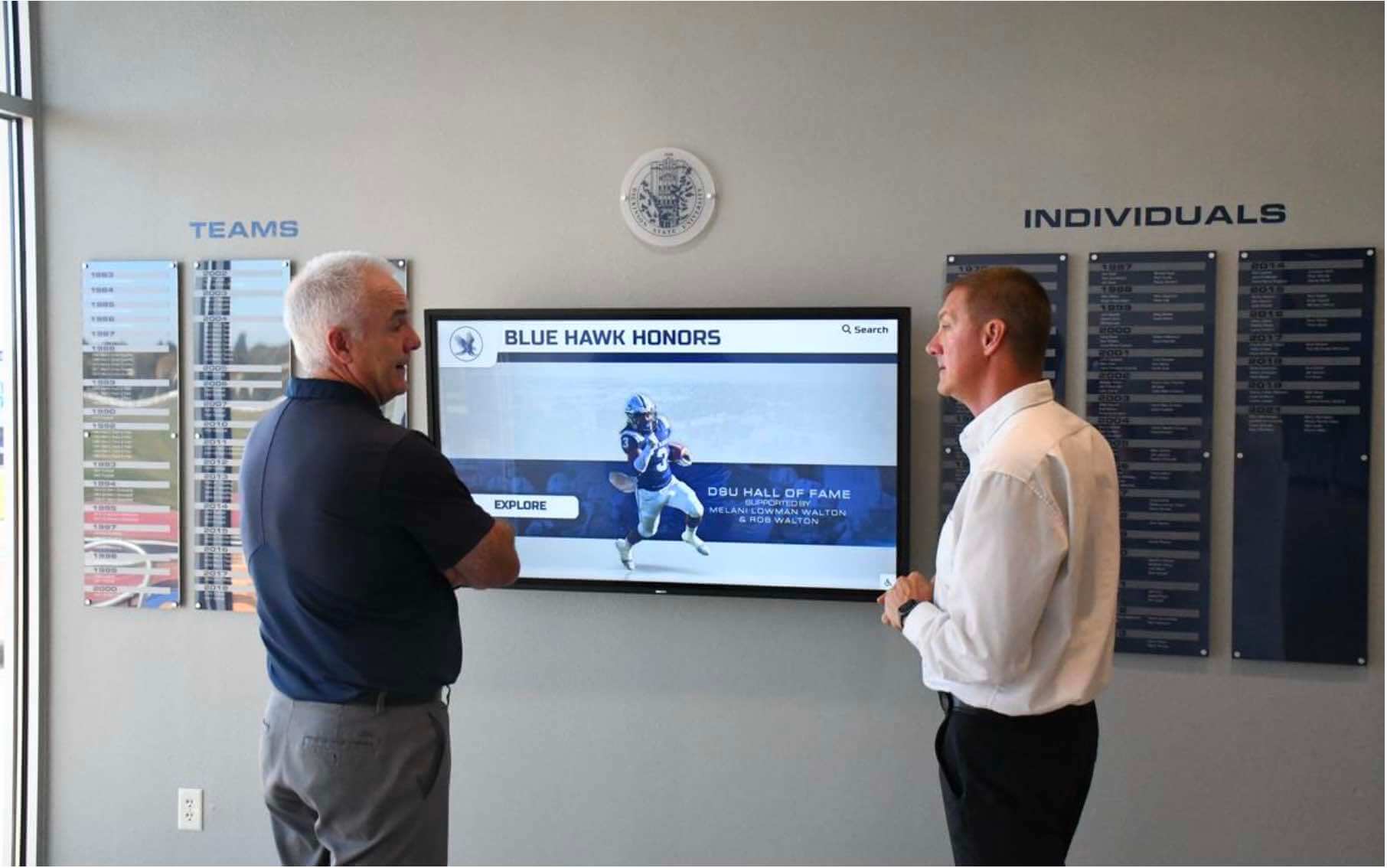
Recognition displays depend on seasonal imports that complete without stalled sessions — pg_stat_activity monitoring is the tool that catches those stalls before they affect what visitors see
See How 600+ Schools Keep Recognition Data Current Without Manual Import Monitoring
Rocket Alumni Solutions provides a cloud-based digital recognition platform with guided data entry, required-field validation, and remote CMS access — so every award update reaches every screen accurately, without custodians running PostgreSQL session queries or managing import stalls.
Request a Custom Recognition Demo