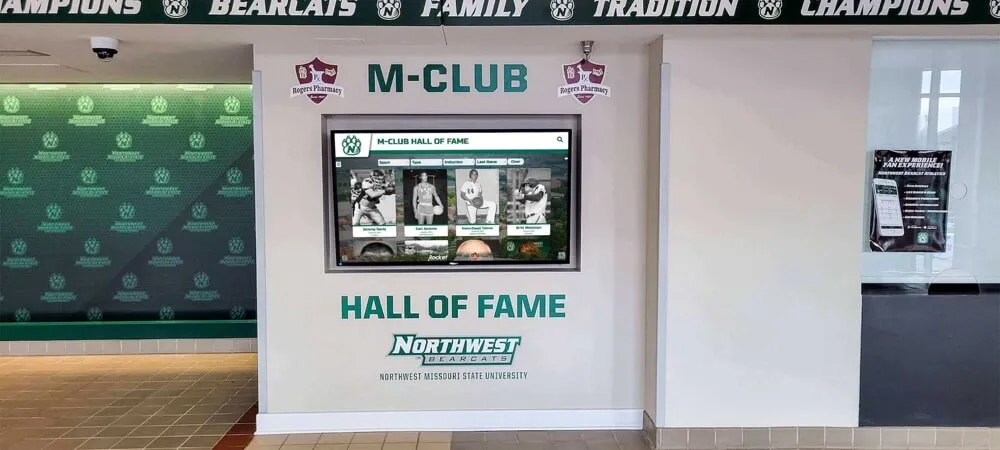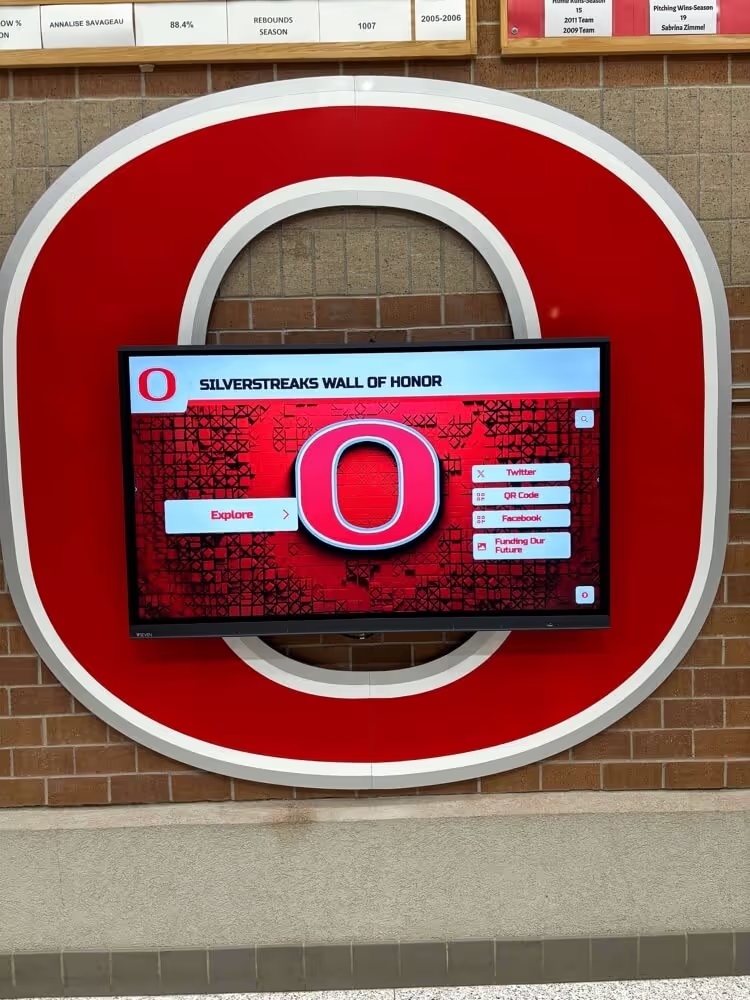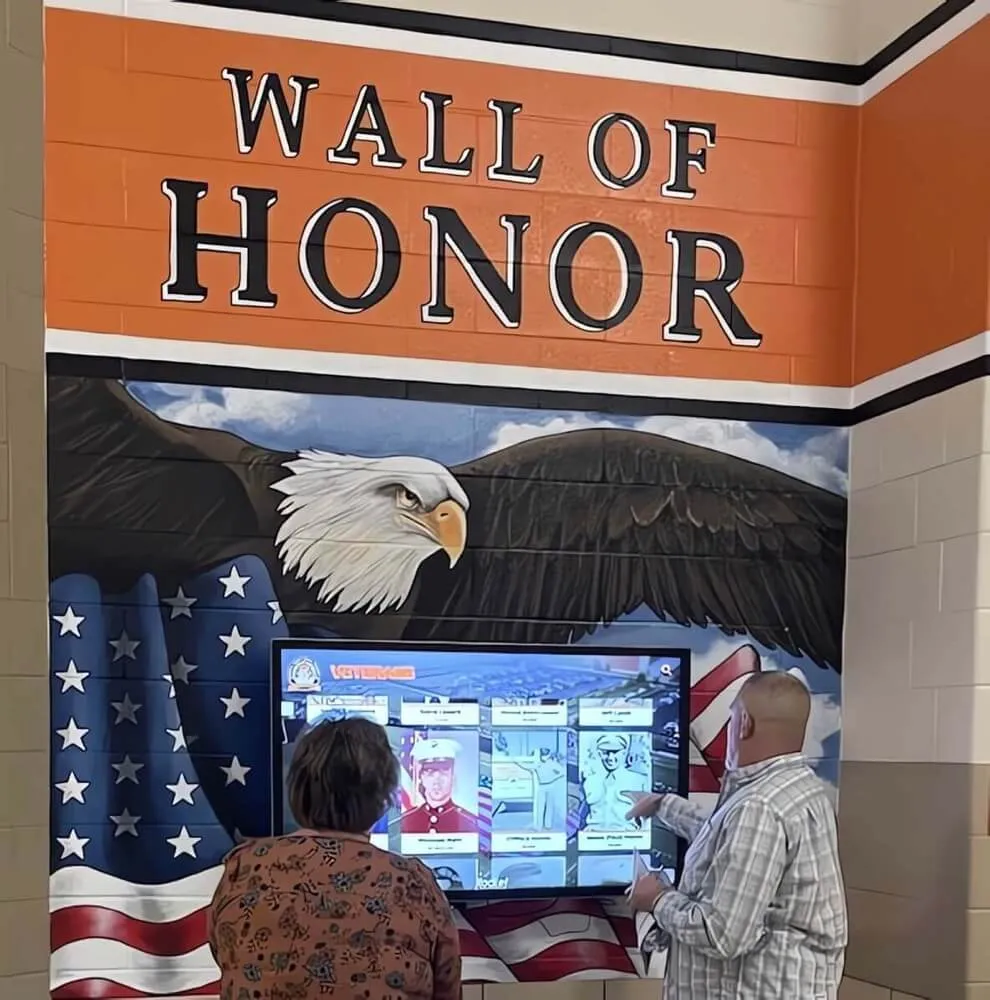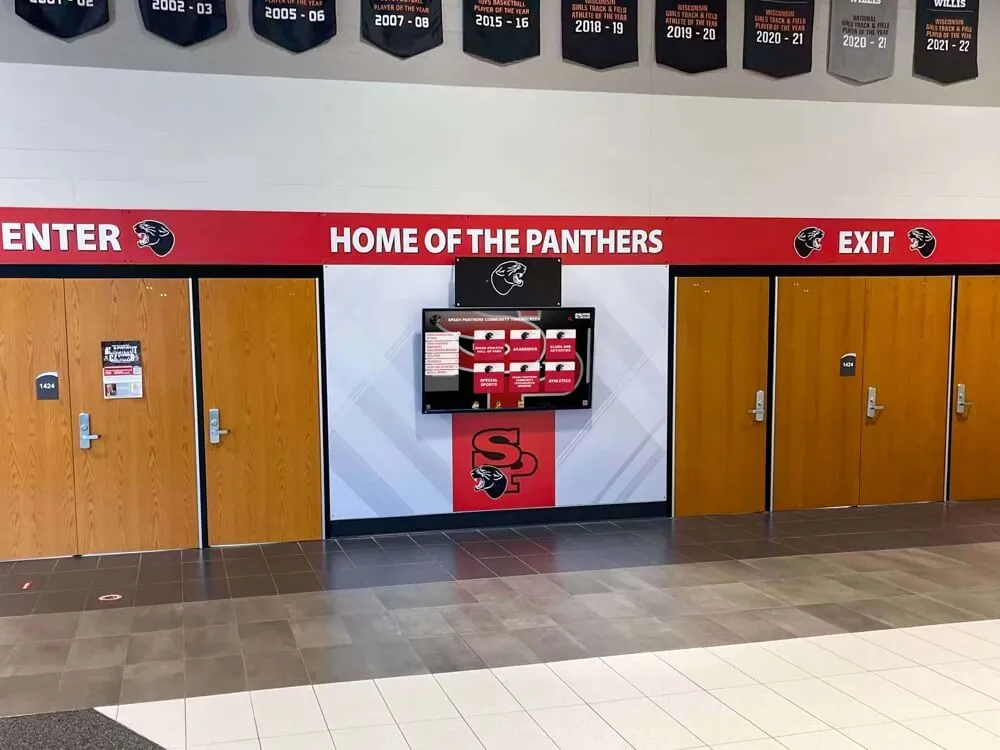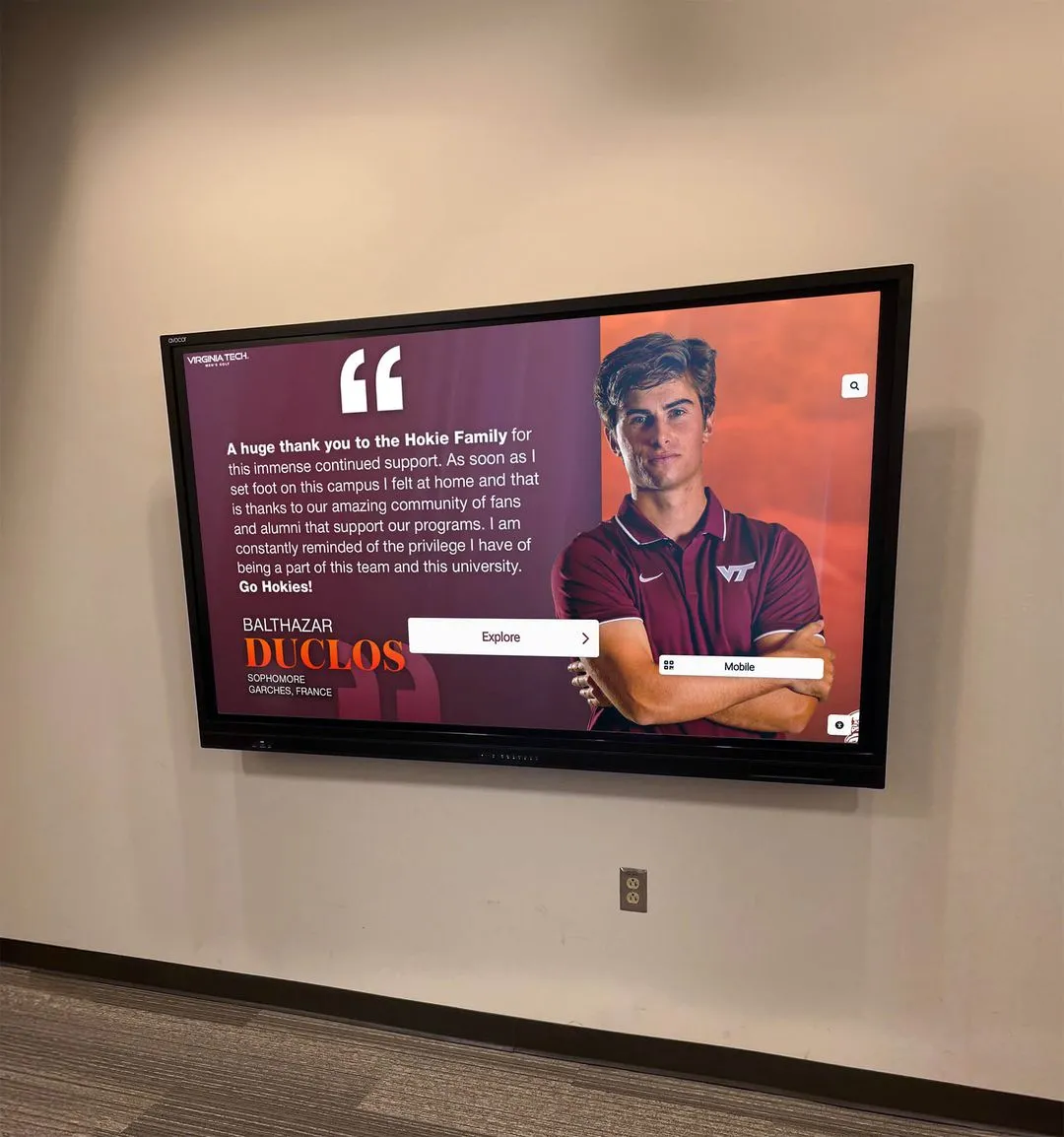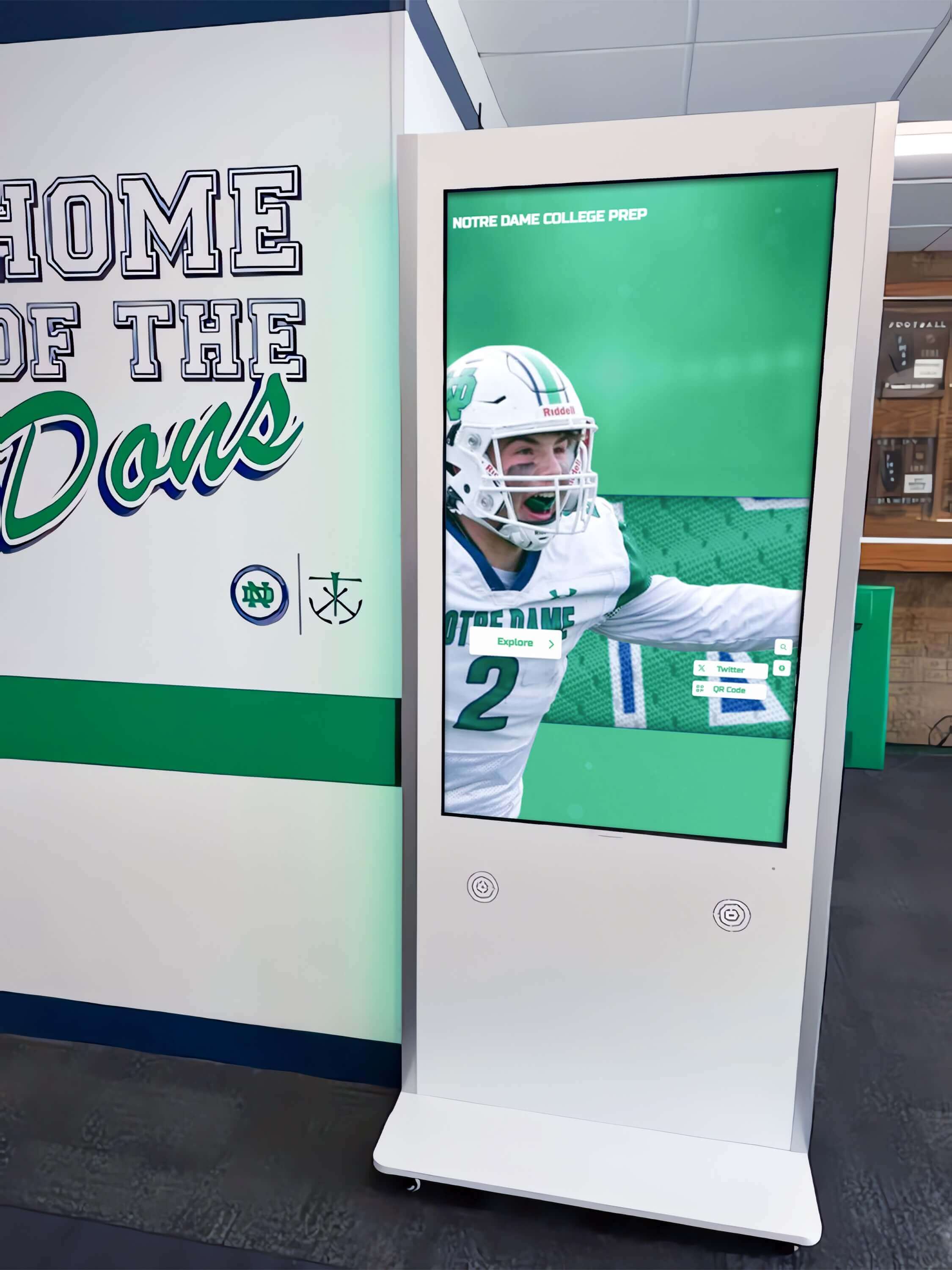




An athletic awards database transaction savepoint policy is a data-governance document that specifies when a batch award import or bulk update operation should establish intermediate checkpoints within an open transaction—allowing the process to roll back to the most recent checkpoint when a single row fails rather than aborting and reversing the entire batch. The policy defines which operation types use savepoints, how savepoints are named, which error classes trigger a rollback-to-savepoint versus a full transaction abort, what must be logged at each savepoint event, and who is authorized to review and retry partially completed imports before award records reach a school’s hallway displays, touchscreen kiosks, or digital trophy case walls.
The short answer: define a savepoint granularity for each import operation type—typically one savepoint per sport category or per logical batch segment—require structured logging at every savepoint creation and rollback event, and establish a documented recovery path that recognition coordinators can follow without needing direct database access. Without a written policy, IT administrators must choose between two defaults that each impose unnecessary cost: committing all-or-nothing at the transaction level, so a single malformed row in the basketball category rolls back every football, soccer, and volleyball record already processed; or committing every row individually, so a failed row leaves a partially written batch with no clear boundary for safe retry.
This guide defines database transaction savepoints in plain language, maps the specific partial-failure scenarios they address in athletic recognition import workflows, presents a governance framework with a decision table for savepoint granularity by operation type, and provides a six-step implementation checklist for IT administrators configuring recognition databases to handle batch award imports with granular recovery capability.
A varsity athletic coordinator uploads the complete end-of-season award roster for fourteen sports on the afternoon before the recognition banquet. The import processes football, boys and girls basketball, baseball, and softball without incident—five categories representing 340 athlete records. Then it hits a row in the swimming category with a graduation-year field formatted as text instead of an integer. The database raises a type error. The entire import rolls back. All 340 records disappear. The import must be corrected and restarted from scratch with four hours until the banquet.
The swimming error was a one-row data quality problem. The transaction design turned it into a full-batch failure.
An athletic awards database transaction savepoint policy is the governance document that prevents this outcome. By establishing savepoints at defined intervals within a batch import—after each sport category is processed, for example—the policy ensures that a single-row failure can be recovered to the last savepoint rather than to the beginning of the transaction. Football through softball remain committed. Only the swimming category and everything after it rolls back, is corrected, and is retried. The banquet records are on the display.

Recognition kiosks that display sport-by-sport award records depend on batch import pipelines that handle per-category errors gracefully — a savepoint policy means a formatting error in one sport does not erase correctly processed records for every other sport in the same import
What Is a Database Transaction Savepoint? A Definition for Athletic Program Administrators
A database transaction is a unit of work that is either committed in full or rolled back in full. A transaction savepoint is a named marker established at a specific point within an open transaction. When an error occurs after a savepoint is established, the database can roll back to that marker—undoing work done after the savepoint—while preserving everything committed before it within the same transaction. The outer transaction remains open after a savepoint rollback; it has not aborted and can continue processing from the savepoint.
The key distinction that matters for athletic award programs is between three related but different mechanisms:
Full transaction rollback undoes every operation performed since the transaction began. This is the default behavior when an unhandled error occurs. For a batch import that processes fourteen sport categories sequentially in a single transaction, a full rollback reverses all fourteen categories regardless of how many were processed successfully.
Savepoint rollback (ROLLBACK TO SAVEPOINT savepoint_name) undoes operations performed after the named savepoint was established, but preserves operations performed before it within the same transaction. The transaction remains open. A batch import that establishes a savepoint after each category can roll back to the last category savepoint on error, discard only the failed category, and continue processing the next one.
Savepoint release (RELEASE SAVEPOINT savepoint_name) removes the savepoint from memory once the segment it protects has been processed successfully. Released savepoints cannot be rolled back to. Releasing savepoints as each segment succeeds limits the stack of active savepoints and makes the import’s intent explicit: each category either succeeds and its savepoint is released, or fails and the batch rolls back to that savepoint for retry.
For athletic program administrators, the operational consequence is straightforward: a savepoint policy defines how granular the recovery window is when a batch award import encounters an error. Without savepoints, the only recovery window is the beginning of the transaction. With savepoints defined at the right granularity, the recovery window is the last successfully completed segment—typically a sport category, a graduation-year cohort, or a specific award type.
How Partial-Failure Scenarios Surface in Athletic Award Batch Imports
Four partial-failure patterns appear consistently in athletic recognition import workflows. Each produces a different consequence when no savepoint policy is defined.
Type mismatch in a single category row within a multi-category batch. Export files from student information systems, coach-submitted spreadsheets, and conference reporting tools frequently contain data in varying formats across different sport categories. A field exported as an integer from the football module may arrive as text from the swimming module in the same file. When a batch import processes all categories in a single transaction with no savepoints, the type error in swimming rolls back the entire batch—including every correctly formatted row that preceded it.
Missing required field in a late-position record after a long-running import. For programs importing multi-decade historical archives, a batch may run for minutes before encountering a record with a missing required field—an athlete ID that was not linked, or a category reference that no longer exists in the master list. Without a savepoint strategy, a missing-field error after 45 minutes of processing rolls back every record loaded in that session.
Referential integrity violation when importing awards that reference an athlete not yet created. Athletic award records typically reference athlete profile records through a foreign key. An import that processes award records before the corresponding athlete profiles have been created will encounter a referential integrity violation. With per-section savepoints, the import can roll back only the failed award section, log the constraint violation, create or verify the missing athlete profile, and retry only the failed section—without reversing the award records for athletes that were already present.
Duplicate key conflict in a sport category that was partially imported in a prior failed run. If a batch import fails partway through and the partial run was not fully rolled back—because it was running in autocommit mode, for example—a subsequent retry will encounter duplicate key conflicts on the rows that committed in the failed run. A savepoint policy that requires explicit savepoint-rollback handling for every segment ensures that import operations run in controlled transaction boundaries where partial commitment is governed, not accidental.
For programs that recognize athletic achievement across diverse sport calendars—including recognition timelines spanning fall, winter, and spring seasons, as discussed in the AP Scholar awards recognition board guide at touchwall.tv—the diversity of data sources and category structures makes partial-failure handling a practical operational necessity, not an edge case.

Digital athletic records in school hallways represent the cumulative result of many import cycles — a savepoint policy ensures each cycle recovers gracefully from individual record errors rather than discarding all successfully processed data
Core Components of an Athletic Awards Database Transaction Savepoint Policy
An effective savepoint policy for athletic recognition programs addresses five governance areas.
1. Savepoint Granularity by Operation Type
The policy must specify when savepoints are created within each recognized import or update operation type. Savepoint granularity is a tradeoff: finer granularity provides more precise recovery windows but adds overhead per record; coarser granularity reduces overhead but means a larger amount of work must be retried when a rollback occurs.
| Operation Type | Recommended Savepoint Granularity | Rationale |
|---|---|---|
| Multi-sport seasonal batch import | Per sport category | Category is the natural retry unit; a category failure does not invalidate other sports’ records |
| Historical archive migration | Per 500–1,000 row segment | Limits rollback scope on long-running imports without excessive savepoint overhead |
| Single-sport bulk retroactive correction | Per 100 row segment | Corrections may encounter individual constraint violations; segment recovery is faster than full restart |
| Hall of fame induction batch | Per inductee record | Each inductee is an independent recognition event; one bad record should not block the rest |
| Automated nightly synchronization | Per source system batch | Each source system’s data is logically independent; failures in one should not abort others |
| Display refresh export | No savepoints (read-only operation) | Reads do not modify data; rollback semantics are not applicable |
These granularity recommendations are starting points. Programs that import from five or fewer sport categories per run may prefer per-category savepoints even for historical archive operations. Programs importing from dozens of conference sources in a single automated sync may prefer per-source savepoints to limit the retry surface. The policy should document the rationale for each granularity decision so future IT staff understand why the choice was made.
2. Savepoint Naming Convention
Savepoints within a single transaction must have unique names. The policy must specify a naming convention that encodes enough context to be useful in audit logs and retry tooling without requiring a separate lookup table to interpret.
Recommended naming pattern: {operation_type}_{segment_identifier}_{sequence_number}
Examples:
seasonal_import_football_001— first savepoint in the football category of a seasonal importarchive_migration_segment_042— 42nd segment of a historical archive migrationinduction_batch_athlete_00187— savepoint for inductee record 187 in an induction batch
The savepoint name should be included verbatim in every log entry produced at or after that savepoint, so that the sequence of savepoints created, released, and rolled back can be reconstructed from the log without querying the database for transaction history. This is especially important for historical archive migrations that may create hundreds of savepoints in a single run.
3. Error Classification: Savepoint Rollback vs. Full Transaction Abort
Not every error should trigger a savepoint rollback. The policy must define which error classes are candidates for partial recovery and which require the entire transaction to abort.
| Error Class | Recommended Response | Rationale |
|---|---|---|
| Data type mismatch on a single field | Rollback to last savepoint; log and skip | One malformed field does not indicate a systemic problem; other records are likely valid |
| Missing optional field | Rollback to last savepoint; use default and retry | Optional fields with defaults can be substituted without data loss |
| Missing required field with no default | Rollback to last savepoint; log for manual review | Record cannot be completed without the field; human review is required before retry |
| Referential integrity violation | Rollback to last savepoint; log constraint details | Missing parent record may be created separately; retry after parent is confirmed |
| Duplicate key conflict on a unique index | Rollback to last savepoint; log for deduplication review | May indicate a prior partial run; deduplication logic resolves before retry |
| Schema version mismatch | Full transaction abort | Schema mismatch affects all records; no partial recovery is appropriate |
| Authentication or permission failure | Full transaction abort | Security-class errors affect the entire operation; no partial writes should proceed |
| Database connection loss | Full transaction abort | Connection loss prevents further savepoint operations; full retry from clean state |
The distinction between savepoint rollback candidates and full-abort triggers is the presence or absence of a systemic problem. A type mismatch on a single field is a localized data quality issue; the other fields in the same row and all records in subsequent categories are unaffected. A schema mismatch affects every record the import would process; there is no safe partial recovery.
Programs that manage recognition data across multiple concurrent award seasons—similar to programs recognizing coaches across multiple sports, as documented in the National Coaches Day recognition guide at best-touchscreen.com—must classify errors consistently across every sport and season category to ensure that a data quality issue in one category’s import does not cascade into an uncontrolled abort of all other categories.
4. Retry Logic After Savepoint Rollback
A savepoint rollback without a documented retry path transfers the problem from the database to the staff member who receives the error notification. The policy must define what happens after each savepoint rollback event.
Automatic retry with corrected default (for missing optional fields): If the error is a missing optional field and the field has a documented default value in the import specification, the import process may automatically substitute the default, release the savepoint, and continue without staff intervention. The substitution must be logged with the row identifier and the default value applied.
Segment skip with human review queue (for missing required fields and referential integrity violations): If the error cannot be resolved automatically, the import process logs the failed segment with full context—row identifier, field name, constraint violated, batch identifier—skips the segment, advances to the next savepoint, and continues the import. The skipped segment is added to a human review queue that the recognition coordinator addresses after the import completes. The import does not stall waiting for a human decision mid-run.
Two-attempt retry with backoff (for transient errors): If the error may be transient—a brief lock conflict on a row held by another process—the import waits five seconds and retries the segment once before logging and skipping. If the retry also fails, the segment is logged and skipped without further automatic attempts. A transient error that persists across two attempts is likely a structural issue that requires human investigation.
No silent skips: The policy must explicitly prohibit import processes from discarding a failed segment without logging. A segment skipped silently leaves the display with no indication that certain records are missing. The human review queue is the only mechanism that ensures skipped records receive follow-up attention before the recognition cycle closes.
5. Audit Logging Requirements for Savepoint Events
Each savepoint event—creation, rollback, and release—must generate a structured log entry that includes:
- Timestamp with millisecond precision
- Savepoint name matching the naming convention defined in Section 2
- Event type:
SAVEPOINT_CREATED,SAVEPOINT_ROLLBACK, orSAVEPOINT_RELEASED - Segment identifier: which sport category, cohort, or row range this savepoint covered
- Error details (for rollback events): error class, field name, constraint name, and the raw error message returned by the database engine
- Records successfully written before this savepoint (for rollback events): the count of rows committed in segments whose savepoints were released before this rollback
- Batch identifier: a unique identifier for the overall import batch, linking all savepoint events for this run to the parent operation
The log must be written to a durable store that survives process restarts. For programs managing sports award databases that feed public recognition displays—including interactive touchscreen displays described in detail at touchscreenrecognition.com—the savepoint audit log is the primary evidence layer for understanding which records reached the display and which require manual follow-up after a partially completed import.
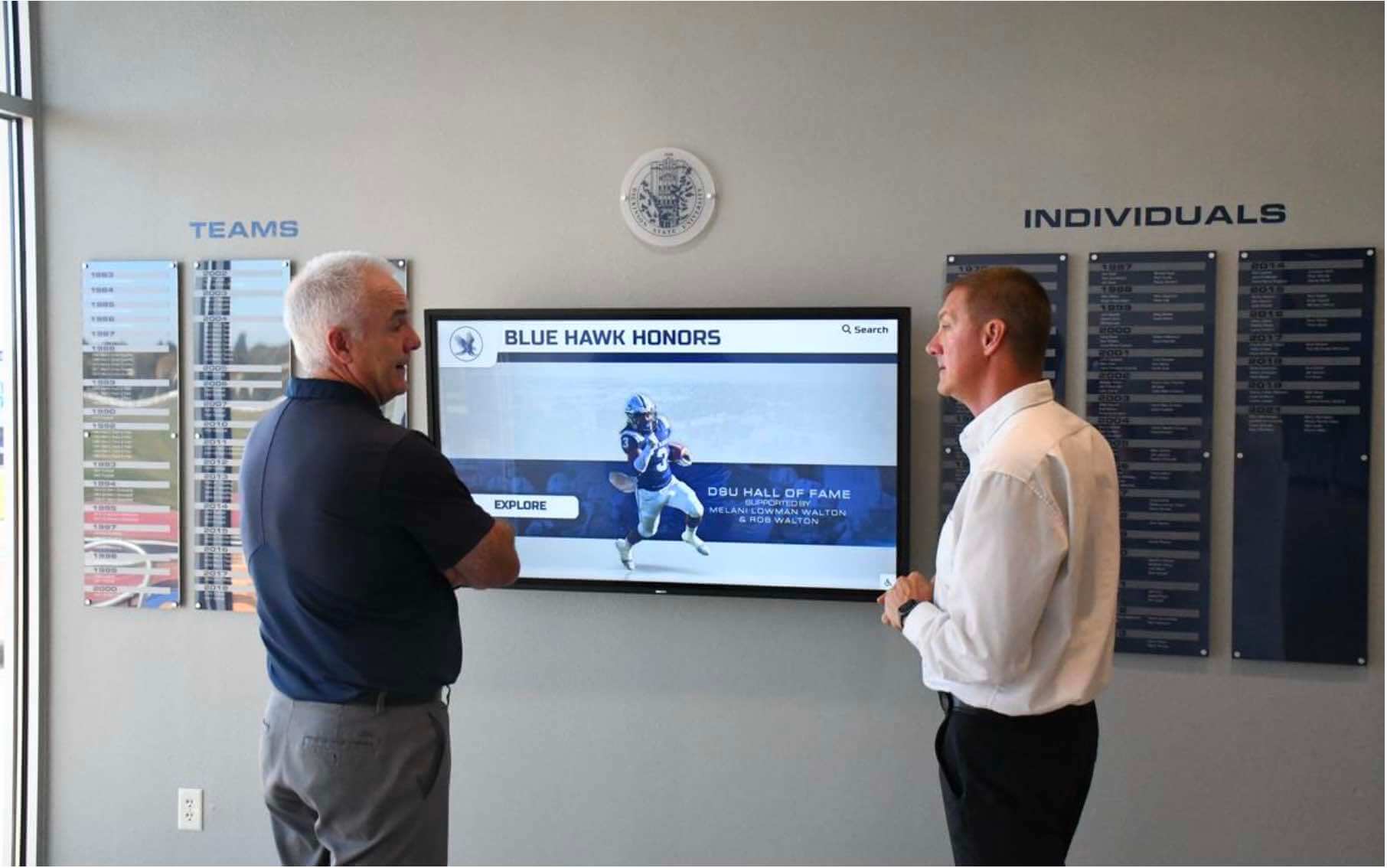
Staff who review recognition displays expect to see complete, current award data for every sport and category — a savepoint policy with structured audit logging ensures that each import cycle either completes or generates a recovery queue, never silently drops records
Six-Step Implementation Checklist
For programs implementing savepoint governance in an existing athletic recognition database, the following checklist provides a structured path from audit to production deployment.
Step 1: Identify All Multi-Segment Import Operations
Document every batch operation that processes multiple logical segments—sport categories, graduation-year cohorts, award type groups, or source system files—in a single transaction. For each, record the typical segment count, the expected row count per segment, which database tables the operation reads and writes, and whether segments are logically independent (failure in one does not indicate invalidity in others). This inventory determines which operations benefit from savepoints and what the appropriate granularity is.
Step 2: Classify Existing Error Handling Against the Policy Decision Table
Review the current error handling for each identified import operation. Determine whether the current approach matches the savepoint policy error classification: does a type mismatch on a single field currently abort the entire batch, or does it roll back to a defined boundary? For each mismatch between current behavior and policy intent, document what code change is needed and which development resource will make it.
Step 3: Implement Savepoint Creation at Defined Granularity Points
Update each qualifying import process to issue a SAVEPOINT statement at the boundaries defined in Section 1. In PostgreSQL and most standards-compliant databases, savepoints are established with SAVEPOINT savepoint_name; and must be unique within the transaction. Implement a savepoint counter or segment identifier variable in the import process that generates conformant savepoint names according to the naming convention in Section 2. Confirm that savepoints are created before processing each segment begins, not after the segment completes—a savepoint that is established after a successful segment provides no recovery window for that segment’s errors.
For programs that have built recognition displays connected to sports award databases, the sports awards database tracking guide at digitalawardsdisplay.com describes how award records are structured across categories that map directly to savepoint segments in a well-designed import workflow.
Step 4: Implement Error Classification and Savepoint Rollback Logic
Update error handling within each import operation to catch exceptions by error class—type mismatches, missing required fields, referential integrity violations, schema mismatches—and route each to the appropriate response: savepoint rollback with retry, savepoint rollback with log-and-skip, or full transaction abort. In PostgreSQL, specific exception types are caught using EXCEPTION WHEN sqlstate '...' THEN or named exception conditions. Avoid catching all exceptions with a generic handler and deciding the response inside the handler body—separate catch blocks for each error class make the intent explicit and prevent accidental silent skips when new error types are encountered.
Step 5: Implement Structured Logging for All Savepoint Events
Update the import process to write a structured log entry at each savepoint creation, rollback, and release event, with the fields specified in Section 5 of the policy. Use a structured log format—JSON-formatted entries or a structured logging library—rather than free-text messages. Structured logs can be parsed programmatically to generate a recovery queue for skipped segments, aggregate statistics on error frequency by category, and alerts when the skip rate for a specific operation exceeds a defined threshold.
For programs managing large-scale recognition databases with year-round data quality responsibilities—similar to the ongoing data governance practices described in the athletic awards database row-level security policy at digitalawardsdisplay.com—structured savepoint logs are a governance artifact that supports annual policy reviews and periodic data quality audits, not only immediate incident response.
Step 6: Distribute the Recovery Runbook to Recognition Coordinators
Write a one-page recovery runbook—aimed at the recognition coordinator, not the IT administrator—that describes what to do when the import completes with skipped segments: how to access the human review queue, how to interpret each logged error, how to correct the source data, and how to trigger a targeted retry of only the skipped segments. Attach the runbook to the award import documentation and confirm that at least one recognition coordinator has reviewed it before the first end-of-season import cycle under the new policy.
For swim programs and other sports with high per-athlete record volume—similar to the athlete record management challenges described in the YMCA swim team records guide at best-touchscreen.com—the recovery runbook should include sport-specific examples of the most common error types and the fastest correction path for each.

Every athlete portrait on a recognition display represents a record that was successfully imported and committed — a savepoint policy with a recovery queue ensures that skipped records are flagged for human review rather than silently absent from the display
Savepoint Policy and the Row-Level Security Boundary
Transaction savepoints operate within the security context of the database session that establishes them. A recognition coordinator account that does not have INSERT permission on a specific table will encounter a permission error when the import process attempts to write to that table, even if the import itself has permission. This is not a savepoint failure—it is a security boundary enforcement—and the policy must treat it as a full transaction abort rather than a savepoint rollback candidate.
The intersection of savepoint policy and row-level security is especially relevant for recognition databases that use separate security policies for different award categories. A database configured with sport-specific security policies—where only designated coordinators can write to specific sport award tables—may need savepoint boundaries aligned with security domain boundaries, not just data boundaries. A savepoint that spans records belonging to two different security domains makes it impossible to roll back to a point where one domain’s records are committed and the other’s are not, because the security policy treats them as belonging to different access contexts.
Programs configuring both savepoint governance and row-level security should verify that the import service account has the appropriate permissions for every table segment before the import begins, using a pre-flight permission check at the start of the transaction—not discovered mid-import when a savepoint rollback cannot restore the security context.
For programs evaluating how recognition systems handle granular display permissions alongside data import—a combination addressed in the discussion of recognition display security at touchscreenrecognition.com—savepoint boundaries that align with security domains provide a clean mapping between what a coordinator is authorized to import and what the savepoint policy can recover.
When Savepoints Should Not Be Used
Savepoints add overhead to import operations and introduce complexity to error handling code. Several commonly cited use cases do not actually benefit from savepoints and should not be included in a savepoint policy.
Single-row, single-table operations. A single INSERT or UPDATE that modifies one row in one table either succeeds or fails. There is no partial state to recover. Adding a savepoint wrapper around single-row operations adds overhead with no benefit.
Reads and report generation. Savepoints have no effect on read-only transactions. Export and display refresh operations that only read data do not benefit from savepoints.
Compensating for missing input validation. Some IT teams add savepoints to every row in a batch import to handle validation errors that should have been caught before the transaction began. This approach uses savepoints as a substitute for input validation, which is incorrect. Input validation—checking required fields, type conformance, referential lookups—should occur before the transaction opens. Savepoints handle unexpected mid-transaction errors, not predictable input defects that a pre-import validation pass would catch.
Replacing a retry mechanism. A savepoint rollback does not substitute for a documented retry path. After rolling back to a savepoint and logging the failure, the import still needs a defined path to retry the skipped segment. Savepoints reduce the amount of work that must be retried; they do not eliminate the need for retry logic.
For programs managing award databases that serve marching band recognition alongside athletic awards—covering the full breadth of school recognition programs, including events like those documented in the marching bands parade guide at touchwall.tv—a savepoint policy that is clearly scoped to batch import operations, with explicit statements about where savepoints are not used, prevents scope creep that adds overhead to operations where the benefit does not justify the complexity.
Display Integration: How Savepoint Governance Protects Recognition Output Quality
Three principles describe the relationship between savepoint governance and recognition display quality.
Principle 1: A savepoint rollback produces a predictable partial display state that is preferable to an unknown partial state. When an import rolls back to a savepoint after a category error and continues, the display reflects all categories whose savepoints were released plus all categories not yet processed in the prior run. This is a predictable, documented partial state. An import that commits rows in autocommit mode and fails mid-batch produces an unknown partial state where some records from the failed category may have been committed and others not. A predictable partial state with a recovery queue is far easier to manage than an unknown partial state with no recovery record.
Principle 2: The savepoint audit log is the source of truth for display completeness. When a staff member reports that a specific sport’s award records are missing from the recognition display, the savepoint audit log is the first place to look. A log entry showing that the relevant category’s savepoint was rolled back during the last import—along with the error class and segment identifier—provides an actionable explanation and a recovery path within minutes. Without structured savepoint logging, the same investigation requires reconstructing the import sequence from memory and secondary evidence.
Principle 3: Savepoint boundaries should align with the display’s natural content units. A display that presents award records sport-by-sport—football on one panel, basketball on another—benefits from savepoints that align with those same sport categories. When a savepoint rollback occurs, the display shows complete information for every sport whose savepoint was released, rather than potentially incomplete information for a sport whose records were partially written before an error. Aligning savepoint boundaries with display content units ensures that partial import states produce complete, coherent display panels for the categories that succeeded.
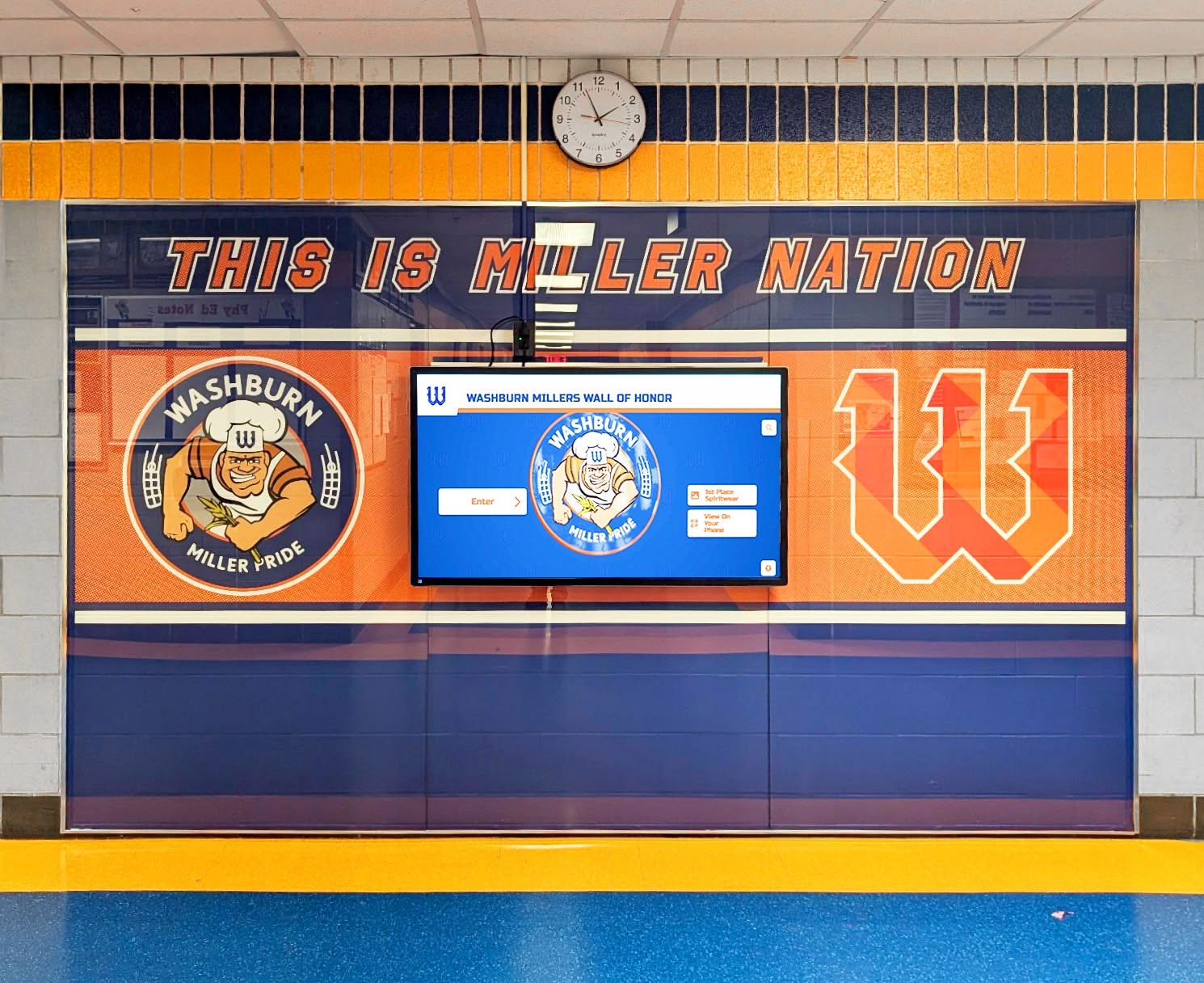
Recognition walls surface cumulative import results — when savepoints align with the display's natural sport-by-sport content structure, a rollback in one category leaves every other category fully complete rather than partially populated
FAQ: Athletic Awards Database Transaction Savepoint Policy
What is a transaction savepoint in an athletic awards database?
A transaction savepoint is a named marker established at a specific point within an open database transaction. When an error occurs after a savepoint is established, the database rolls back only the work done after that savepoint—not the entire transaction. In an athletic award batch import, savepoints are typically placed after each sport category is processed, so a single error in one category does not reverse successfully imported records for all other categories in the same batch.
How does a savepoint policy differ from a lock-timeout policy for athletic award imports?
A lock-timeout policy governs how long a transaction waits when it is blocked by a lock held by another concurrent transaction. A savepoint policy governs how a transaction recovers when it encounters a data error—a malformed record, a missing required field, a referential integrity violation—within its own processing. The two policies address different failure modes: lock-timeout handles external contention, savepoints handle internal data quality errors. Both are needed in a complete athletic award import governance framework.
What happens to successfully imported records when a savepoint rollback occurs?
Records imported in segments whose savepoints were released before the rollback are preserved. A savepoint rollback undoes only the work done after the last active savepoint, not the entire transaction. For a multi-sport batch import that establishes a savepoint per sport category, a rollback triggered by an error in the fifth category leaves the first four categories’ records intact in the open transaction. Those records are committed when the outer transaction commits at the end of the import run.
Which error types should trigger a savepoint rollback versus a full transaction abort?
Data quality errors localized to a single record or segment—type mismatches, missing optional fields, referential integrity violations for missing parent records—are candidates for savepoint rollback with log-and-skip. Systemic errors that affect the entire operation—schema version mismatches, authentication failures, database connection loss—should trigger a full transaction abort. The distinction is whether the error indicates a problem with one record or a problem with the entire import operation.
Does Rocket Alumni Solutions’ recognition platform use transaction savepoints for award imports?
Rocket Alumni Solutions manages the underlying data infrastructure for its recognition platform, including the import transaction model that governs how award records are loaded to connected displays. The platform’s CMS architecture validates records before import, commits award updates as complete transactions, and propagates changes automatically to every screen in the installation. Schools using the platform do not need to configure savepoint policies directly; the platform’s import tooling handles partial-failure recovery within its own transaction management layer.
Building Partial-Failure Recovery Into Your Athletic Awards Import Program
An athletic awards database transaction savepoint policy is, at its core, a commitment to predictable partial-failure behavior: when a batch import encounters a data error in one segment, it fails that segment in a defined way, within a defined boundary, with a defined audit record, and with a defined path to recovery—while preserving every segment that succeeded before the error occurred. The alternative—no savepoints, all-or-nothing rollback on any error—turns every data quality issue into a full-batch failure that must be corrected, rebuilt, and restarted from scratch.
Programs that define this policy before peak import seasons—rather than discovering the need for it when a single malformed row rolls back 300 athlete records the afternoon before the recognition banquet—spend significantly less time in emergency data recovery and significantly more time on the recognition work the policy supports. The sport categories that imported correctly remain correct. Only the failed segment requires attention.
Rocket Alumni Solutions’ recognition platform is trusted by 600+ institutions and supports unlimited award categories, unlimited inductees, and bulk import tools designed for the end-of-season update cycles that athletic programs run annually. The platform is fully WCAG 2.1 AA compliant, operates on any touchscreen from 32 to 100 inches, and includes a cloud-based CMS accessible from any device for staff who need to manage award data without on-site IT support.