



An athletic awards database unlogged staging table recovery policy defines which import-preparation tables may use PostgreSQL’s UNLOGGED storage option, ensures that finished award records are always written to fully durable LOGGED tables, and requires the IT team to rehearse the crash-recovery and replication consequences before any bulk import runs.
Use UNLOGGED only for rebuildable scratch tables — the rows loaded during the validation step of an import, before any record is promoted to the production recognition database. Every table that feeds a public display, a ceremony program, or a permanent athletic record must be LOGGED. Source files used to populate the staging table must be retained so that a crash-recovery rebuild is a planned operation, not an emergency.
School athletic directors and the IT staff who support them face a consistent challenge during awards-data season: large-batch imports of athlete records, season statistics, or historical hall-of-fame nominations take time, lock resources, and slow down the systems their staff rely on. One way database administrators reduce that pressure is by loading data first into staging tables — temporary holding areas where records can be validated, deduplicated, and enriched before being copied into the live recognition database. When those staging tables use PostgreSQL’s UNLOGGED option, writes are faster because the database does not write each row to the write-ahead log (WAL) during normal operations. The trade-off is predictable: if the server crashes during the import, every row in every UNLOGGED table is gone. The database truncates them automatically on recovery.
That trade-off is acceptable for staging data — as long as the program has already rehearsed what recovery looks like and confirmed that the source files needed to rebuild the staging load are intact and accessible. This guide describes the recovery policy, the numbered steps to implement it, and the decision table that separates safe staging use from dangerous production shortcuts.

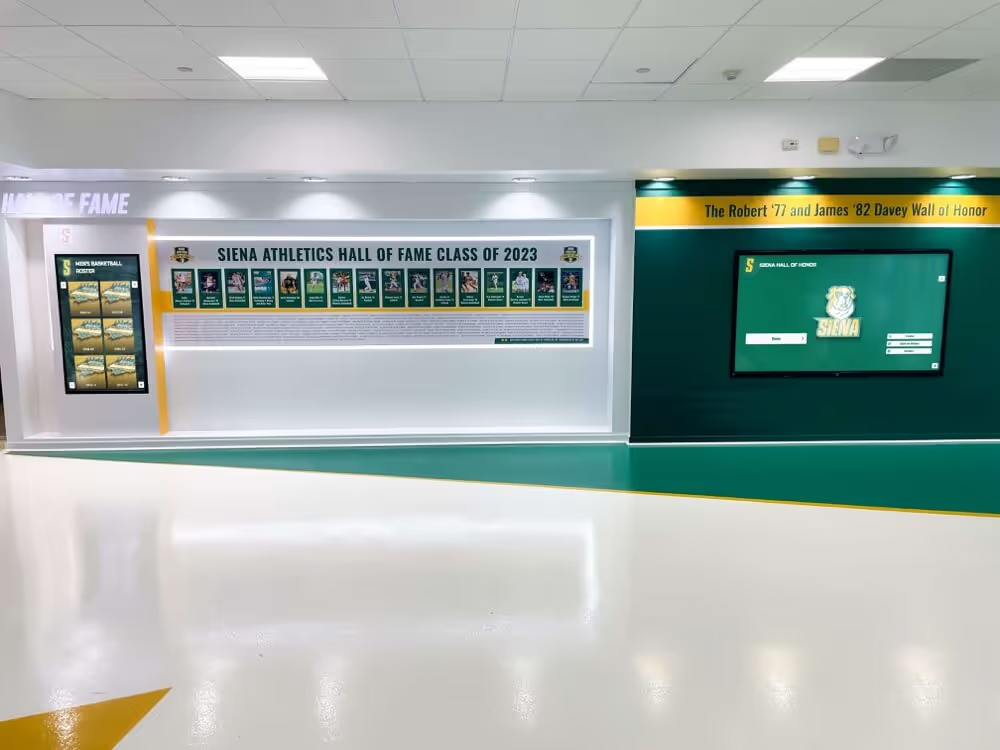
Every athlete record visible on a hallway display was loaded from source data — a crash recovery policy confirms that source files are always retained so a failed staging import can be rebuilt without permanent data loss
What UNLOGGED Tables Are and Why They Matter for Import Staging
UNLOGGED tables in PostgreSQL skip write-ahead logging for inserts, updates, and deletes during normal operations. Because WAL writes are the primary cost of durable writes in PostgreSQL, removing them from a table’s I/O path makes bulk loads into UNLOGGED tables significantly faster than equivalent loads into ordinary LOGGED tables. The PostgreSQL 18 documentation for CREATE TABLE describes this behavior directly: data written to unlogged tables is not written to the write-ahead log, which makes them considerably faster than logged tables; however, they are not crash-safe — an unlogged table is automatically truncated after a crash or unclean shutdown.
The documentation also notes that the contents of an unlogged table are not replicated to standby servers. This has an immediate consequence for any athletic program running a high-availability PostgreSQL setup: a staging load in progress on the primary will not be visible on the standby, and after a failover the staging table will appear empty regardless of how far the primary had progressed.
For import staging in athletic recognition programs, these two properties — crash truncation and replication exclusion — are acceptable and expected, but only when:
- The staging table holds exclusively pre-validation, rebuildable data derived from a retained source file.
- The source file is confirmed present and readable before the staging load begins.
- No downstream consumer (display, report, ceremony document) reads directly from the staging table.
- The promotion step that copies validated records to the production table uses a fully
LOGGEDtarget table.
When any of these conditions is not met, UNLOGGED introduces unrecoverable data loss risk that a crash will eventually realize.
Decision Table: LOGGED vs. UNLOGGED for Athletic Award Tables
| Table Type | Representative Tables | Recommended Storage | Rationale |
|---|---|---|---|
| Production award recipients | award_recipients, hall_of_fame_inductees, coaching_awards | LOGGED | Permanent recognition records; crash loss is unrecoverable without backup restore |
| Production athlete profiles | athletes, athlete_profiles | LOGGED | Reference records used by all downstream displays; must survive any crash |
| Season and team records | season_records, team_rosters, championship_records | LOGGED | Historical records with no acceptable loss window |
| Import staging — pre-validation | import_staging, athlete_import_staging | UNLOGGED acceptable | Rebuildable from retained source file; no downstream consumer reads directly |
| Import staging — post-validation, pre-promotion | validated_staging, merge_staging | LOGGED strongly preferred | Records already cleaned; cost of re-running validation often exceeds the write speed benefit |
| Temporary deduplication scratch | dedup_scratch, name_match_scratch | UNLOGGED acceptable | Fully derived from logged tables; reconstructable without retained source file |
| Audit and correction log | import_audit_log, correction_history | LOGGED | Audit records must survive crashes for governance and traceability |
| Development and test loads | Any table in a non-production schema | UNLOGGED acceptable | Loss is tolerable; no display or ceremony dependency |
The pattern is consistent: UNLOGGED is appropriate for tables whose contents are fully rebuildable — either from a retained source file or from other LOGGED tables. As soon as a table becomes the source of truth for any display or downstream process, it must be LOGGED.
For programs managing the full flow of athletic website content — including award records, team histories, and archival sponsor pages — the athletic website content checklist at touchscreenwebsite.com provides a parallel inventory of what data feeds public-facing recognition pages. Every record type listed there should be stored in a fully LOGGED table, because it feeds a display that families and alumni interact with throughout the year.

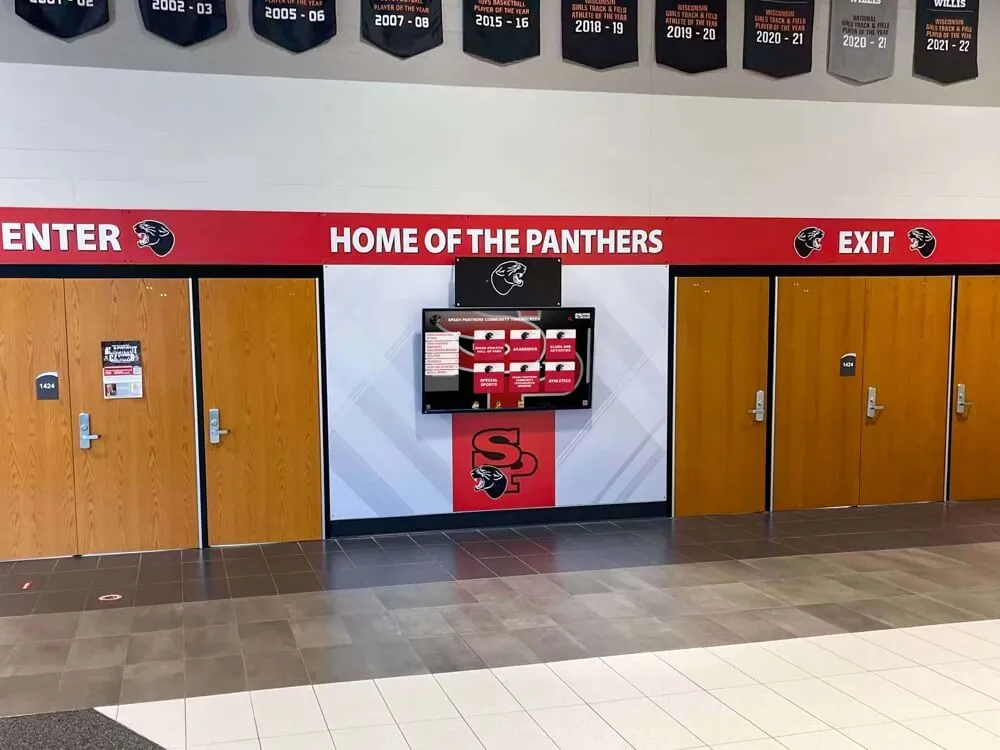
Recognition screens that display athlete profiles and award histories draw from durable LOGGED tables — unlogged storage belongs only in the staging layer that feeds them, never in the tables behind the public display
Athletic Awards Database Unlogged Staging Table Recovery Policy: Numbered Steps
The following eight steps establish and validate the recovery policy for any athletic recognition program running PostgreSQL-backed import pipelines. They are written for a school IT administrator or a recognition-data custodian familiar with database operations. Steps 1 through 4 are planning steps completed before the first import runs. Steps 5 through 8 are operational steps repeated before each seasonal or batch import.
Step 1: Inventory Every Table Used During the Import Pipeline
Produce a complete list of every table the import process touches, from the initial load target through each transformation step to the final production target. For each table, record its current logging status. In PostgreSQL, query the system catalog:
SELECT
    relname        AS table_name,
    relpersistence AS persistence
FROM
    pg_class
WHERE
    relkind = 'r'
    AND relnamespace = (
        SELECT oid FROM pg_namespace WHERE nspname = 'public'
    )
ORDER BY
    relname;
The relpersistence column returns 'p' for permanent (LOGGED), 'u' for unlogged, and 't' for temporary. Any table with 'u' that is not confirmed to be a rebuildable staging table requires an immediate review.
Step 2: Classify Each Table by Rebuildability
For each table in the inventory, answer two questions:
- Is every row in this table derivable from a retained source file or from another LOGGED table? If yes, the table is rebuildable and
UNLOGGEDis structurally safe. - Does any downstream consumer — a display query, a report, a CSV export — read directly from this table? If yes,
UNLOGGEDis unsafe regardless of rebuildability, because a crash during a downstream read leaves the consumer with partial data and no transactional guarantee.
Tables that fail either question must be converted to LOGGED. Tables that pass both may remain UNLOGGED under this policy, subject to the source-file retention requirement in Step 3.
Step 3: Confirm Source File Retention Before Every Staging Load
The recovery guarantee for an UNLOGGED staging table depends entirely on the source file remaining readable after a crash. Before any staging load begins, the import procedure must verify:
- The source file (CSV, XLSX, XML, or API export) is present at a known, accessible path.
- A checksum or row count recorded at export time is available for post-load validation.
- A copy of the source file exists in a location independent of the database server — network share, object storage, or version-controlled import archive.
If any of these checks fails, the staging load must not begin. Running an UNLOGGED staging load without a confirmed, retained source file converts what should be a recoverable rebuild into an unrecoverable loss.
The athletic awards database COPY import error isolation guide at digitalawardsdisplay.com covers how to isolate and identify row-level errors during PostgreSQL COPY operations — a complementary practice that prevents bad rows from reaching the staging table and reduces the scope of any rebuild after a crash.
Step 4: Convert Production Tables to LOGGED if Any Were Created as UNLOGGED
If the table inventory from Step 1 reveals any production award, profile, or history table with relpersistence = 'u', convert it immediately before the next import:
ALTER TABLE award_recipients SET LOGGED;
ALTER TABLE hall_of_fame_inductees SET LOGGED;
ALTER TABLE ... SET LOGGED in PostgreSQL rewrites the table to add WAL coverage. The operation requires an ACCESS EXCLUSIVE lock and will take proportionally longer for larger tables. Schedule it during a low-traffic maintenance window and confirm the table’s relpersistence returns 'p' after completion.
Step 5: Rehearse the Crash Recovery Procedure Before Each Import Season
Before each seasonal import window — typically pre-season, end-of-season, or ahead of an induction ceremony — run a simulated crash recovery in a staging environment:
- Create a copy of the staging environment that mirrors the production schema.
- Begin a staging load into the
UNLOGGEDstaging table using the prior season’s source file. - Mid-load, terminate the database server process (simulating a crash).
- Restart PostgreSQL and confirm the
UNLOGGEDtable has been truncated automatically. - Reload from the retained source file and confirm all rows are restored to the expected count.
- Confirm that all
LOGGEDproduction tables are intact and unaffected.
Document the elapsed time for the reload step. That elapsed time is the practical recovery window for this import pipeline — the period during which the staging table is unavailable and the production tables remain in their pre-import state. If that window is longer than acceptable for the import calendar, consider either splitting the source file into smaller batches or pre-staging to a LOGGED table that tolerates the write overhead.
Step 6: Confirm Replication Behavior on High-Availability Setups
If the recognition database runs with a streaming replication standby, confirm before every import that the team understands what the standby reflects during and after the staging load:
- Rows written to the
UNLOGGEDstaging table on the primary are not sent to the standby and are not visible there. - If a failover occurs while the staging load is in progress, the standby becomes primary with an empty staging table.
- Any application or script that reads from the staging table during or after a failover will see no rows and should handle that gracefully.
This is expected PostgreSQL behavior, not a bug. The replication exclusion is documented in the PostgreSQL 18 CREATE TABLE reference, which notes that the contents of unlogged tables are not replicated to standby servers. IT staff who have not confirmed this behavior may be surprised during a failover — a pre-import checklist item that documents this expectation prevents that surprise.
Step 7: Run the Promotion Step Against a LOGGED Target
After the staging load completes and validation passes, copy validated rows from the UNLOGGED staging table into the LOGGED production target within a single transaction:
BEGIN;

INSERT INTO award_recipients (
    athlete_id,
    award_type,
    season_year,
    awarded_by,
    created_at
)
SELECT
    s.athlete_id,
    s.award_type,
    s.season_year,
    s.awarded_by,
    NOW()
FROM
    validated_staging s
WHERE
    s.validation_status = 'approved';

-- Confirm row count matches expectation before committing
-- ROLLBACK if count is wrong; COMMIT only if correct

COMMIT;
Do not use SELECT INTO or CREATE TABLE AS SELECT to create the production table from the staging table — both produce a new table, and without an explicit LOGGED clause the result may inherit the UNLOGGED setting. Always insert into a pre-existing, explicitly LOGGED production table.
Step 8: Document the Policy and Attach It to the Import Runbook
Publish this policy as a written section of the import runbook. Each entry should identify:
- The table name and its current
relpersistencesetting. - Whether
UNLOGGEDis approved for this table under this policy, and why. - The retained source file path and the verification step that confirms it before each import.
- The simulated crash recovery date from the most recent pre-season rehearsal.
Include policy review as a mandatory checkpoint before each import season. Any new staging table introduced by an updated import pipeline must be classified and approved under this policy before it is used in production.
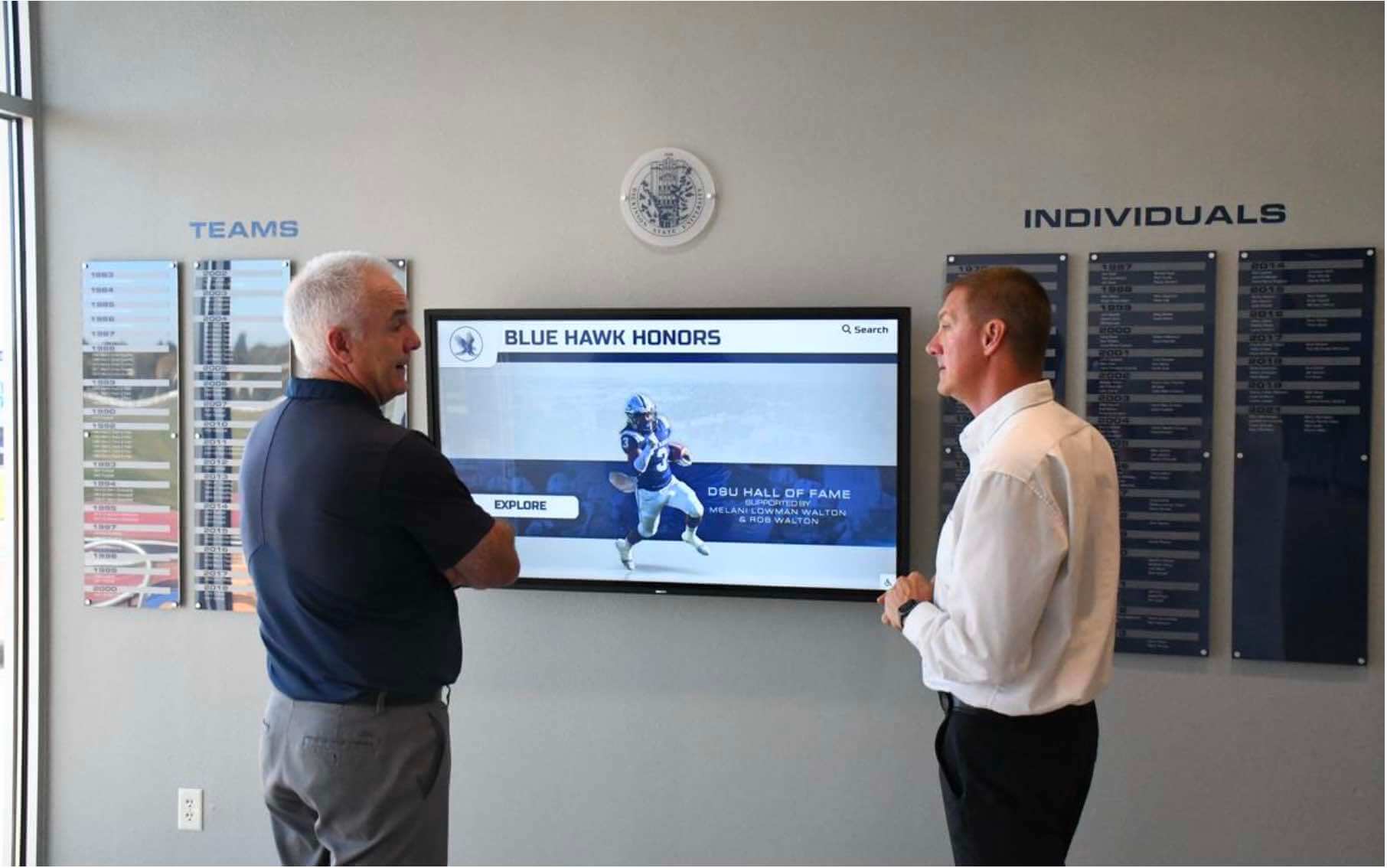
Visitors interacting with a recognition display expect complete, accurate records — the unlogged staging policy ensures that crash recovery is practiced before each import season so no recognition history disappears due to an unexpected server restart
Why Source File Retention Is the Real Recovery Guarantee
The fastest crash recovery path for an UNLOGGED staging table is a clean reload from the original source file. But that path only exists if the source file was retained and is accessible. Athletic programs that rely on exports from a grade-management system, a state athletic association database, or a donor management platform must confirm that those exports are archived — not just run and discarded.
A practical retention approach:
- Archive every source file used in a staging load to a dated folder in a shared drive or object storage bucket at the moment the file is received, before the staging load begins.
- Record the row count from the source file separately from the database, so a post-crash reload can be validated against an independent total.
- Test the archive path during the pre-season crash recovery rehearsal by loading from the archived copy rather than the original source to confirm the archive is readable and complete.
For programs planning recognition infrastructure and budget together, the high school athletic department budget planning guide at best-touchscreen.com covers the operational costs of running recognition data systems — including storage for archived source files, which should be a planned line item rather than an afterthought when a recovery rebuild depends on them.
Replication and Standby Expectations: Plain-Language Summary
For athletic recognition programs that have invested in database high availability — typically a primary PostgreSQL server with one or more streaming replication standbys — the replication behavior of UNLOGGED tables has practical consequences that every stakeholder in the import process needs to understand:
| Scenario | What Happens | What Staff Should Know |
|---|---|---|
| Staging load in progress, no crash | Rows appear only on primary; standby reflects empty staging table | Expected; no action needed |
| Primary crashes mid-load | UNLOGGED staging table truncated on recovery; LOGGED production tables intact | Reload from source file; production data safe |
| Standby promoted to primary during staging load | New primary has empty staging table; production tables at last-replicated state | Reload from source file on new primary; production data safe |
| Staging load completes; promotion step committed | Promoted rows replicated to standby via normal WAL | Both primary and standby reflect the new award records |
LOGGED production table updated at any time | Changes replicated to standby immediately | Production data always consistent across nodes |
The replication gap during staging is not a flaw — it is the intended behavior of unlogged storage. The policy’s responsibility is to ensure that every person running or monitoring the import understands this gap and does not interpret an empty staging table on the standby as evidence of a problem.
For programs displaying athletic achievements digitally — from hall of fame kiosks to lobby recognition walls — the best ways to showcase athletic achievement awards digitally guide at touchhalloffame.us describes how display quality depends on data integrity upstream. That integrity depends in part on every replication and recovery behavior being documented and rehearsed before an import failure creates an unexpected display gap.

Interactive recognition kiosks in school hallways require complete, accurate award records — the staging policy that governs how those records are imported determines whether a server crash before promotion leaves gaps that visitors would notice
Rocket Alumni Solutions Compared to Self-Managed Import Pipelines
Schools managing their own PostgreSQL recognition databases take on full responsibility for classifying staging tables, retaining source files, and rehearsing crash recovery. The steps in this guide apply whether the database is hosted on a school server, in a cloud virtual machine, or through a third-party managed database service.
Schools using a managed recognition platform shift that responsibility to the vendor. When evaluating or auditing a managed platform, athletic directors and IT administrators should ask:
- Does the platform distinguish between staging and production tables internally, and are production award tables always logged?
- What is the platform’s documented recovery procedure if a server crash occurs during a batch import?
- Are source files retained after an import completes, and for how long?
- Does the platform’s import pipeline write award records to a fully durable table before reporting the import as complete?
- How does the platform behave in a high-availability configuration when a failover occurs mid-import?
Rocket Alumni Solutions manages recognition data through an import architecture where finished award records — inductee entries, season honors, all-conference recognitions — are written to durable storage before the import is reported as successful. Source data used to populate recognition records is retained for correction and audit purposes. Programs evaluating platforms for managing athletic recognition data should confirm that the vendor’s import design separates staging from production storage with the same care that this policy requires.
For programs presenting athletic recognition at end-of-season ceremonies and banquets, the athletic banquet outfit ideas guide at halloffame-online.com reflects how much preparation goes into recognition events — the database policy described here is the upstream work that ensures every award listed in the ceremony program is backed by a durable, crash-safe record in the recognition database.

Individual athlete achievement cards on recognition displays represent years of competitive history — the recovery policy described in this guide ensures that a staging-phase crash cannot erase those achievements before they are permanently recorded
FAQ: Athletic Awards Database Unlogged Staging Table Recovery Policy
What is an UNLOGGED table in PostgreSQL, and why would an athletic records import use one?
An UNLOGGED table in PostgreSQL skips write-ahead logging during inserts, updates, and deletes, which makes bulk writes significantly faster. An athletic records import might use an UNLOGGED table for the initial staging phase — loading source data for validation before it is promoted to the official recognition database — to reduce the time and I/O cost of the staging step. The trade-off is that the database automatically truncates any UNLOGGED table after a crash or unclean shutdown. This is acceptable for staging data only when the source file is retained and the import team has rehearsed the reload procedure.
What happens to UNLOGGED staging tables if the database server crashes during an import?
PostgreSQL automatically truncates every UNLOGGED table during crash recovery before the database comes back online. All rows that were written to the staging table are gone. Fully LOGGED tables — including any production award records that were already committed before the crash — are recovered from the write-ahead log and are intact. The staging data is lost but rebuildable; the production data is safe. This is why the recovery policy requires a confirmed, accessible source file before any staging load begins.
Can I use UNLOGGED tables for official athletic award records if I need faster imports?
No. Official athletic award records — recipient entries, hall of fame inductee records, season honors, coaching recognitions — must always reside in fully LOGGED tables. The write speed benefit of UNLOGGED storage is not an acceptable trade for the crash-loss risk on records that may be cited in ceremony programs, displayed in school lobbies, and preserved in institutional archives for decades. Use UNLOGGED only for the staging step, and always promote validated records into a LOGGED target table before the import is considered complete.
Are UNLOGGED staging table rows visible on a PostgreSQL streaming replication standby?
No. The contents of UNLOGGED tables are not replicated to standby servers, as documented in the PostgreSQL 18 CREATE TABLE reference. A standby will show an empty staging table while the primary is running a staging load. If a failover occurs mid-import, the standby that becomes the new primary will also show an empty staging table. This is expected behavior, not an error. The recovery procedure for this scenario is the same as for a crash: reload the staging table from the retained source file on the new primary, then re-run the validation and promotion steps.
How often should an athletic recognition program rehearse crash recovery for staging imports?
At minimum, once before each seasonal import window — typically at the start of fall sports season, end of winter season, and ahead of spring induction ceremonies. The rehearsal should simulate a mid-load crash by terminating the database process manually in a staging environment, confirming that the UNLOGGED table is truncated and that LOGGED production tables are intact, then timing a full reload from the retained source file. That elapsed reload time becomes the documented recovery window for the import pipeline and should inform how the import calendar is structured.
Protecting What Athletes Have Earned: The Case for a Documented Recovery Policy
An athletic awards database unlogged staging table recovery policy is not a technical formality — it is the written commitment that a program will never lose a student athlete’s recognition record to a server crash because no one had planned for one. The staging phase of an import is exactly when that risk is highest: large volumes of data in transit, the database under elevated I/O load, and the source records not yet in the durable production tables where they will live permanently.
The policy changes that equation. By classifying every staging table, confirming that source files are retained before each load begins, rehearsing recovery annually, and documenting replication behavior for high-availability setups, athletic programs protect the recognition history that coaches, athletes, families, and alumni rely on.
Award records that survive a crash and appear accurately on interactive kiosks, lobby walls, and ceremony programs are the visible result of invisible preparation. The athletes and teams honored on those displays deserve both.