



Digital signage for schools is one of the most practical technology investments a campus can make—covering everything from hallway announcements and cafeteria menus to athletic record boards and academic honor displays. Intent: decide. Whether your school is buying its first screens or replacing a system that has struggled to keep pace with your communication needs, the choices you make now about software, hardware, and content management will shape what your campus can actually do with these displays for the next decade.
This guide covers what school digital signage does in practice, what separates capable platforms from frustrating ones, where displays perform best on campus, and what a purpose-built, full-featured solution looks like at a price point schools can realistically budget for.
Schools that invest in digital signage often discover a frustrating pattern within the first year: screens go up, a basic slideshow runs for a few weeks, and then content updates slow to a trickle because the system is harder to manage than expected. The root problem is almost never the screens themselves—it’s a mismatch between what the software can do and what daily school communication actually requires. Understanding that gap before purchasing is the most important step in the process.
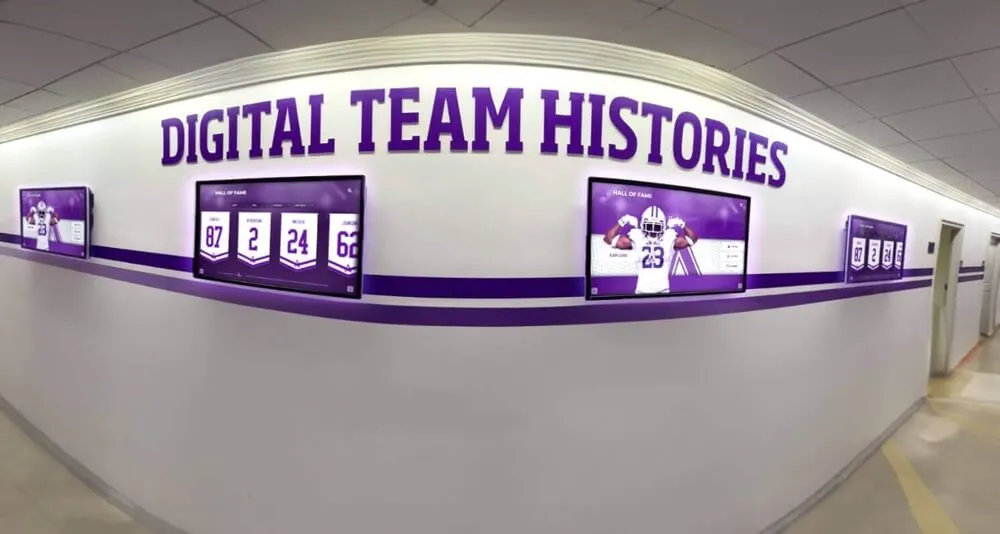
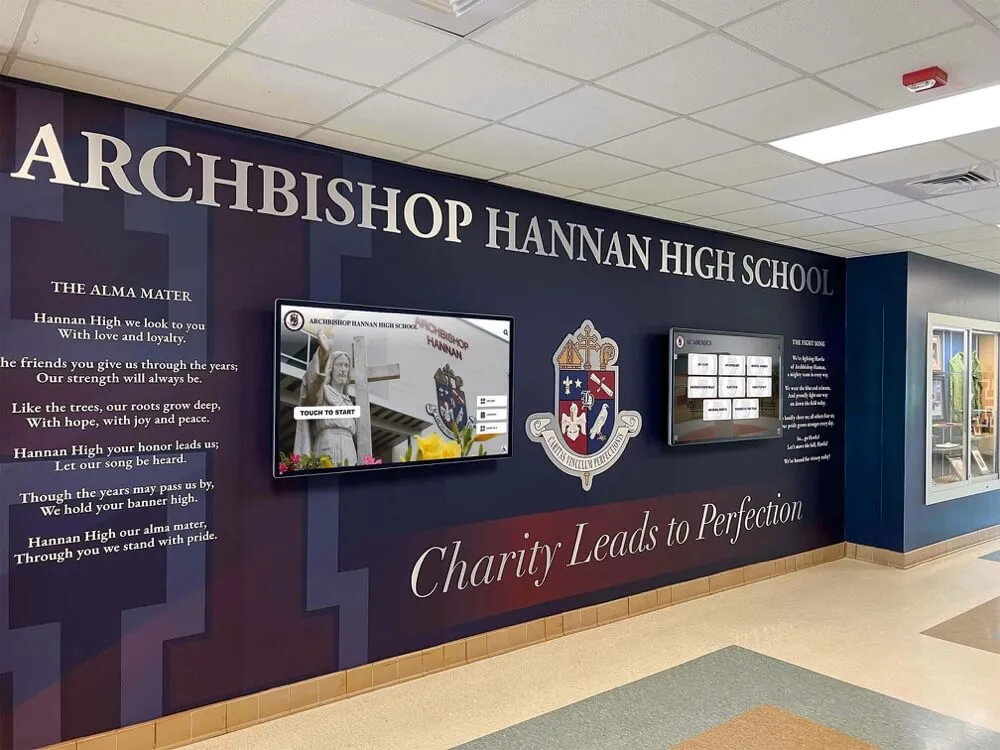
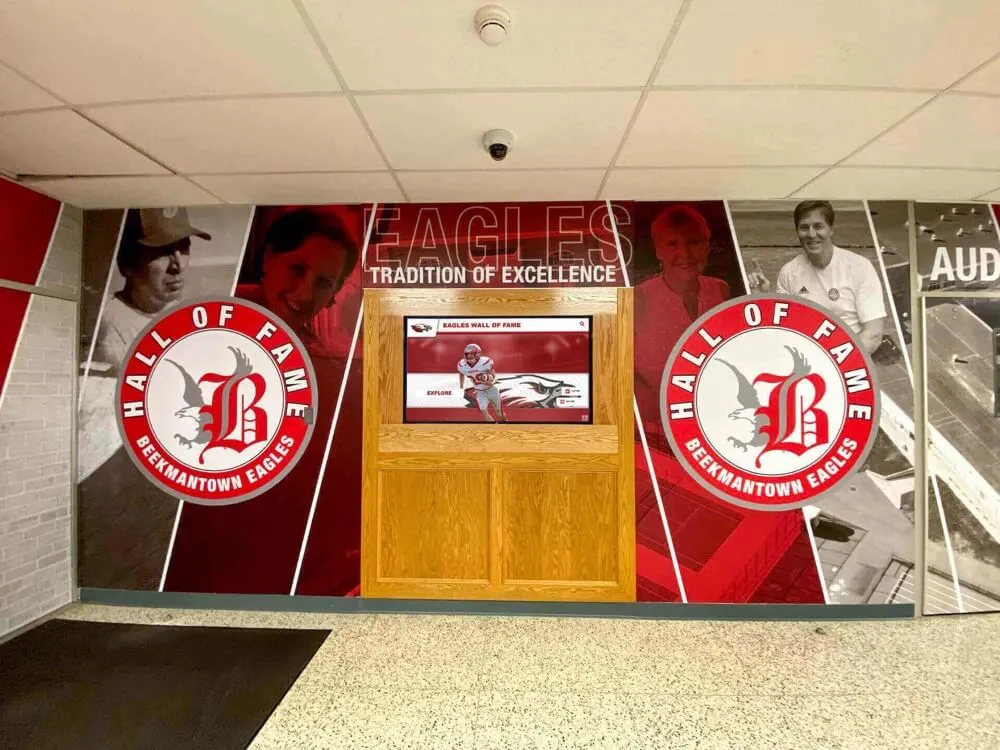
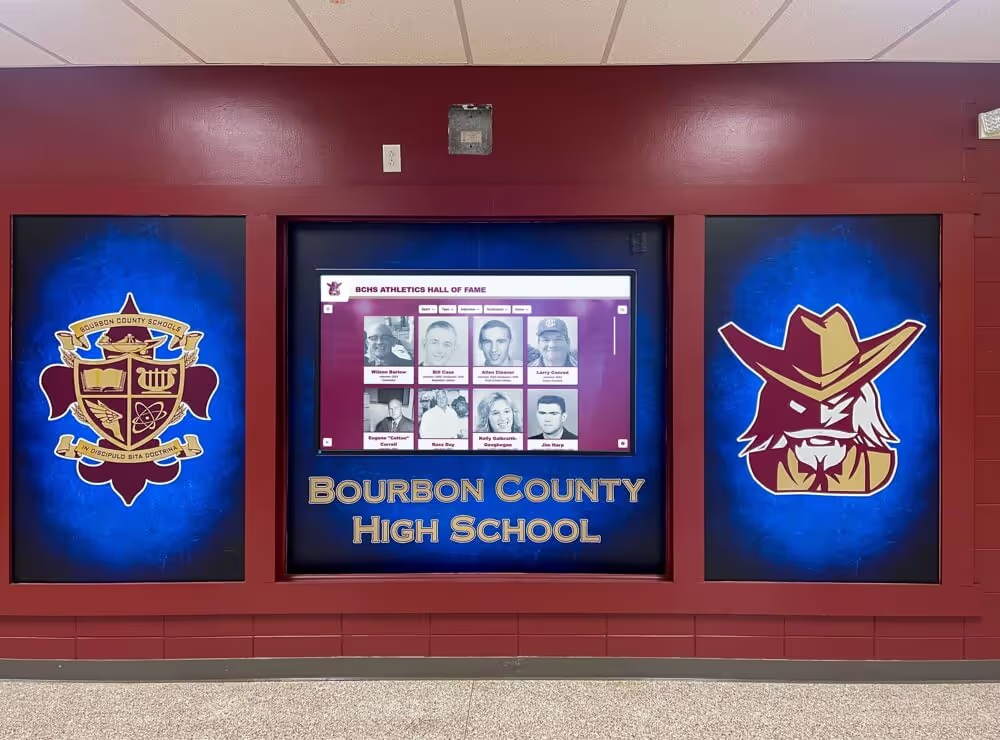
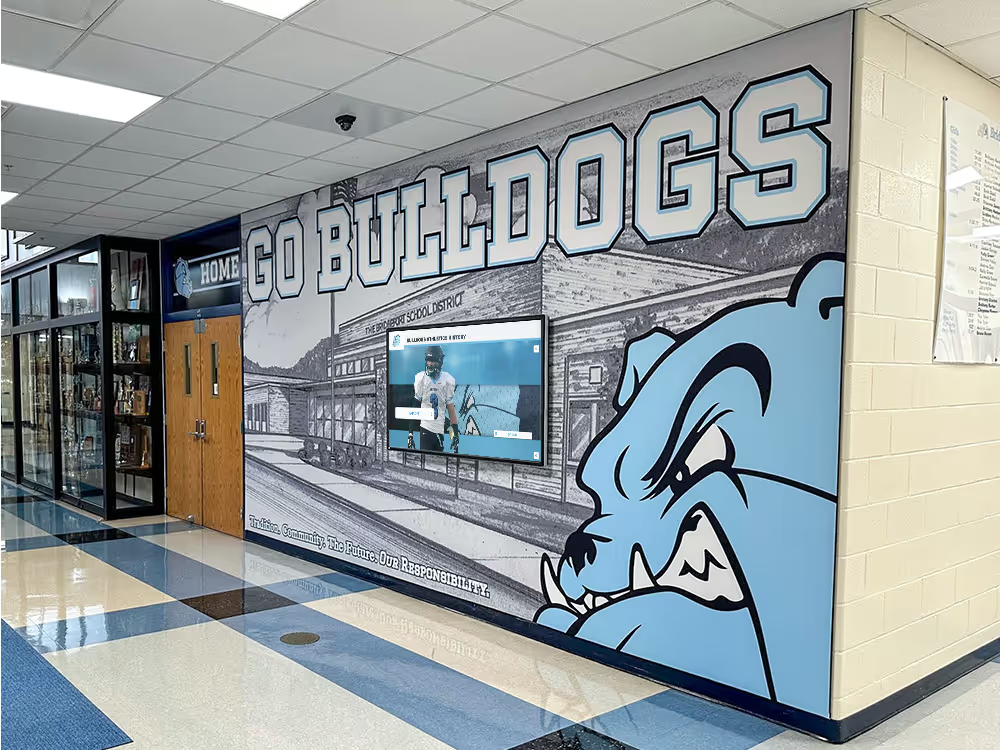
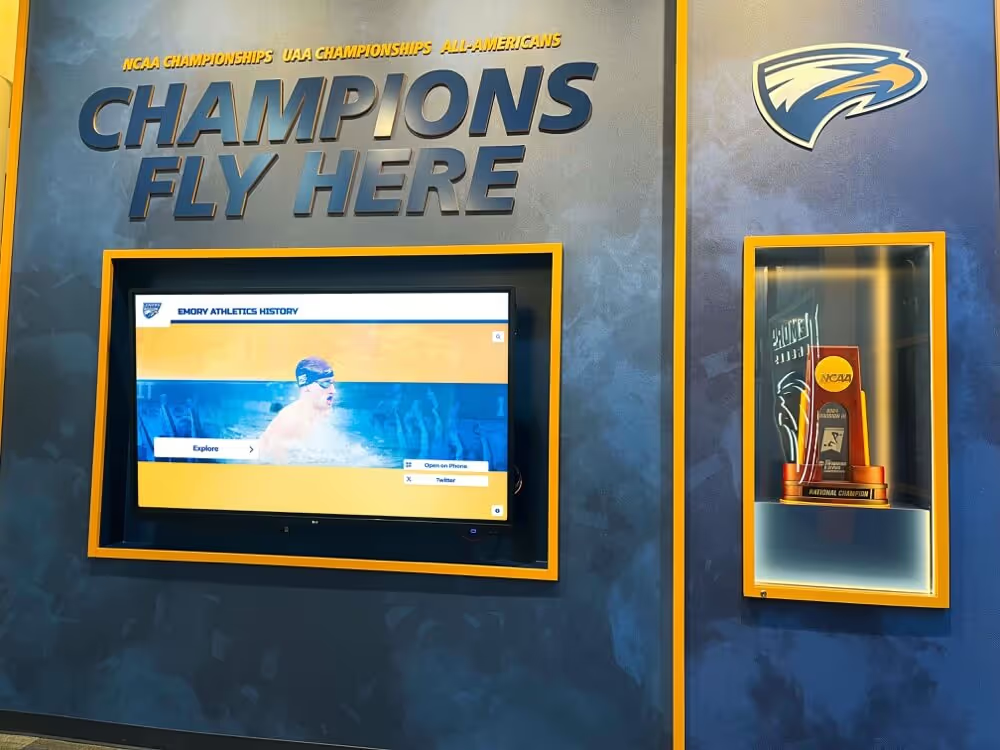
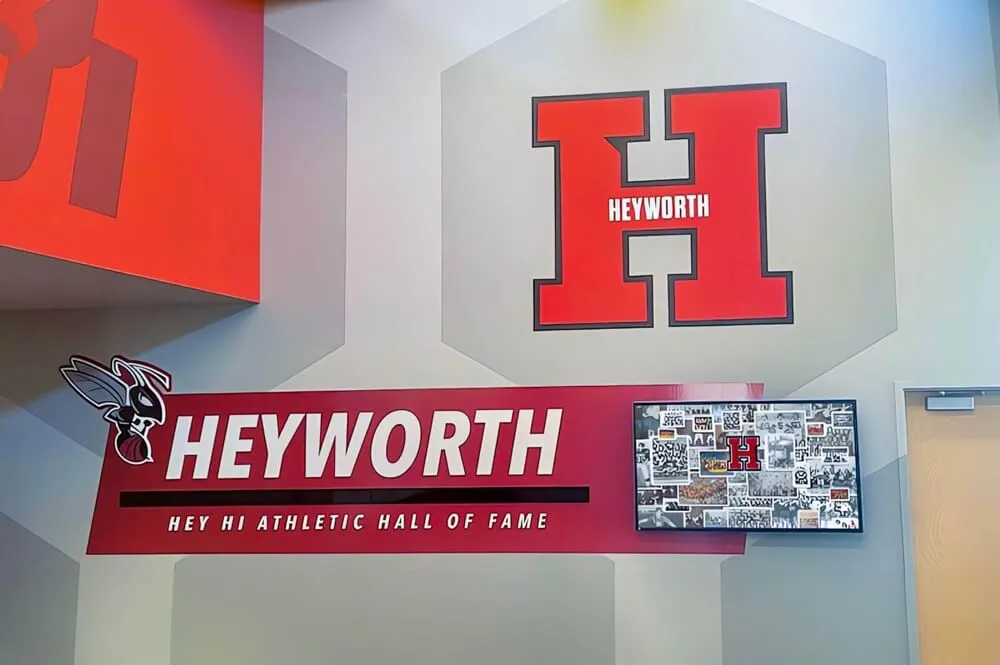
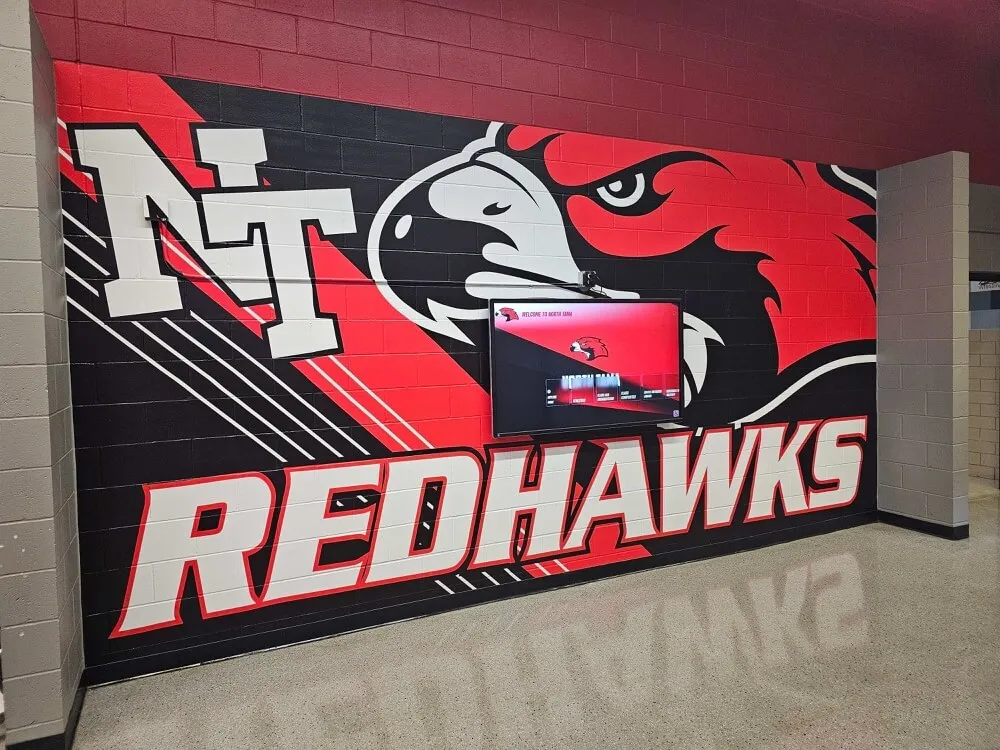
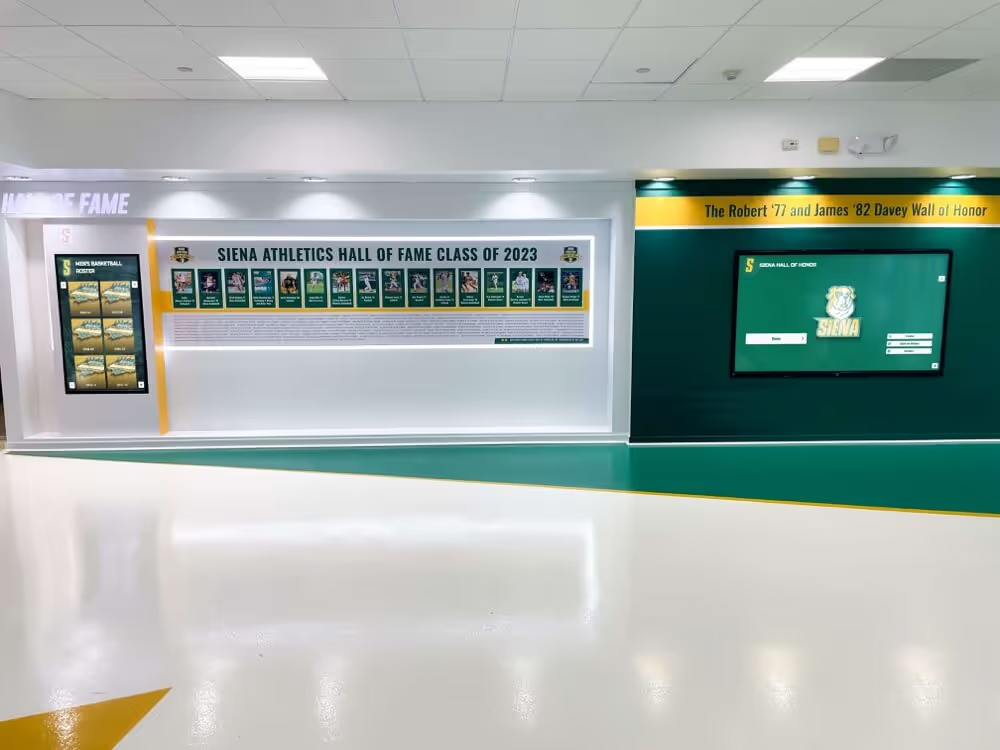
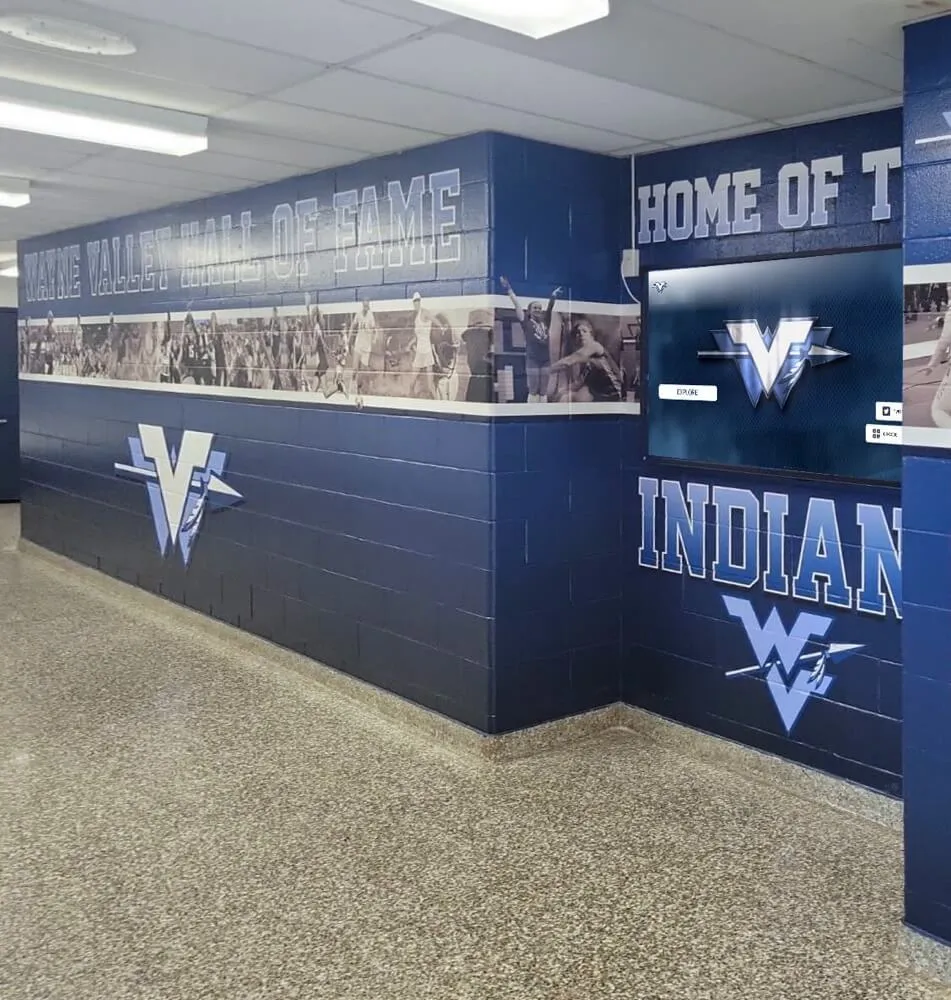
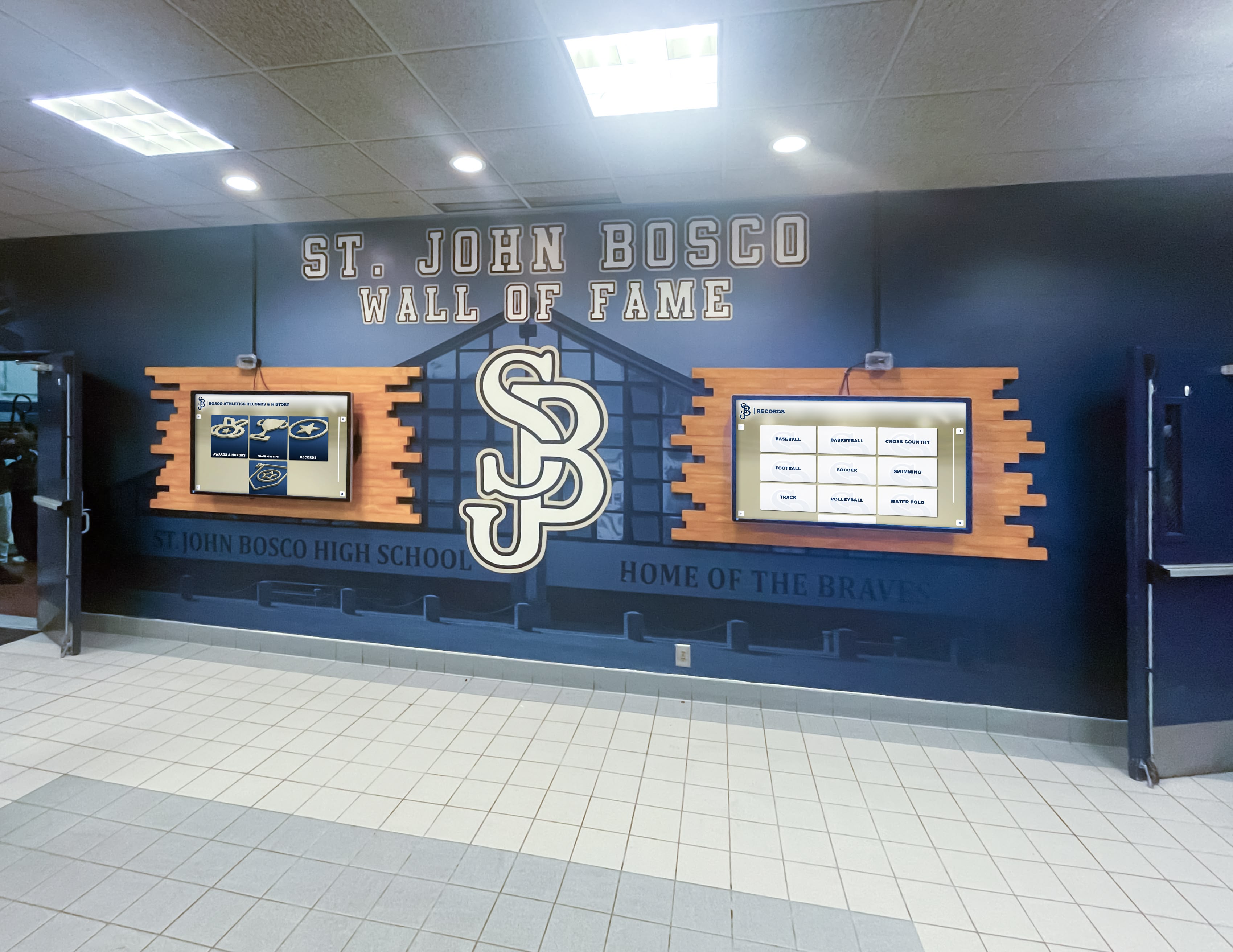
A school lobby showing how digital screens integrate into existing architectural and mural designs to create a unified campus presence
What Is Digital Signage for Schools?
Digital signage for schools is a networked system of displays—screens, kiosks, or video walls—connected to a content management platform that lets staff schedule, update, and publish information across one screen or many simultaneously.
The core components are:
- Display hardware: commercial-grade screens ranging from 32" to 100"+ mounted in lobbies, hallways, gymnasiums, cafeterias, or athletics facilities
- Media players or panel displays: devices connecting each screen to the content management system
- Content management system (CMS): browser-based software where staff create, schedule, and publish content
- Network connectivity: typically Wi-Fi or ethernet linking all devices to a central platform
- MDM (Mobile Device Management): a software layer that manages all connected devices remotely, handling updates, monitoring, and security
When these components work together well, a single staff member can update every screen on campus from one location—no USB drives, no walking building to building, no waiting for IT.
Use Cases for Digital Signage in Schools
School digital signage covers a broader range of functions than most administrators expect before deployment. The most common applications across K-12 and higher education:
Campus-Wide Announcements and Communication
The most immediate use of digital signage is replacing bulletin boards and paper flyers with screen-based displays that update in minutes. Typical communication content includes:
- Daily schedule changes and late-start notifications
- Club meeting times and locations
- Lunch menus and cafeteria updates
- Upcoming events, deadlines, and registration dates
- Weather-related delays or closures
- Messages from the principal or superintendent
Because content can be scheduled in advance, communications staff can queue a full week of announcements on Monday morning and let the system cycle through them automatically.
Athletic Recognition and Record Boards
Sports programs generate recognition content year-round—game results, season records, individual award winners, all-conference selections, and program milestones. Digital displays in athletics lobbies and gymnasiums present this content in ways that static plaques and paper rosters cannot:
- Updated standings and statistics after each game
- Player-of-the-week features with photos and stats
- Championship histories spanning multiple decades
- Record boards that sort and rank automatically as new marks are set
- Recruiting profiles for college-bound seniors
For schools that want to extend athletic recognition beyond the gymnasium, hallway displays bring program achievement to the full student body and visiting families.
Academic Recognition and Honor Programs
Academic achievements often receive less visual real estate than athletics in traditional school display environments. Digital signage corrects that imbalance by giving academic programs dedicated display space that updates with each new honor period:
- Honor roll and academic all-star recognition updated each semester
- National Honor Society induction announcements
- Academic team results (scholastic bowl, STEM competitions, debate, forensics)
- College acceptance and scholarship announcements
- AP score achievements and academic record holders
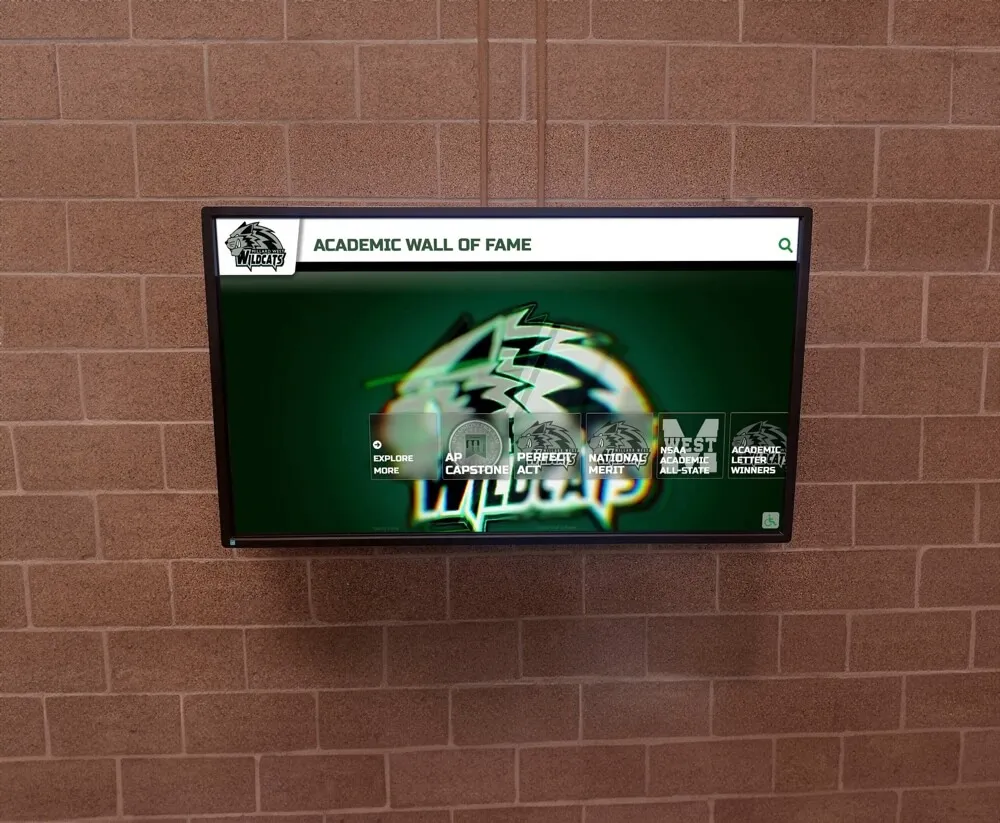
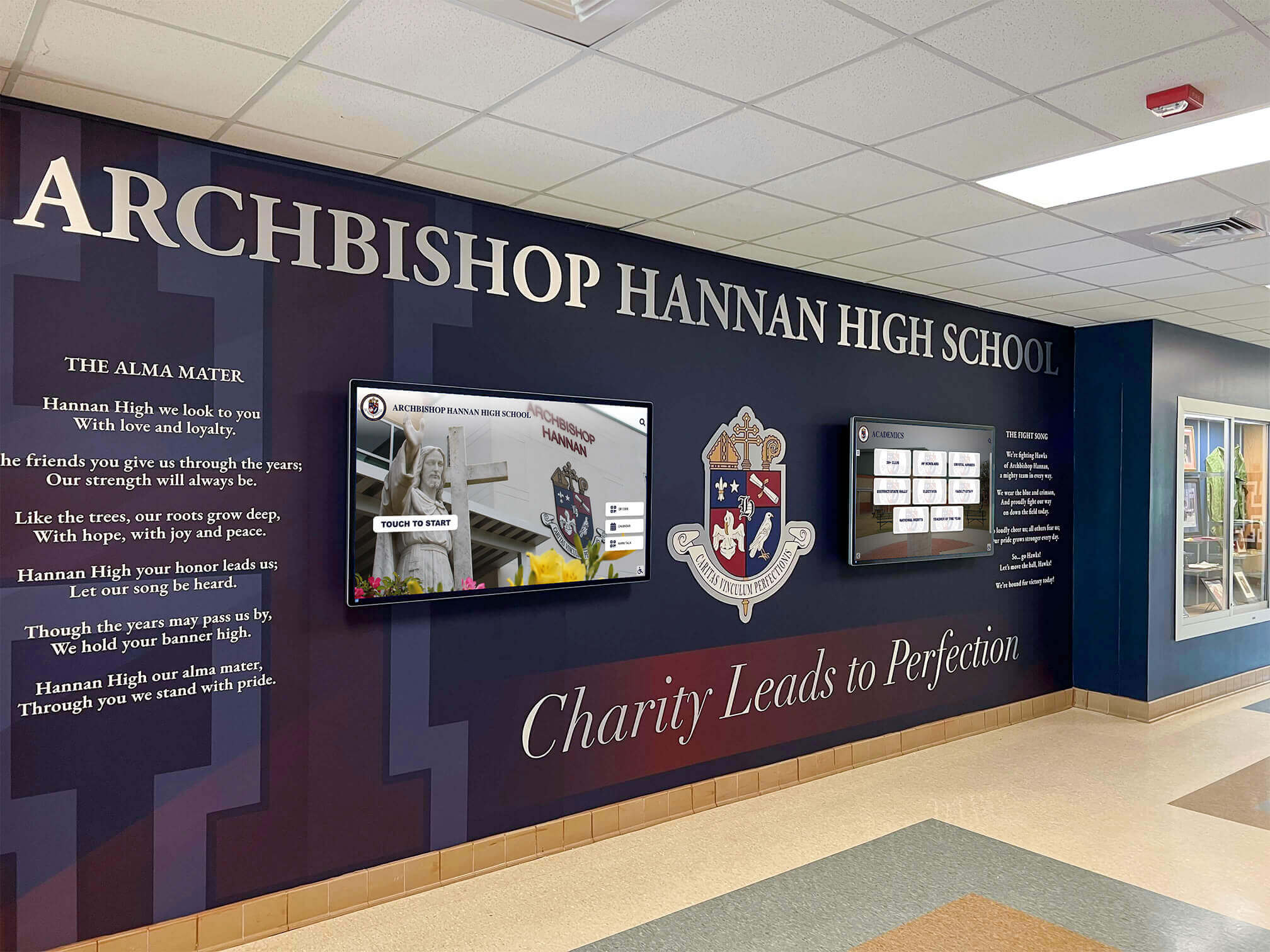
Academic recognition walls benefit from the same digital display technology used for athletic programs—giving scholastic achievement equal visual prominence on campus
Wayfinding and Visitor Orientation
Large schools and campuses can reduce front-office interruptions by placing wayfinding displays at key entry points:
- Campus maps with room numbers and department locations
- Visitor check-in instructions
- Event-specific directions (parking, which entrance to use)
- Staff directory and contact information
Safety and Emergency Messaging
Modern digital signage systems integrate with emergency notification tools to override regular content and display full-screen emergency instructions, lockdown notifications, or evacuation routes. Some platforms connect with national weather alert systems, automatically displaying warnings when alerts are issued for the school’s area. This single capability justifies digital signage investment for many administrators.
Event Promotion and Sponsorship
Digital displays create high-visibility promotional space for school events—homecoming, spring plays, athletic seasons, academic competitions—at no printing cost. Many platforms include sponsorship zones where local businesses can display rotating sponsor messages, creating potential revenue that helps offset platform costs.
What to Look for in School Digital Signage
Not all digital signage systems are equally suited to school environments. Key criteria that determine whether a platform will serve your school well over a multi-year deployment:
Content Management Ease of Use
The platform is only useful if the staff who need to update it can do so without technical support. Systems requiring IT involvement for every content update fail in practice because IT departments in school settings are rarely available for routine communications work. Look for:
- Browser-based CMS accessible from any computer without software installation
- Template-based content creation appropriate for education environments
- Bulk scheduling capability for planning content weeks in advance
- Role-based permissions so teachers, office staff, and coaches can update their own content areas independently
- Preview functionality to see how content will appear before publishing
MDM Device Management
Mobile Device Management appears frequently in digital signage specifications but is often misunderstood. MDM is the layer of software that manages the physical devices—media players or panel displays—connected to your screens, not just the content running on them. MDM capability allows your IT team or signage provider to:
- Monitor device status (online/offline, temperature, storage) from a central dashboard
- Push software updates and security patches to all devices remotely
- Restart or reconfigure devices without sending staff to each screen individually
- Lock devices to single-application mode to prevent tampering
- Receive alerts when a device goes offline or malfunctions
For a school with 10, 20, or 50 screens across multiple buildings, MDM is the difference between a manageable deployment and a persistent troubleshooting burden.
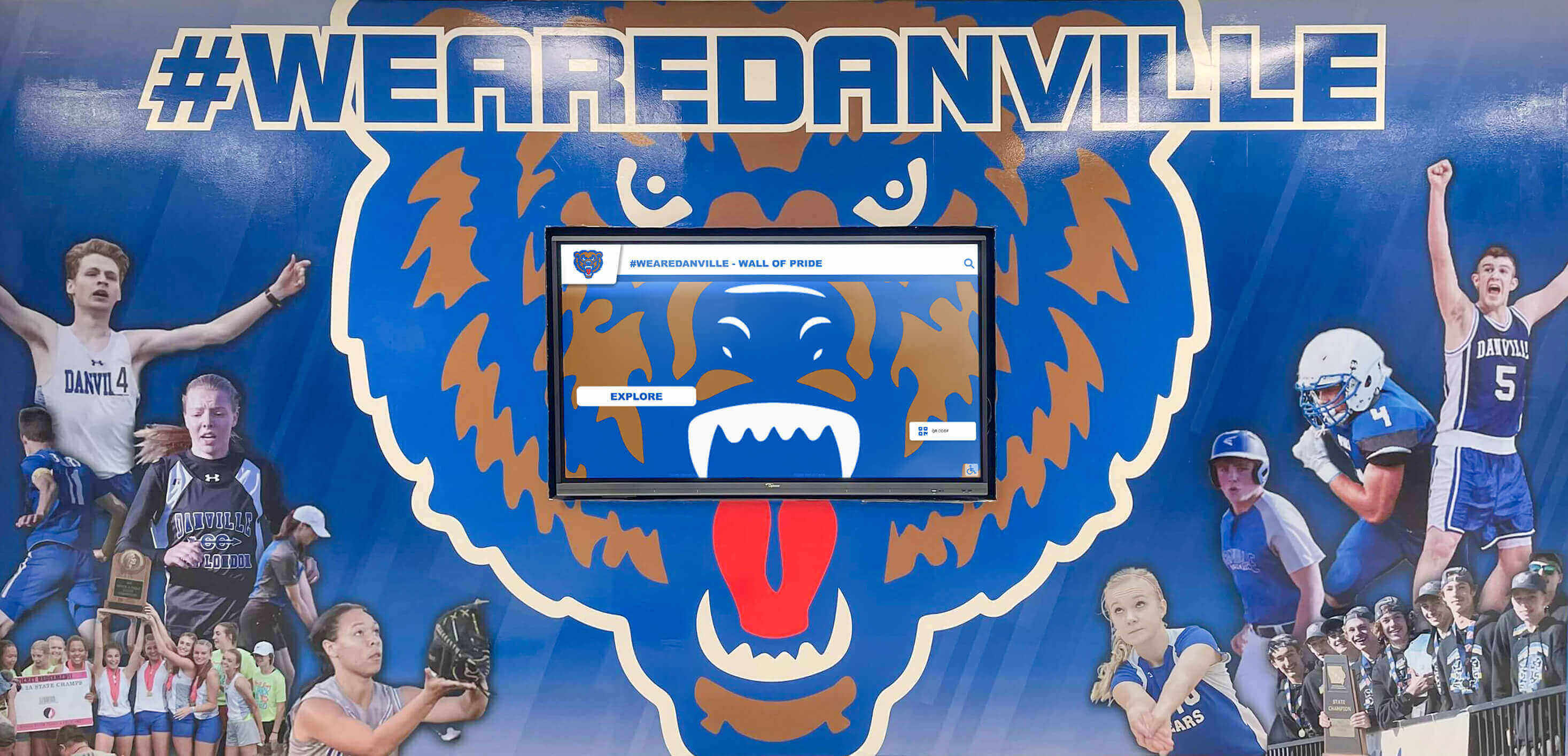
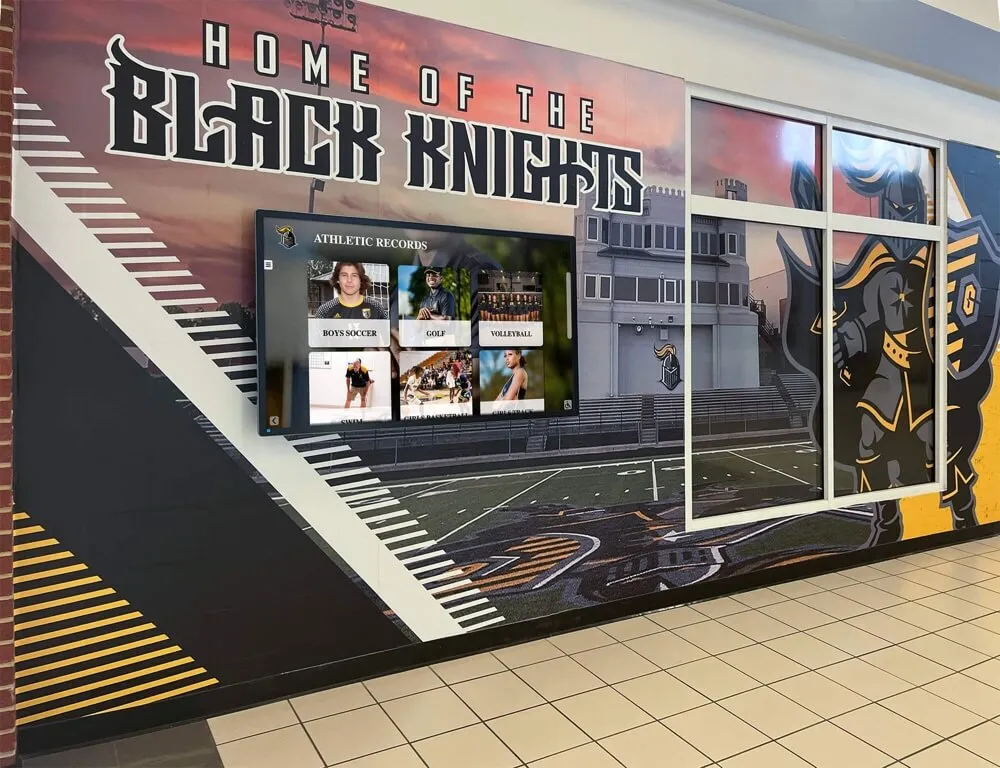
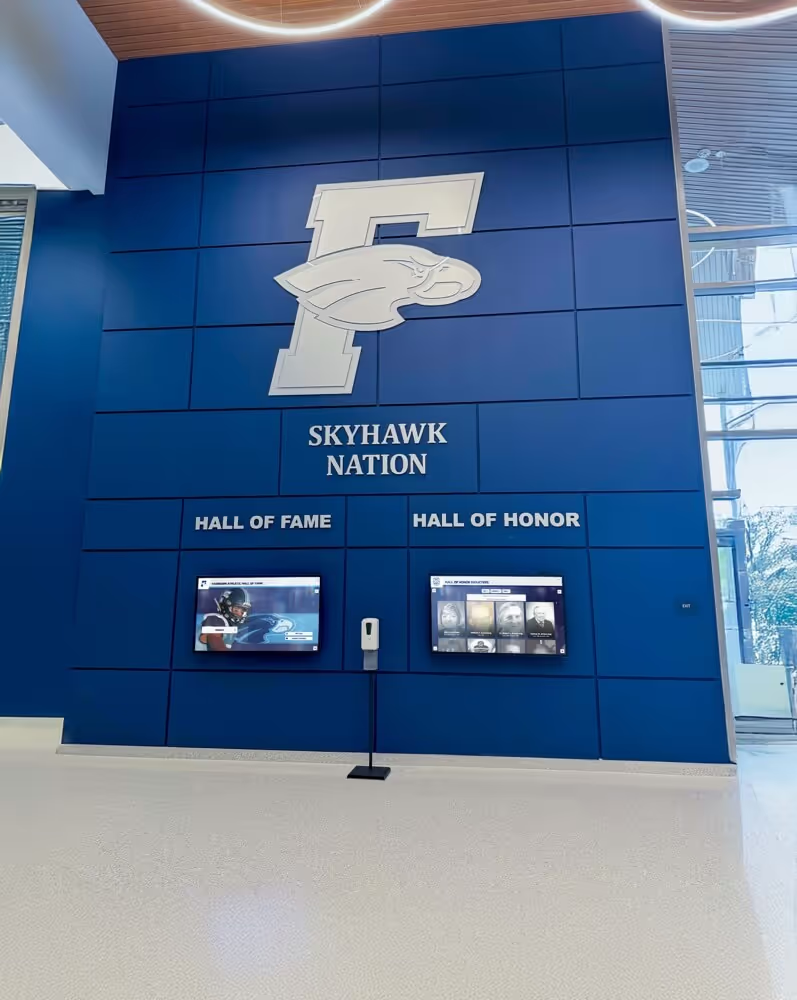
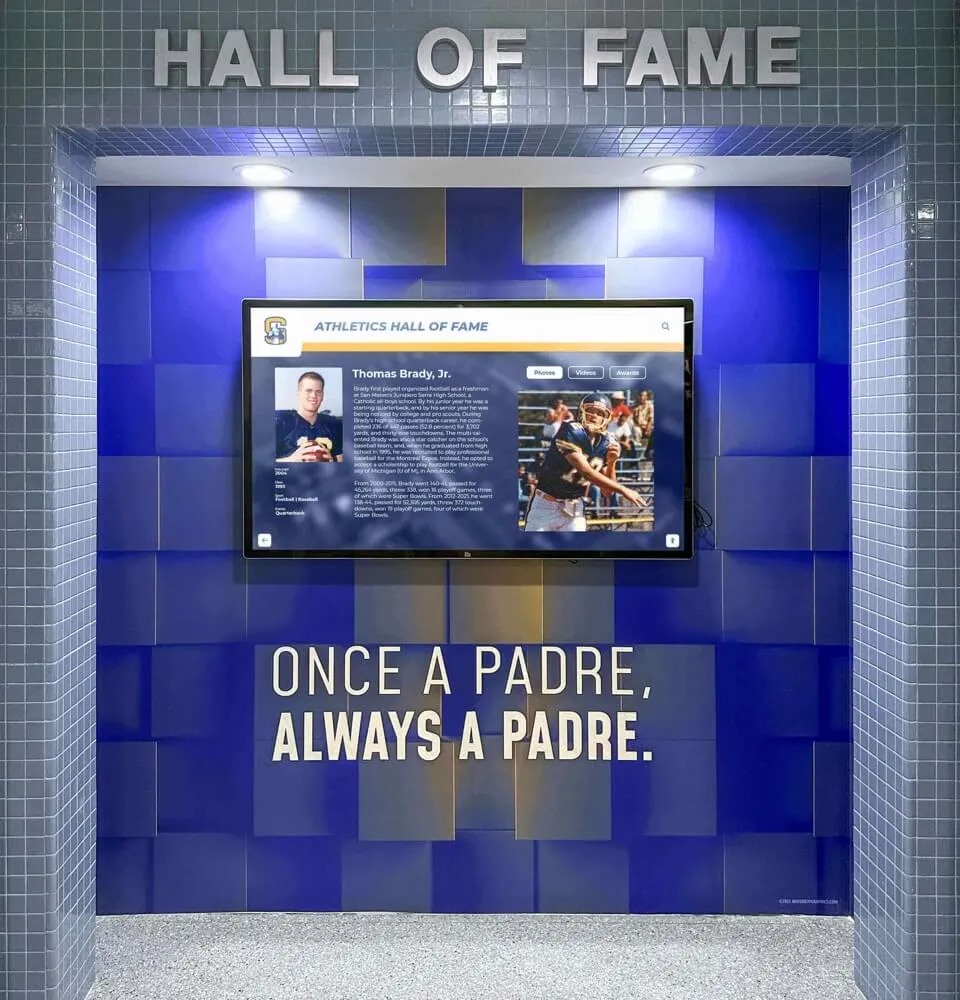
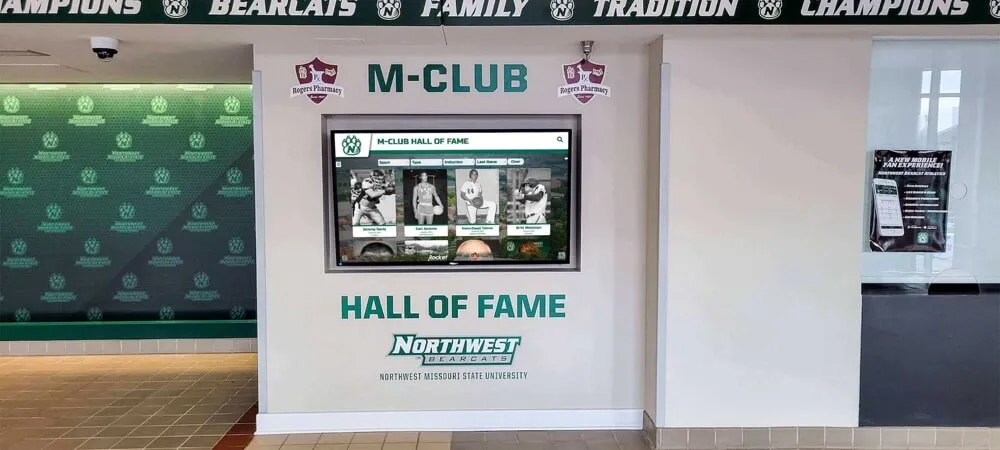
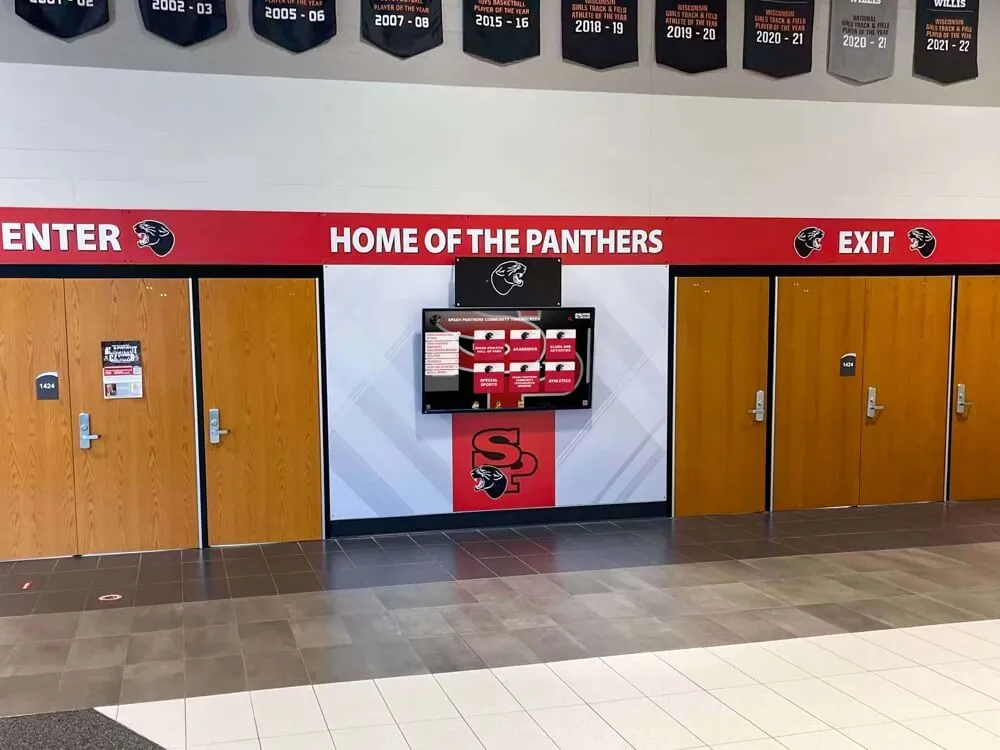
Digital screens mounted alongside school artwork and murals create recognition environments that blend institutional identity with live content
Screen Compatibility and Hardware Flexibility
The best digital signage platforms are hardware-agnostic—they run on commercial displays from multiple manufacturers, allowing schools to use existing screens or mix hardware as they expand. Platforms that require proprietary hardware with per-screen licensing create vendor dependency and inflate long-term costs.
Commercial displays appropriate for school digital signage typically feature:
- 16-hour or 24/7 duty cycle ratings (consumer TVs are rated for 8 hours and will fail early in commercial deployments)
- Higher brightness ratings (400+ nits) for visibility in sunlit lobbies
- Durable construction appropriate for high-traffic areas
- Warranty terms appropriate for institutional use
Remote Management and Cloud Hosting
Local network–dependent systems requiring on-site server infrastructure become IT liabilities over time. Cloud-hosted platforms allow content management from any internet-connected device, support remote troubleshooting without physical access to the building, and eliminate the server maintenance burden. For multi-site districts managing displays across multiple campuses, cloud hosting is effectively a requirement.
WCAG Accessibility Compliance
Public schools are subject to federal accessibility requirements that extend to digital displays and interactive kiosks. Content accessible via touchscreen kiosks or QR-linked websites must meet WCAG 2.1 AA standards to satisfy Section 508 and ADA requirements. Selecting a platform that has built accessibility compliance into its design eliminates costly retrofits later.
The WCAG 2.2 AA accessibility requirements for digital recognition displays explains what compliance requires in practical terms for school-facing systems and why it matters for recognition content specifically.
Transparent Pricing Without Per-Screen Fees
Pricing models for digital signage vary significantly. Enterprise systems commonly charge per screen per month—a model that makes costs unpredictable and creates budget pressure as schools expand. For schools that want to grow their digital signage footprint over time, flat-rate pricing covering unlimited screens is substantially more cost-effective.
The full breakdown of what to evaluate in school digital signage procurement—including questions to ask vendors about total cost of ownership—is covered in the interactive digital signage kiosk guide for school lobbies.
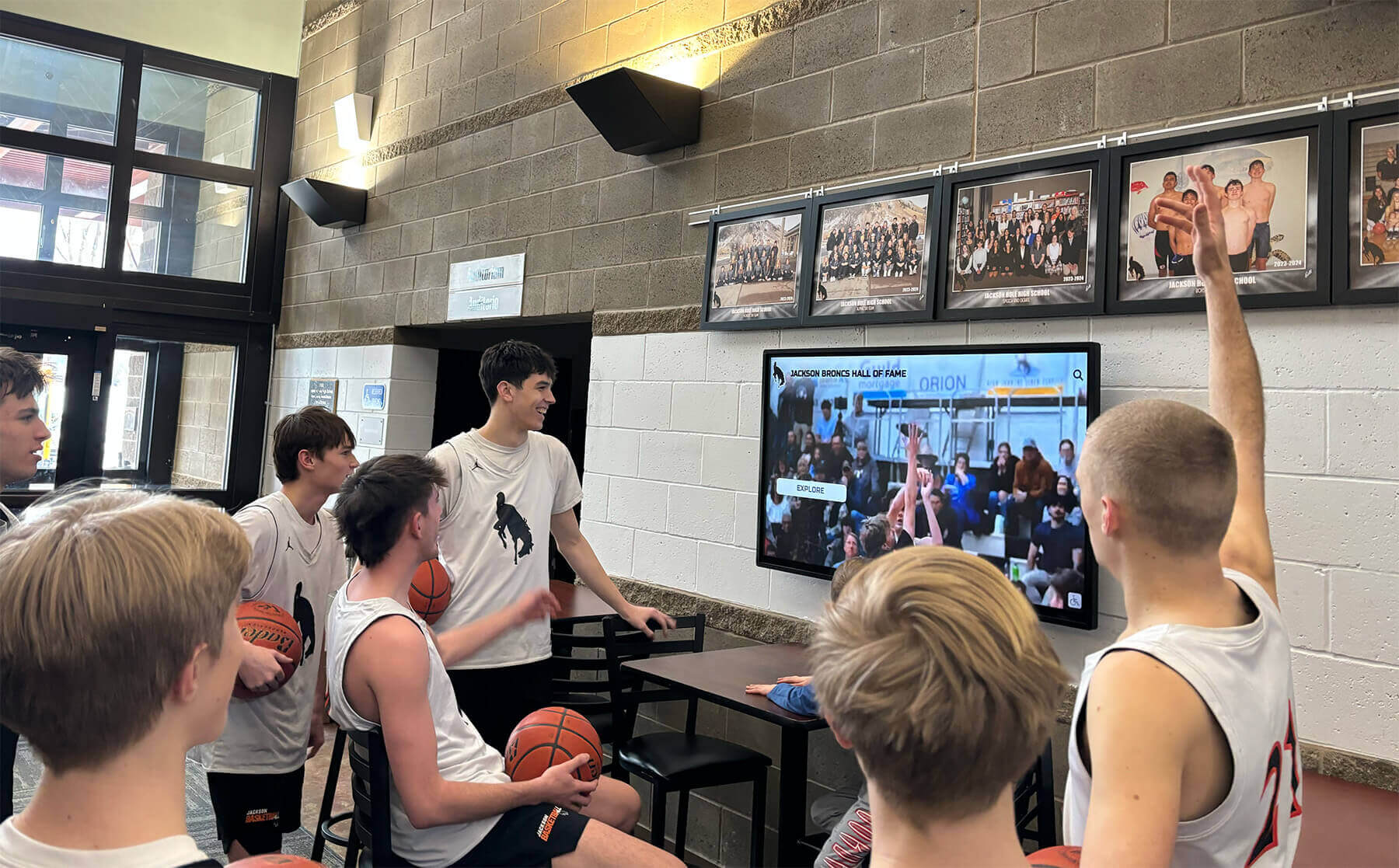
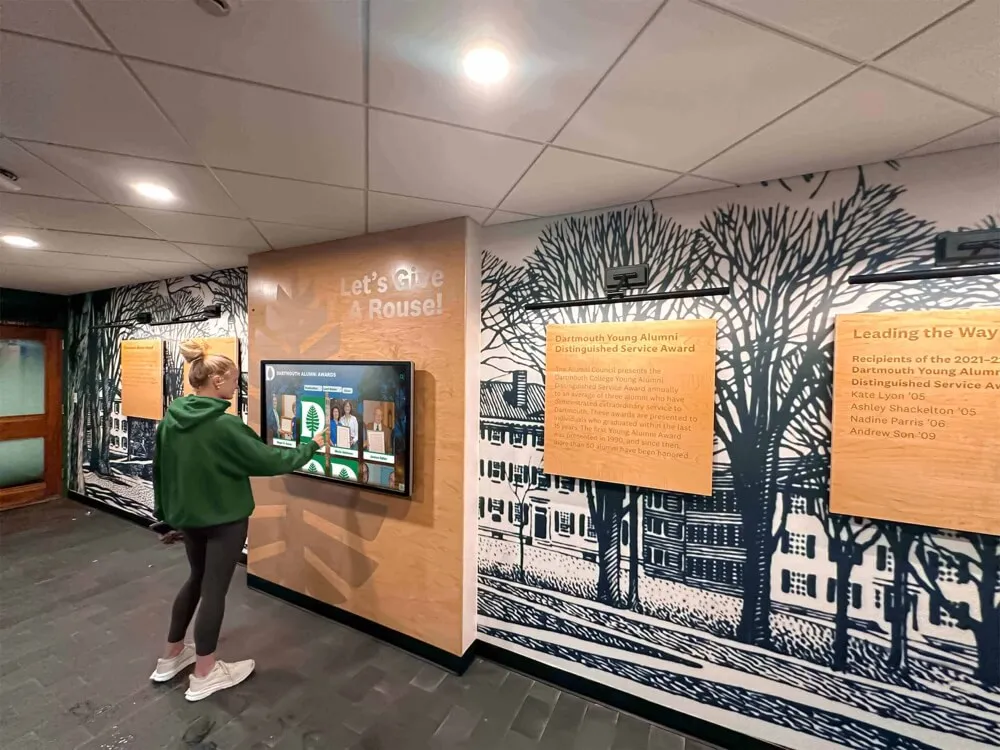
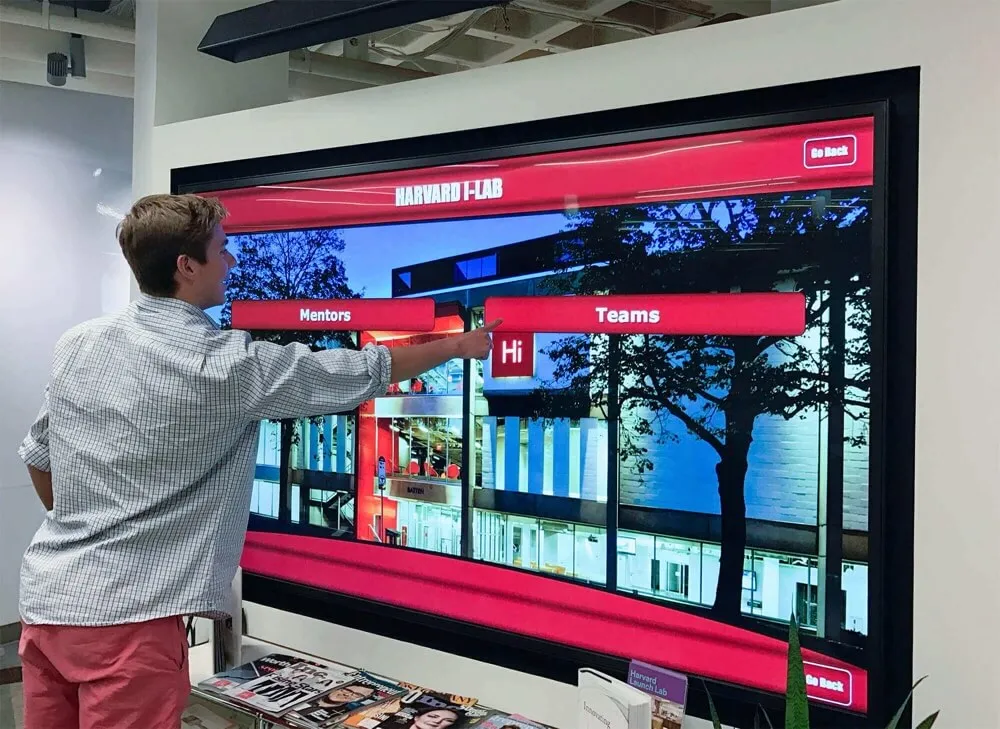
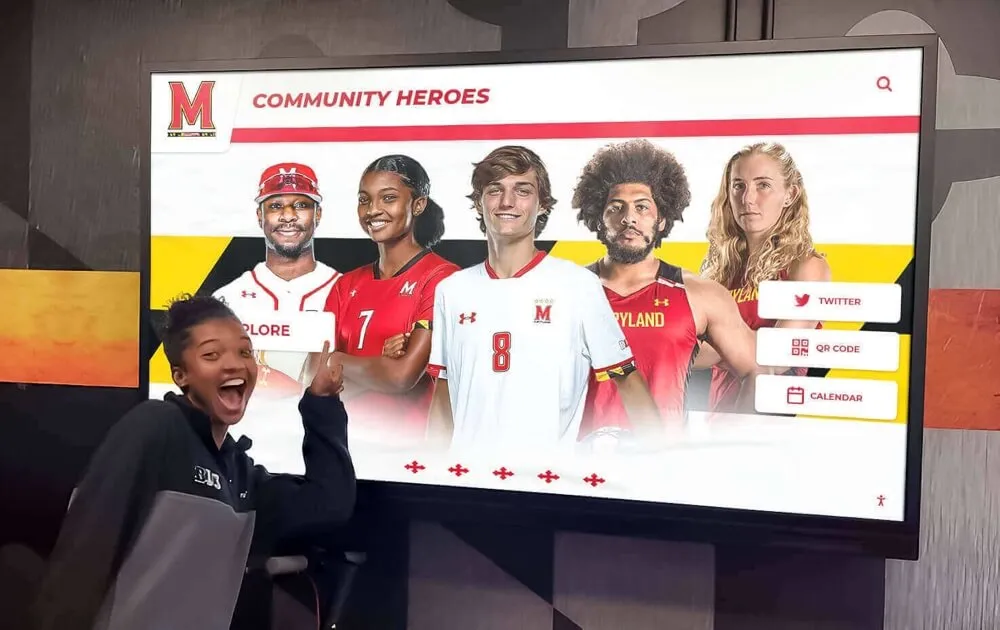
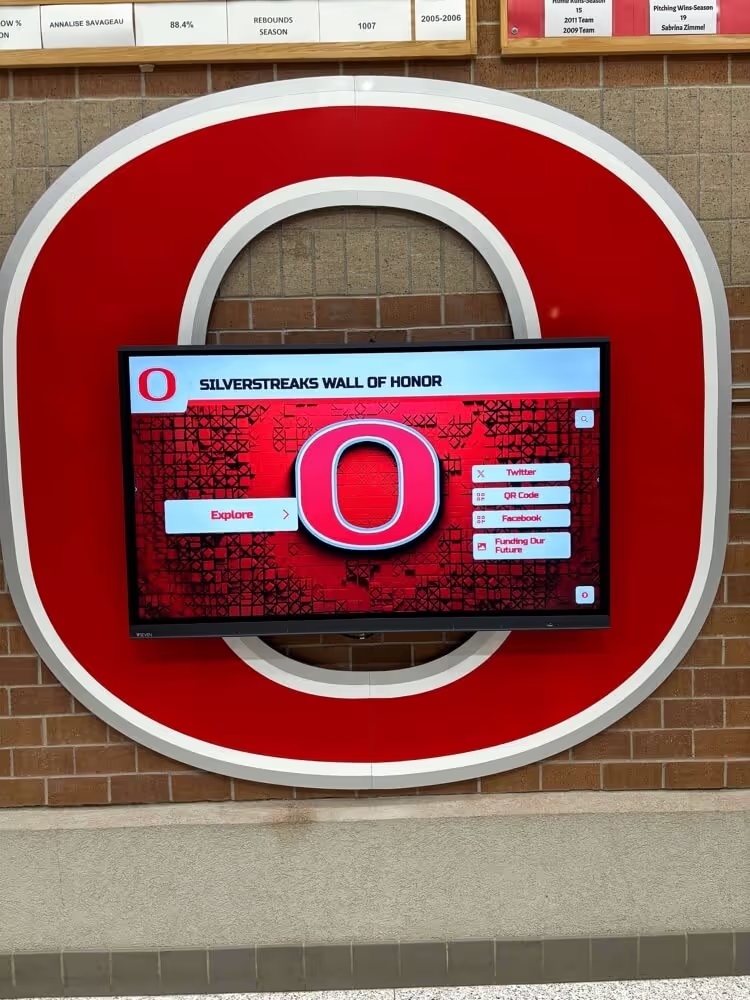
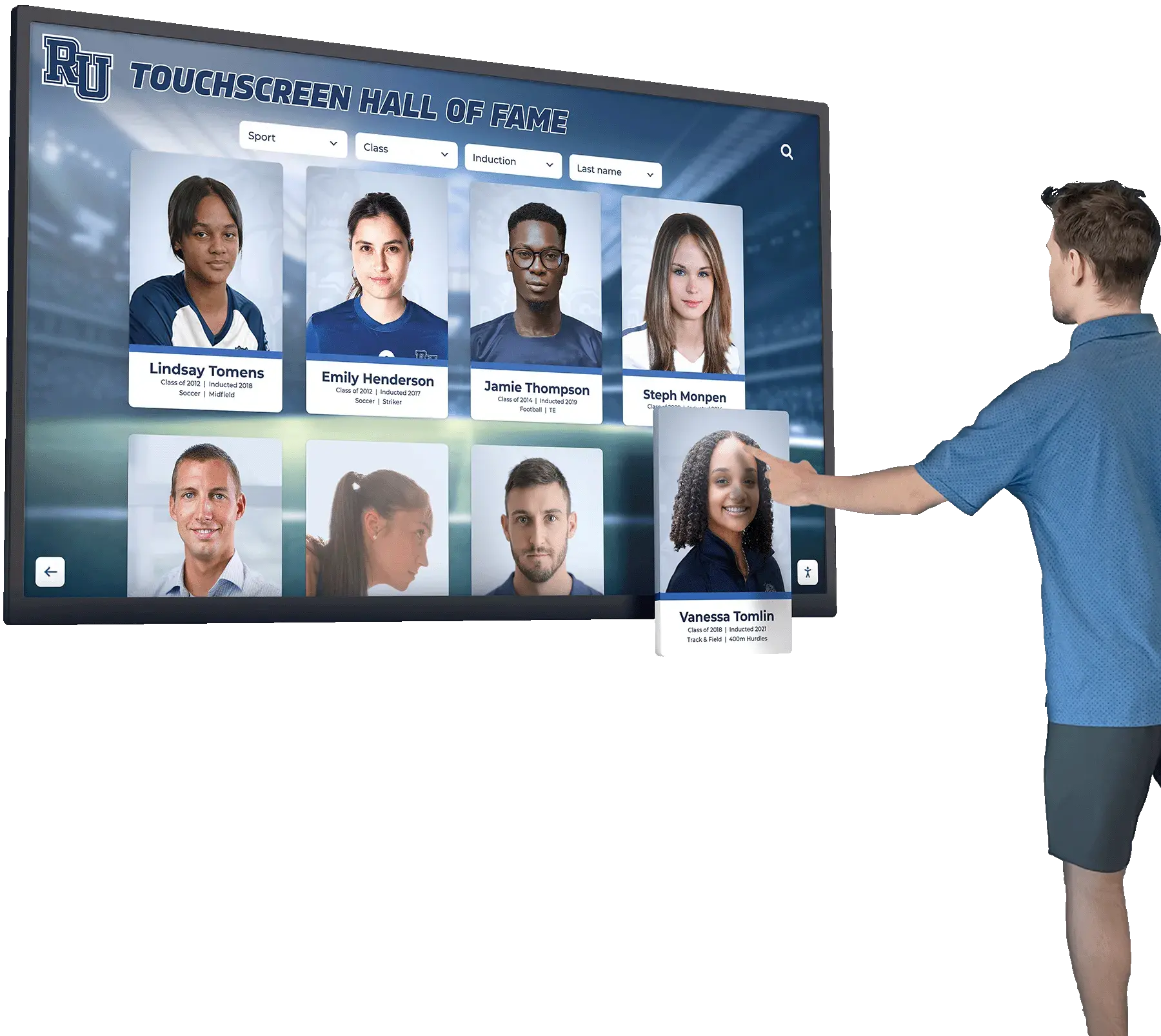
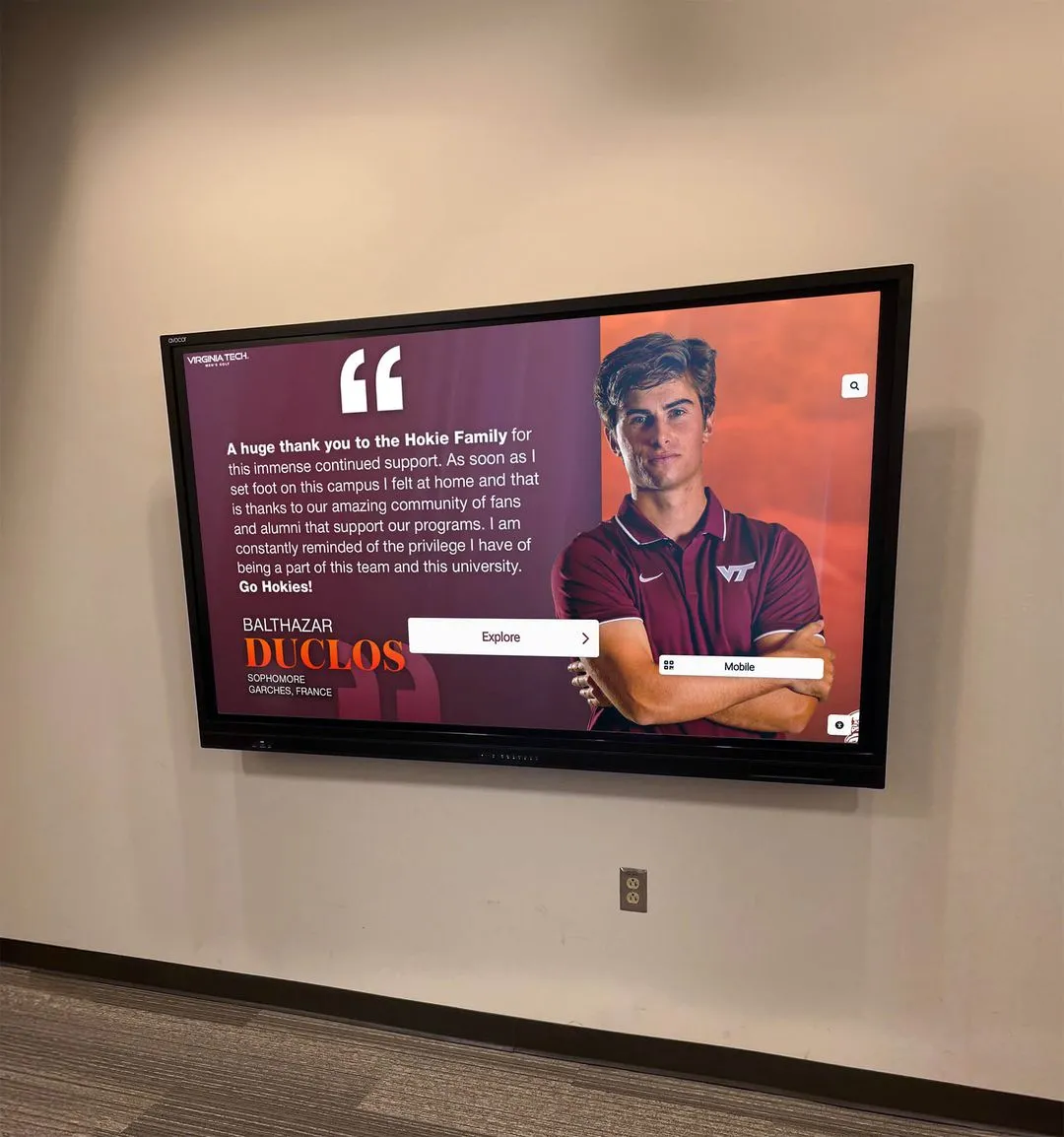
Students engaging with athletic content on a lobby display—the kind of active engagement that builds program pride and community across the school year
Rocket Alumni Solutions Digital Signage for Schools
Rocket Alumni Solutions offers digital signage for schools at $50 per year for unlimited screens—a price point designed around real school budget constraints rather than enterprise software economics.
The platform delivers features and functionality comparable to what major digital signage providers offer, including:
- Full content management system with templates, scheduling, and zone-based layouts
- MDM device management included at no additional cost—remote device monitoring, updates, and control across every screen in your deployment
- Unlimited screen support with no per-screen licensing fees as you expand
- Recognition-specific content types for athletic hall of fame, academic honors, championship histories, and donor recognition
- Cloud-based hosting for remote content management from any device
- WCAG 2.1 AA accessibility compliance built into the platform design
- QR code mobile access so visitors can explore recognition content on personal devices
- Sponsorship zones for potential revenue generation through local business partnerships
For schools that need digital signage for general campus communications alongside structured recognition programs—athletics halls of fame, academic honor walls, donor displays—Rocket covers both use cases on one platform rather than requiring separate subscriptions for each.
Book a demo to see how the platform handles real school deployments across both communication and recognition use cases.
A comprehensive overview of Rocket’s digital display capabilities for schools appears in the Rocket recognition digital displays for schools guide.
What MDM Means for School IT Teams
The MDM component included with Rocket’s platform addresses one of the most common IT complaints about school digital signage: the operational burden of managing multiple physical devices spread across a building or campus.
With MDM included, your IT team can:
- View the online/offline status of every screen from one dashboard
- Push system updates to all devices overnight without school-hour disruption
- Remotely restart screens that have gone offline without dispatching a staff member
- Configure new screens for deployment without local device setup visits
- Set devices to kiosk mode, preventing tampering or unauthorized use
For districts managing displays across multiple buildings, MDM eliminates what would otherwise be routine physical maintenance trips to individual screens—a meaningful time savings when IT staffing is stretched across competing priorities.
Where to Place Digital Signage on Campus
Display location determines how much impact each screen delivers. The same content management and MDM infrastructure serves very different audience experiences depending on placement.
Main Lobbies and Entry Points
The highest-traffic location in most schools. Lobby screens carry welcome messaging, event announcements, visitor information, and rotating recognition content. These are the displays most likely to be seen by prospective families, alumni, and community visitors during events—making them the highest-priority investment for schools starting with limited screens.
Athletics Facilities and Gymnasiums
Athletic lobbies and gymnasium entry areas are natural locations for sport-specific recognition: championship histories, record boards, hall of fame profiles, and team season content. Screens here serve both the student athletes who train in the facility and the visiting families and community members who attend events throughout the year.
Hallways and High-Traffic Corridors
Hallway screens work best with brief, visually immediate content that communicates a message in the 3–5 seconds a student spends walking past. Rotating announcements, upcoming events, and recognition content suit this placement well. Schools looking at how to balance digital screens alongside traditional banners in athletic corridors will find practical guidance in the school gym banners and digital display placement guide.
Cafeterias and Common Areas
Cafeteria displays benefit from longer audience dwell time, supporting more detailed content: lunch menus, event videos, club spotlights, and extended recognition features that students engage with over a full lunch period.
Administrative and Front Office Areas
Screens visible to waiting visitors in office areas carry school history content, achievement displays, and community recognition that reinforces institutional identity during what is often a visitor’s first extended exposure to campus culture.
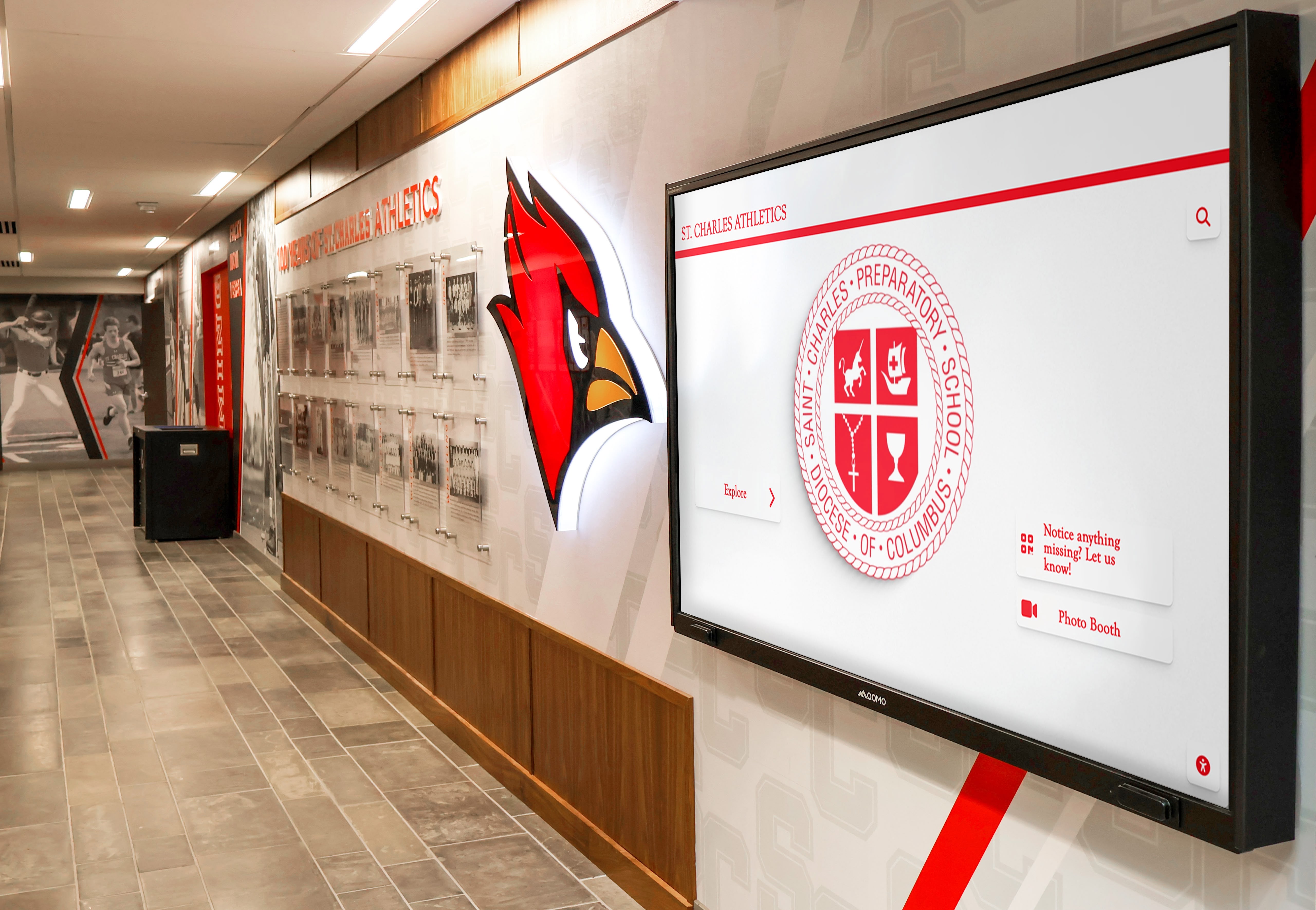
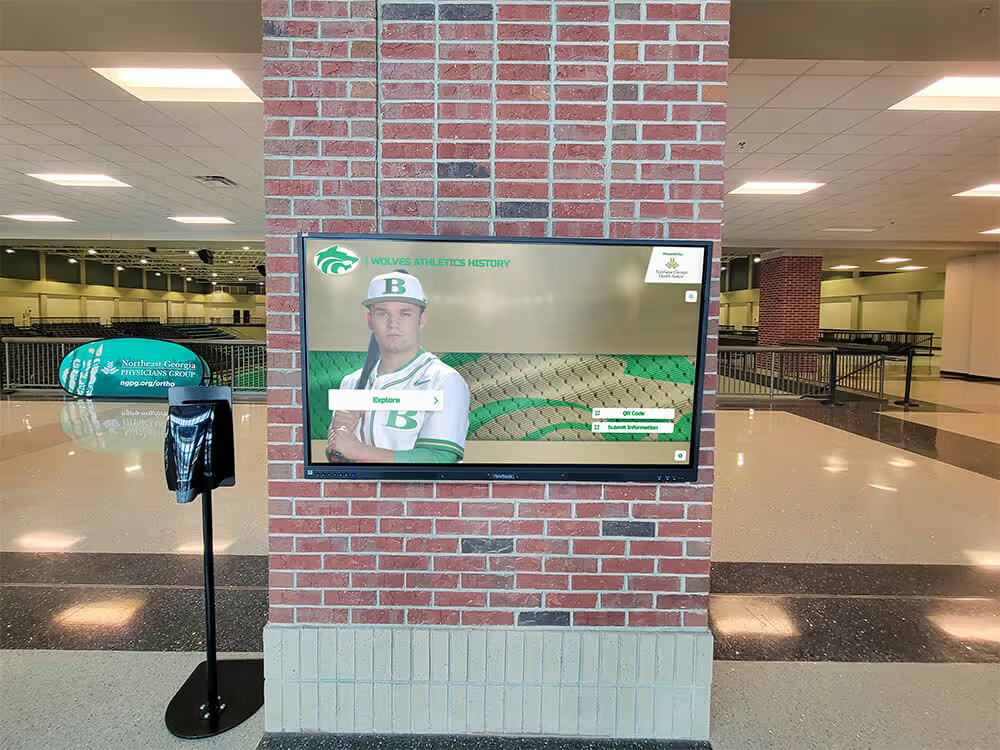
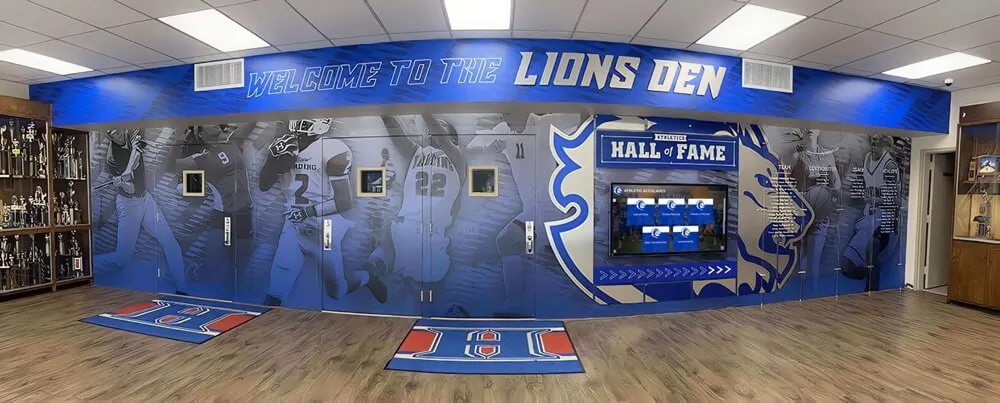
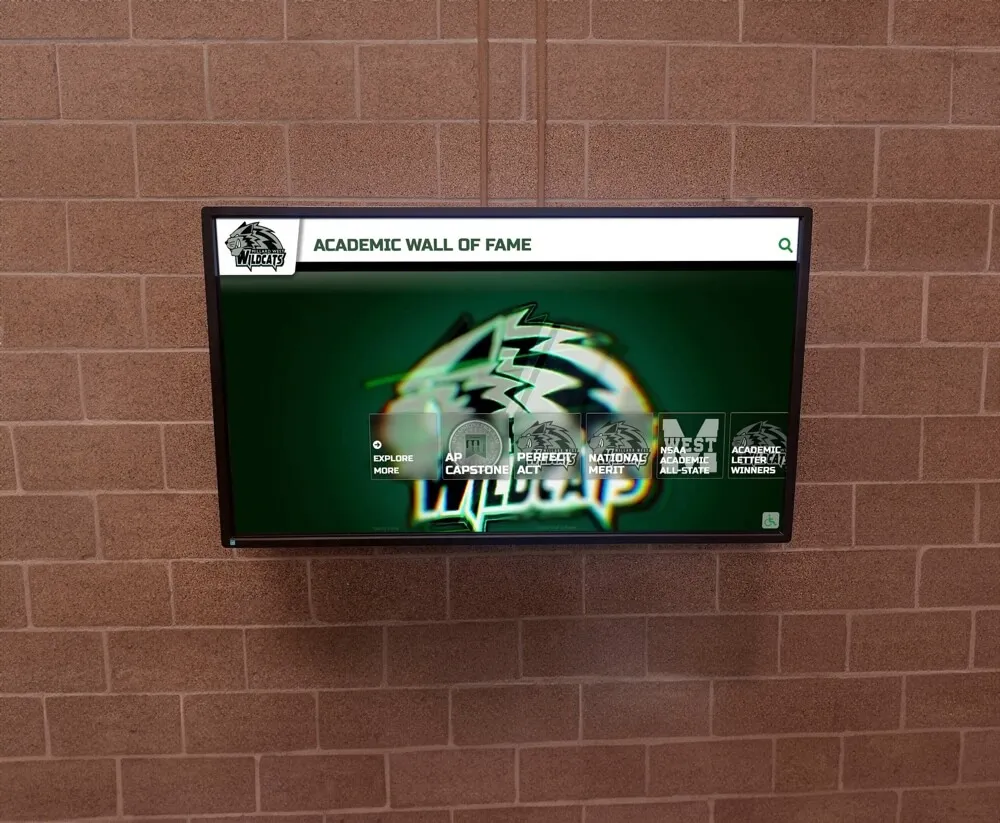
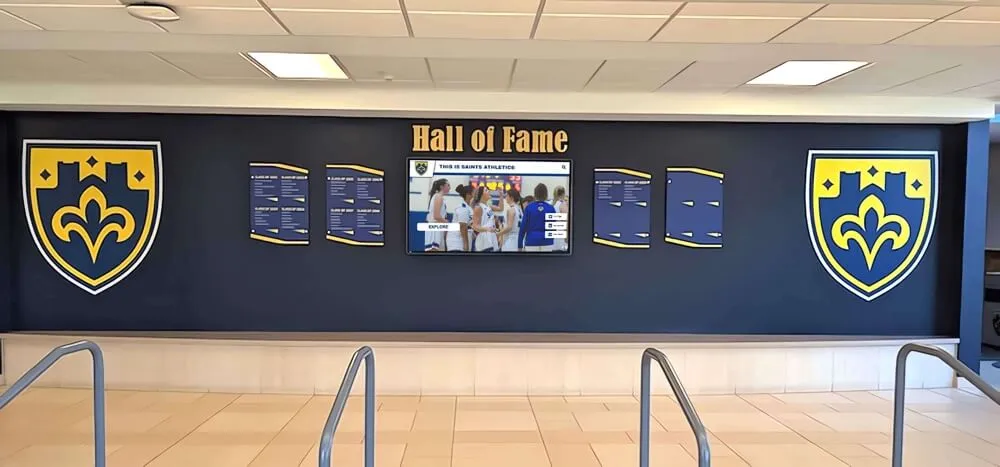
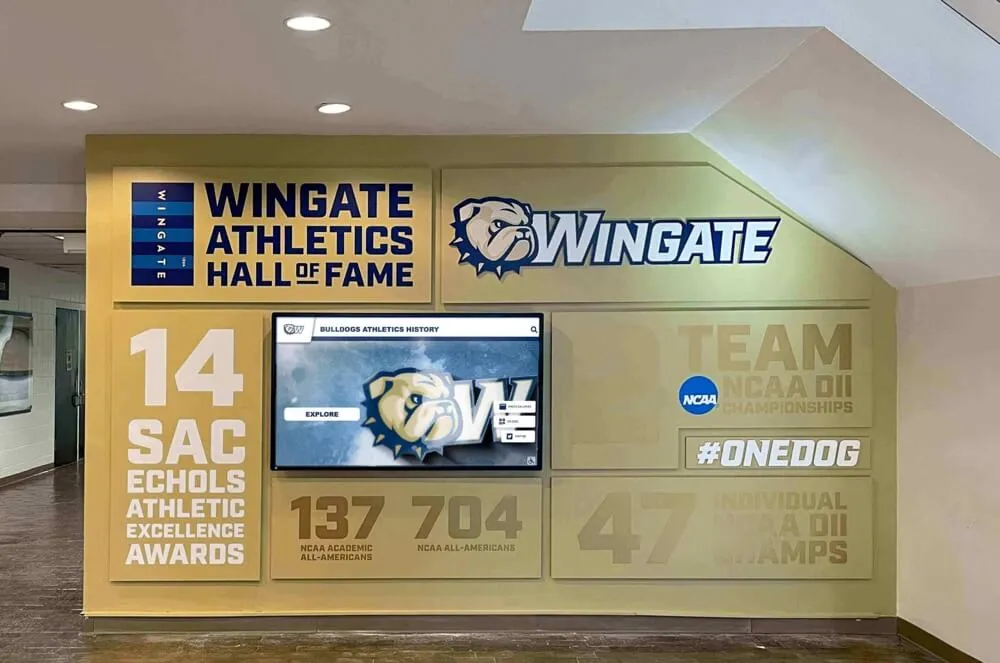
Athletics hallway displays blend school branding with recognition content, creating spaces that reinforce program identity for students and visiting families year-round
Content Strategy: Keeping Digital Signage Fresh
Digital signage installations fail most often not because of hardware or software problems but because content goes stale. Screens cycling the same six slides for months lose audience attention quickly, reducing the system’s value to near zero.
Sustainable content strategies share a few common characteristics:
Assign ownership by content category. Athletics content should be updated by someone connected to the athletic department. Academic recognition should flow from the registrar or academic advisor. Communications content should be owned by the principal’s office. When one person is responsible for everything, updates stall.
Schedule recurring content in advance. Most digital signage CMS platforms support scheduling content by date range. Lunch menus, event promotion, and seasonal recognition content can be queued weeks ahead, reducing the daily update burden significantly.
Connect recognition programs to display workflows. If students are recognized through a formal program—honor roll, student of the month, athletic awards—build a workflow that adds recognition content to the appropriate display zones when new awards are issued. The digital awards display ideas for schools resource provides specific frameworks for organizing recognition content across different achievement types.
Build around the school year calendar. Back-to-school, homecoming, academic award seasons, and spring sports all generate natural content opportunities. A content calendar built around the school year creates predictable update cycles rather than reactive one-off updates that rely on someone remembering to change the screens.
For context on how interactive display technology is changing the broader school lobby experience—and what content types perform best in which campus spaces—the interactive display technology guide for school lobbies and common spaces covers the full range of use cases and design considerations.
Key Questions to Ask Any Digital Signage Vendor
Before selecting a platform, use these questions to evaluate any system you’re considering:
1. Is pricing per screen or per system? Per-screen pricing creates cost pressure as you expand. Flat-rate unlimited pricing gives you predictable costs and freedom to add screens without renegotiating contracts.
2. Is MDM included, or is it an add-on? Some platforms charge separately for device management tools. MDM should be standard, not a premium tier.
3. How is hardware procured? Platforms requiring proprietary hardware create vendor lock-in. Platforms compatible with standard commercial displays available from multiple manufacturers give you procurement flexibility.
4. What does remote management look like in practice? Ask for a demonstration of how a specific screen is restarted remotely, how a software update is pushed to all devices, and how an offline device is diagnosed from the dashboard.
5. What recognition-specific content types are supported? General-purpose signage platforms can display images and text, but recognition programs benefit from structured content types—athlete profiles, championship tables, record boards—that require dedicated software features beyond basic slideshows.
6. What is the onboarding and setup timeline? Complex enterprise systems can take months to deploy. School-focused platforms typically reach launch in 2–4 weeks from contract execution.
A side-by-side evaluation of how digital signage options differ for school environments appears in the compare digital signage options for schools guide. For broader context on how interactive displays are changing school communication, the interactive displays and school communication overview covers the practical impact across different campus environments.
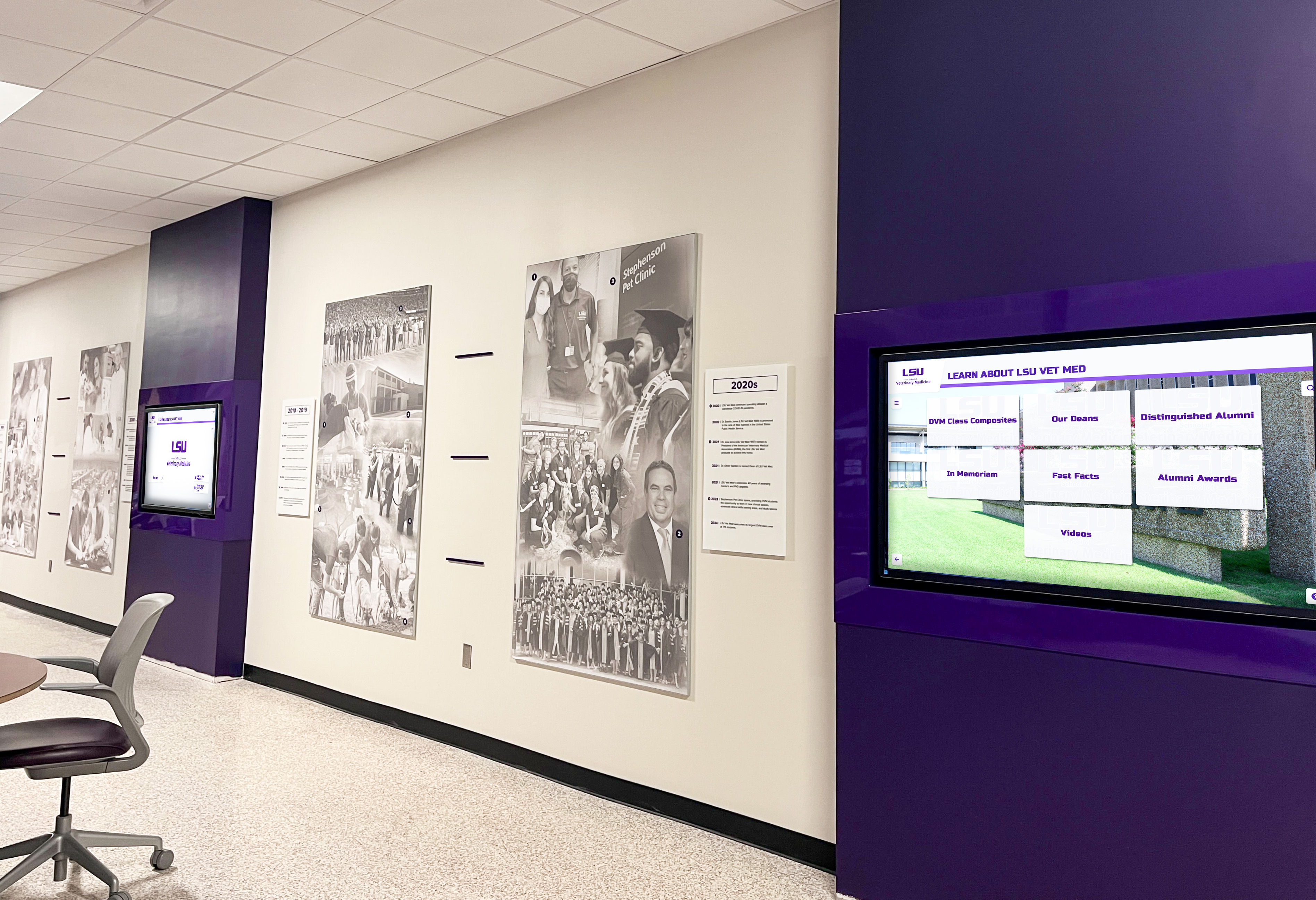
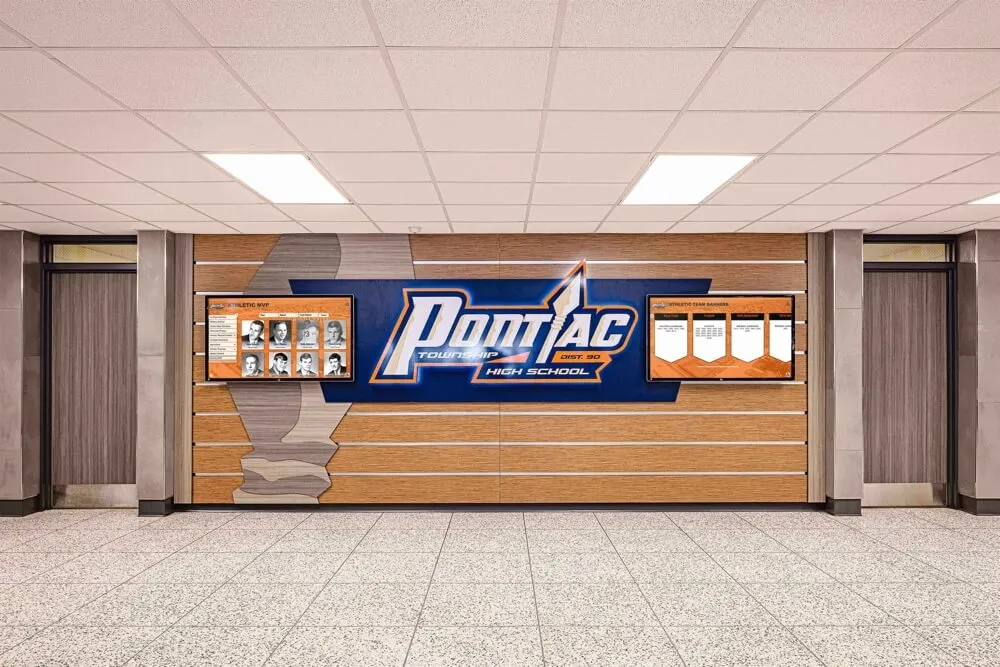
Multi-screen hallway deployments create consistent communication environments across a campus, reaching every traffic zone rather than relying on single-location bulletin boards
Recognition-Focused Digital Signage: A Different ROI Calculation
Schools that deploy digital signage specifically for recognition programs—rather than general communications—measure success differently than schools focused on announcements and wayfinding.
Recognition-focused digital signage ROI is measured by:
- How many students are recognized annually. Unlimited digital capacity removes the ceiling that physical trophy cases and plaque walls impose. A school that currently recognizes 50 students per year because that’s how many names fit on available wall space can recognize 500 students digitally without additional hardware cost.
- How quickly recognition goes up after achievements occur. Immediate digital publishing compresses the lag between earning an award and seeing it displayed from weeks (plaque fabrication lead time) to hours.
- How many distinct achievement categories receive visible display space. Academic, athletic, arts, community service, STEM—all can coexist in a digital recognition system. Physical walls typically concentrate display space on athletics and major donors, leaving most achievement categories without permanent recognition.
- How alumni, families, and visitors engage during campus visits. Recognition content accessible through QR codes reaches people who can’t be on campus in person, extending the reach of every recognition program beyond the physical building.
The Rocket recognition complete guide documents how schools have implemented structured recognition programs using the Rocket platform, including how content is organized, who manages it, and what day-to-day administration of a recognition-focused display system looks like in practice.
FAQ: Digital Signage for Schools
How much does digital signage cost for schools?
Digital signage costs vary significantly by platform. Enterprise systems charge per screen per month, which can reach hundreds of dollars annually per display at scale. Rocket Alumni Solutions offers school digital signage at $50 per year for unlimited screens—covering MDM device management, content management, and recognition-specific features at a fixed annual rate regardless of how many displays are deployed.
What is MDM in school digital signage?
MDM stands for Mobile Device Management. In digital signage, it is the software layer that manages the physical devices connected to your screens—not just the content displayed on them. MDM allows IT staff to monitor device status, push software updates, remotely restart devices, and configure new screens without physical access to each unit. For schools managing displays across multiple rooms or buildings, MDM significantly reduces operational burden and troubleshooting time.
Can school digital signage handle both announcements and recognition programs?
Yes. Platforms like Rocket Alumni Solutions support both general-purpose announcements and structured recognition programs—athletic halls of fame, academic honor rolls, championship histories, record boards, and donor recognition—on the same system. Zone-based content layouts allow different screen areas to display different content types simultaneously.
How long does it take to set up digital signage in a school?
Cloud-based platforms designed for school environments typically reach launch in 2–4 weeks from contract execution, including hardware installation, content management training, and initial content population. Enterprise systems with complex on-premises infrastructure can take significantly longer.
Does school digital signage need to meet ADA accessibility standards?
Interactive digital kiosks and QR-code–linked web content in public school environments are subject to ADA and Section 508 accessibility requirements, which reference WCAG 2.1 AA standards. Selecting a platform with built-in accessibility compliance is the recommended approach for avoiding gaps during audits.
Schools ready to see what unlimited digital signage looks like in practice—including content management, MDM device management, recognition-specific content types, and WCAG 2.1 AA accessibility—can see Rocket in action and request a custom demo showing how the platform handles your specific campus and recognition needs.