



School yearbook scanning services transform dusty archives into accessible digital collections that engage current students, reconnect alumni, and preserve irreplaceable institutional history for generations. When schools systematically digitize decades of yearbooks—converting fragile physical books gathering dust in forgotten storage rooms into searchable, shareable digital archives—they create engagement opportunities impossible with physical volumes while protecting against deterioration, loss, and natural disasters.
Yet many schools postpone yearbook digitization despite recognizing its value. Uncertainty about vendor selection leaves administrators wondering which scanning services deliver quality results versus disappointing outcomes, concerns about book damage during scanning prevent progress even when volumes already show significant deterioration, confusion about scanning specifications and file formats creates analysis paralysis, and limited budgets force difficult choices about how many years to digitize and what features justify investment. Meanwhile, yearbooks continue deteriorating, alumni connections remain unrealized, and irreplaceable school history faces permanent loss.
This comprehensive guide explores everything schools need to know about yearbook scanning services—from evaluating vendors and understanding technical specifications to preparing books for digitization and maximizing the value of completed digital archives.
Digitizing school yearbooks creates far more value than simply preserving books electronically. Modern scanning services paired with appropriate display and access technologies transform historical yearbooks from rarely-accessed archives into dynamic engagement tools connecting current students with institutional tradition, enabling alumni to rediscover school memories, and showcasing the evolution of school programs and achievements across decades.

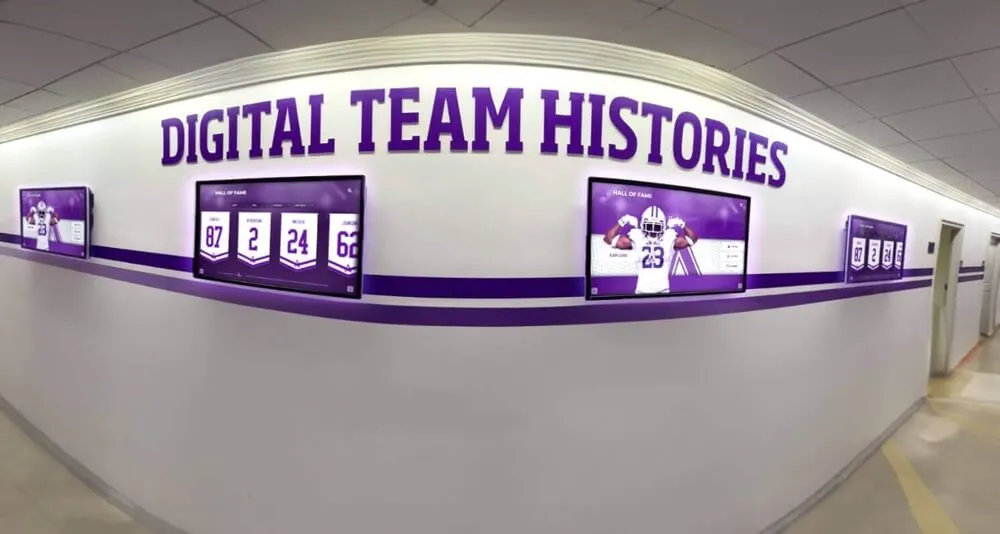
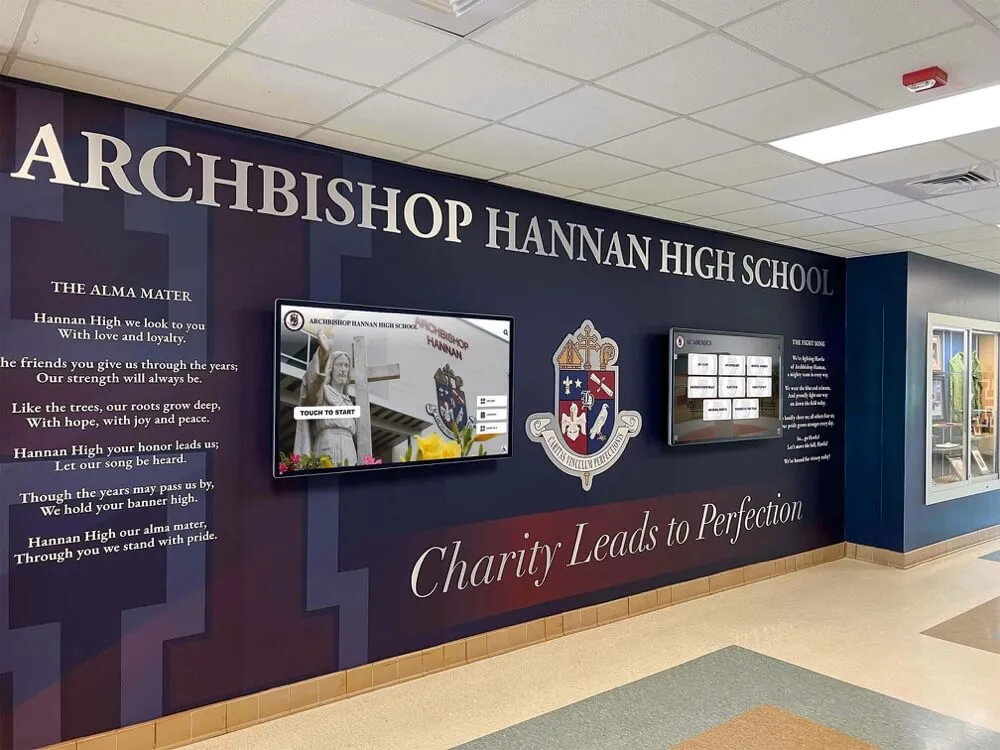
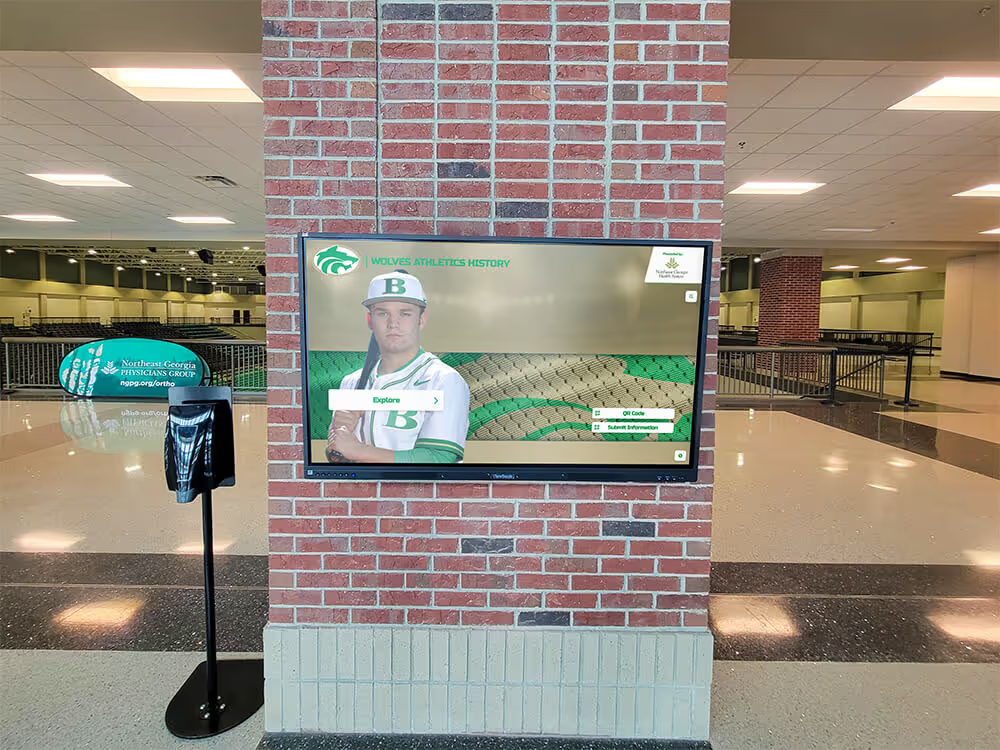
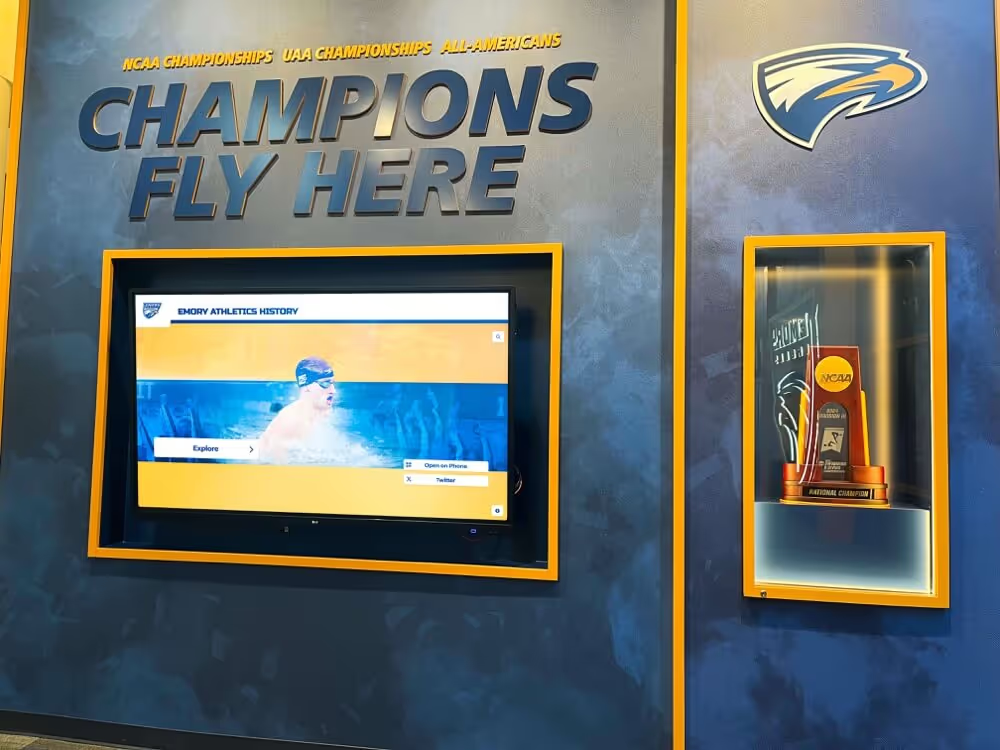
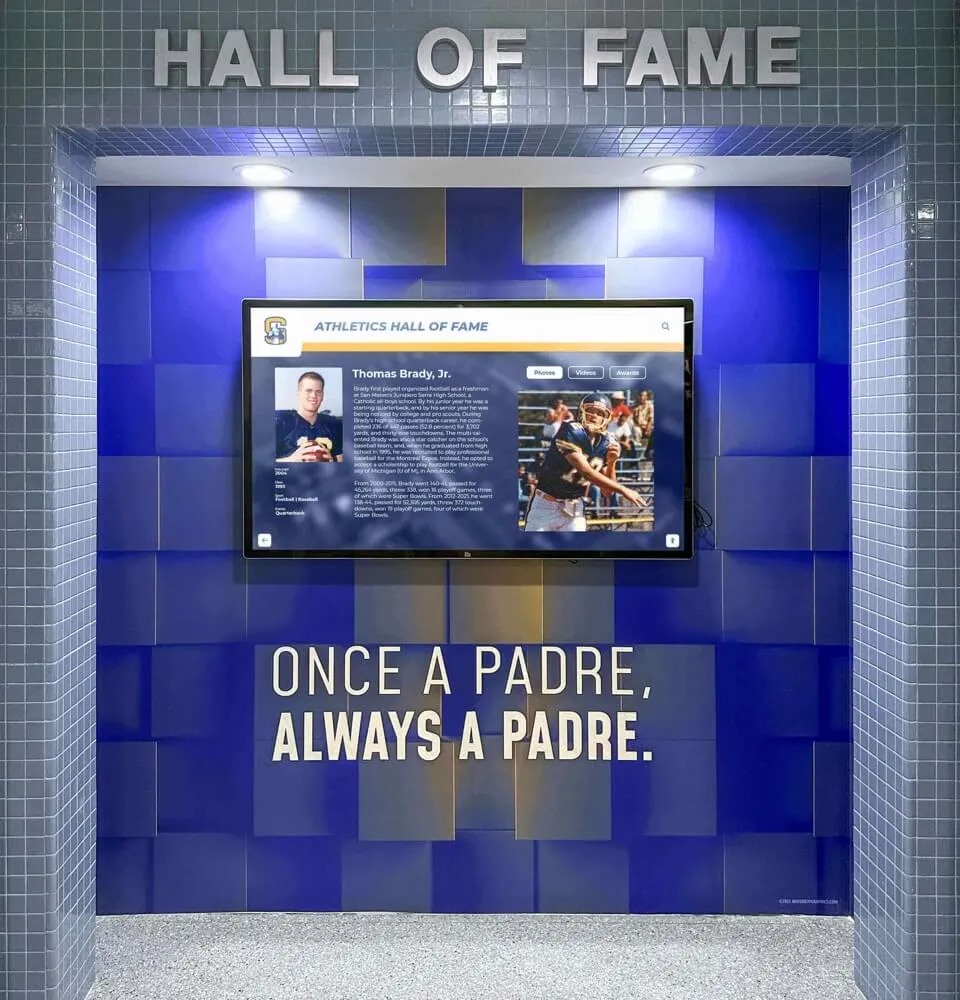
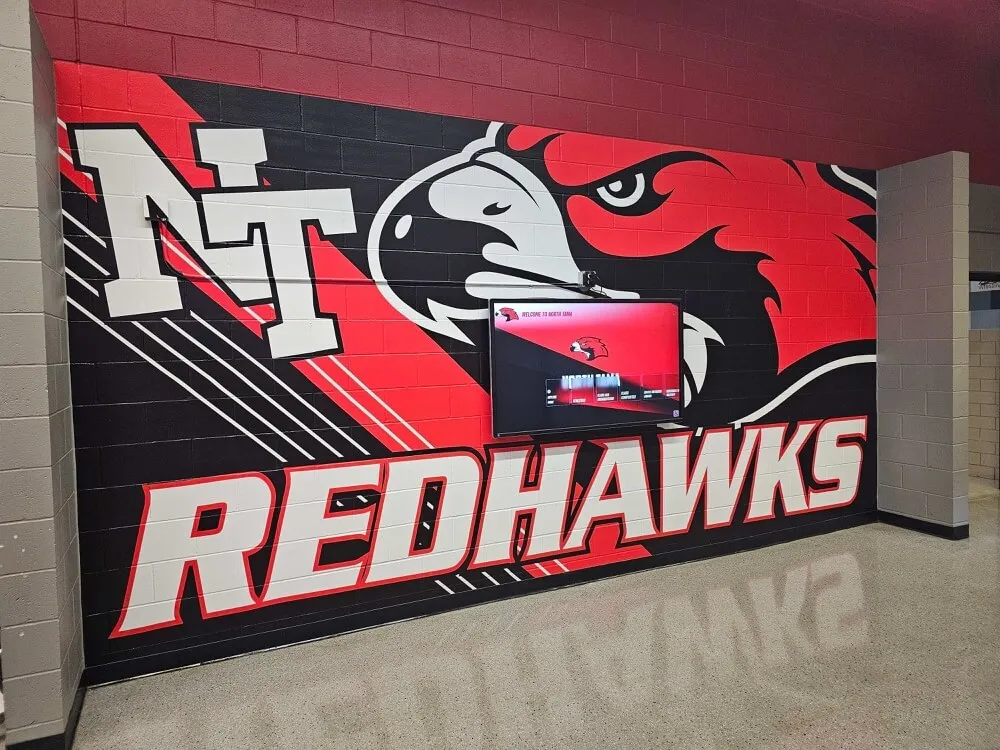
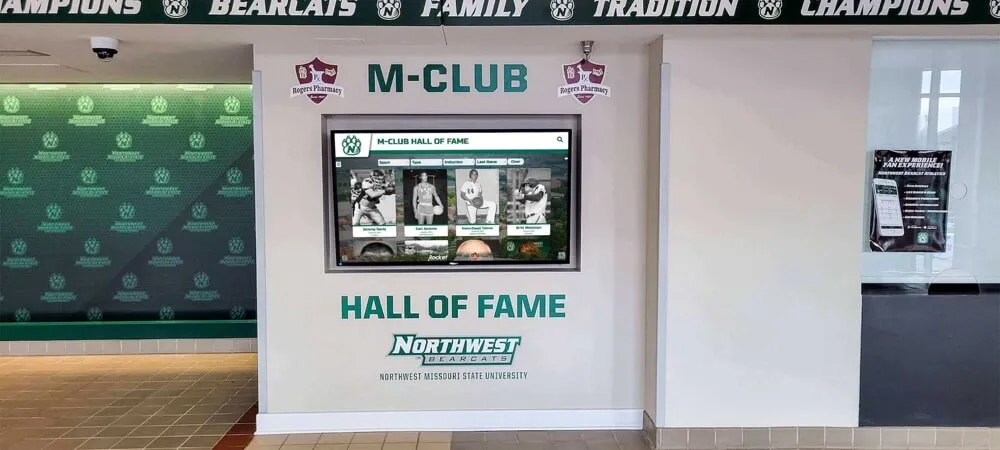
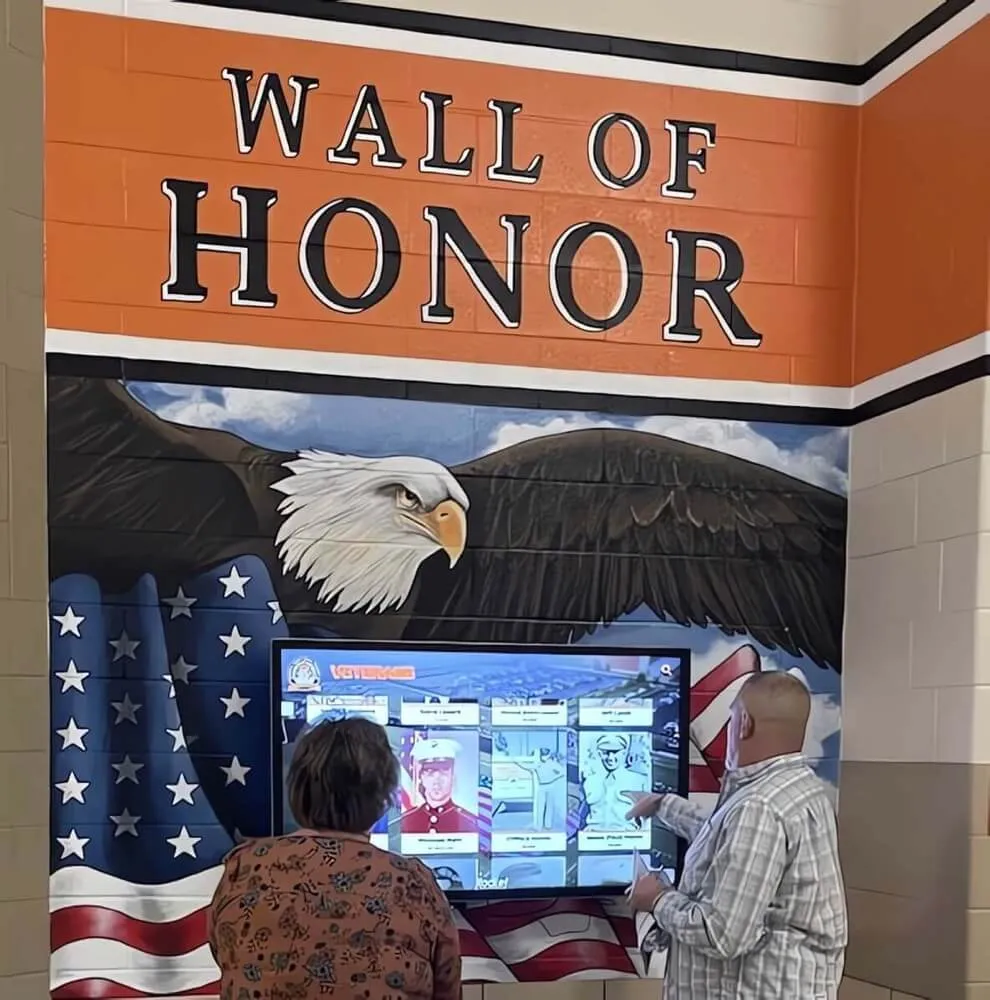
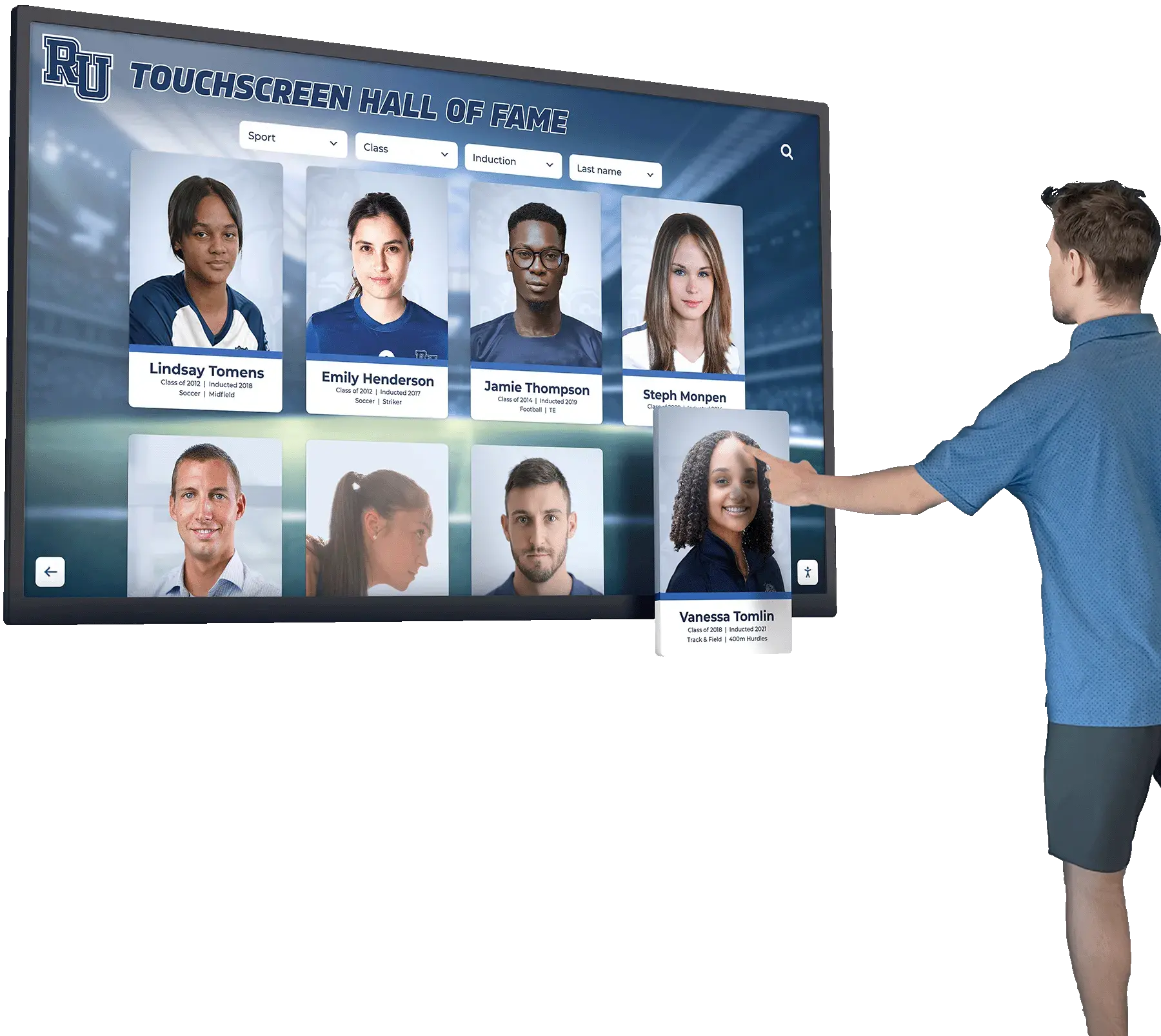
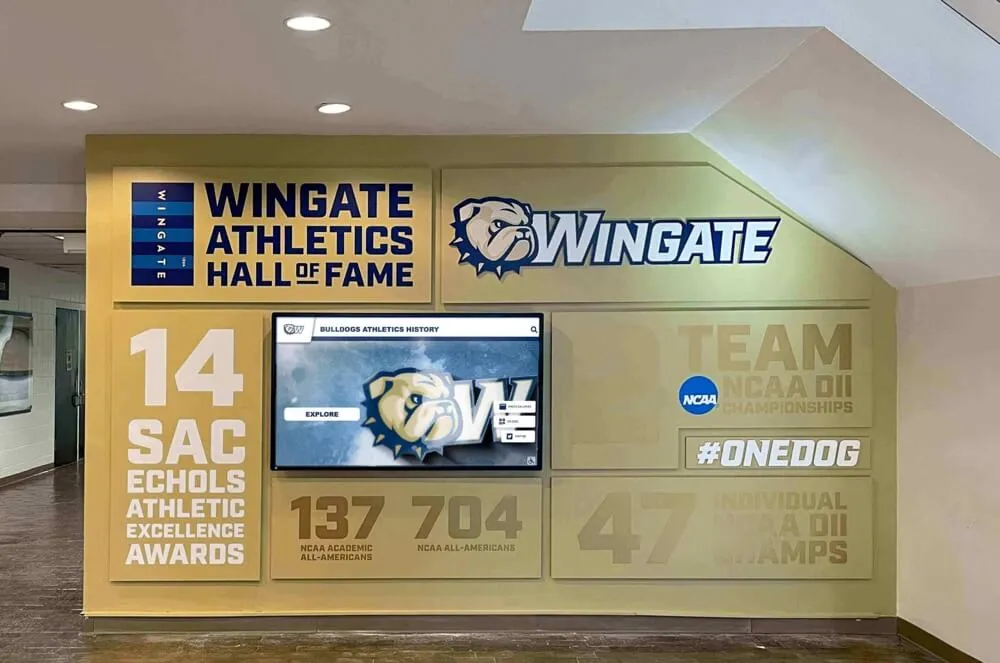
Interactive displays make digitized yearbook content accessible and engaging for current students, visitors, and alumni exploring school history
Why Schools Invest in Yearbook Scanning Services
Understanding the full value proposition helps justify digitization projects and secure necessary funding.
Preservation and Protection
Physical yearbooks face inevitable deterioration threatening permanent loss:
Environmental Degradation Risks
- Paper acidification causing brittleness and yellowing over time
- Binding deterioration making books fragile and pages loose
- Ink fading reducing legibility of text and photographs
- Mold and mildew damage in climate-uncontrolled storage areas
- Water damage from leaks, floods, and plumbing failures
- Fire risk destroying irreplaceable historical records
Many schools store yearbooks in basements, attics, or temporary buildings where environmental conditions accelerate deterioration. Digitization creates preservation copies protecting content even if physical books eventually deteriorate beyond recovery.
Loss Prevention Through Redundancy
- Digital copies protect against physical book loss through theft, misplacement, or disaster
- Cloud-based storage with geographic redundancy ensures survival through local catastrophes
- Multiple format creation preserving content across technological changes
- Backup systems preventing total loss from single-point failures
Schools that have experienced fires, floods, or other disasters consistently identify yearbook loss among their most painful historical material casualties. Digitization provides insurance impossible to obtain for irreplaceable materials.
Alumni Engagement and Development
Digitized yearbooks create powerful tools for reconnecting graduates:
Nostalgic Connection Opportunities
- Alumni can rediscover themselves, friends, and memories from anywhere worldwide
- Sharing capabilities enable graduates to reconnect with classmates decades later
- Reunion planning resources helping organizers identify and locate classmates
- Fundraising appeal leveraging emotional connections to school memories
- Legacy recognition showing families their history within school traditions
Development offices report significantly higher alumni engagement when schools provide easy access to digitized yearbooks. According to advancement professionals, nostalgia-based connections often precede donation conversations and volunteer commitments.
Explore comprehensive alumni engagement in digital archives for schools.
Current Student Benefits
Digitized archives create educational and cultural value for today’s students:
Historical Perspective and Tradition
- Visual documentation of school evolution across decades
- Understanding how programs, traditions, and facilities developed
- Connecting current achievements to historical precedents
- Recognizing recurring family names across generations
- Seeing how school culture adapted to changing times
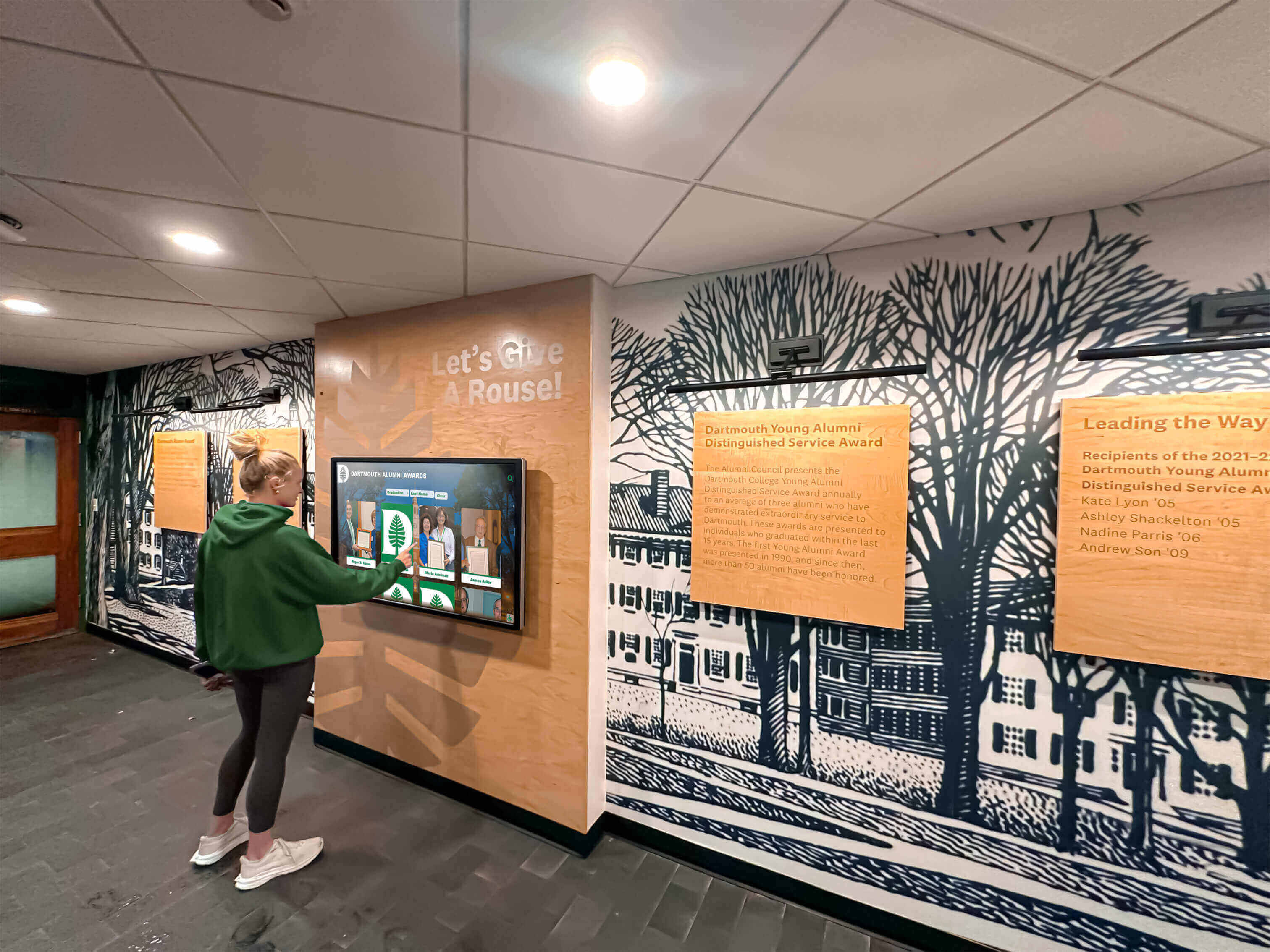
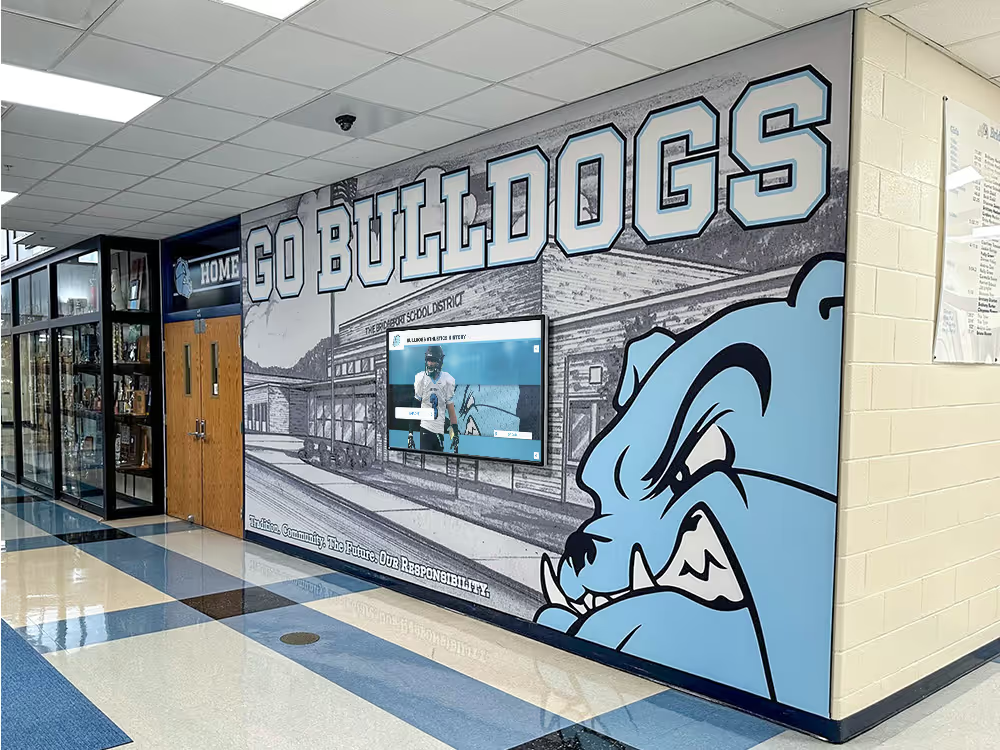
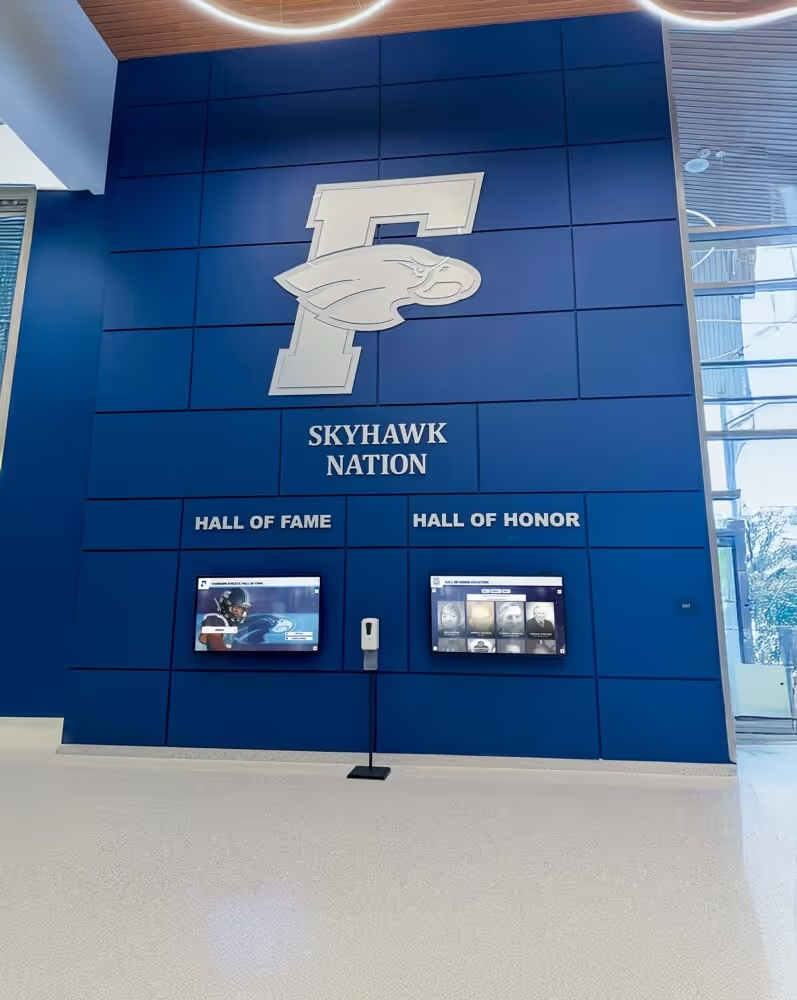
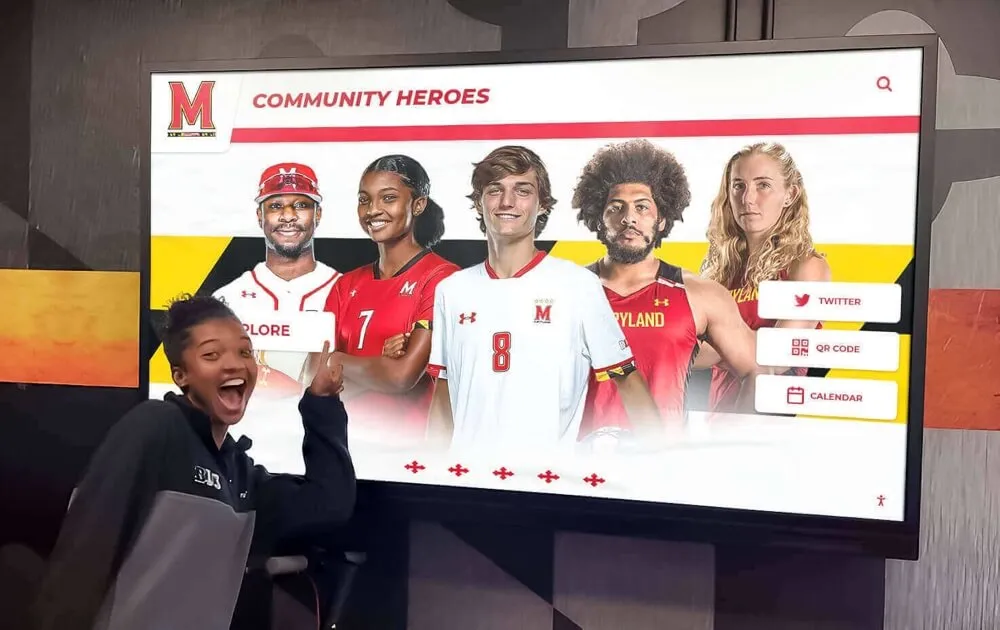
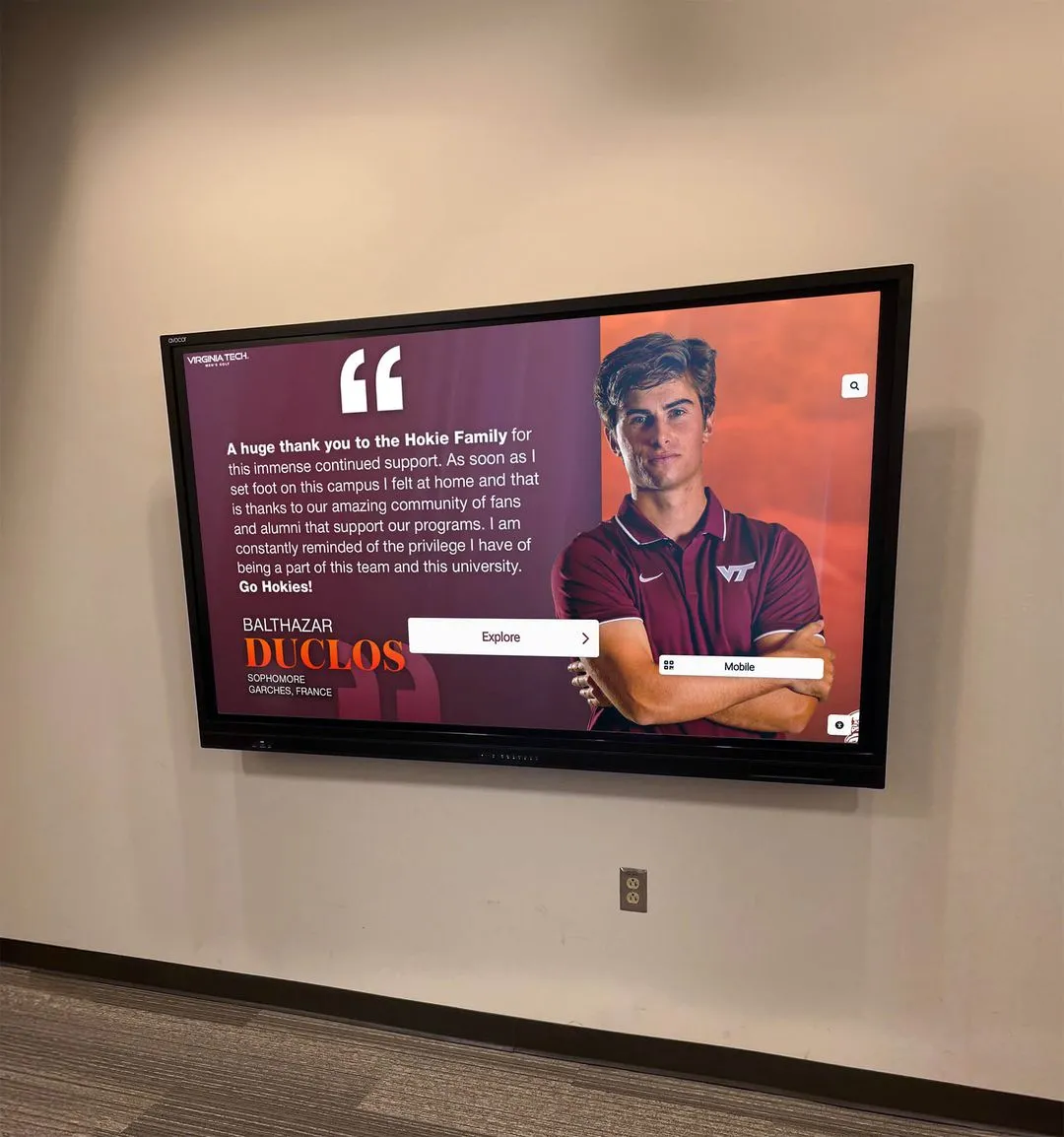
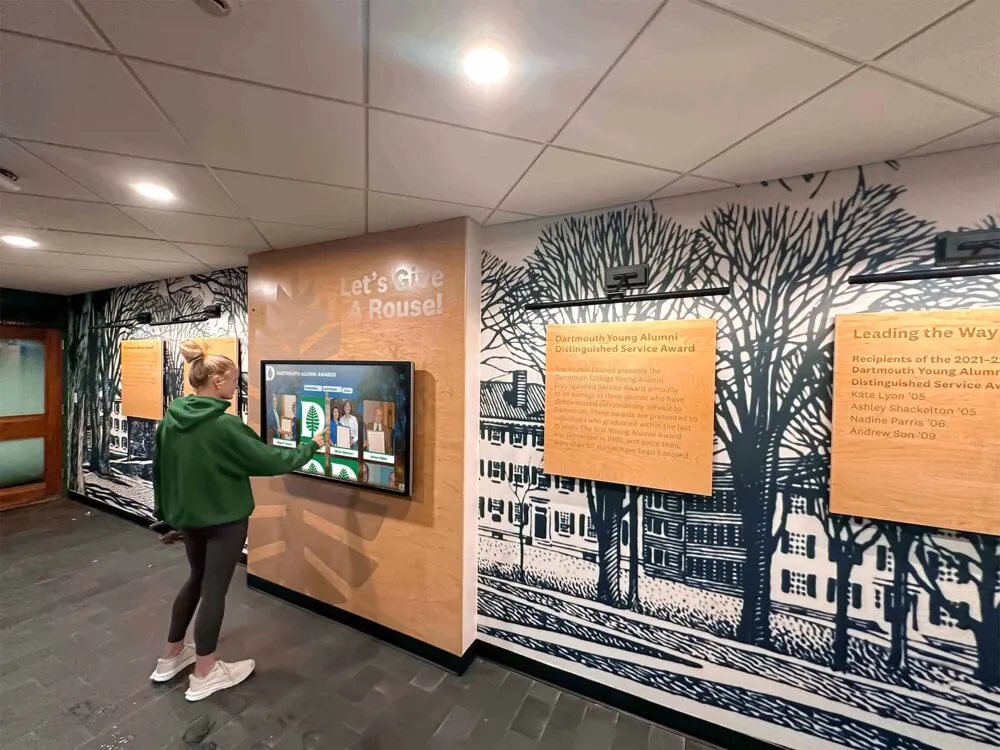
Current students discover school history and family connections through accessible digitized yearbook archives
Research and Project Applications
- History class research using primary source materials
- School anniversary celebration planning and presentations
- Understanding demographic and cultural change through visual documentation
- Athletic program historical research and record verification
- Recognition of multi-generational families attending the school
Learn about showcasing historical achievements in student achievement display ideas.
Administrative and Operational Benefits
Digitization simplifies access and reduces handling damage:
Efficient Access Without Physical Risks
- Staff can reference historical information without retrieving physical books
- Multiple simultaneous users accessing same content
- Search capabilities finding specific names or information instantly
- Remote access from any location with internet connectivity
- Elimination of reshelving, tracking, and lending logistics
Reduced Physical Storage Requirements
- Valuable on-campus space freed for current-use purposes
- Climate-controlled storage needs reduced or eliminated
- Organization and retrieval simplified through digital systems
- Reduced insurance costs for historical collections
Understanding School Yearbook Scanning Service Options
The yearbook digitization market offers varied approaches with significant quality and outcome differences.
Full-Service Professional Scanning Companies
Specialized yearbook scanning services provide comprehensive digitization:
Service Characteristics
- Specialized equipment designed for bound book scanning
- Experienced technicians minimizing book damage risk
- Quality control processes ensuring complete, legible capture
- Typical turnaround of 4-12 weeks depending on volume
- Insurance coverage for books during shipping and scanning
- Varying price points typically $25-75 per book depending on specifications
Typical Workflow
- School ships yearbooks to scanning facility using provided packaging
- Books inventoried and condition documented upon receipt
- Page-by-page scanning using specialized equipment
- Quality review ensuring all pages captured clearly
- File processing creating deliverable formats
- Books returned to school with digital files
Quality Indicators for Professional Services
- Scanners specifically designed for bound volumes (not flatbed scanners requiring force)
- Non-destructive scanning methods preserving book condition
- Resolution specifications meeting archival standards (typically 300-600 DPI)
- Color accuracy and contrast optimization
- Page sequence verification ensuring complete coverage
- Customer service responsiveness and communication quality
Research vendor reputation thoroughly, request references from similar schools, and understand exactly what deliverables you’ll receive before committing.
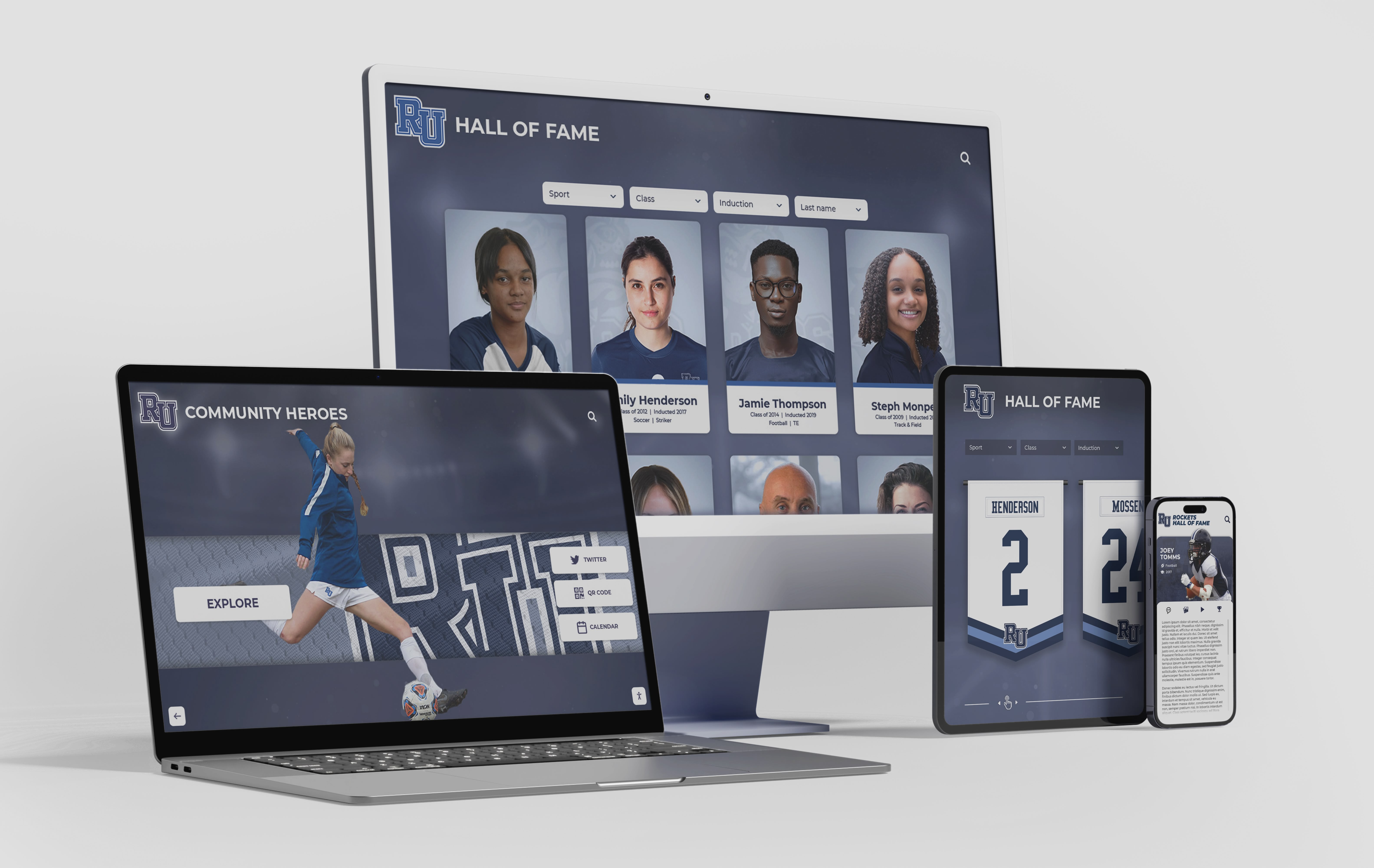
Professional scanning services often include web hosting platforms enabling access across multiple devices
DIY and In-House Scanning Approaches
Some schools consider internal digitization to control costs:
Resource Requirements
- Specialized book scanners or high-quality flatbed equipment
- Staff time for page-by-page scanning (typically 15-30 minutes per book minimum)
- File organization and naming protocols
- Quality control processes identifying missed or unclear pages
- Backup and storage infrastructure
- Ongoing management and access systems
When DIY Makes Sense
- Small collections of recent yearbooks in excellent condition
- Available staff capacity during slower periods
- Budget constraints making professional services unaffordable
- Desire for complete internal control over materials
- Existing scanning infrastructure and expertise
Realistic DIY Challenges
- Time investment often exceeds initial estimates significantly
- Binding damage from improper scanning technique
- Quality inconsistency without specialized equipment
- Projects frequently stall incomplete when other priorities arise
- Hidden costs in staff time and equipment often rival professional services
Schools pursuing DIY digitization should realistically assess capacity and establish project management accountability preventing incomplete projects.
Hybrid Approaches
Some institutions find middle-ground solutions effective:
Volunteer-Supported Scanning
- Alumni volunteers or community service students providing labor
- School providing equipment and training
- Supervision ensuring quality standards
- Particularly effective for recent yearbooks requiring minimal restoration
Phased Professional Digitization
- Prioritizing highest-value years within budget constraints
- Annual scanning of manageable yearbook quantities
- Beginning with oldest/most deteriorated books
- Expanding coverage as budget permits
Partial Outsourcing
- Professional scanning of fragile or older yearbooks
- In-house digitization of recent books in good condition
- Specialized vendors for restoration and enhancement of damaged pages
Learn about comprehensive digital preservation in yearbook digitization services.
Evaluating and Selecting Yearbook Scanning Vendors
Systematic vendor assessment ensures positive outcomes and prevents disappointing results.
Technical Specifications and Quality Standards
Understanding scanning specifications helps evaluate vendor proposals:
Resolution and Image Quality
- Minimum 300 DPI for standard yearbook scanning
- 400-600 DPI for archival-quality preservation
- Color depth specifications ensuring accurate reproduction
- File format options (PDF, JPEG, TIFF) matching intended uses
- Compression settings balancing quality and file size
Quality Control Processes
- Page sequence verification preventing missing content
- Legibility review ensuring readable reproduction
- Edge correction eliminating shadows and distortion
- Color and contrast optimization enhancing faded originals
- Spot-checking versus comprehensive review policies
Deliverable Options
- Master archival files at highest quality for long-term preservation
- Compressed access files optimized for web viewing
- OCR (Optical Character Recognition) enabling text searchability
- Metadata creation and organization
- Hosting platform access versus file delivery
Ask vendors specifically how they handle common issues like curved pages, faded photographs, and tight binding that prevents complete opening.
Service and Support Evaluation
Operational factors significantly impact satisfaction:
Communication and Responsiveness
- Response time to inquiries and questions
- Project status updates and transparency
- Problem resolution approach and customer service quality
- Availability for troubleshooting and questions
Logistics and Handling
- Shipping arrangements and insurance coverage
- Book handling protocols and damage prevention
- Turnaround time reliability and deadline commitment
- Flexibility accommodating schedule constraints
References and Portfolio
- Examples of completed yearbook projects
- References from schools of similar size and type
- Longevity and stability of company
- Complaint resolution and customer satisfaction patterns
Request to speak with 3-5 references from schools similar to yours, asking specifically about problems encountered and how the vendor responded.
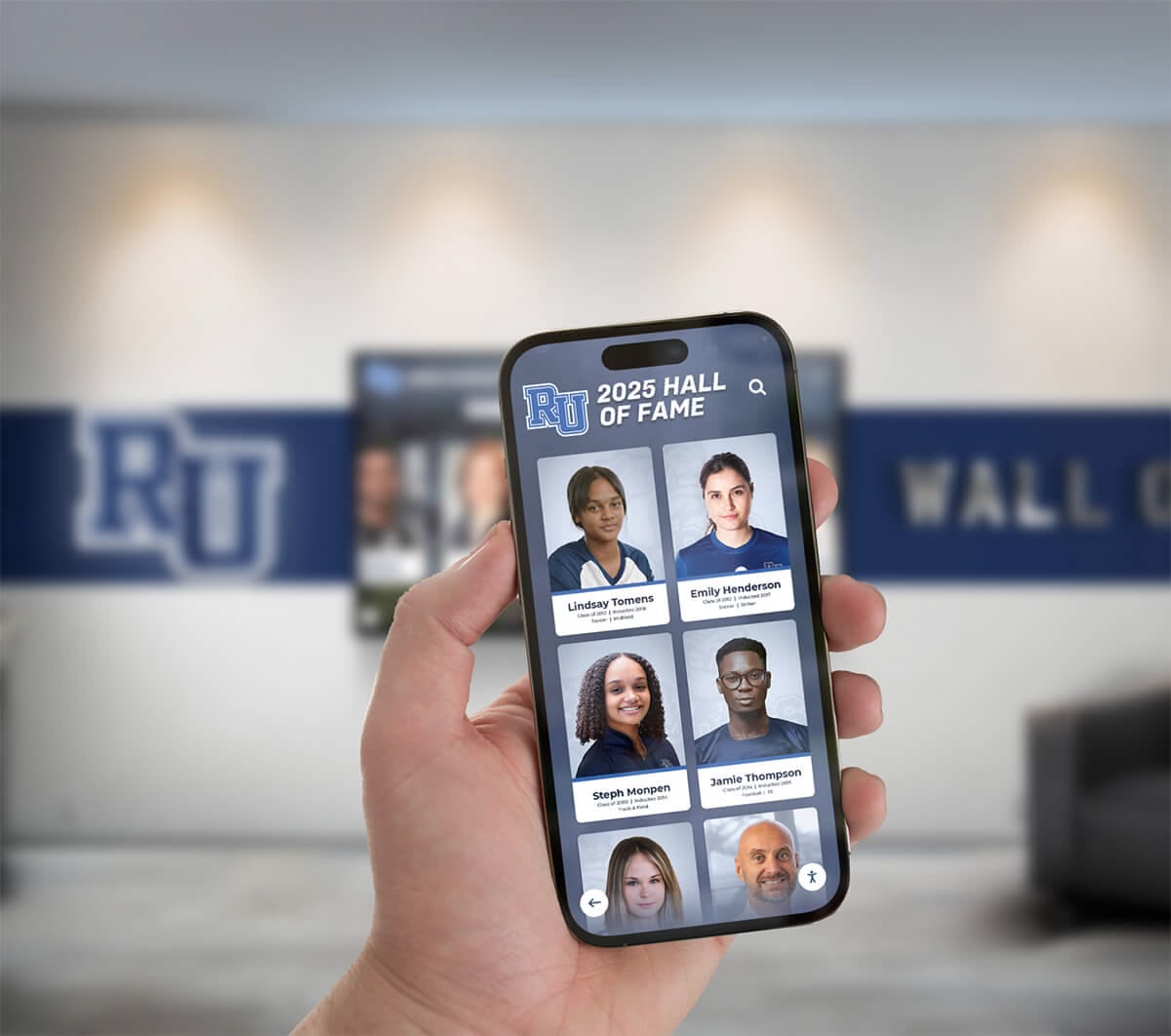
Modern platforms enable alumni to access yearbook archives from mobile devices anywhere worldwide
Cost Structures and Pricing Models
Understanding pricing helps budgeting and comparison:
Per-Book Pricing
- Base rates typically $25-75 per yearbook
- Volume discounts for large collections
- Page count considerations (some charge per page)
- Condition surcharges for damaged books requiring extra care
- Rush service premium fees
Included Services Versus Add-Ons
- Basic scanning and PDF creation
- OCR text recognition (often additional cost)
- Web hosting and access platforms (subscription fees)
- Metadata creation and organization
- Image enhancement and restoration
- Cloud storage versus physical drive delivery
Hidden Cost Considerations
- Shipping costs both directions
- Ongoing hosting fees beyond initial contract
- Feature limitations requiring upgrades
- Migration costs if changing vendors later
- Technical support and troubleshooting access
Request itemized quotes from multiple vendors specifying identical services to enable accurate comparison. The lowest per-book price often doesn’t represent the best overall value when considering total costs and included features.
Data Ownership and Access Rights
Contractual terms significantly affect long-term value:
File Ownership Clarity
- Who owns the digital files created?
- Can school receive master files and use independently?
- Rights to host files on school’s own platforms
- Restrictions on sharing or public access
- What happens if vendor goes out of business?
Platform Lock-In Risks
- Perpetual hosting fees for vendor platforms
- Ability to migrate to alternative systems
- File format compatibility with other platforms
- Export capabilities and data portability
- Long-term accessibility if discontinuing vendor relationship
Ideally, contracts should specify that the school owns all digital files outright and can access them in standard formats independent of the vendor’s platform.
Preparing Yearbooks for Professional Scanning
Proper preparation ensures successful digitization and minimizes delays.
Inventory and Organization
Systematic organization streamlines the process:
Creating Complete Inventory
- Identify all yearbooks in school possession
- Document year, edition (if multiple versions exist), and condition
- Note missing years or incomplete collections
- Photograph current storage conditions
- Create tracking spreadsheet
Prioritization Strategy
- Rank books by importance (oldest, most deteriorated, highest alumni interest)
- Identify budget constraints determining initial scope
- Consider thematic grouping (decades, significant periods)
- Balance preservation urgency against alumni demand
Acquisition of Missing Years
- Alumni outreach requesting donation or loan of missing yearbooks
- Local historical societies and libraries sometimes have copies
- Online yearbook sales platforms (though often expensive)
- Alumni social media groups requesting help locating gaps
Schools often discover additional yearbooks through appeals to alumni, making inventory development an ongoing process.
Physical Preparation and Documentation
Preparing books ensures smooth scanning:
Condition Assessment
- Document existing damage with photographs
- Note loose pages requiring special handling
- Identify books needing repair before scanning
- Flag books with unique handling requirements
Cleaning and Basic Preservation
- Remove dust and debris with soft brush
- Ensure pages aren’t stuck together
- Remove foreign objects (newspaper clippings, loose photos)
- Do not attempt repairs beyond your expertise
- Document any modifications made
Labeling and Tracking
- Create unique identifier for each book
- Label books clearly for tracking during transport
- Prepare detailed packing list
- Photograph books before shipping for insurance documentation
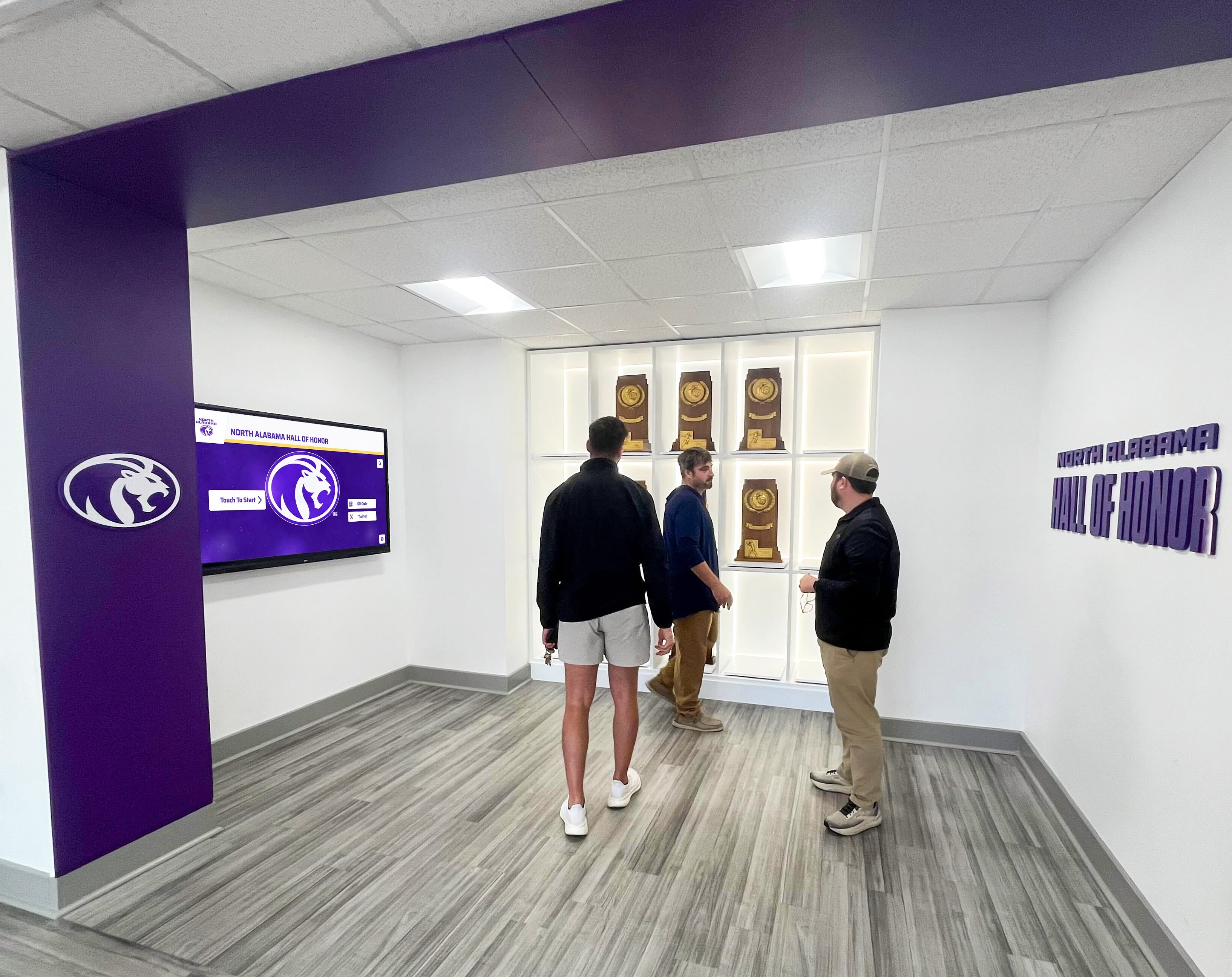
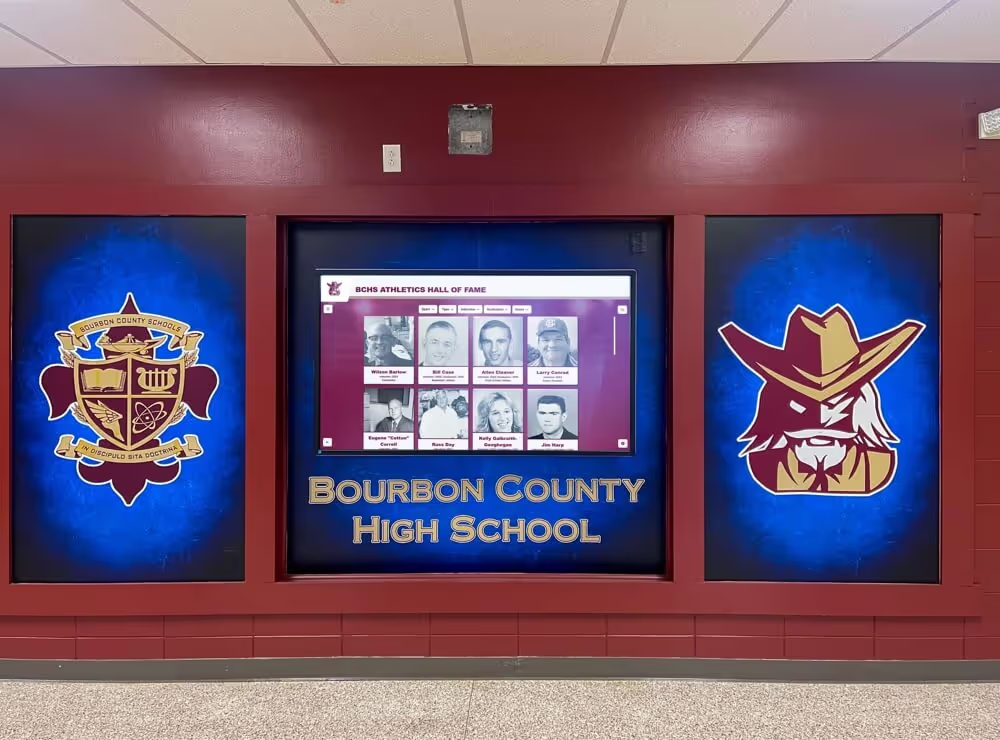
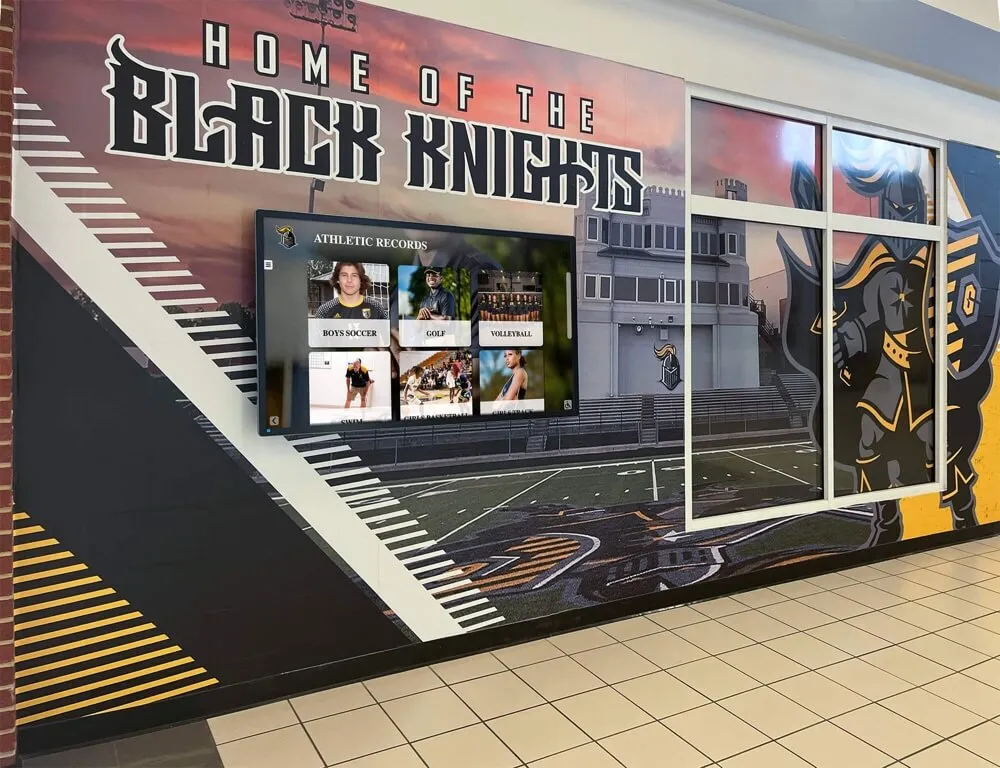
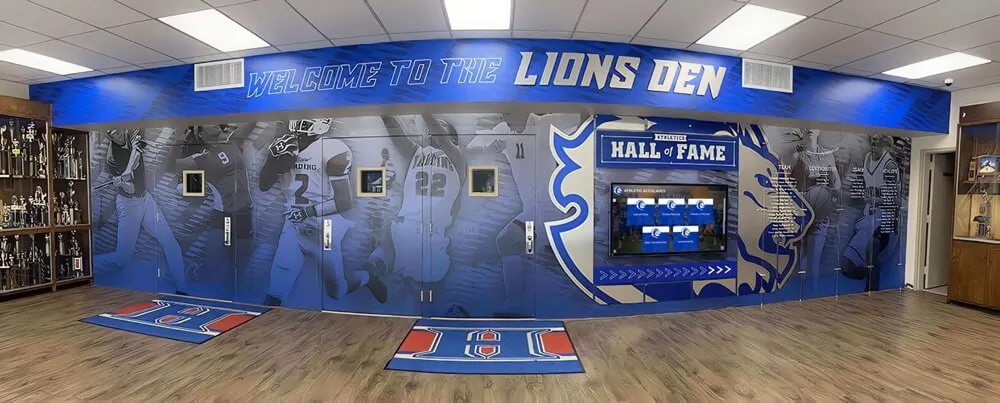
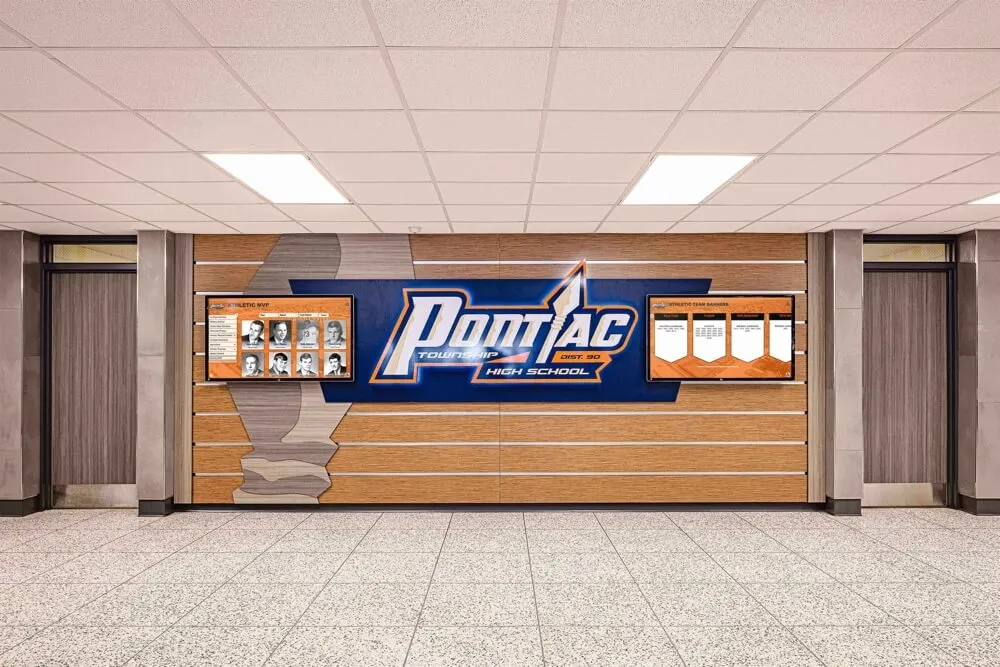
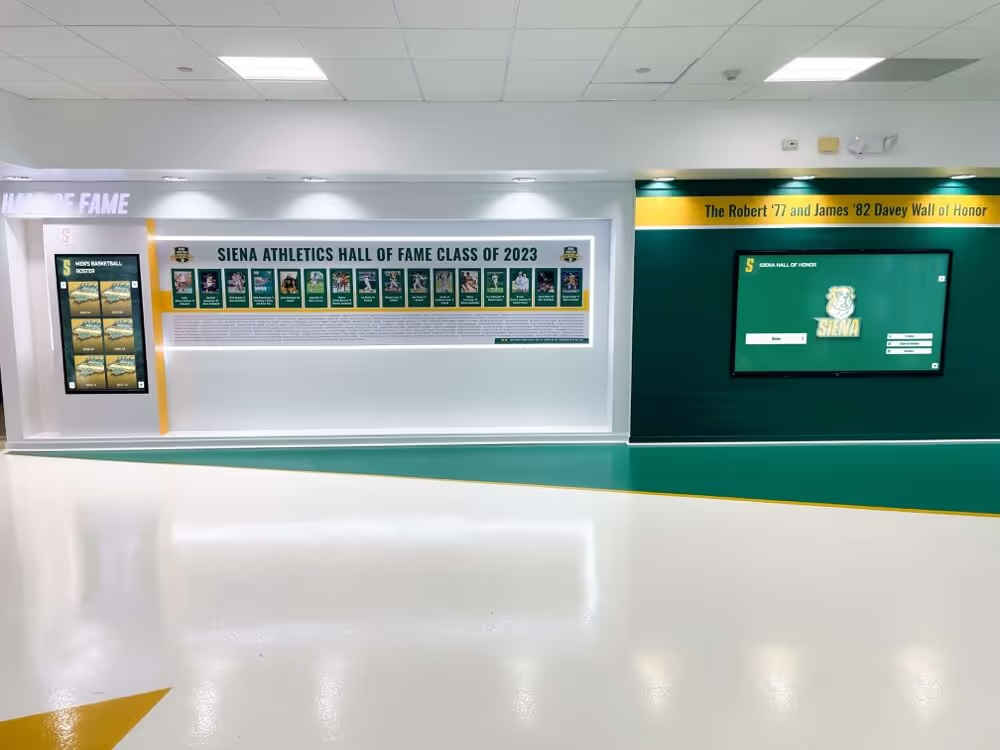
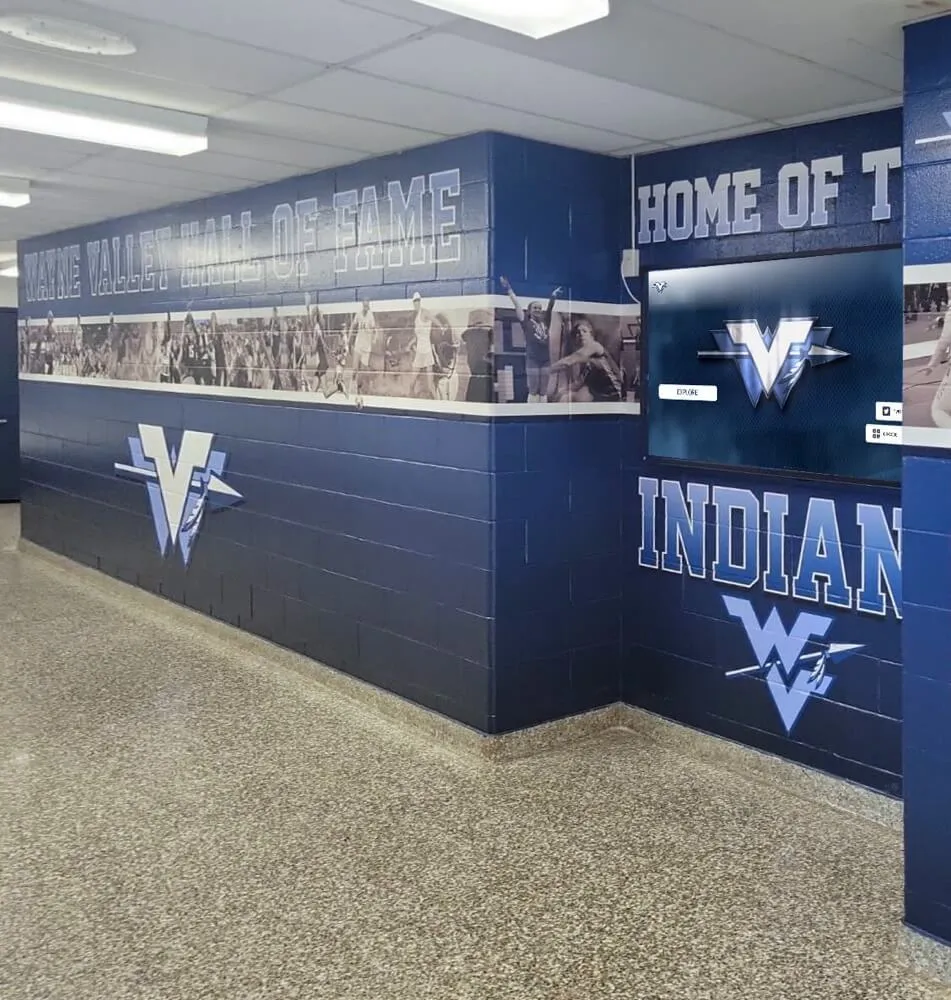
Well-preserved historical content creates engaging experiences for community members and visitors
Shipping and Insurance Considerations
Protect valuable materials during transport:
Packaging Best Practices
- Use sturdy boxes with adequate padding
- Avoid overpacking creating pressure on books
- Climate considerations for extreme weather shipping
- Clear labeling indicating fragile historical materials
- Detailed packing list inside and outside box
Insurance and Tracking
- Understand vendor’s insurance coverage limits
- Consider additional insurance for especially valuable books
- Use trackable shipping methods
- Photograph packaging before shipping
- Retain all shipping documentation
Communication Protocol
- Confirm vendor receipt of shipments
- Verify inventory matches what was sent
- Establish timeline expectations
- Designate point person for vendor communication
Understanding Technical Specifications and File Formats
Technical decisions affect long-term usability and preservation.
Resolution and Quality Settings
Appropriate specifications balance quality and practical considerations:
DPI (Dots Per Inch) Standards
- 300 DPI: Standard quality suitable for viewing and printing
- 400 DPI: Enhanced quality for detailed photographs
- 600 DPI: Archival standard ensuring long-term preservation flexibility
- Higher resolutions create larger files requiring more storage
Color and Bit Depth
- 24-bit color for color yearbooks (16.7 million colors)
- 8-bit grayscale often sufficient for black-and-white yearbooks
- Color accuracy important for reproducing faded originals
File Size Implications
- Higher resolution creates larger files
- Storage costs and transfer speeds affected
- Balance preservation quality against practical usage
- Consider creating both archival and access versions
For most schools, 300-400 DPI provides excellent quality for current use while 600 DPI master files ensure future flexibility if technology advances enable new applications.
File Formats and Compatibility
Format selection affects accessibility and longevity:
PDF Format
- Universal accessibility across devices and operating systems
- Maintains page structure and layout
- Supports OCR text layers enabling search
- Compression options balancing quality and size
- Ideal for maintaining yearbook as unified document
JPEG Format
- Individual page images
- Smaller file sizes than uncompressed formats
- Universal compatibility
- Easier to integrate into web platforms and displays
- Page-by-page organization required
TIFF Format
- Archival-quality uncompressed images
- Larger file sizes preserving maximum quality
- Industry standard for preservation
- May require conversion for practical access
Hybrid Approaches
- High-resolution TIFF master files for archival preservation
- Compressed PDF files for general access
- JPEG thumbnails for web browsing
- Format conversion flexibility for future needs
Most professional scanning services deliver multiple formats, but verify deliverables match your needs before contracting.
OCR and Text Searchability
Optical Character Recognition adds significant value:
OCR Benefits
- Text search enabling users to find specific names instantly
- Accessibility for visually impaired users via screen readers
- Data extraction possibilities for research and analysis
- Enhanced user experience compared to image-only files
OCR Limitations in Yearbooks
- Decorative fonts may not recognize accurately
- Photo captions often small and low-contrast
- Layout complexity can confuse OCR software
- Manual correction may be needed for high accuracy
Cost-Benefit Considerations
- OCR typically adds $5-15 per book to scanning costs
- Value highest for yearbooks users will search frequently
- Recent yearbooks with clear typography benefit most
- Very old yearbooks with ornate fonts may see limited benefit
For schools planning to make yearbooks publicly searchable, OCR significantly enhances user experience despite imperfect accuracy.
Explore digital content organization in school history software platforms.
Making Digitized Yearbooks Accessible and Useful
Scanning represents only the first step—accessibility determines actual value.
Access Platform Options
Multiple approaches enable different user experiences:
Vendor-Hosted Platforms
- Turnkey solutions requiring minimal technical setup
- Professional interface design and user experience
- Ongoing subscription fees for hosting and support
- Search capabilities and social features
- Limited customization options
School Website Integration
- Embedded viewers within existing school site
- Branded experience matching institutional identity
- May require technical expertise for implementation
- One-time setup versus ongoing platform fees
- Control over access restrictions and permissions
Cloud Storage Services
- Simple file sharing via Google Drive, Dropbox, or similar
- Minimal cost for basic access
- Limited user experience features
- Organizational challenges with large collections
- Works for basic access without advanced features
Physical Display Integration
- Interactive touchscreen displays in high-traffic campus areas
- Engaging current students and visitors with historical content
- Digital recognition solutions combining yearbook archives with awards and achievement displays
- Creates visible connection between past and present
- Particularly effective in lobbies, alumni centers, and gathering spaces
Solutions like Rocket Alumni Solutions enable schools to integrate digitized yearbook content with interactive recognition displays, creating dynamic historical experiences that engage multiple audiences simultaneously.
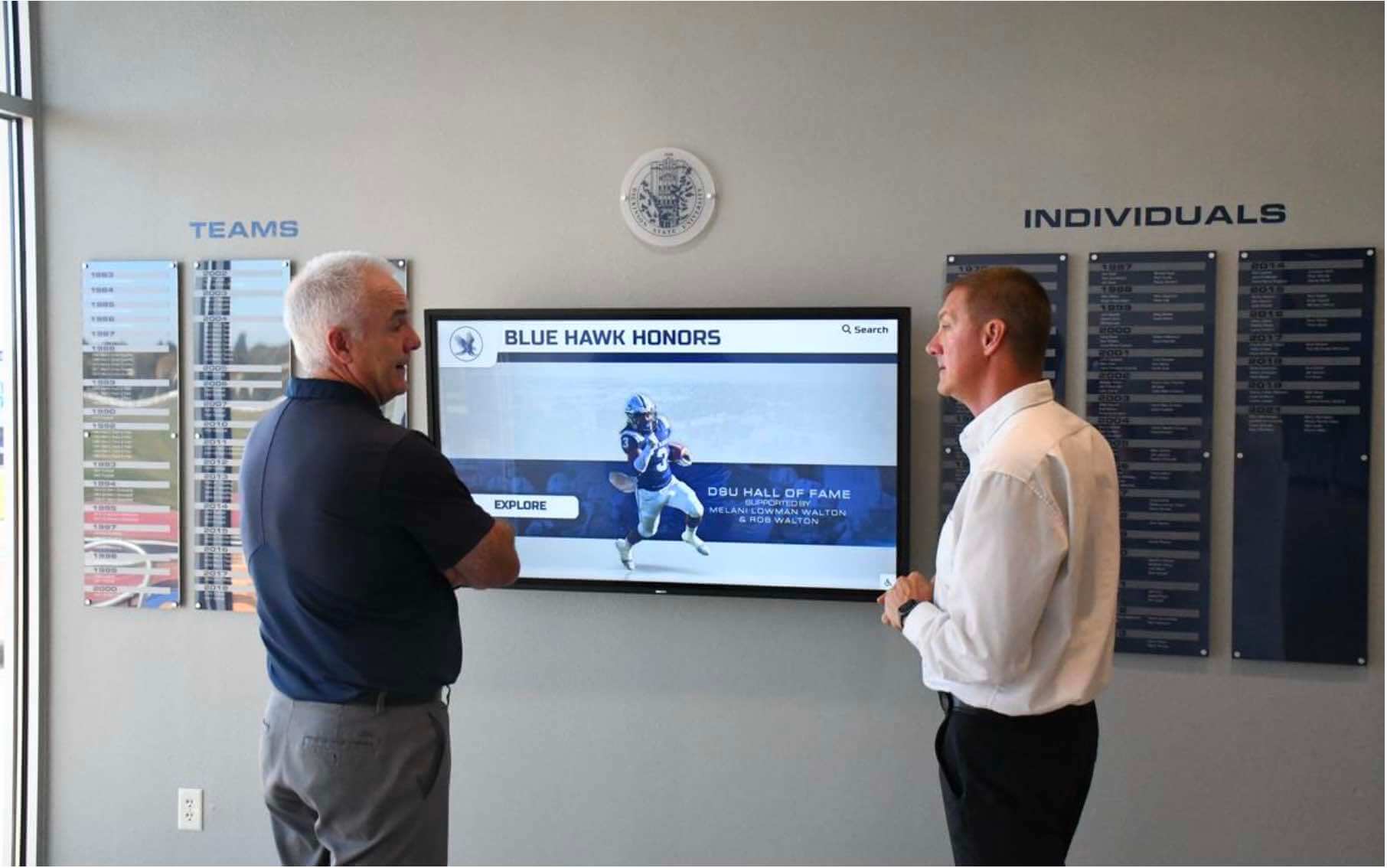
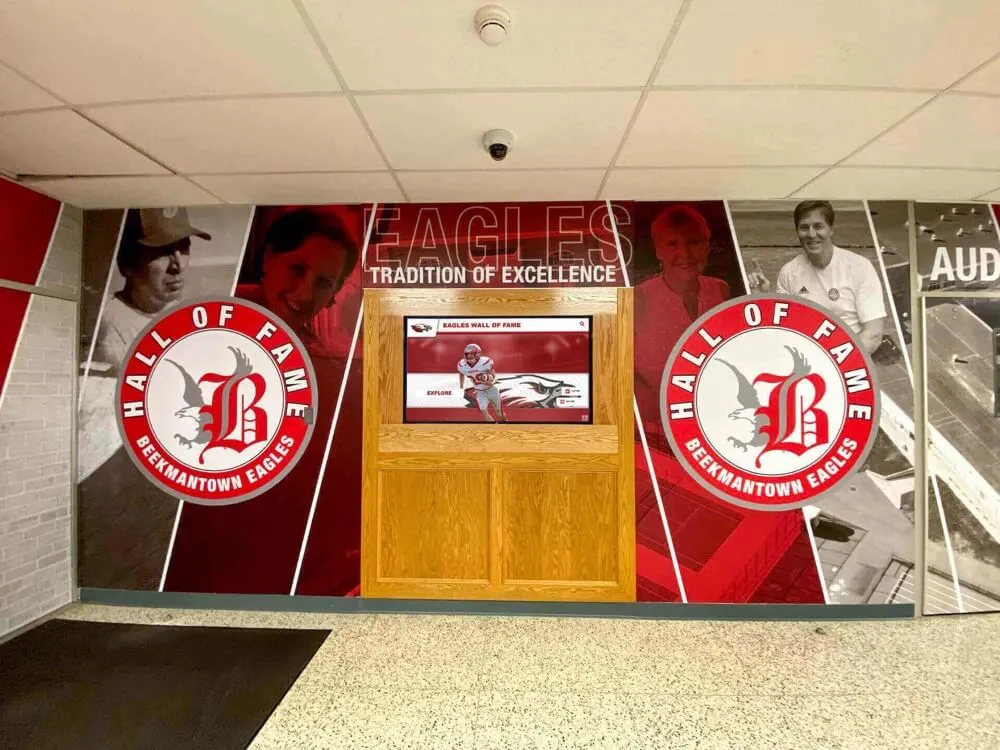
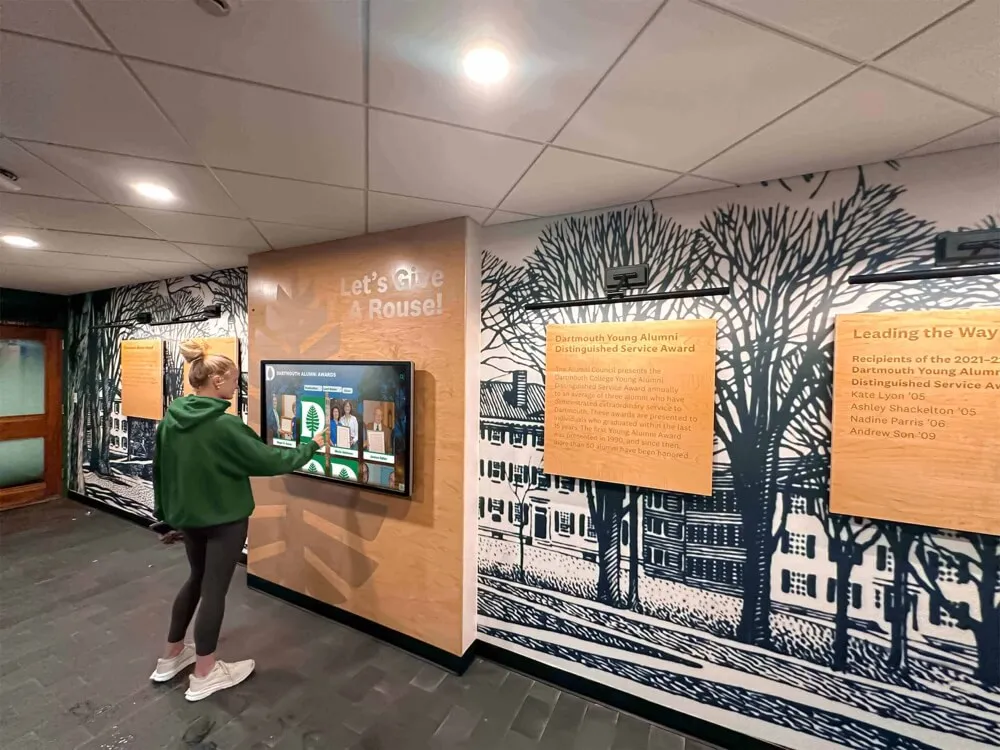
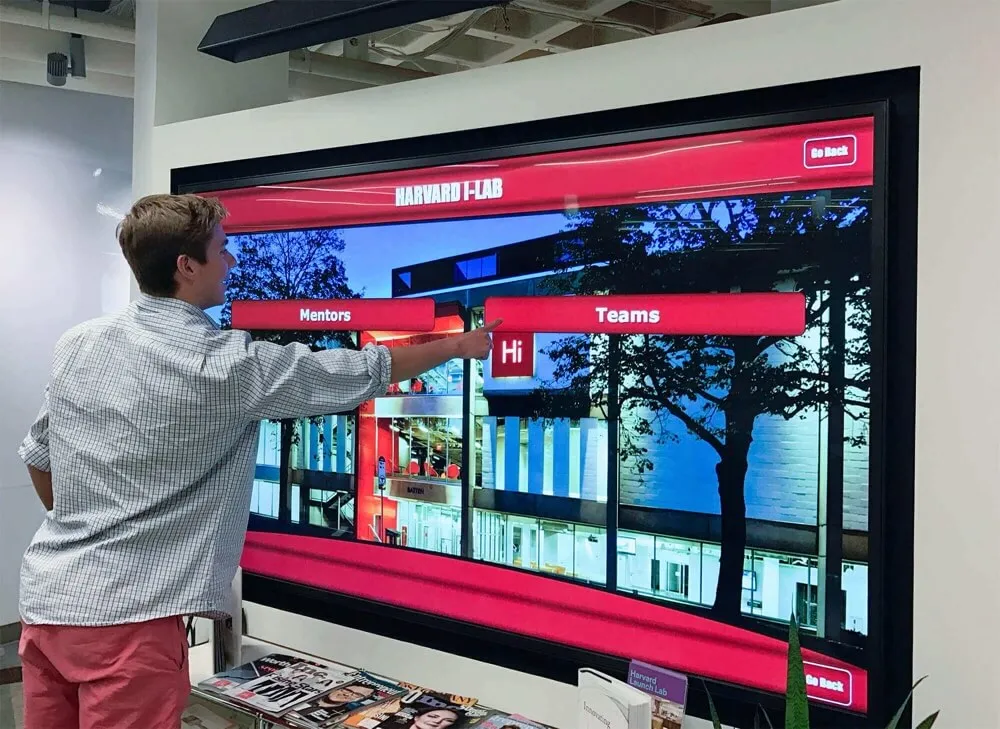
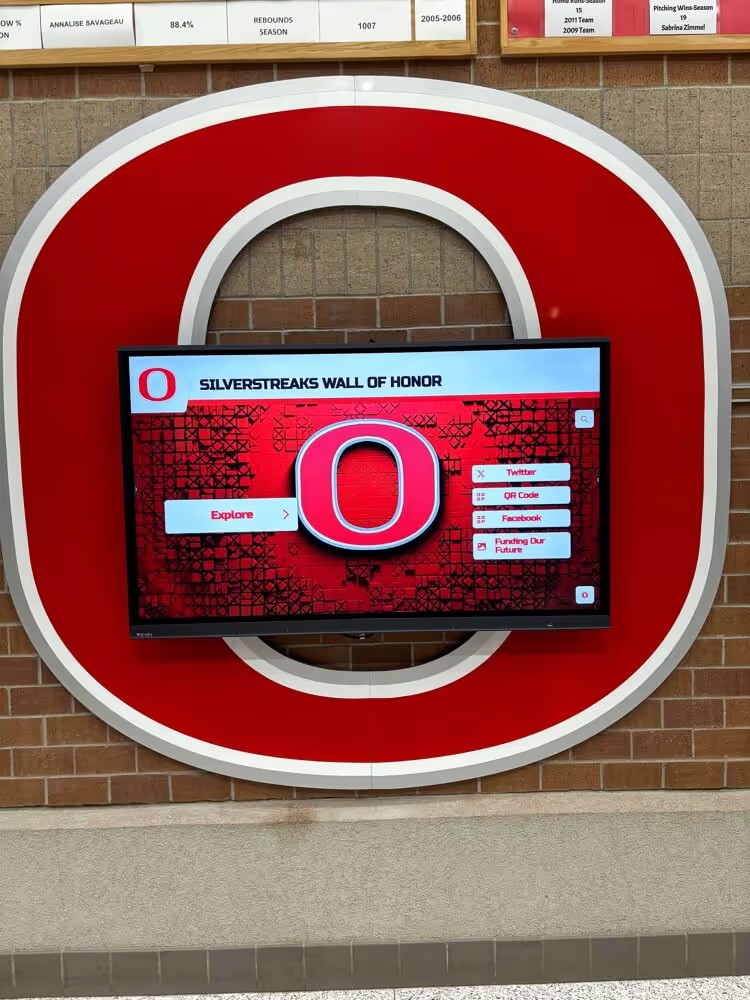
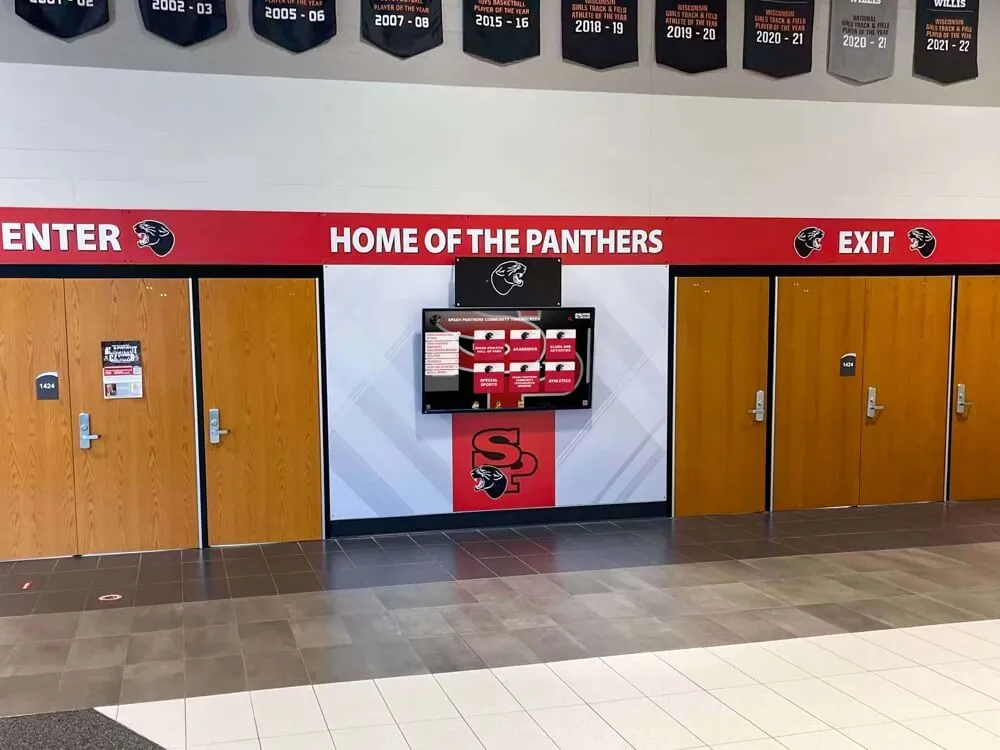
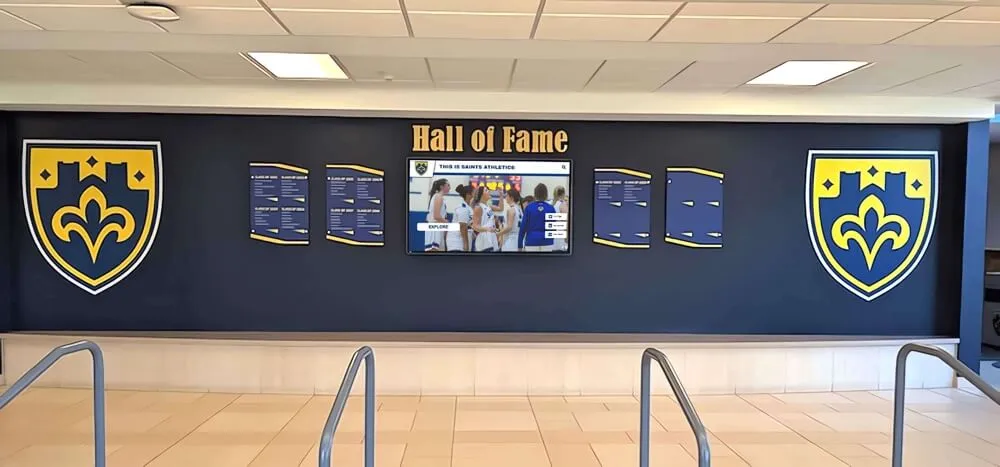
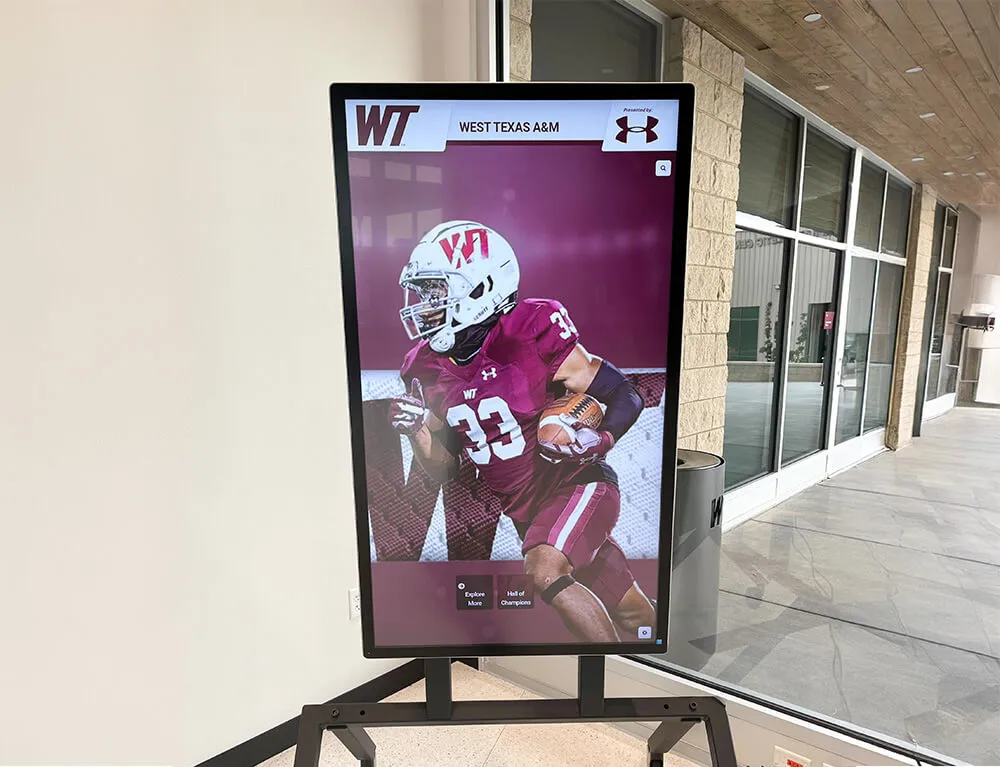
Interactive displays transform digitized yearbooks from archived files into engaging historical experiences
Organizing Content for Discoverability
Thoughtful organization enhances usability:
Metadata and Cataloging
- Consistent naming conventions (Year_SchoolName_Edition)
- Descriptive tags enabling filtering and search
- Index pages documenting collection scope
- Cross-references for name changes or merged schools
Search Optimization
- File names including searchable keywords
- OCR text enabling full-text search within documents
- Table of contents for large collections
- Featured content highlighting significant years or events
User Experience Design
- Logical navigation matching how users think
- Decade grouping for browsing
- Thumbnail previews enabling quick visual scanning
- Mobile-responsive design for phone and tablet access
Privacy and Permission Considerations
Balance access with appropriate privacy protection:
Student Privacy Concerns
- FERPA (Family Educational Rights and Privacy Act) generally applies only to current education records
- Historical yearbooks typically considered public once distributed
- Some schools restrict access to reduce privacy concerns
- Alumni-only access requiring verification versus public availability
Copyright Considerations
- School typically owns copyright to yearbooks they published
- Vendor contracts should address copyright ownership of digital files
- Student and photographer rights generally assigned through publication in yearbook
- Consult legal counsel if uncertainty exists about rights
Access Control Options
- Completely public access maximizing engagement
- Alumni-only requiring email verification
- On-campus access only via campus network
- Graduated access with recent years restricted
- Individual opt-out processes for privacy requests
Most schools find that completely public access generates maximum engagement and alumni satisfaction, but local considerations may justify restrictions.
Learn about organizing historical content in memorial displays.
Maximizing Value After Digitization
Completed scanning projects create opportunities requiring intentional activation.
Marketing and Promotion Strategies
Ensure stakeholders know archives exist:
Launch Communications
- Press releases to local media highlighting availability
- Alumni newsletter features with sample pages
- Social media campaigns showcasing interesting historical finds
- Email outreach to specific class years
- Reunion organizer notification with access instructions
Ongoing Engagement
- Throwback Thursday social posts featuring yearbook pages
- Alumni spotlights connecting historical photos to current accomplishments
- Anniversary celebrations featuring evolution across decades
- Fundraising campaigns leveraging nostalgic connections
- Reunion planning resources and class photo sharing
SEO and Discoverability
- Landing pages optimized for “[School Name] yearbook” searches
- Alumni class year pages improving search visibility
- Local history connections generating inbound links
- News stories generating publicity and awareness
Many alumni don’t realize digitized yearbooks exist unless schools actively promote them, so ongoing communication significantly impacts actual usage.
Educational Applications
Digital yearbooks support learning objectives:
History and Social Studies
- Primary source document analysis assignments
- Demographic and cultural change research
- Visual evidence of historical periods
- Fashion, technology, and social norm evolution studies
- Local history connections to broader historical events
Genealogy and Family History
- Students researching family members who attended the school
- Multi-generational family identification projects
- Community history oral history projects
- Census and demographic research applications
Media and Communication Studies
- Yearbook design evolution analysis
- Photography and layout trend examination
- Editorial voice and content change over time
- Typography and graphic design historical study
Teachers report that students find historical yearbooks surprisingly engaging, with the visual format making historical research more accessible than text-heavy sources.
Fundraising and Development Applications
Digital yearbooks enhance advancement efforts:
Donor Recognition Connections
- Historical photos of donors during their student years
- Legacy family identification across generations
- Building naming and dedication historical context
- Scholarship recipient historical continuity
- Campaign materials leveraging nostalgia and tradition
Learn about modern recognition approaches in digital kiosk solutions.
Alumni Engagement Strategies
- Reunion planning resources reducing organizer burden
- Class-specific outreach using yearbook content
- Alumni directory photo verification and updates
- Volunteer recruitment leveraging school connections
- Event promotion featuring historical photos creating emotional pull
Development professionals consistently report that digitized yearbooks facilitate conversations and create touchpoints that would not otherwise exist, particularly with alumni from earlier decades who may feel disconnected from current school.
Integration with Physical Recognition Displays
Digital yearbook content complements modern recognition systems:
Touchscreen Display Applications
- Interactive timelines showing school evolution
- “On This Day” historical features in campus displays
- Faculty and staff recognition showing teaching legacy
- Athletic tradition displays connecting current to historical teams
- Building dedication and naming history
Combined Archive and Recognition Systems Solutions like Rocket Alumni Solutions enable seamless integration of:
- Current student and faculty recognition
- Athletic achievement and record displays
- Historical yearbook archives browseable by year
- Alumni hall of fame highlighting distinguished graduates
- Donor recognition showing legacy giving patterns
- School history timelines and milestone documentation
This integration creates comprehensive historical and recognition experiences impossible with standalone yearbooks or separate recognition systems.
Discover comprehensive display options in senior recognition programs.
Long-Term Preservation and Migration Planning
Digital preservation requires ongoing attention preventing obsolescence.
File Management and Backup Strategies
Protecting digital assets long-term:
Redundant Storage Architecture
- Primary copies on actively managed storage
- Backup copies in geographically separate locations
- Cloud storage with provider redundancy
- Offline archival copies on physical media
- Regular backup verification testing restoration
Migration and Format Updating
- Plan for format migration as technology evolves
- Monitor file format viability and adoption
- Maintain multiple format versions reducing single-format dependency
- Document conversion processes and provenance
- Budget for periodic format updates (every 5-10 years)
Organizational Documentation
- Maintain complete inventory of all digital files
- Document scanning specifications and processing
- Preserve vendor information and project details
- Record access credentials and system documentation
- Establish succession plan for knowledge transfer
Technology Refresh Planning
Platform and access technology requires periodic updating:
Hosting Platform Evaluation
- Review vendor viability and service quality every 3-5 years
- Monitor emerging platforms offering superior features
- Assess migration feasibility and data portability
- Consider total cost of ownership including hidden fees
Display Technology Updates For schools using physical displays showing yearbook content:
- Plan for display hardware replacement every 5-7 years
- Monitor software platform currency and support
- Budget for periodic content management system updates
- Ensure content remains accessible across technology generations
Accessibility Compliance
- Maintain compliance with evolving accessibility standards
- Update platforms as requirements change
- Ensure mobile compatibility with current devices
- Test regularly across browsers and platforms
Common Yearbook Scanning Mistakes to Avoid
Learning from common pitfalls prevents disappointment:
Inadequate Vendor Research
- Selecting based solely on lowest price
- Failing to verify references and portfolio
- Not understanding exactly what deliverables include
- Ignoring contract terms around data ownership
- Assuming all scanning services deliver equal quality
Unrealistic DIY Expectations
- Underestimating time requirements significantly
- Proceeding without appropriate equipment
- Starting without clear completion plan and accountability
- Causing book damage through improper handling
- Creating inconsistent quality across collection
Poor Planning and Preparation
- Beginning without complete inventory
- Failing to prioritize when budget limits scope
- Not documenting book condition before shipping
- Inadequate insurance and tracking during transport
- Missing communication protocols with vendor
Post-Scanning Neglect
- Completing digitization but not making archives accessible
- Failing to promote availability to alumni and stakeholders
- Not integrating content into engagement strategies
- Neglecting backup and preservation planning
- Creating no plan for ongoing management and updates
Accessibility Oversights
- Hosting on platforms alumni can’t easily find or access
- Creating overly complex access requirements
- Failing to optimize for mobile devices
- Not providing search capabilities
- Limiting access unnecessarily reducing engagement value
Conclusion: Preserving History While Creating Modern Engagement
School yearbook scanning services transform fragile physical archives into dynamic digital assets that preserve institutional memory while creating new engagement opportunities across multiple stakeholder groups. When schools systematically digitize yearbook collections—selecting appropriate vendors, preparing materials carefully, and deploying digitized content through accessible platforms—they protect irreplaceable history while building alumni connections, supporting educational objectives, and enhancing fundraising initiatives impossible with physical books alone.
The strategies explored in this guide provide frameworks for successful yearbook digitization from initial planning through long-term preservation. From evaluating vendor quality indicators and understanding technical specifications to integrating digitized content with modern recognition displays, these approaches enable schools of any size to preserve and activate their historical yearbook collections.
Transform Historical Archives Into Interactive Experiences
Discover how Rocket Alumni Solutions combines digitized yearbook content with interactive touchscreen displays creating engaging historical experiences that connect current students, alumni, and visitors with your school's rich tradition.
Explore Interactive Archive SolutionsSuccessful yearbook digitization requires moving beyond the assumption that scanning alone delivers value. While high-quality digitization preserves content, accessibility platforms and promotion strategies determine whether digital archives create actual engagement or sit unused on servers. Schools that integrate yearbook content with modern touchscreen displays report dramatically higher usage than those offering only web-based access, particularly for engaging current students with historical content.
Start yearbook digitization projects by clearly defining intended outcomes beyond simple preservation—how will alumni access content, what educational applications exist, how can historical material support development initiatives? These usage considerations should drive vendor selection, technical specification decisions, and post-scanning deployment strategies.
Don’t let irreplaceable school history deteriorate in forgotten storage rooms while postponing digitization decisions. Begin with manageable pilot projects scanning the most deteriorated or highest-value yearbook ranges, then systematically expand coverage as budget permits and you refine processes based on initial experience.
Your school’s history documented in decades of yearbooks deserves preservation and activation. With careful planning, appropriate vendor selection, and thoughtful deployment strategies, digitized yearbook collections become dynamic engagement tools connecting past to present while protecting institutional memory for generations to come.