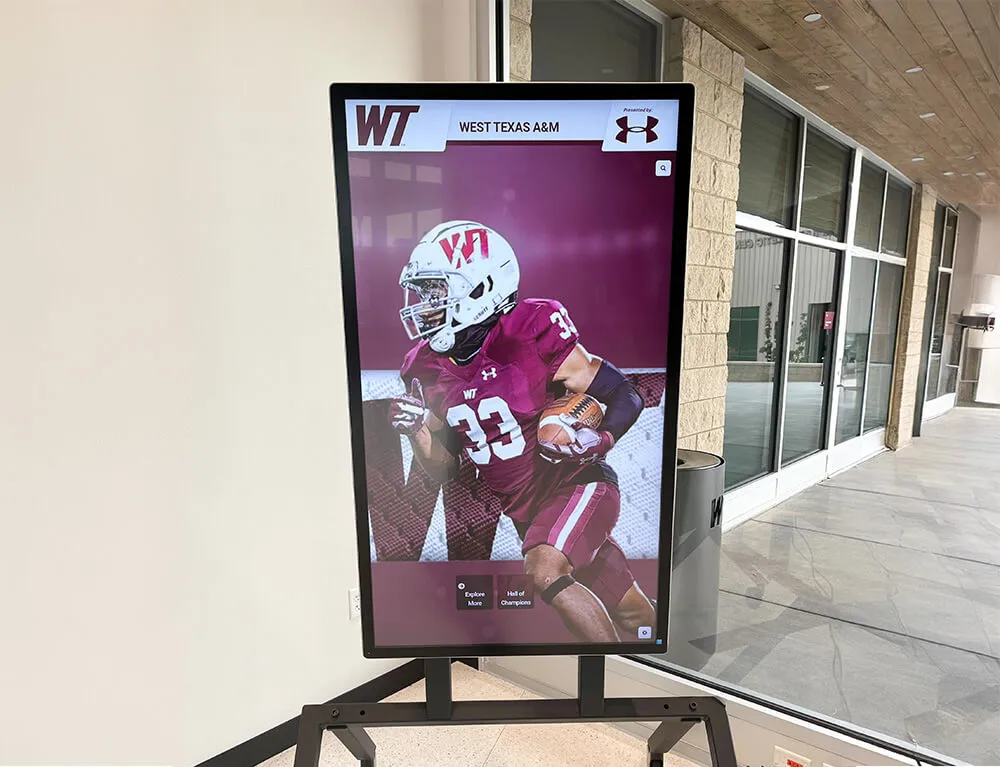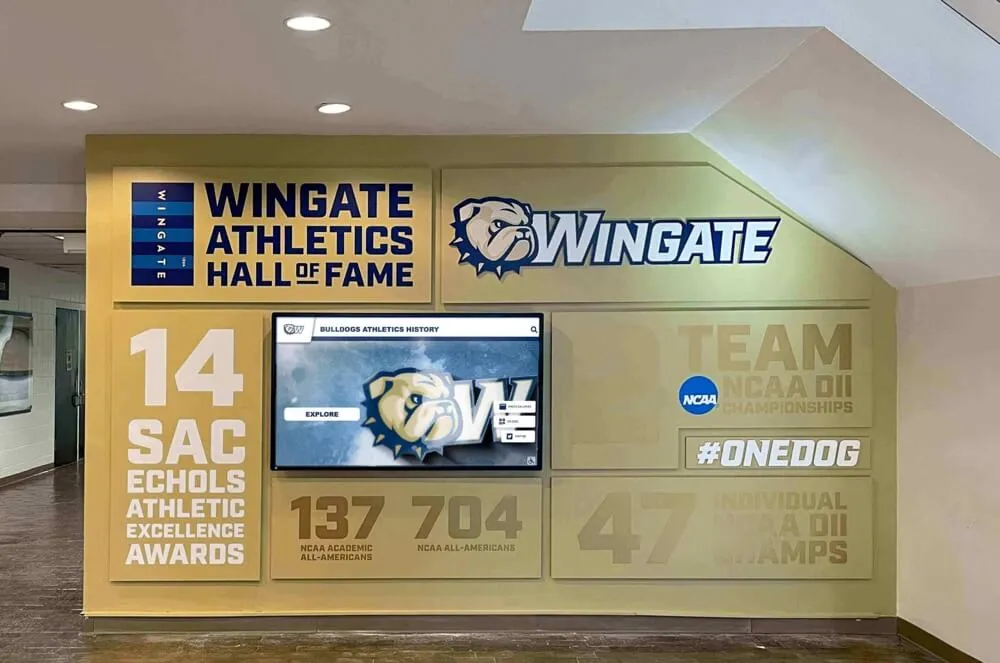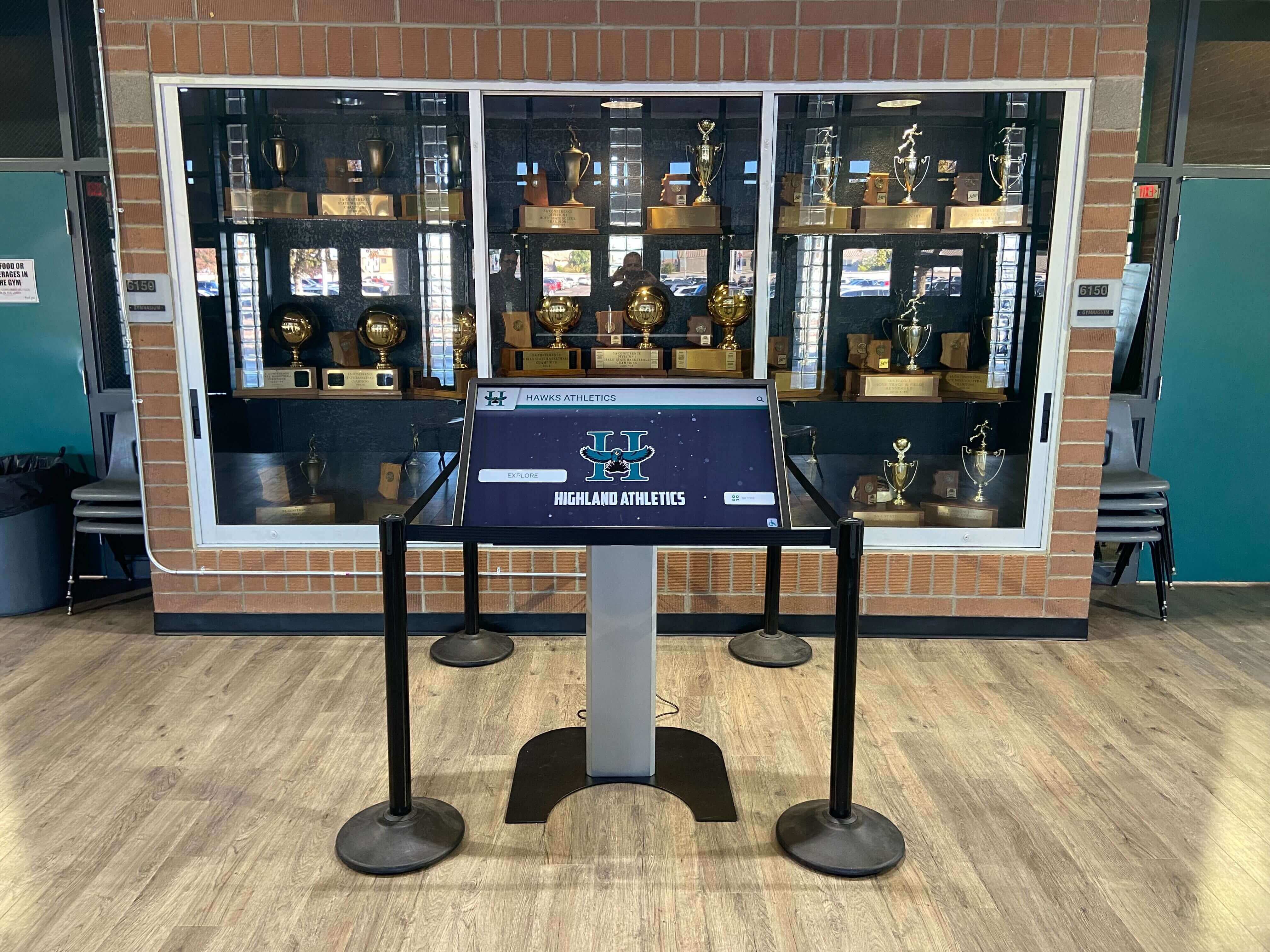




Every school faces the same slow-motion collision: achievements keep accumulating while trophy cabinet real estate stays fixed. Championship hardware from fifteen years ago competes for shelf space with this season’s all-state plaques, and something always loses. A touchscreen awards display cuts through that constraint by eliminating the physical capacity limit entirely—every honor, from a state championship trophy to a National Merit Scholar plaque to a donor recognition profile, fits on the same screen without displacing anything else.
This guide explains how touchscreen awards displays work in practice, walks through a head-to-head comparison with traditional static cabinets, and provides a step-by-step implementation checklist schools can use to plan a recognition environment that grows without outgrowing the space available.
The cabinet-and-plaque model worked for generations because it had no competition. Physical hardware, glass cases, and engraved nameplates were the only permanent way to make achievement visible in a hallway or lobby. That monopoly is over. Schools now have access to commercial-grade touchscreen systems built specifically for recognition environments—systems that present richer information, search by name or year, and add new honorees the same day an award is announced.

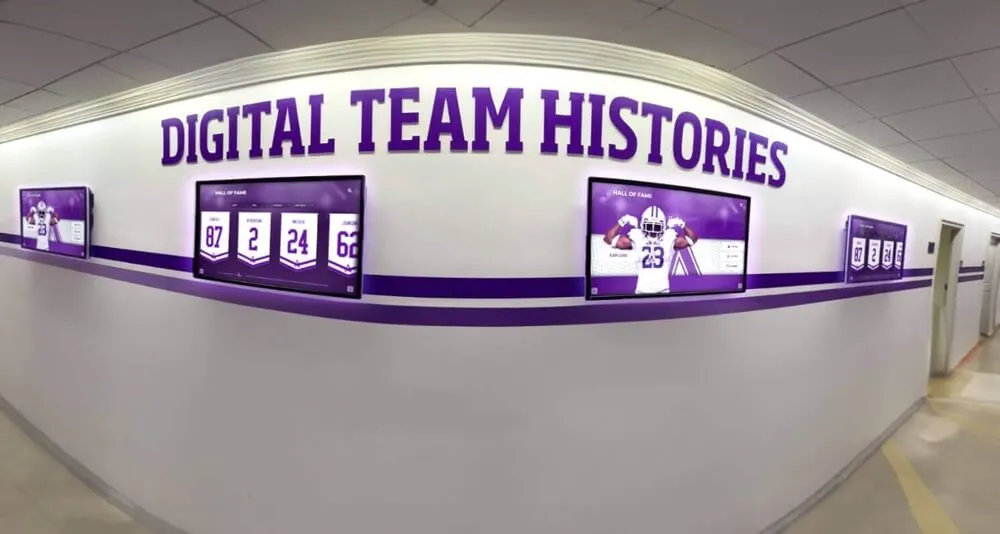
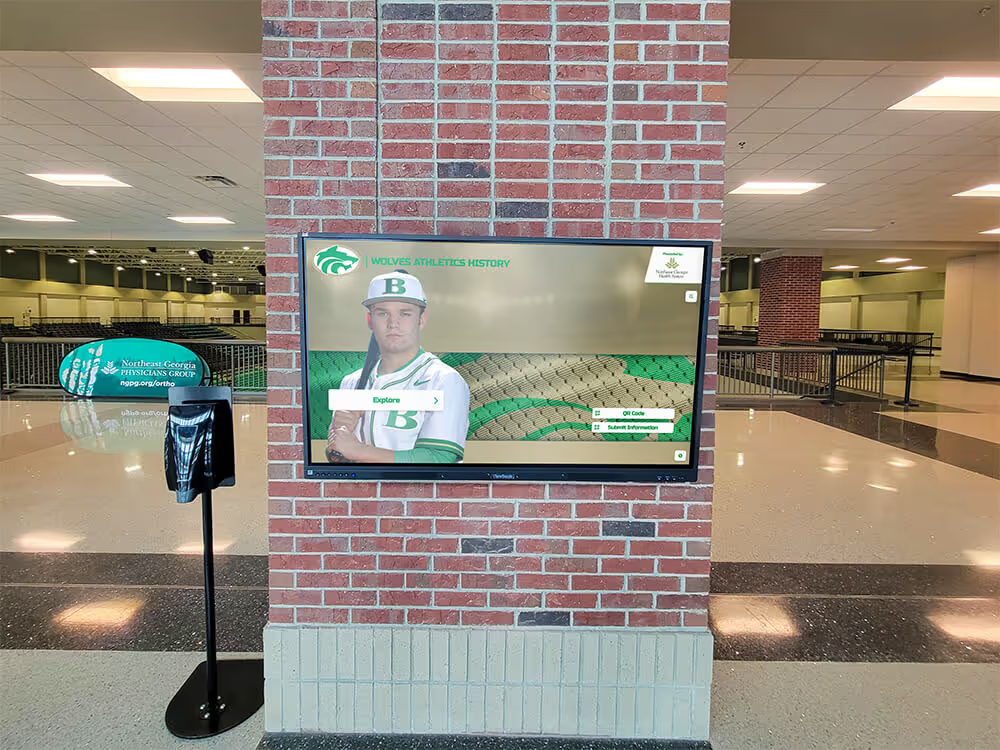
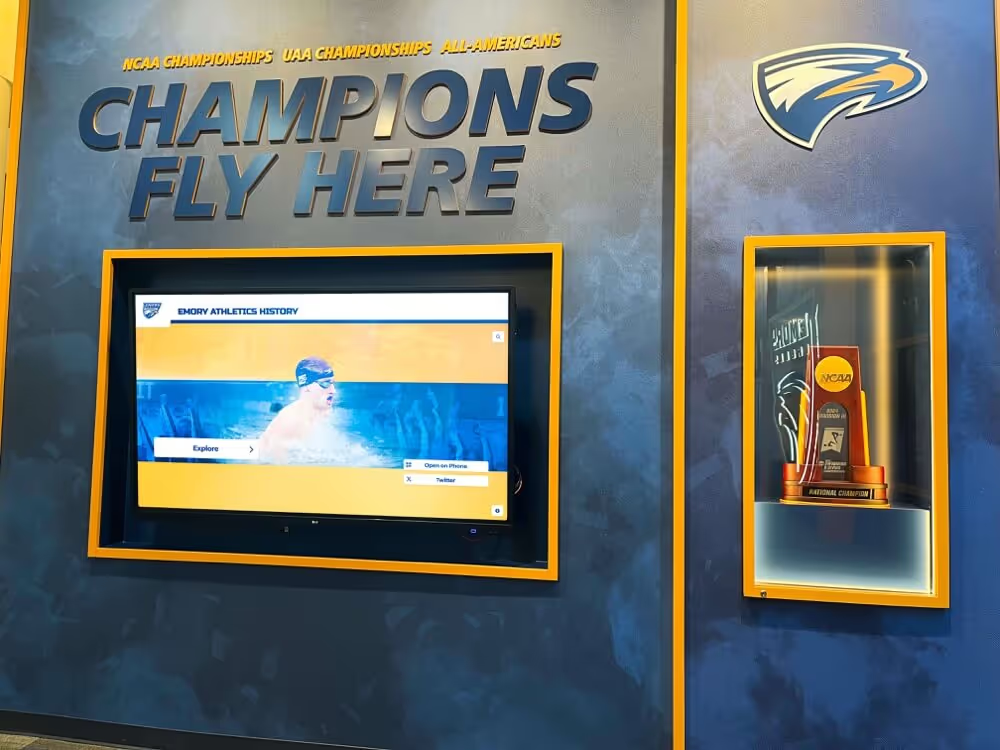
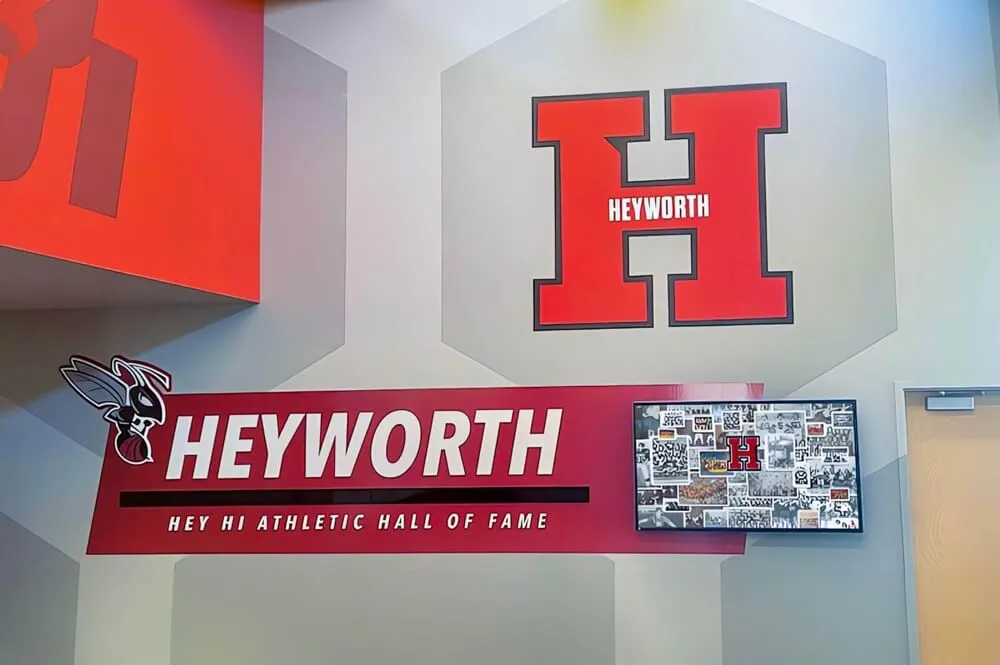
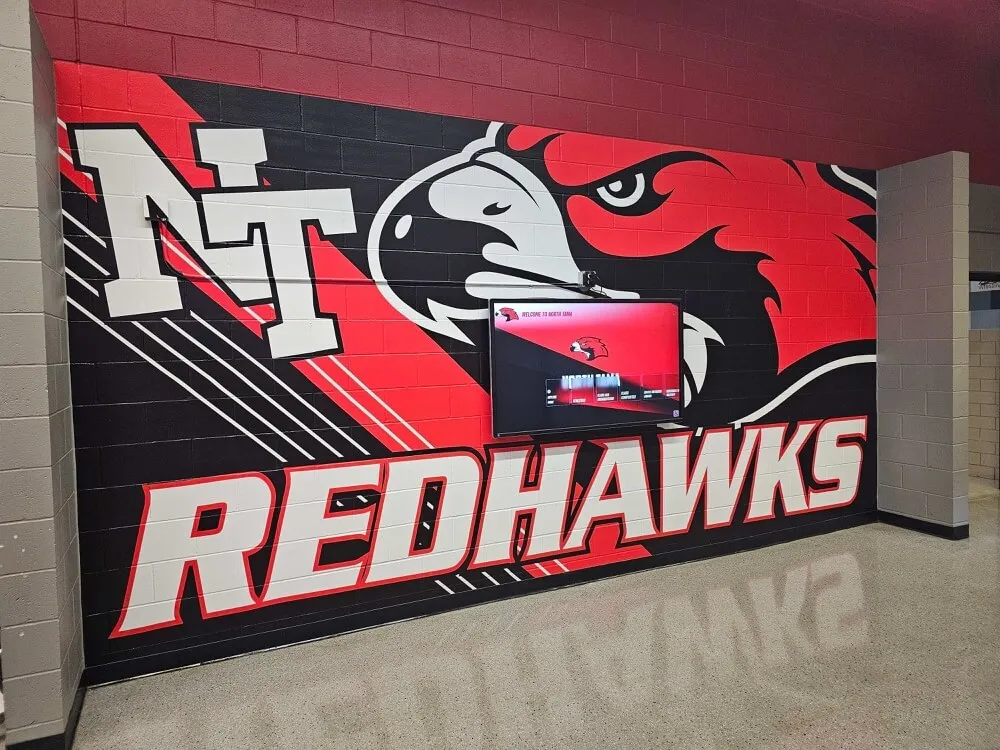
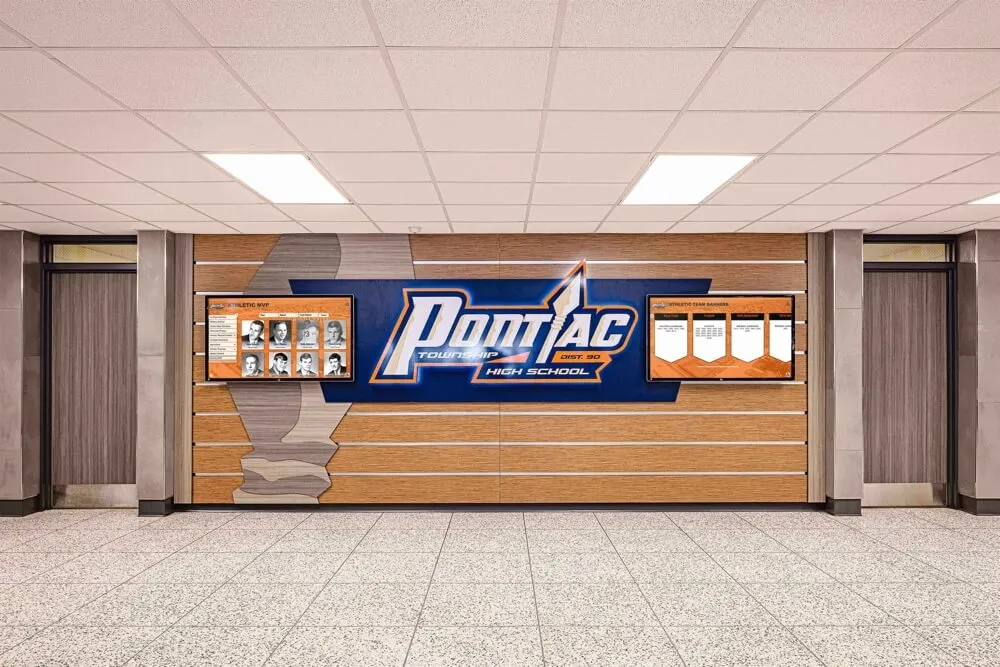
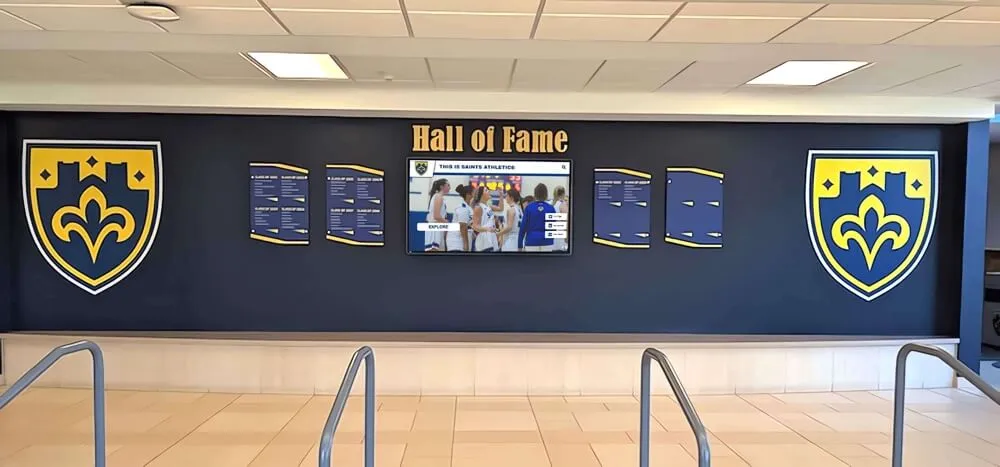
Touchscreen awards displays can sit alongside or replace traditional trophy cabinets—giving schools searchable, unlimited-capacity recognition in the same physical footprint
Static Cabinets vs. Touchscreen Awards Displays: A Direct Comparison
| Factor | Static Trophy Cabinet | Touchscreen Awards Display |
|---|---|---|
| Capacity | Limited by shelf and door space | Unlimited—no spatial ceiling |
| Update speed | 4–12 weeks (fabrication + shipping) | Same day via cloud CMS |
| Update cost | Per-unit fabrication fee | Included in platform subscription |
| Content depth | Name, award, year | Photos, video, stats, biography |
| Searchability | Visual scan only | Instant search by name, year, sport, category |
| Accessibility | Varies by placement and lighting | WCAG 2.1 AA compliant available |
| Non-athletic recognition | Rarely included—space constraints | Any category, unlimited entries |
| Remote access | None | Web archive and QR-code mobile access |
| Annual cost model | Per-piece fabrication, scales with volume | Flat subscription; no per-entry cost |
| Hardware lifespan | Physical material dependent | 7–10 year commercial display cycle |
The comparison makes the tradeoffs visible. Traditional cabinets win on permanence and the ceremonial weight of physical material. Touchscreen displays win on every operational dimension—capacity, speed, depth, accessibility, and coverage of non-athletic categories. Most schools find these strengths complementary rather than competitive, which is why hybrid installations are increasingly common.
Schools weighing this exact decision—physical cabinet versus digital system—can find a detailed walkthrough of the factors in this analysis of medal and trophy display cabinets: static case or digital archive.
What a Touchscreen Awards Display Actually Does
The term “digital display” covers a wide range—from a simple TV cycling through slides to a full interactive recognition system. For school awards environments, the meaningful distinction is between passive display and interactive display.
Passive displays show content on a loop: a slideshow of award winners cycling automatically on a screen. Staff update them by editing a slide deck or media file. These are inexpensive and visible, but they don’t search, they don’t scale, and they don’t give visitors meaningful control over what they see.
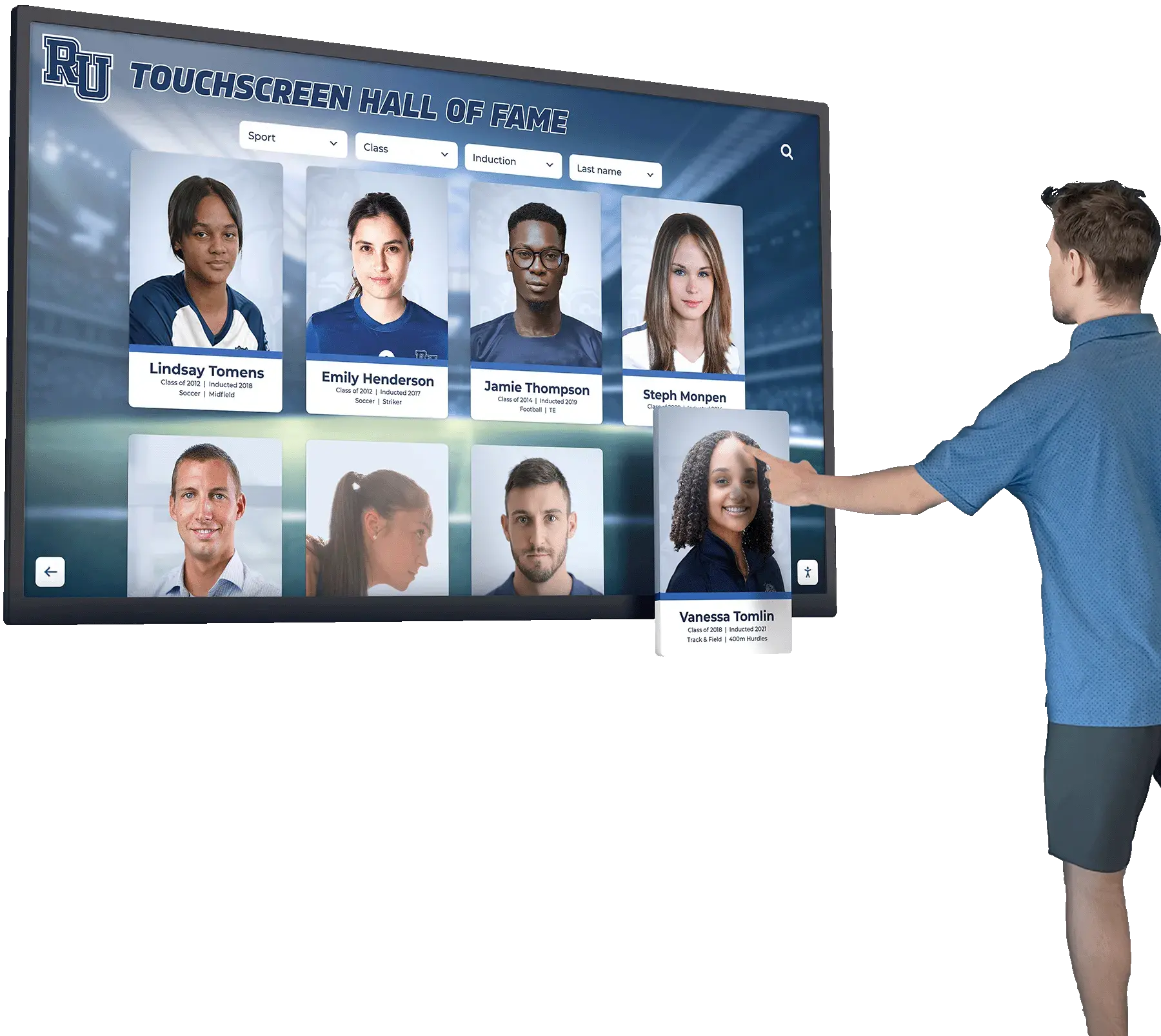
Interactive touchscreen displays are a different category entirely. Visitors tap to navigate. A student whose grandparent played on the 1987 championship football team can search by year and surface that team’s complete profile. A prospective student can find every National Merit Scholar in school history in under thirty seconds. A parent at an open house can pull up their student’s recognition profile directly from the screen.
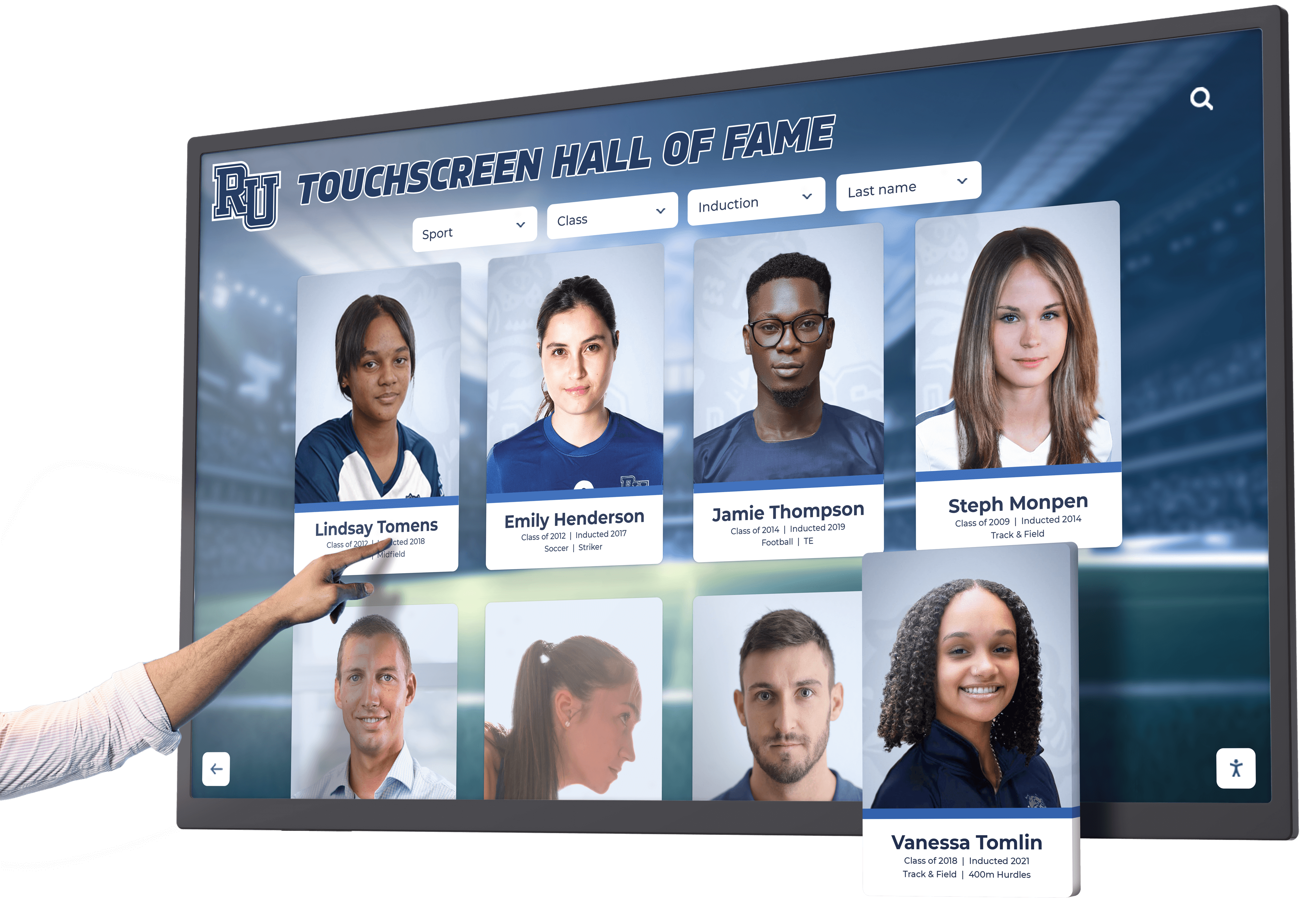
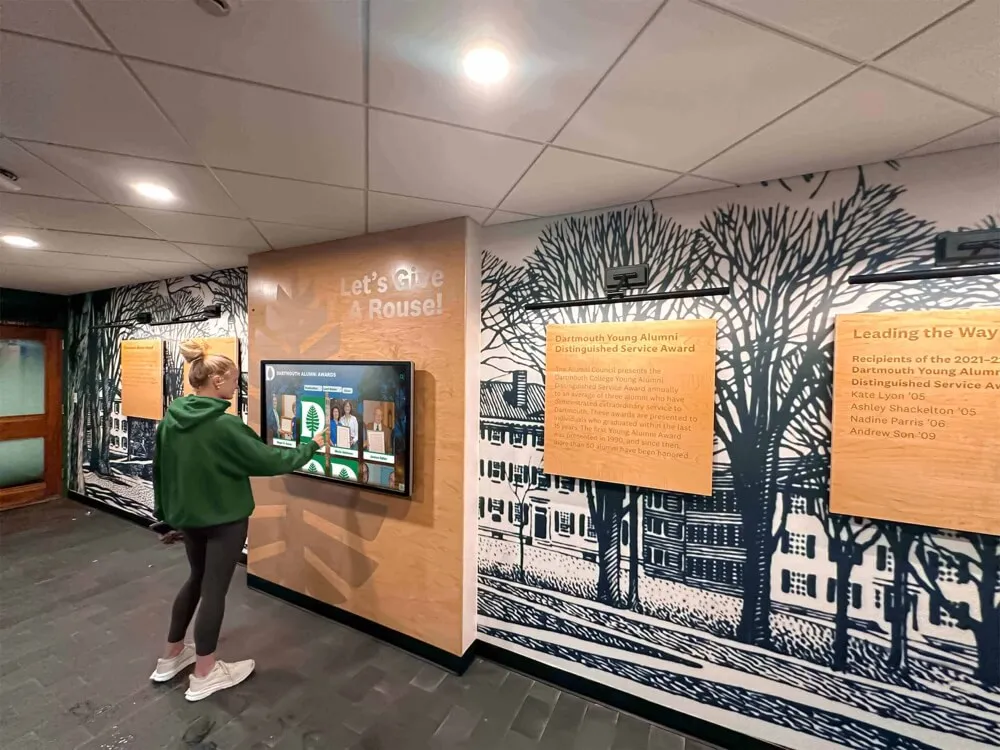
An interactive touchscreen awards display gives every visitor agency—instead of reading what the school decides to show, they search for what they want to find
The content depth separates interactive systems further. Each honoree’s profile can include:
- High-resolution photographs
- Career statistics and season records
- Video highlights embedded from YouTube, Vimeo, or Hudl
- Biographical summaries and post-graduation information
- Coach or teammate recognition context
- Links to related content—team championship profiles, award citations, and archived program materials
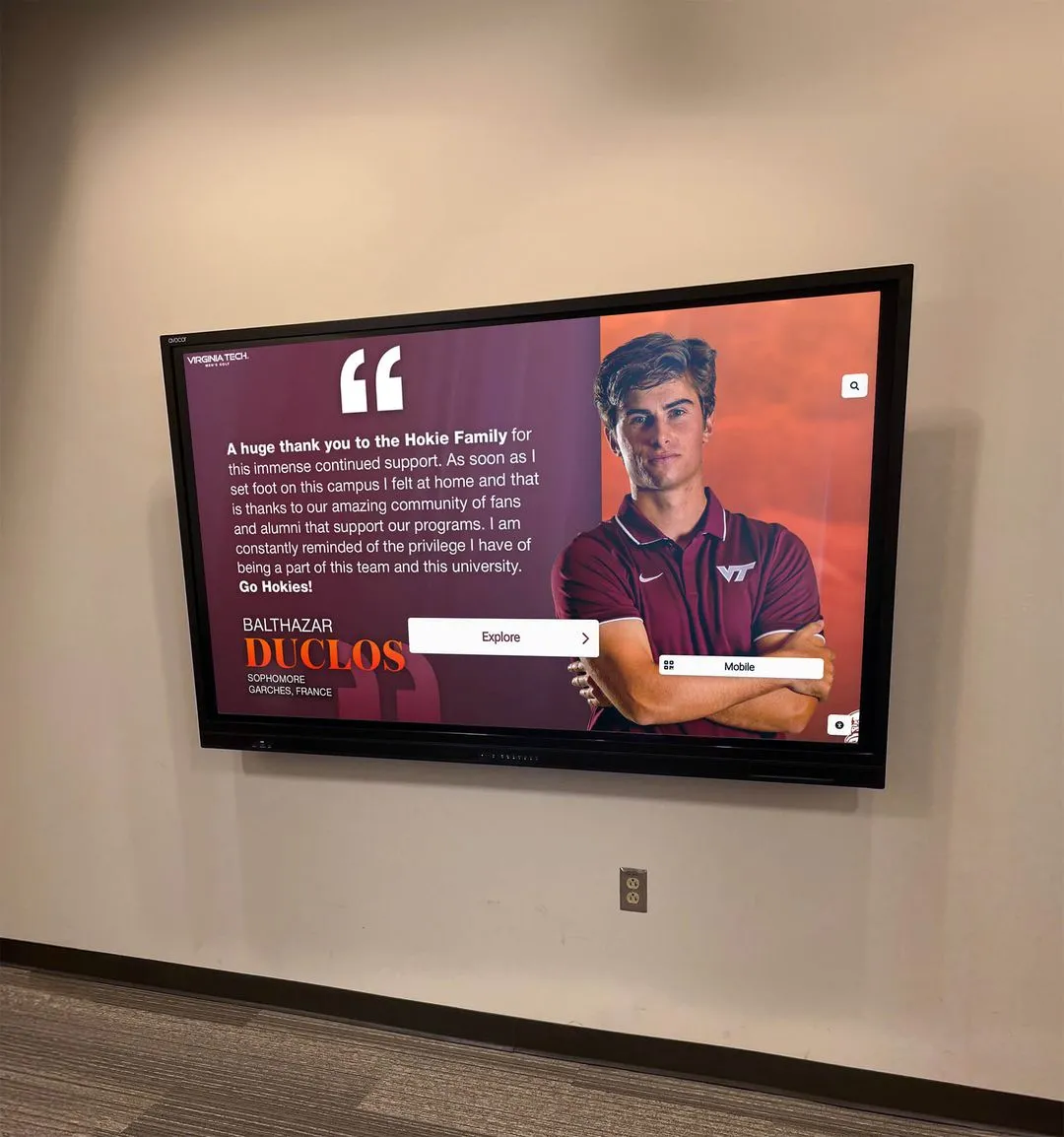
A trophy cabinet can engrave a name and a year. A touchscreen awards display can tell the full story.
Four Scenarios Where Touchscreen Displays Outperform Cabinets
1. Schools with Multi-Decade Athletic Histories
Programs that have been competing for thirty, forty, or fifty years accumulate more championship hardware than any single hallway can hold without looking chaotic. Schools in this situation face a recurring dilemma: which championships get displayed, and which go to storage?
A touchscreen awards display resolves this permanently. Every championship year, every championship team, and every individual award recipient can be archived in searchable profiles. Nothing gets sent to storage—it gets organized into a searchable database that visitors can navigate by sport, year, coach, or athlete name.
Schools managing recognition programs across this kind of multi-generational history often find the challenge isn’t just display space—it’s organizational structure. For a practical framework on organizing large recognition archives, the donor recognition walls complete guide for schools and nonprofits offers an approach applicable to any high-volume recognition program.
2. Programs Recognizing Non-Athletic Achievement
Trophy cabinets naturally favor athletics because athletic hardware is three-dimensional, visible, and professionally manufactured. Academic honor rolls, AP Scholar recognitions, STEM competition plaques, arts awards, and community service honors tend to get printed certificates or small plaques that don’t justify cabinet space—so they rarely get displayed at all.
A touchscreen awards display treats every category identically. An AP Scholar recognition gets the same profile depth as an all-state football player. A Science Olympiad state finalist gets the same search visibility as a championship basketball team. The AP Scholar digital recognition guide outlines how schools are building dedicated academic honor sections within digital recognition systems—giving academic achievement the visible institutional presence it deserves alongside athletic recognition.
3. Active Donor and Alumni Recognition Programs
Donor walls present a specific challenge: honorees expect durable, meaningful acknowledgment, but the donor community grows over time and physical walls have a finite surface area. When a wall fills, schools either stop recognizing newer donors at the same level or invest in expensive physical expansions.
A touchscreen awards display adapted for donor recognition can hold every gift-level honoree—lifetime, major, annual, and legacy donors—with profiles that include naming rights, giving history summaries, and biographical information at whatever depth the relationship warrants. Paired with a physical donor wall for top-tier recognition, the digital system covers the full program without displacing anyone. The guide to creating impactful donor recognition walls with digital displays for schools provides a detailed implementation model for schools building or rebuilding donor recognition programs.
4. Schools in Renovation or Expansion Phases
A facility renovation is an opportunity to reconsider the entire recognition environment. New hallways, expanded athletic lobbies, and renovated gymnasiums create both the space and the rationale for a modern recognition installation. Schools in this situation often choose to replace a patchwork of individual cases, plaques, and banners with a unified touchscreen recognition system that consolidates everything—athletic, academic, donor, and alumni—into a single searchable platform.
The renovation window also surfaces archived historical content. In many schools, old championship trophies, individual award records, and historical photographs sit in storage without any display presence. A touchscreen awards display project often doubles as a digitization initiative—surfacing historical recognition that had disappeared from view and making it accessible for the first time in decades.
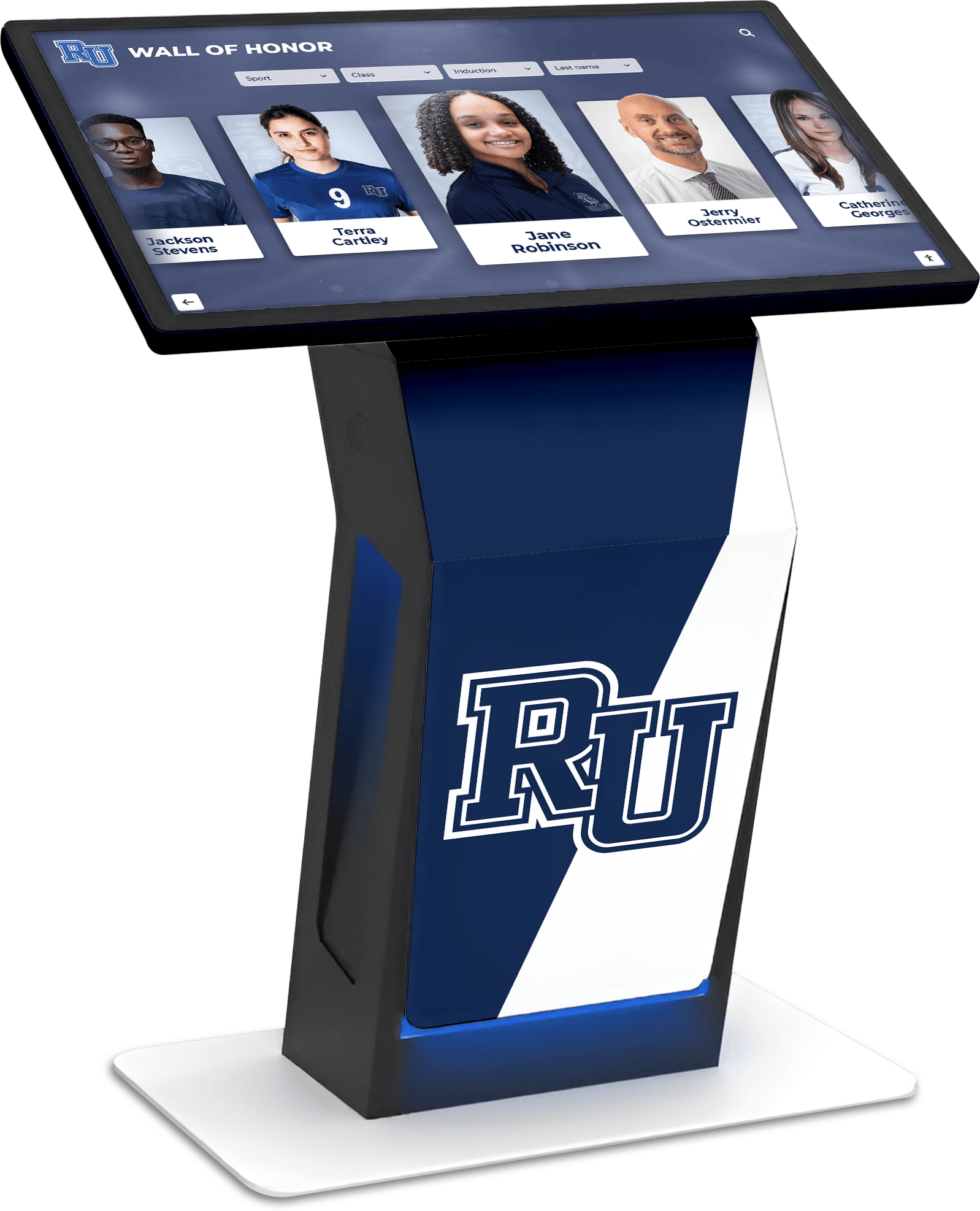
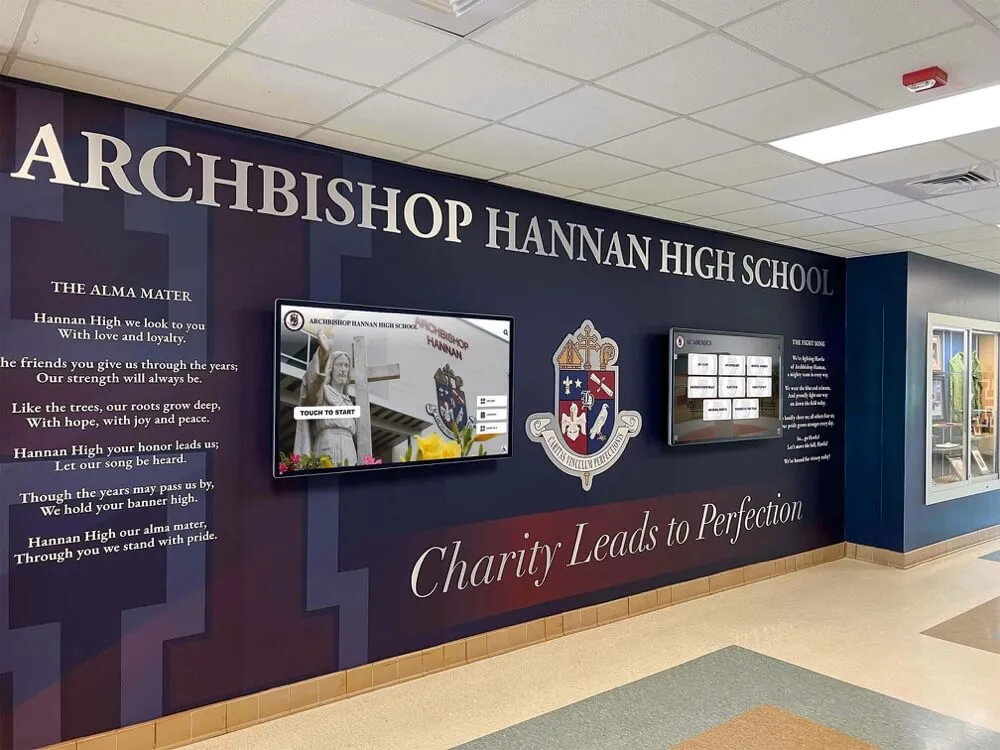
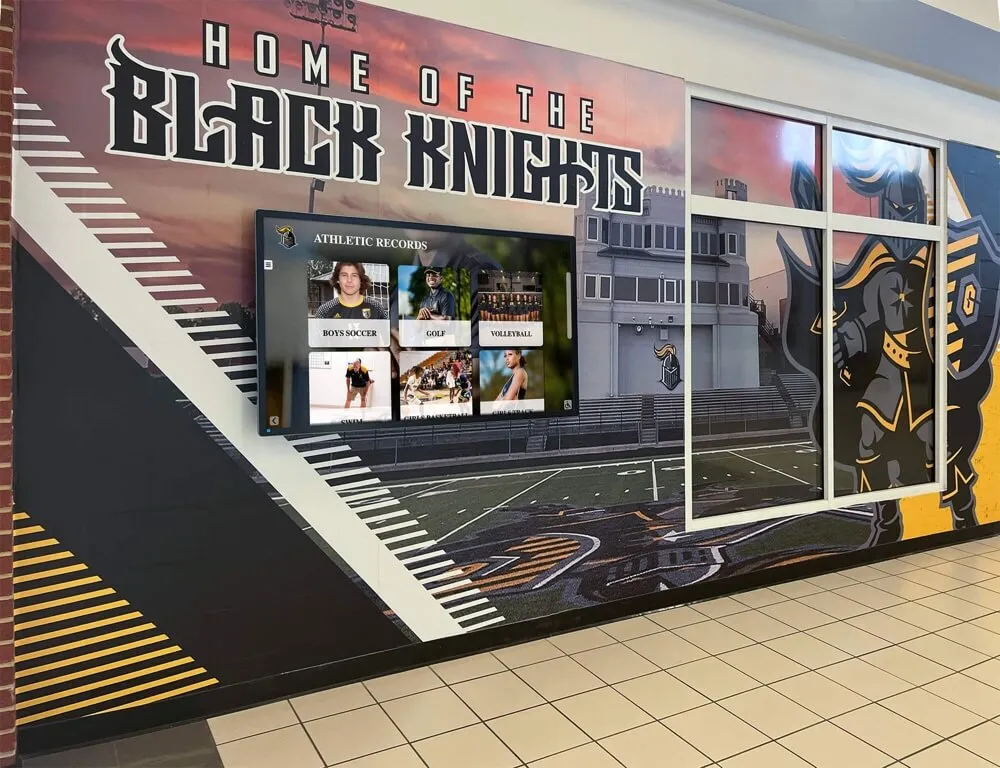
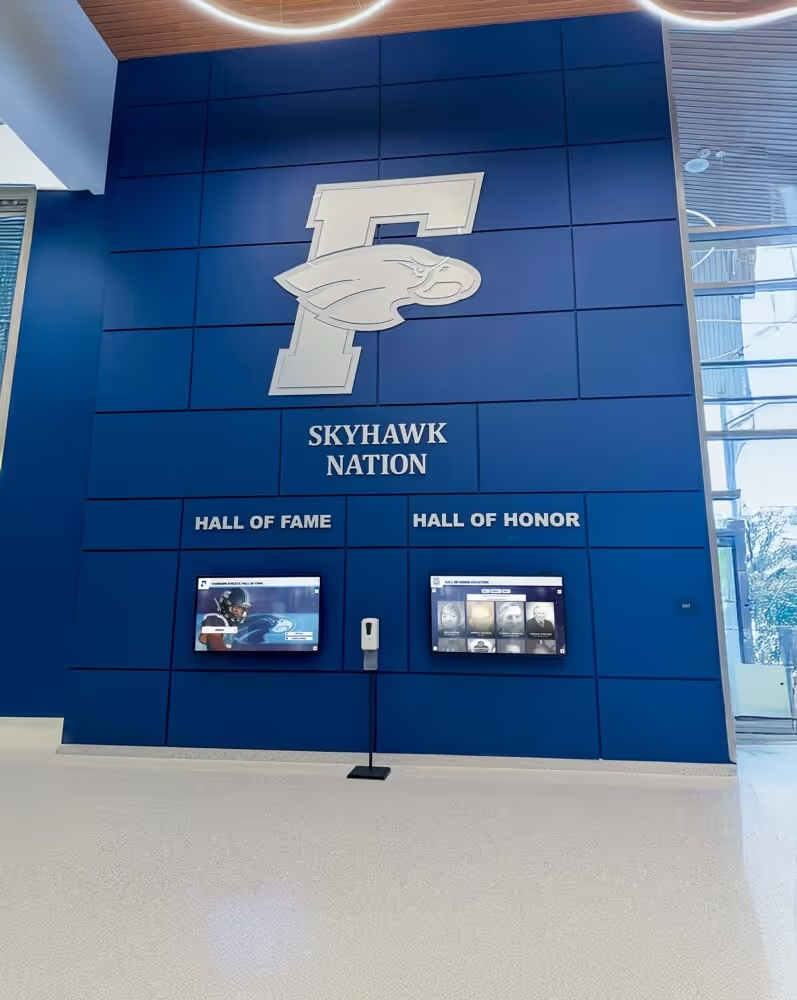
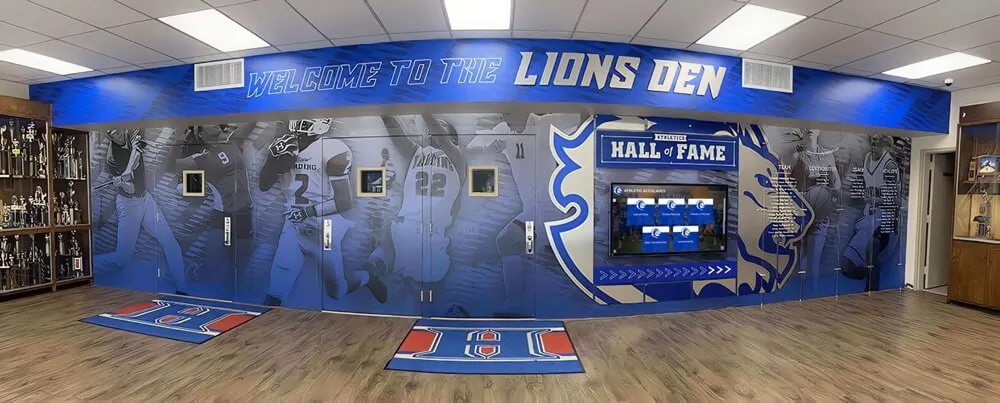
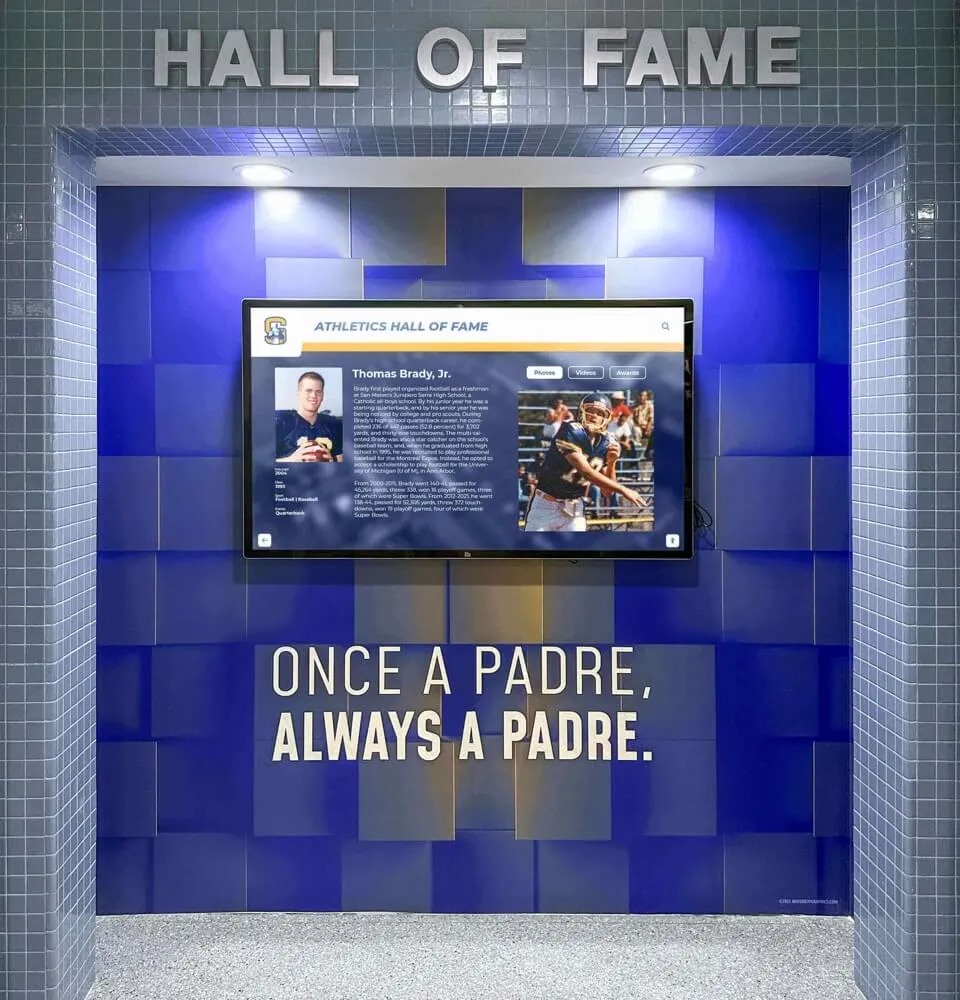
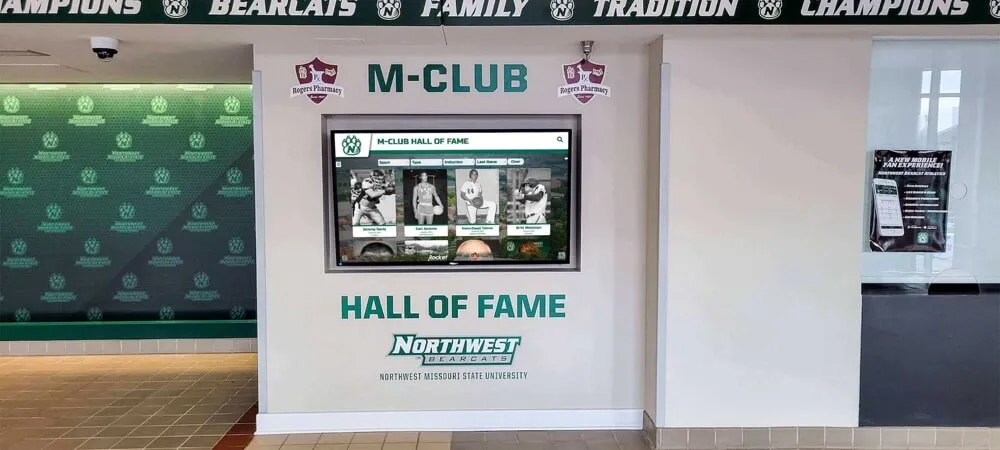
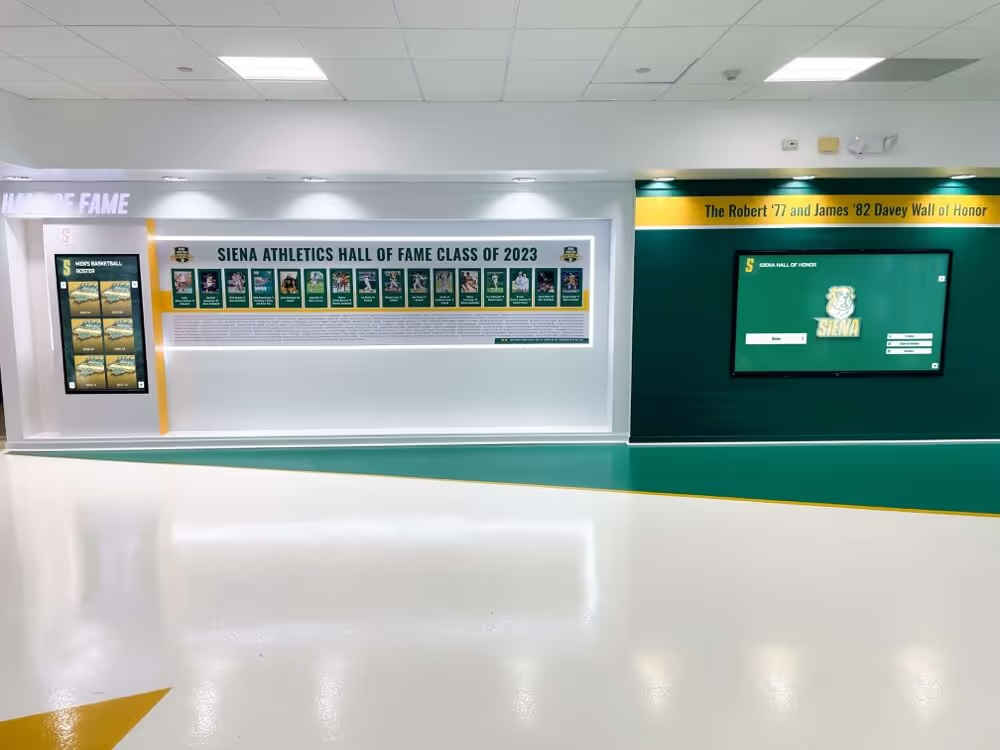
Touchscreen honor walls consolidate multiple recognition categories—athletics, academics, donors, and alumni—into a single searchable interface with unlimited capacity
Touchscreen Awards Display: Implementation Checklist
Schools planning a touchscreen awards display installation benefit from working through this checklist before contacting vendors. Clarity on these questions accelerates procurement and prevents scope creep during installation.
Content Scope
- List every recognition category the display will cover (athletics, academics, arts, STEM, community service, donors, alumni)
- Identify historical content to migrate: championship records, individual award archives, hall of fame inductee history
- Determine which categories require rich media (photos, video) versus text-only profiles
- Decide whether donor recognition will be integrated into the same system or handled separately
Physical Installation Planning
- Confirm wall or kiosk location: lobby, hallway, athletic wing, or dedicated recognition center
- Measure available wall depth and height to determine touchscreen size range (commercial displays range from 32" to 100"+)
- Verify electrical access and ADA-compliant mounting height (interactive touchscreens must be reachable from wheelchair height)
- Assess natural lighting conditions: displays in bright lobbies may need anti-glare glass or higher-brightness panels
Content Management Workflow
- Identify who will own content updates (athletic director, registrar, development office, IT, or shared responsibility)
- Determine update frequency: record boards need real-time access; annual inductees can be batched
- Confirm that the school’s internet connection supports cloud-based CMS access from the display location
- Plan for scheduled publishing: end-of-season announcement timelines, award ceremony reveals, new inductee announcements
Platform Selection Criteria
- WCAG 2.1 AA compliance (required for ADA-compliant accessibility)
- Unlimited entries and categories (essential for schools with large historical archives)
- Cloud-based CMS with remote update capability (no on-site IT required for routine updates)
- Multimedia integration: photos, video (YouTube, Vimeo, Hudl), and document uploads
- Auto-ranking for record boards (statistical records auto-sort when new marks are submitted)
- QR-code mobile access (visitors browse recognition from personal devices anywhere)
- Sponsorship module (allows sponsor logos and messages in display rotation, creating potential revenue offset)
- Scheduled publishing (timed content releases for ceremony reveals and announcements)
Budget and Timeline Planning
- Request hardware cost ranges: commercial touchscreen, enclosure, and installation
- Request software subscription costs: cloud CMS, content design support, annual platform licensing
- Plan for content migration timeline: digitizing historical records typically takes 2–6 weeks depending on archive size
- Standard setup time from contract to launch: 2–4 weeks for new installations
For schools comparing platform options before selecting a vendor, the best digital signage software for schools guide reviews the software landscape—helping administrators understand what differentiates general-purpose signage tools from dedicated school recognition platforms.
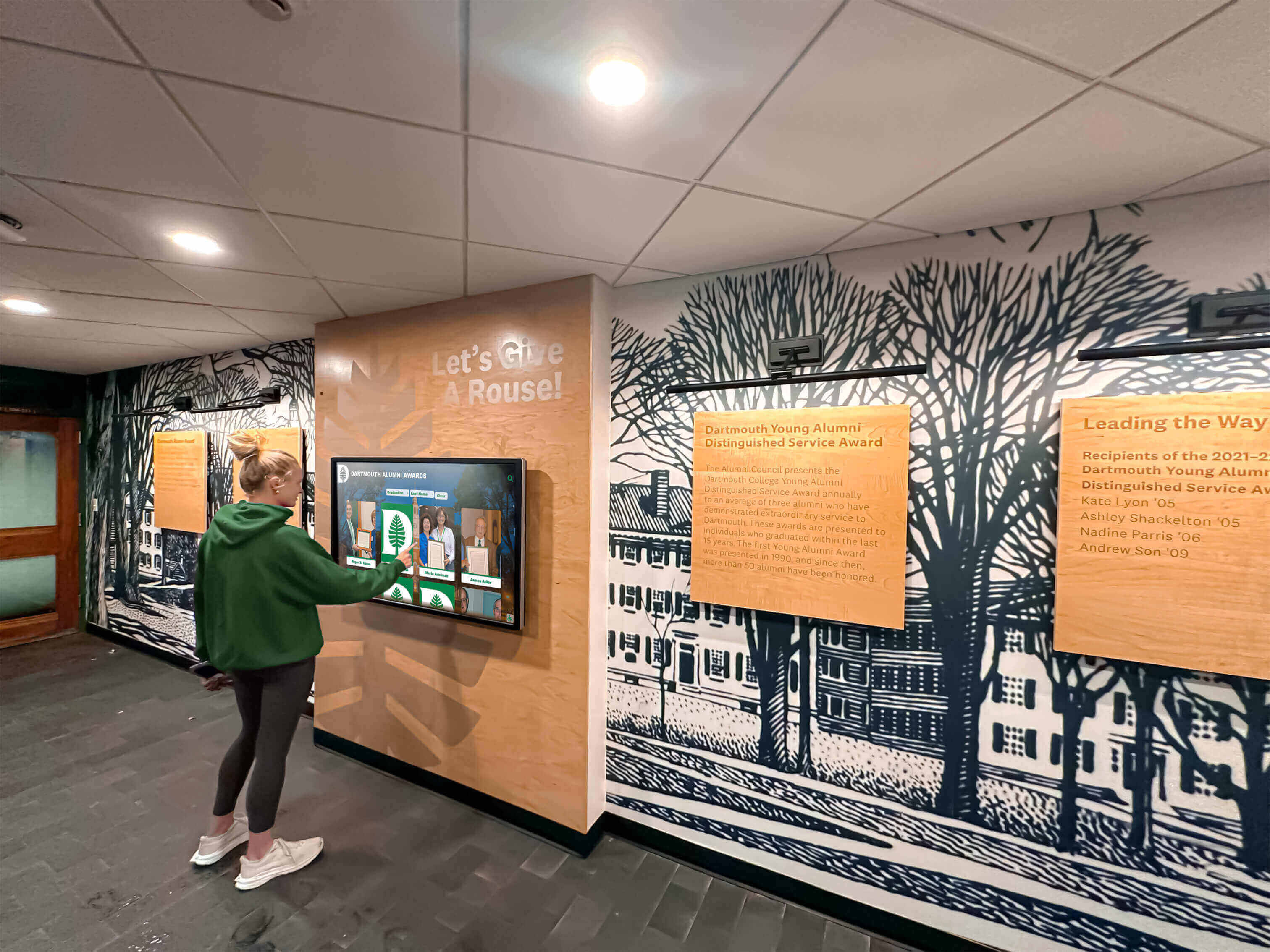
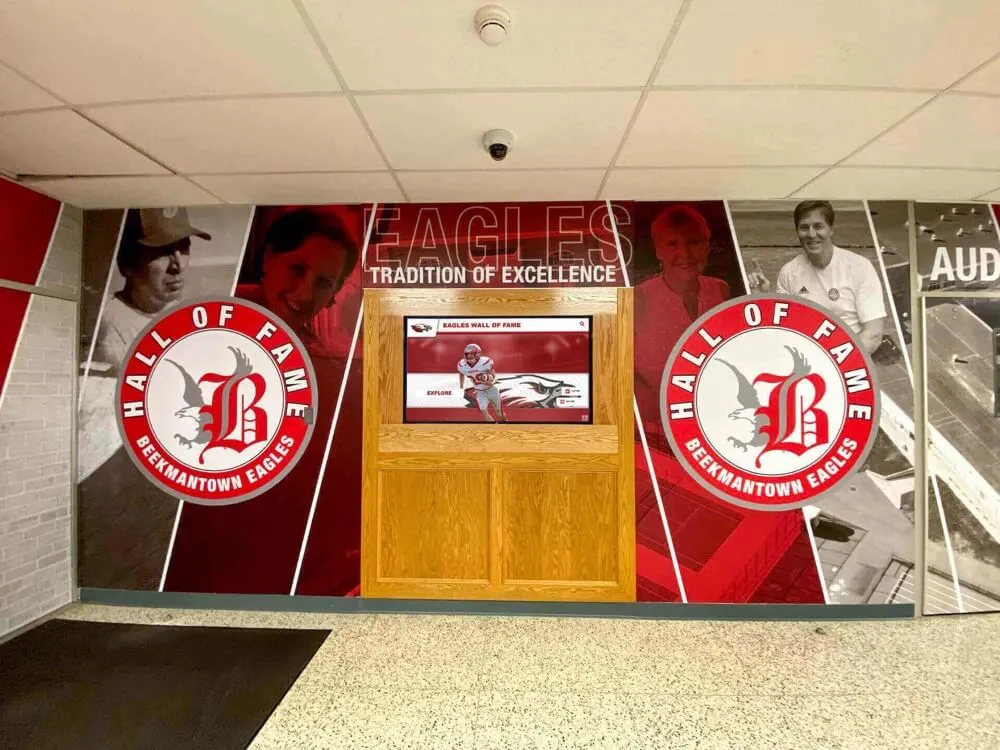
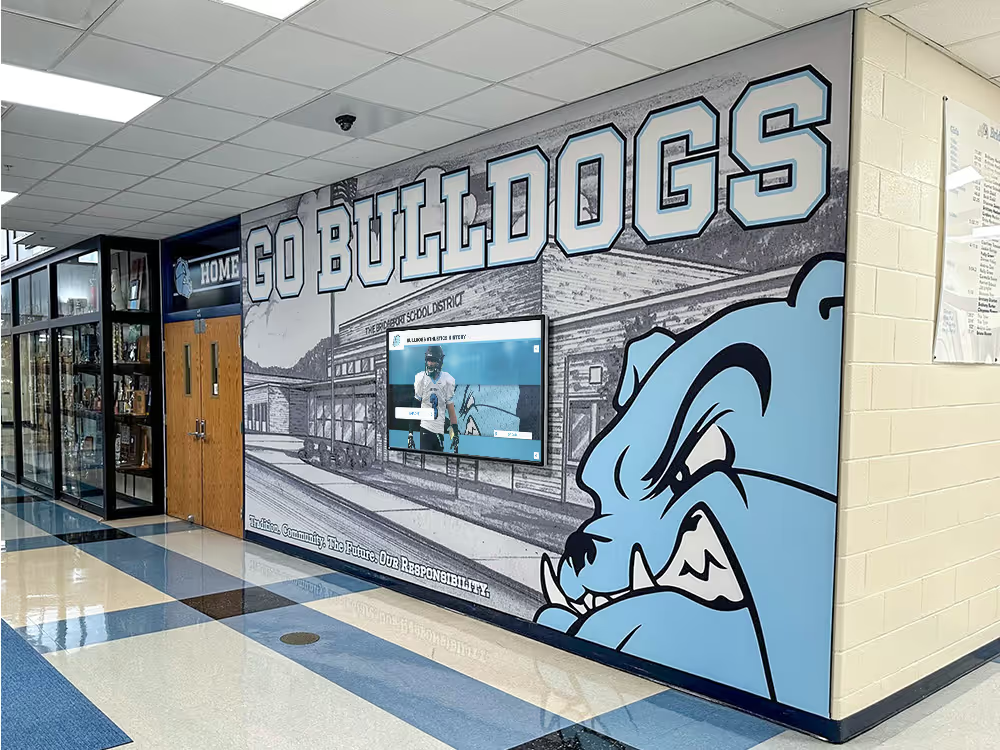
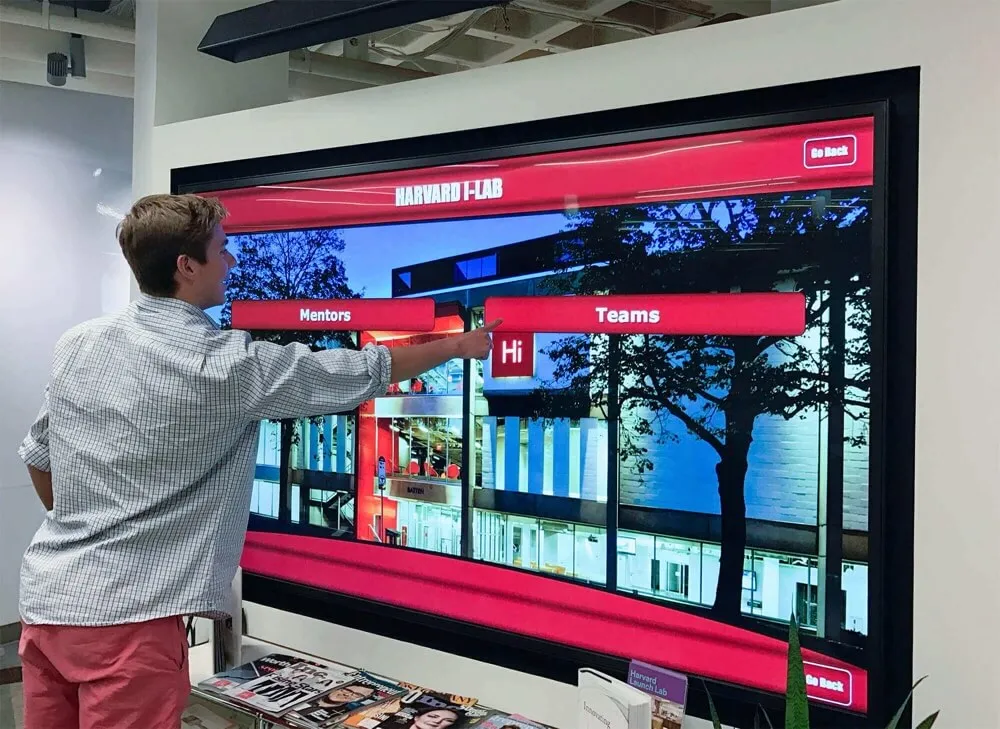
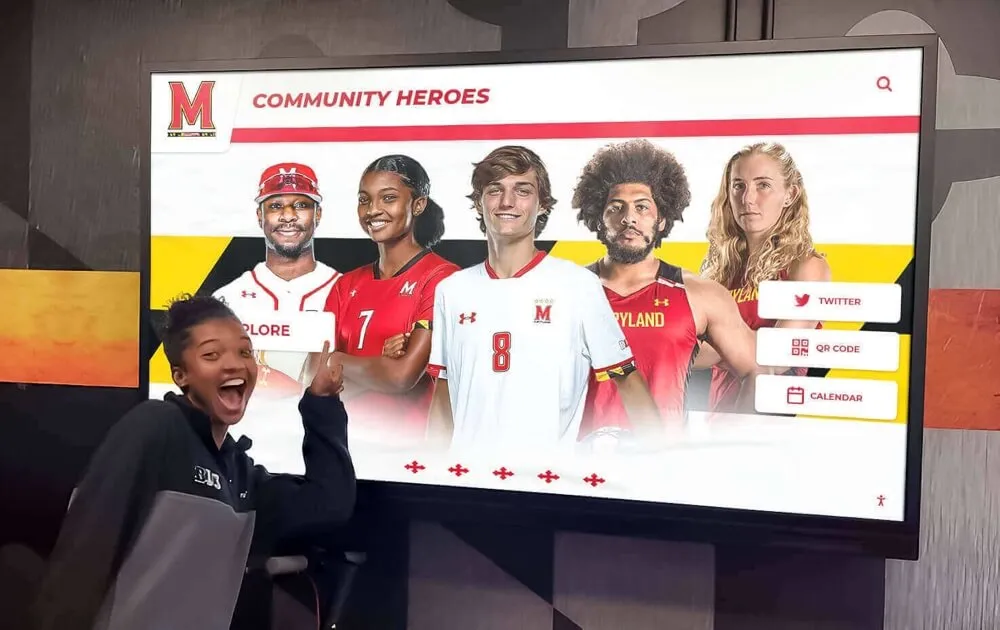
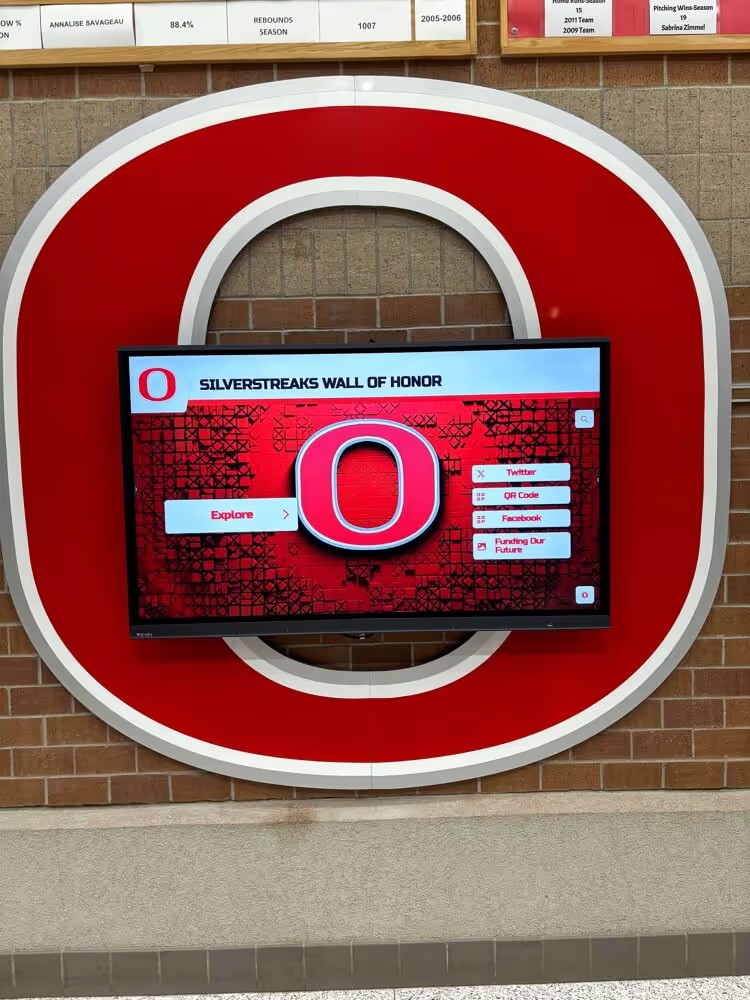
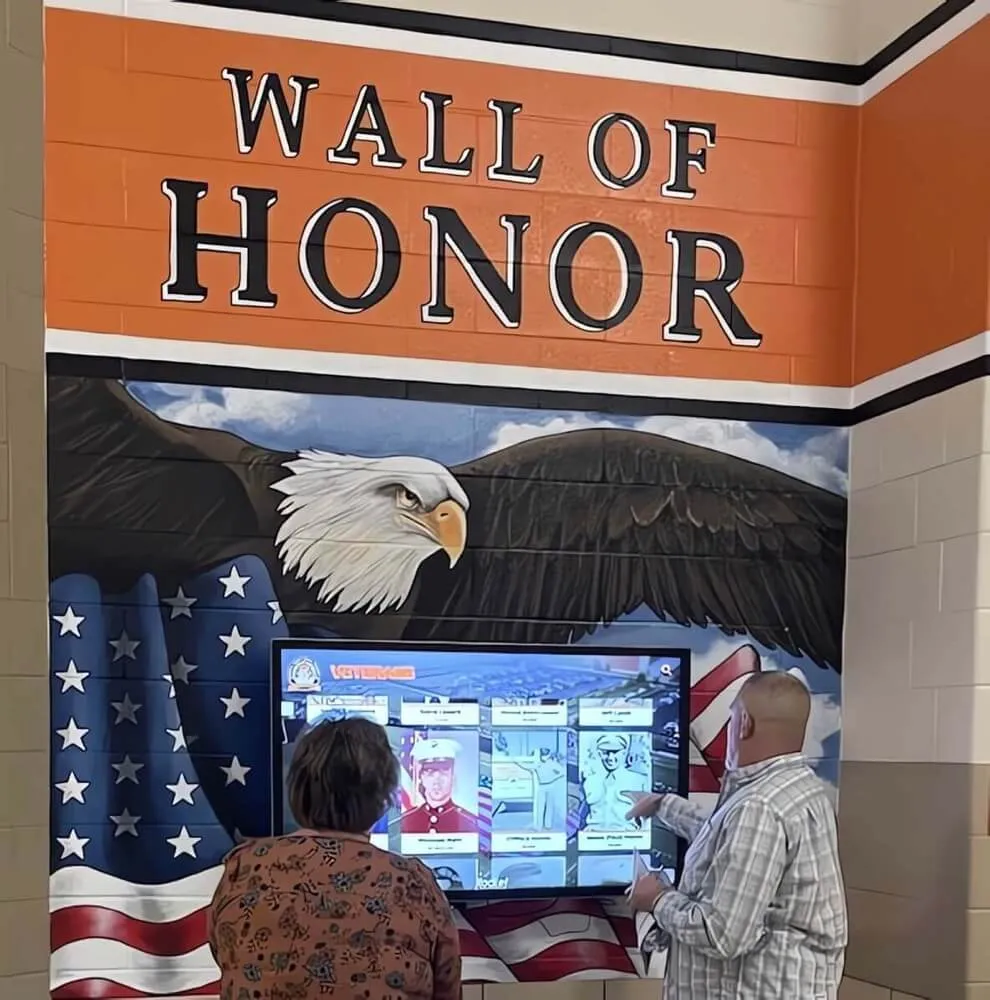
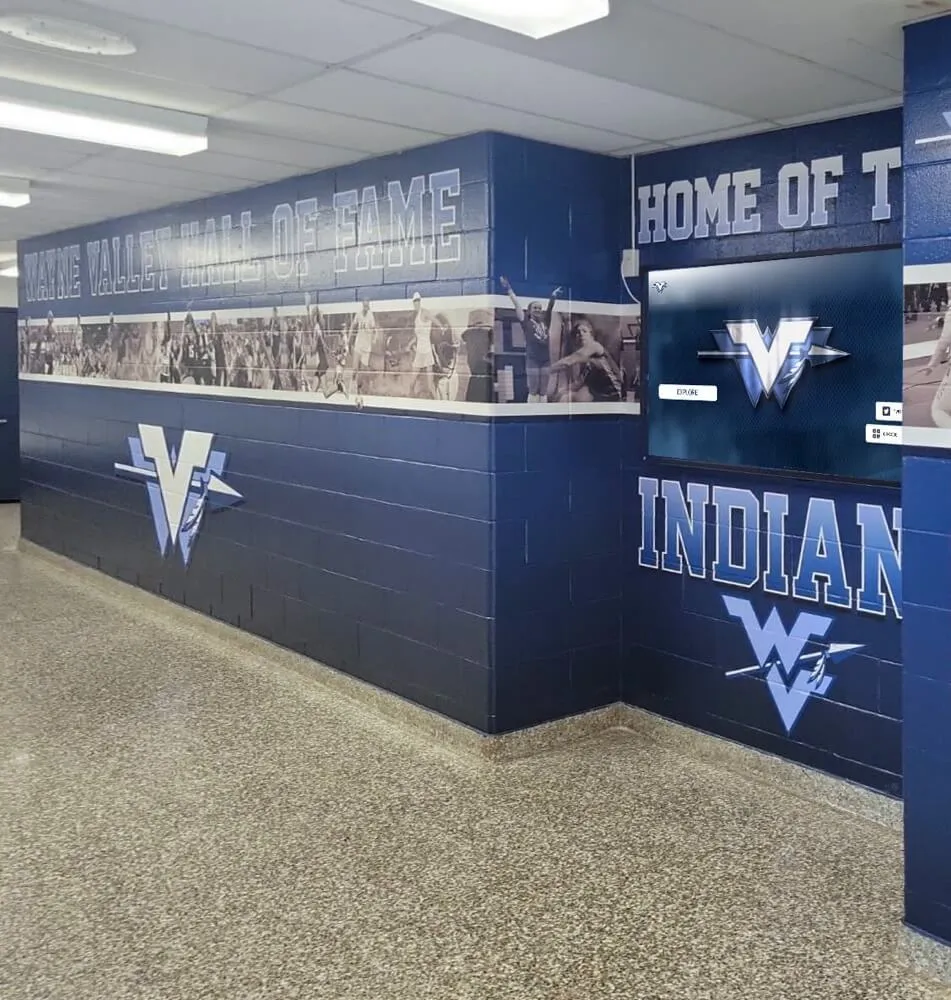
When a touchscreen awards display is in a high-traffic hallway, students engage with it naturally as part of daily school life—not just at formal recognition events
Rocket Alumni Solutions: Touchscreen Recognition Built for Schools
Rocket Alumni Solutions builds interactive touchscreen recognition systems designed from the ground up for school and institutional environments. The platform’s architecture reflects the way schools actually operate: multiple recognition categories, frequent seasonal updates, mixed audiences of students, alumni, and visiting families, and organizational needs that evolve year over year.
Platform capabilities directly relevant to awards display implementations:
- Unlimited entries and categories: Every achievement—athletic, academic, artistic, donor, alumni—can be added without capacity constraints or incremental per-entry costs
- Cloud-based CMS: Authorized staff update the display remotely from any device; changes publish immediately without on-site technical work
- Auto-ranking record boards: Statistical records automatically re-sort when new marks are submitted, keeping achievement timelines accurate without manual reformatting
- Multimedia profiles: Individual profiles support high-resolution photos, embedded video (YouTube, Vimeo, Hudl), career statistics, biographical summaries, and external links
- WCAG 2.1 AA compliance: The platform meets federal accessibility standards, ensuring recognition content is available to visitors with disabilities
- QR-code mobile access: Any visitor can scan to browse full recognition content on a personal device, extending reach to alumni and families who never set foot in the building
- Sponsorship suite: Sponsor logos and messages can be incorporated into display rotation, creating a potential revenue stream that offsets platform costs
- Scheduled publishing: Schools can stage announcements in advance—new inductee reveals, end-of-season awards, donor acknowledgments—timing content releases to ceremony schedules
- Scalable display sizing: Works on commercial touchscreens from 32" to 100"+, adapting to hallway installations, lobby kiosks, and dedicated recognition centers
More than 600 institutions use the platform, from small K–12 schools to major universities. Average setup time from contract to launch is 2–4 weeks.
For schools investigating the landscape of digital hall of fame and recognition platforms before selecting a vendor, the best platforms for building a virtual hall of fame review provides a comparative overview of what the category looks like across different providers.
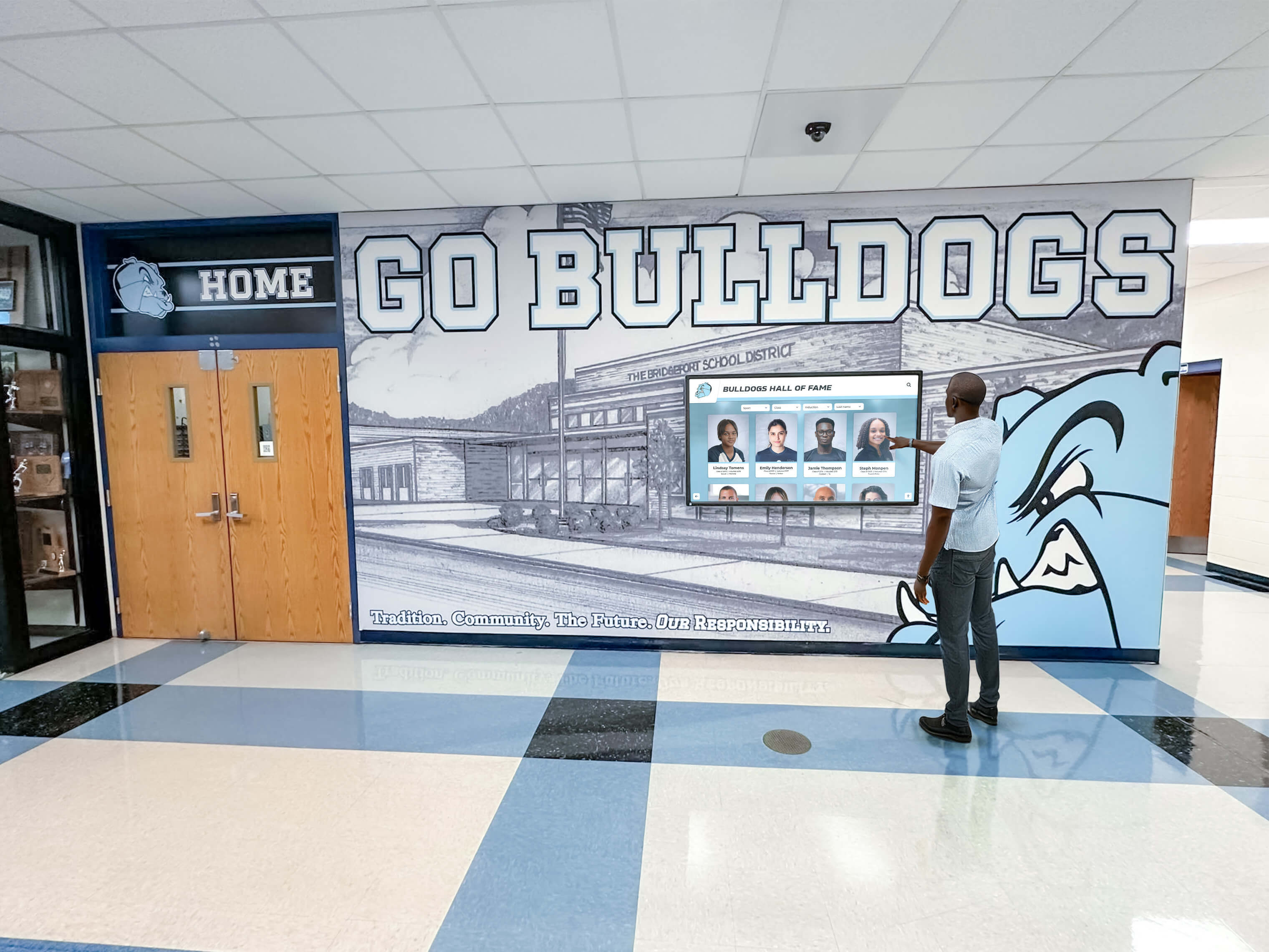
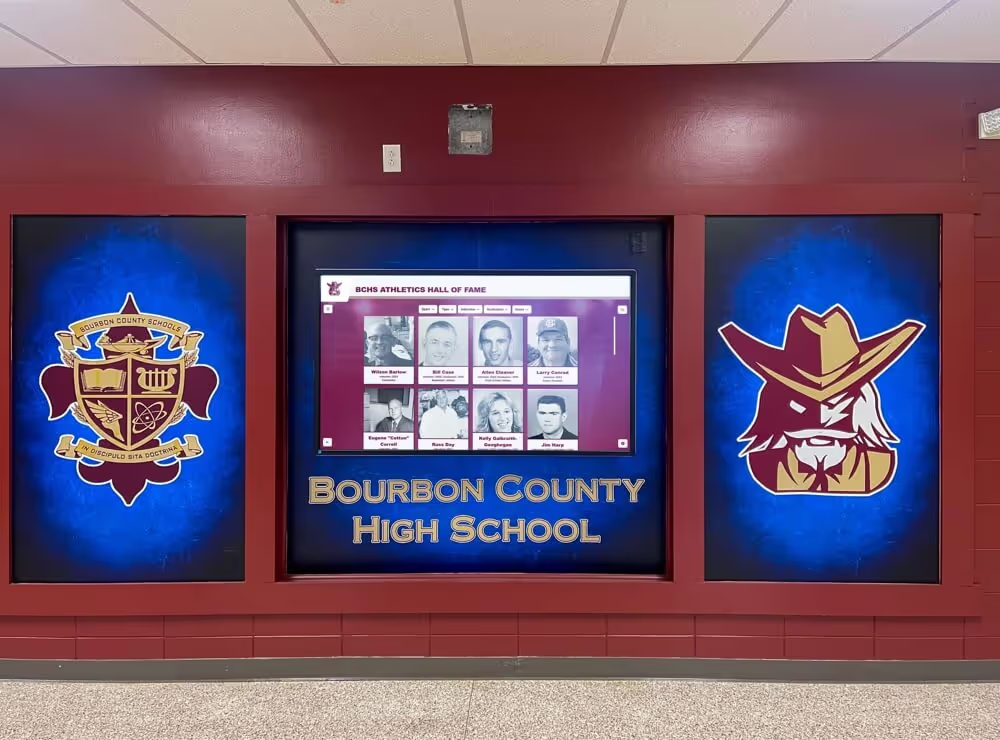
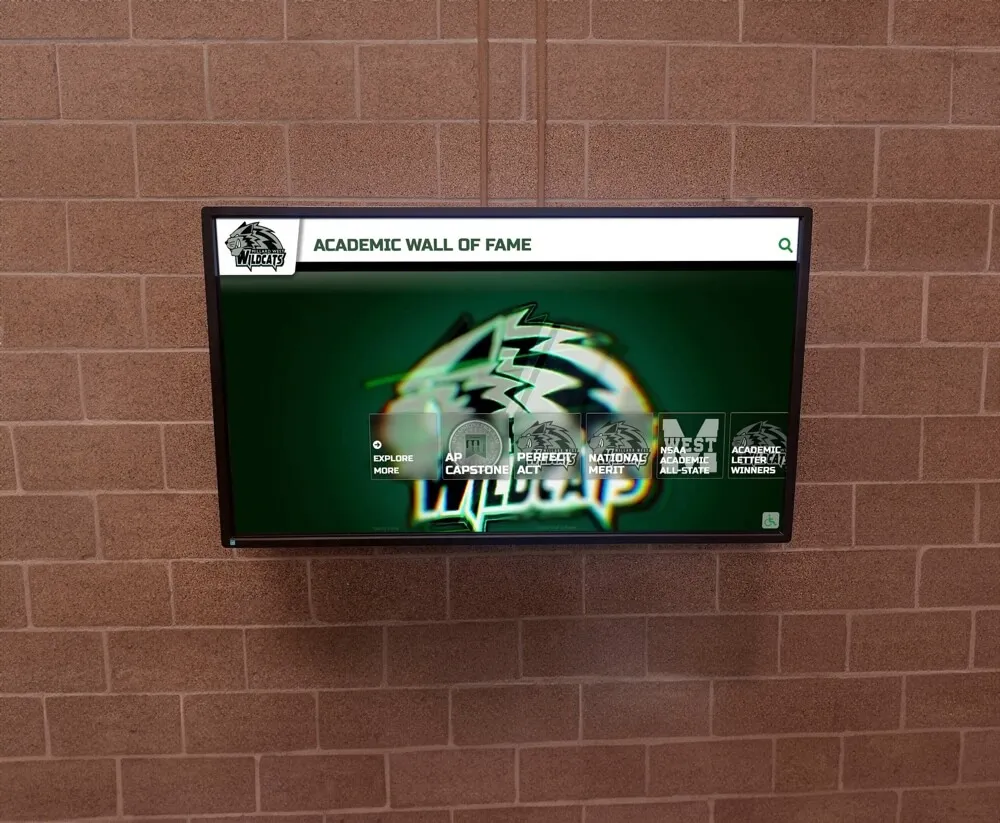
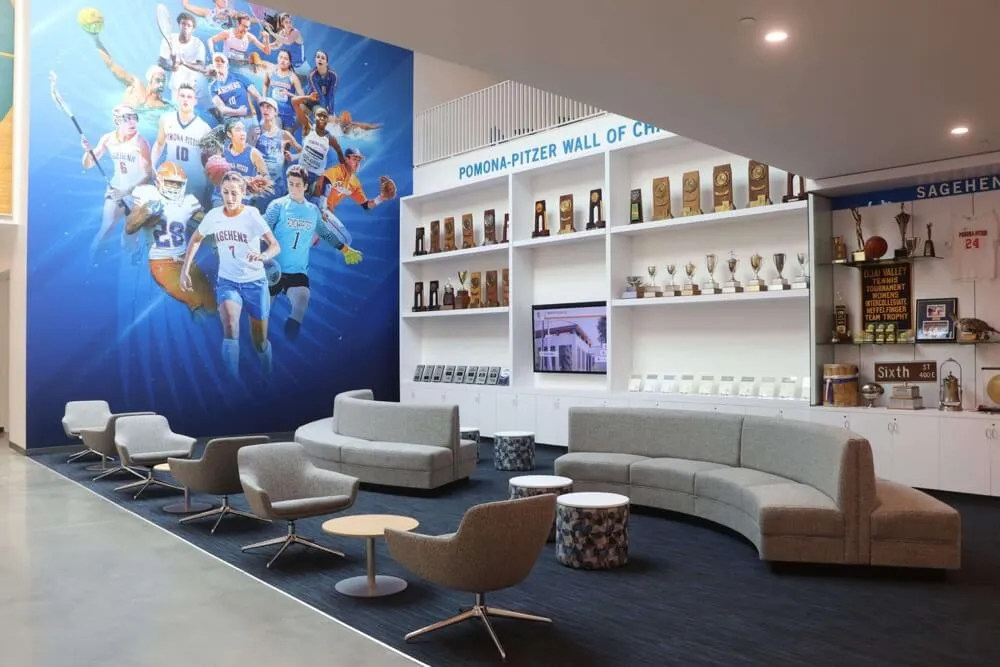
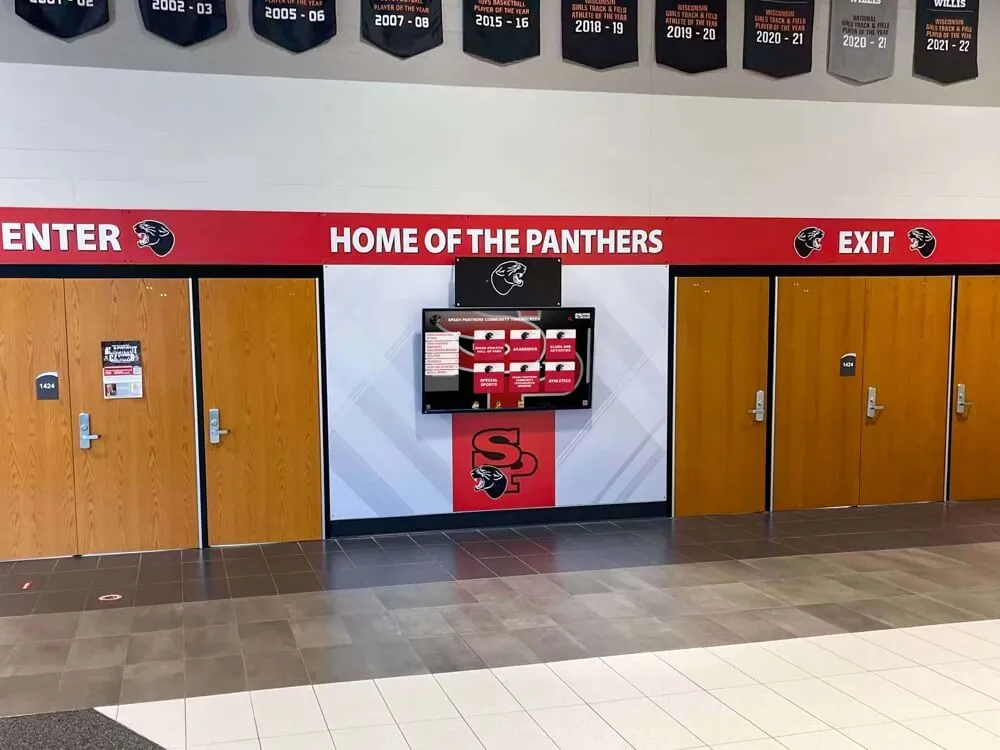
Interactive touchscreen recognition systems invite active engagement: visitors search, filter, and explore achievement histories rather than passively scanning a static case
What Schools Do With Their Existing Trophy Cabinets
A touchscreen awards display doesn’t require schools to discard their existing hardware. The most common implementation pattern is additive, not replacement.
Physical cabinets stay for:
- Championship hardware where the physical object carries cultural significance: state titles, regional championships, retirement trophies
- Hall of fame inductee installations where families expect permanent physical recognition
- Memorabilia with historical provenance: founding team artifacts, milestone game balls, retired jerseys
Touchscreen displays take over:
- The overflow: everything that matters but doesn’t fit behind glass
- Active recognition programs: record boards, honor rolls, seasonal awards, new inductees
- Non-athletic achievement categories that have never had physical display infrastructure
- Historical archives: decades of records that were never visible because there was no room
The physical case becomes a curated collection of the most ceremonially significant hardware. The touchscreen becomes the searchable record of everything the school has accomplished.
Alumni who visit campus after decades away experience this most directly. A school whose physical cabinet covers five years of recent championships feels thin to a 1998 graduate. A touchscreen display showing the complete championship history from the program’s founding changes that experience entirely. The connection between recognition visibility and alumni engagement—including the giving behaviors that recognition visibility supports—is explored in the alumni mentorship and recognition guide.
FAQ: Touchscreen Awards Display for Schools
How much does a touchscreen awards display cost?
A touchscreen awards display installation includes three cost components: commercial touchscreen hardware, an enclosure or mounting system, and a software platform subscription. Hardware and installation costs vary by display size and location complexity. Platform software subscriptions for school recognition systems generally run $1,200–$3,600 annually depending on features and support level. Schools should request itemized quotes from vendors and factor in a 2–4 week setup timeline from contract to launch.
Can a touchscreen awards display handle both athletic and academic recognition?
Yes. Purpose-built school recognition platforms support unlimited categories and treat each identically in terms of profile depth and search visibility. A single touchscreen awards display can present athletic championships, academic honor rolls, AP Scholars, STEM competition results, arts awards, community service recognition, and donor acknowledgment in one unified interface—making every type of achievement equally discoverable.
How long does it take to set up a touchscreen awards display?
Standard setup time from contract signing to live installation is typically 2–4 weeks for purpose-built school recognition platforms. This covers hardware procurement, enclosure installation, platform configuration, and initial content migration. Digitizing large historical archives can extend the content build-out by several additional weeks, depending on archive size and the organization of existing records.
Who manages updates to a touchscreen awards display?
Cloud-based content management systems allow authorized staff to add or edit content remotely from any internet-connected device. Typical roles include athletic directors for sports recognition, academic deans or registrars for academic honors, and development officers for donor recognition. Most platforms support tiered access permissions so different staff members update only their own categories. Basic CMS training for routine updates takes a few hours; no specialized IT skills are required.
What is the difference between a touchscreen awards display and a digital sign?
A digital sign displays content passively on a loop—visitors watch but cannot interact. A touchscreen awards display is interactive: visitors navigate by tapping, search by name or year, and explore individual profiles at their own pace. Purpose-built recognition platforms also include structured databases, statistics fields, and category hierarchies that general digital signage tools lack. For school awards environments, those interactive and structured elements are what make the system genuinely useful to visitors rather than simply visible.
See How a Touchscreen Awards Display Would Work at Your School
Rocket Alumni Solutions builds interactive recognition systems for schools that want to showcase every honor—athletic, academic, donor, and alumni—without adding another trophy cabinet. More than 600 institutions use the platform. Request a custom demo to see what a display would look like for your program.
Request a Custom Demo